
Participant
November 3, 2021
Answered

Photoshop 2022 pen pressure problem.
  • November 3, 2021
  • 1 reply
  • 5812 views

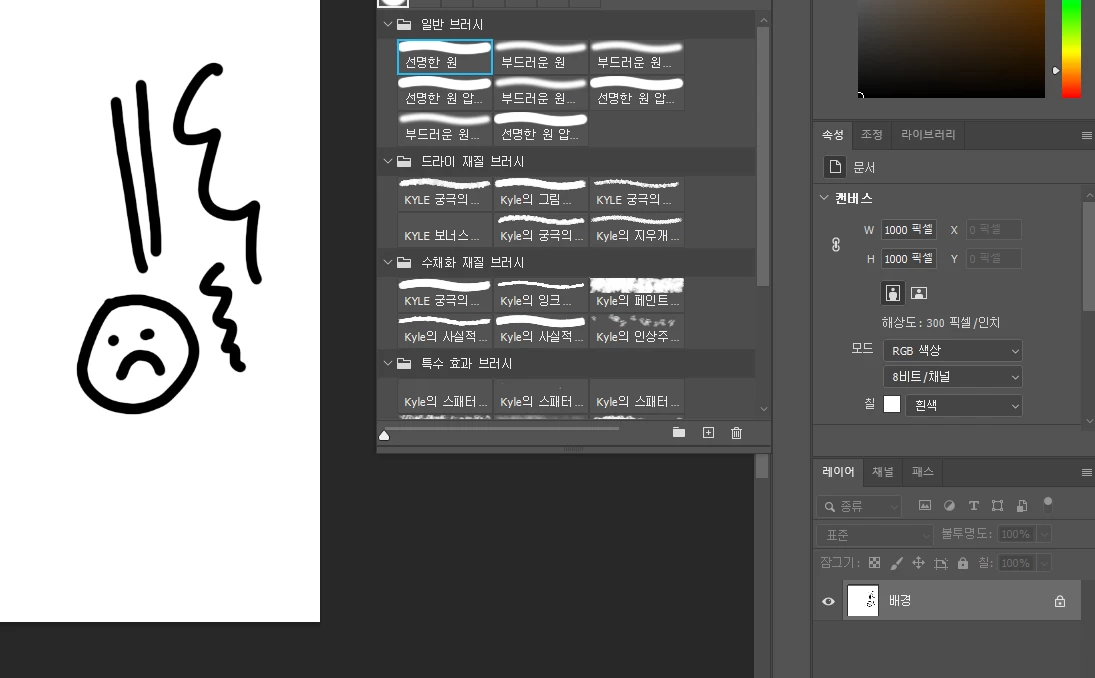
안녕하세요, 저는 어도비 포토샵 2022를 사용하는 한국인입니다. 마지막으로, 나는 여기에 브러시에 대한 질문을하고, 당신에게 감사, 나는 그들을 잘 해결했다. 이번에는 펜 압력에 문제가 있으므로이 질문을 남깁니다. 연필 압력은 원래 강도에 따라 두껍고 얇지만 포토샵을 켜면 연필 압력이 깨진 것처럼 작동합니다. 나는 문제가 무엇인지 모른다 너무 좌절해요. 당신이 해결책을 알고 있다면, 대답하시기 바랍니다. 감사합니다.

Correct answer Limpa

안녕하세요, 저도 같은문제로 해결을 못하고 있는데, 혹시 해결하셨나요??

네이버에 찾아보니까 위에 댓글처럼 메모장에 명령어? 같은거 써서 어도비 포토샵 세팅에 넣으라고 되어있던데, 저는 어도비 포토샵 세팅 폴더 조차 나오지 않아서 못넣었어요ㅠ

해결하셨다면 어떻게 하셨는지 알려주시면 감사하겠습니다!


안녕하세요. 아까 답글 남긴 사람입니다. 

필압 설정 해결이 되어서 바로 방법 남깁니다. 


이 방법이 다른 국가의 유저분들도 해당이 될지는 모르겠으나, 한국분들은 제가 한 방법과 이 블로그를 참고하시면 될 것 같습니다. 

https://blog.naver.com/leeso_1479/222460123428

이 블로그에 올라와있는 방법을 참고했구요. 


어도비 포토샵 세팅 폴더가 안찾아져서 그냥 폴더 검색창에서 어도비 포토샵 2022 세팅을 검색하니 나왔습니다. 그리고 아래에 첨부한 메모장을 그 폴더에 넣어준 뒤 포토샵을 재실행 했더니

필압이 정상적으로 적용이 되었습니다. 

이 방법이 도움이 되시길 바라요!

1 reply

PECourtejoie
Community Expert
Community Expert
November 4, 2021

Hi and welcome.

It's never fun when things do not work as expected.

Did you just update to Ps 2022? did pressure work in a previous version?

Which pressure sensitive device are you using?

What is its driver version?

Are you using wintab or windows ink?

Did you check https://helpx.adobe.com/photoshop/kb/tablet-support-faq-photoshop.html

qazq00Author
Participant
November 4, 2021

I'm using the 2022 version and it worked well in the previous version.

Where can I check the pressure sensing device?

And where can I see the driver version?

I'm sorry there's a lot I don't know.

The computer is using a window.

I just checked the video, but the screen of Photoshop is a little different from the 2022 version, so it's hard to understand. I'm sorry.

PECourtejoie
Community Expert
Community Expert
November 4, 2021

Hello, what is the brand and model of your computer, if it is a tablet device?

The driver version pertains to additional drawing tablets used on a non-touch sensitive computer.

You could also post the contents of Photoshop's Help>System Info... menu, so that we get to know your OS, its version, the date of the GPU driver, etc.