


프리미어 프로에서 MXF 파일 사용 오류 / Error occurs when using MXF file in Premiere Pro
프리미어 프로에서 MXF 파일 사용 시 오류가 생깁니다.
MXF 파일을 많이 사용 중이나 해당 파일 하나에서만 오류가 발생합니다.
1)
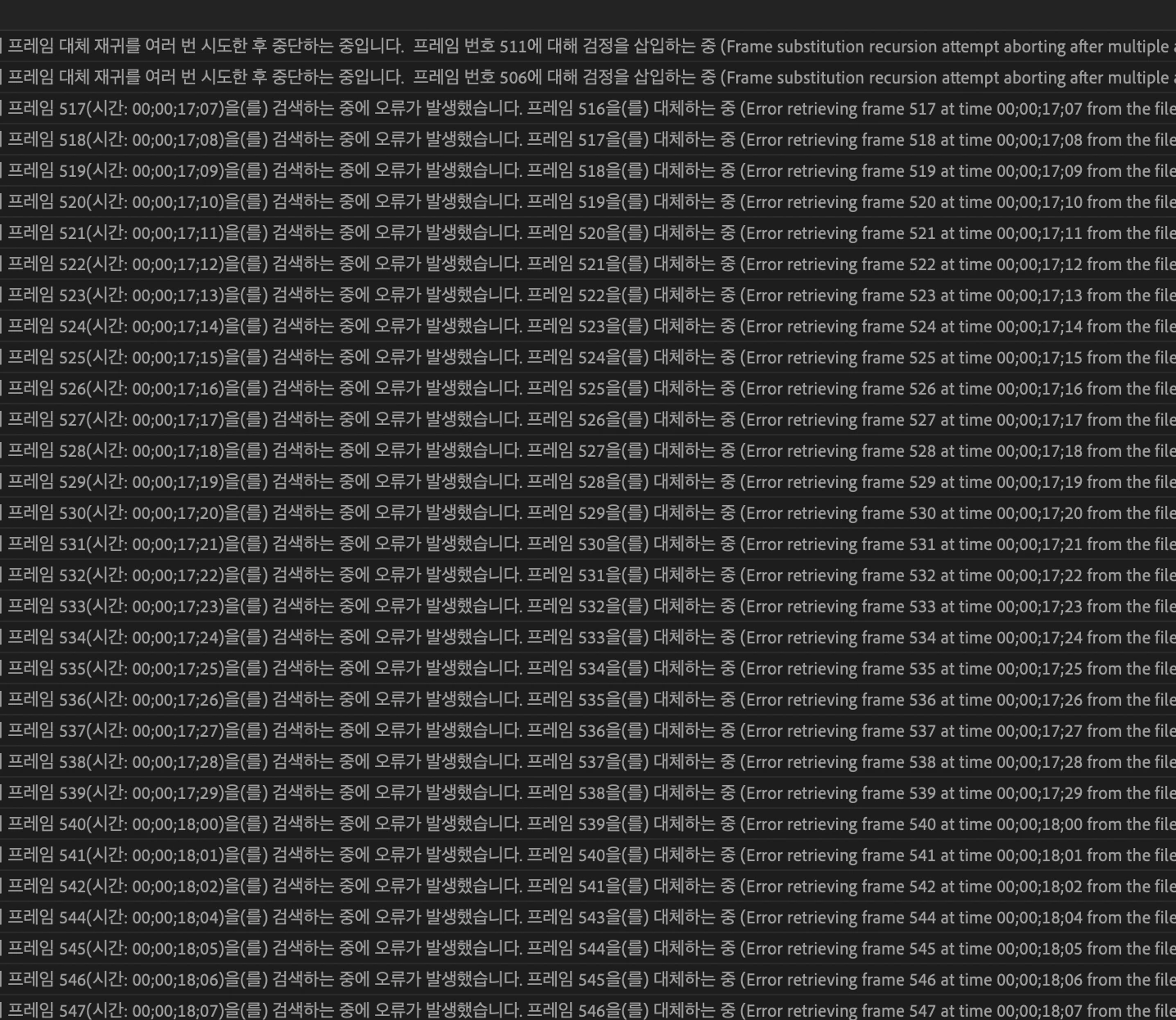
사진 1과 같이 MXF 영상을 임포트하는 과정에서 프레임을 검색하는 중에 오류가 발생했으며 대체하는 중이 뜬 이후
2)


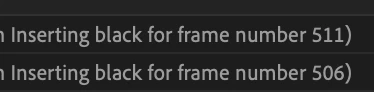
사진 2와 같이 프레임 대체 재귀를 여러 번 시도한 후 중단하는 중입니다가 뜹니다.
그렇게해서 타임라인에 들어오면
3)
사진 3과 같이 음성은 없고 검은 화면만 반복됩니다.
해당 사항을 고칠 수 있는 방법이 있나요?
현재 사용 중인 프리미어 프로 버전은 24.3이며 아이맥 2019 사용 중입니다.
감사합니다
I'm having problem when using MXF file in Premiere Pro
I'm using other MXF files as well but the error occurs only in this particular file.
As it shows on the photo 1 when I import MXF file to the time line the events shows up as "error retrieving frame # then it shows up like the photo 2 which is "inserting black for frame number ###"
After everything when it shows up in timeline 1) the video turns up black and 2) the audio is missing.
Is there any way that I can solve this?
I'm using Premiere Pro 24.3 on iMac 2019.
Thanks in advance
 AdChoices