



YAWL – You Asked, We Listened❣️ 💬 🎉
Building, Creating, and Learning WITH Community
Hey friends! 👋
The Adobe team has been busy hearing from YOU and your ideas to help make building, creating, and learning Adobe with your classrooms easier and more enjoyable! Keep sharing your, “I wish Adobe could…” ideas and feedback because our team takes note. You never know, your idea could be in the next update! Add them to the comments below!
June Updates:
1. Comic Creator
2. Generate Activity
3. Public Galleries
#1: Comic Creator is available for educators GLOBALLY! 🌐
Martha shared earlier and your feedback helped shape and smash some bugs in the beta. Now, we’re excited that Comic Creator in Adobe Express for Education is now available GLOABLLY!
What it does:
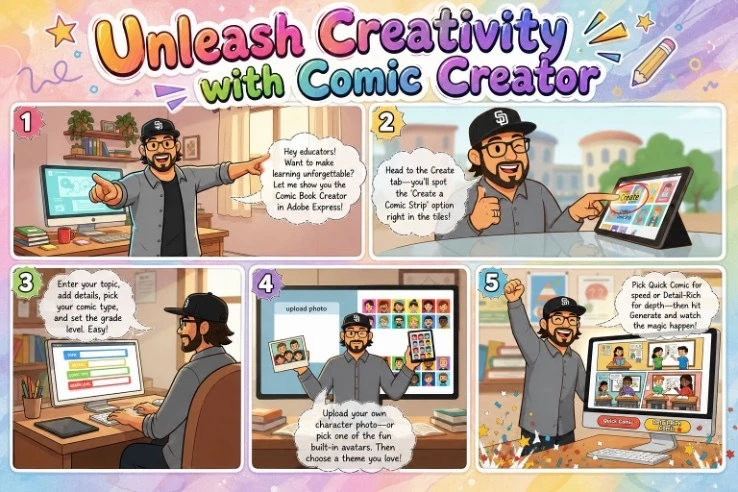
Adobe Comics is now a clickable tile right on the Adobe Express for Education homepage. Educators and students can jump right into crafting a creative comic.
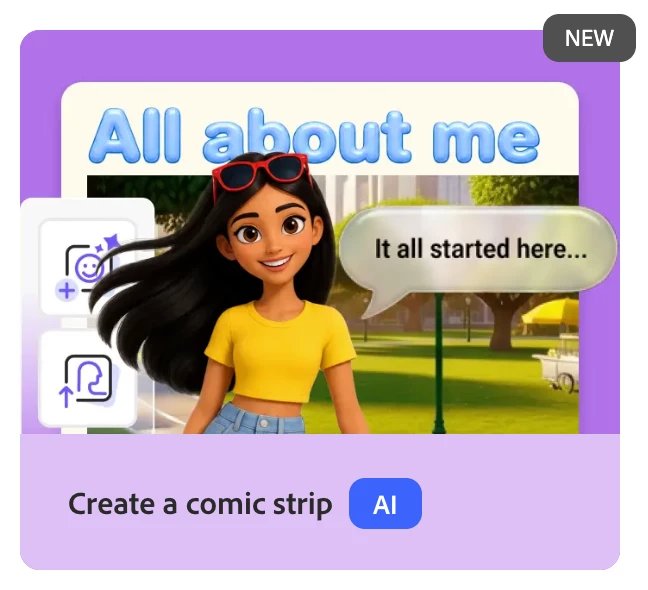
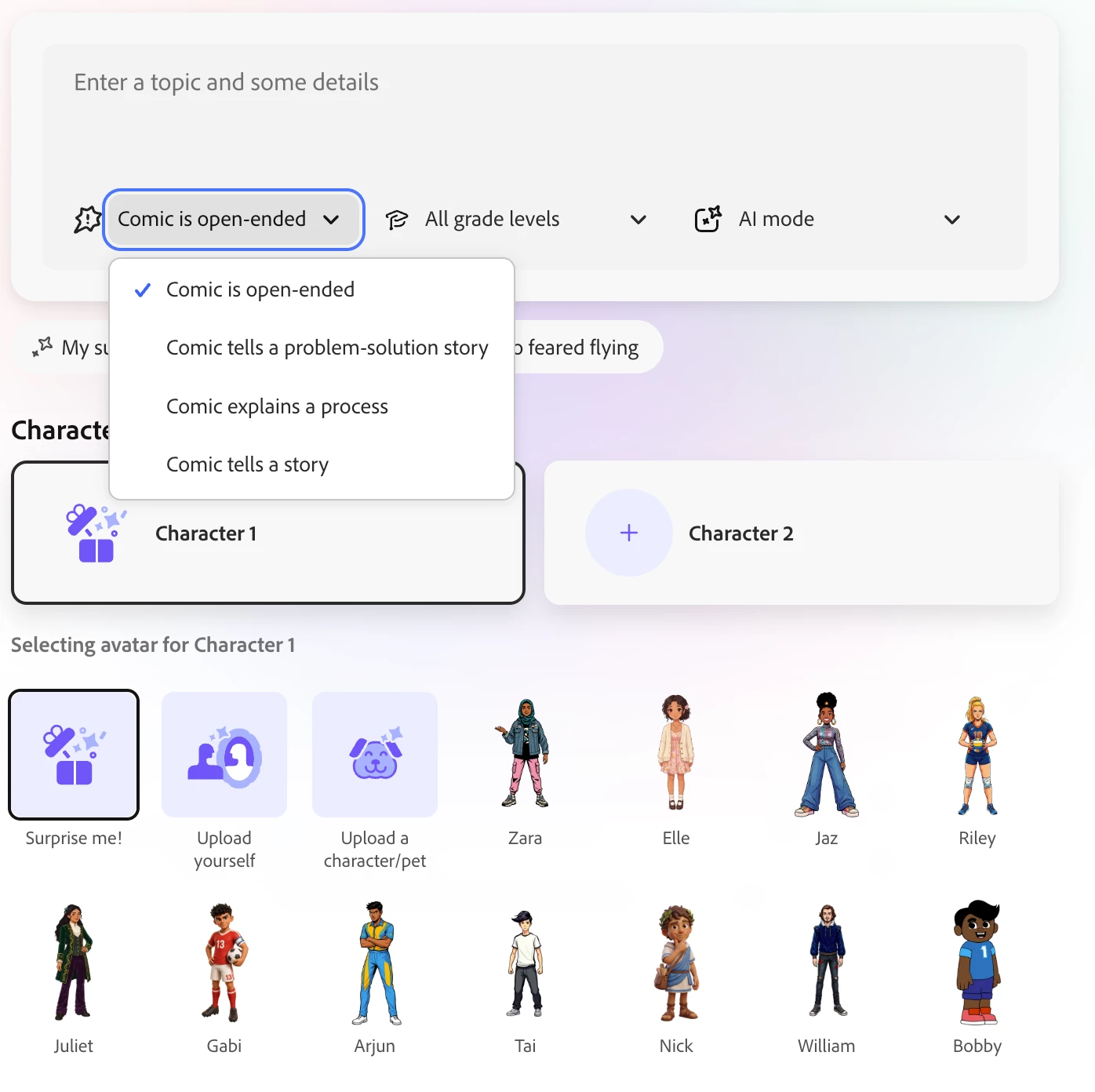
After entering your topic and some details, select what kind of comic you want to create:
- Open-ended
- Problem-solution story
- Explains a process
- Tells a story
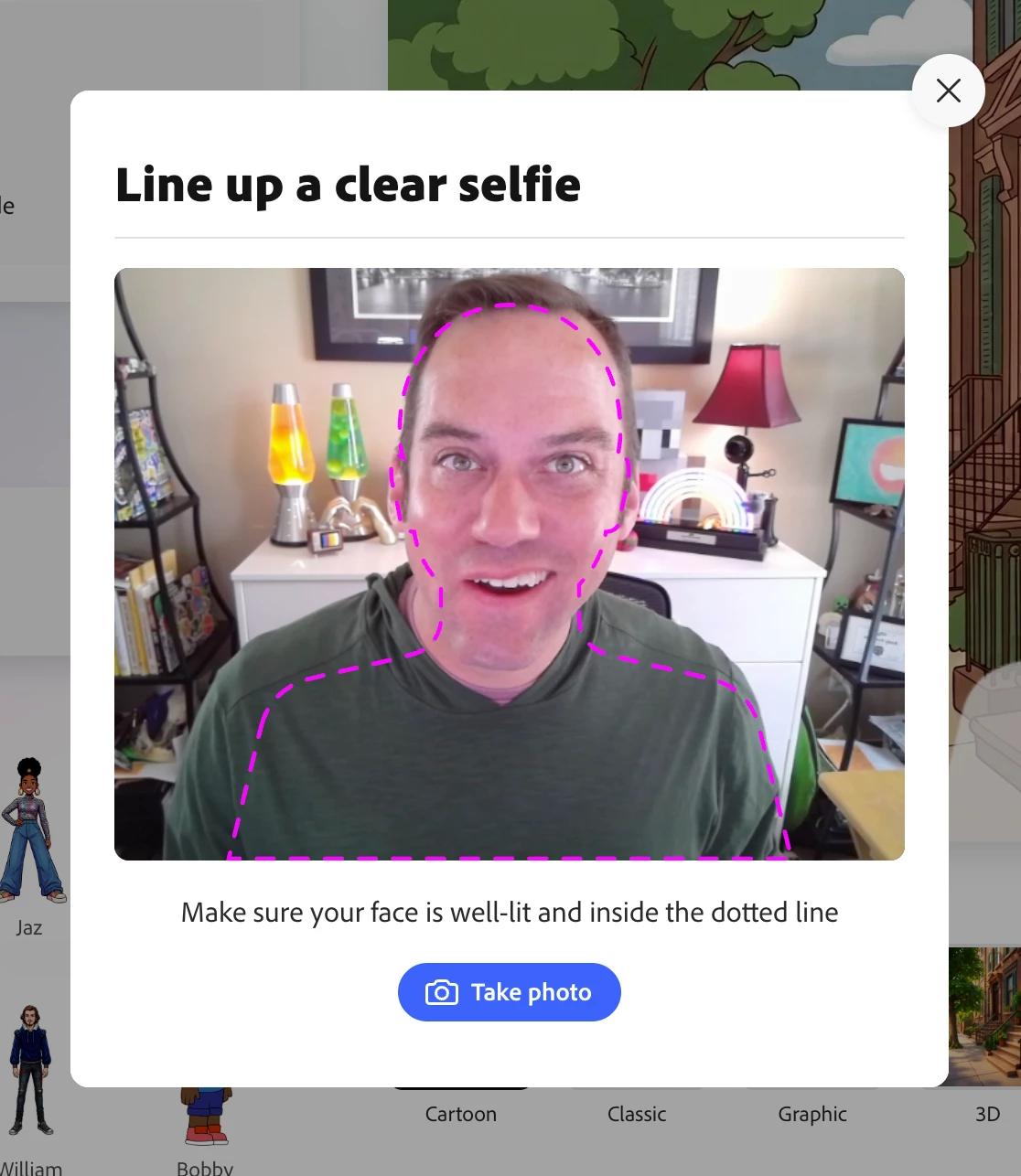
Students have the choice to add a couple characters, each with the option to use one of the many amazing avatars, upload their own image, take a selfie, or upload an image of a character or pet! 🐾
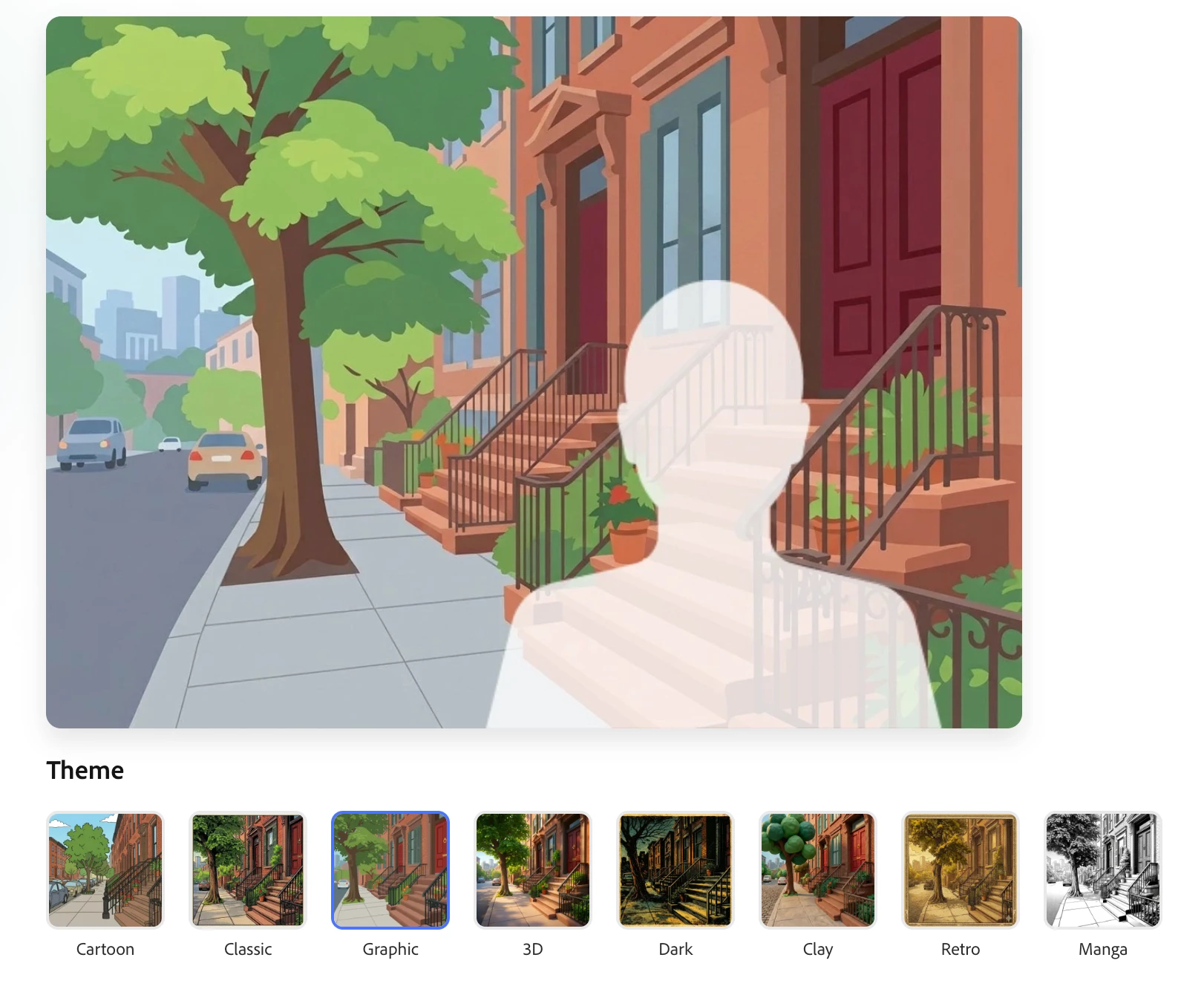
Choose your theme from the multiple styles, each with its own unique vibe.
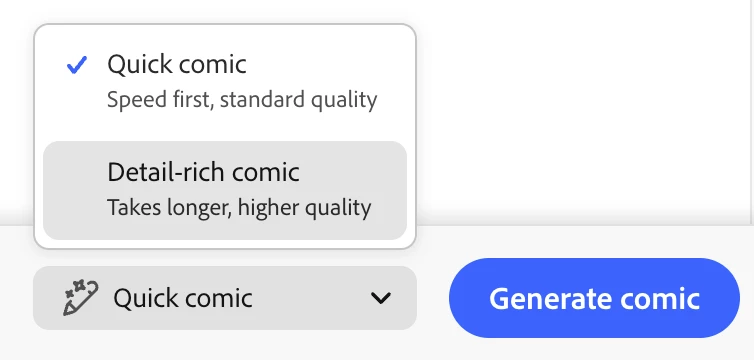
Pro-tip 🌟 choose between a quick or detail-rich comic before generating it!
Why we think you’ll love it:
Claudio recently shared how this is a genuine game-changer for visual storytelling, reading comprehension, creative writing, and cross-curricular writing.
Going to ISTE? Now it's your turn: bring YOUR journey to ISTE to life with Comic Creator! What are you most excited about? What are your tips and tricks for a great conference? Where can we find you in Orlando? 🌴
Head to https://adobe.ly/comiccreator and make yours today! Be sure to share it with #AdobeEduCreative and #AdobeComics so we can find you and celebrate together! 🎉
#2: Generate Activity – front and center, fast and customizable!
What it does:
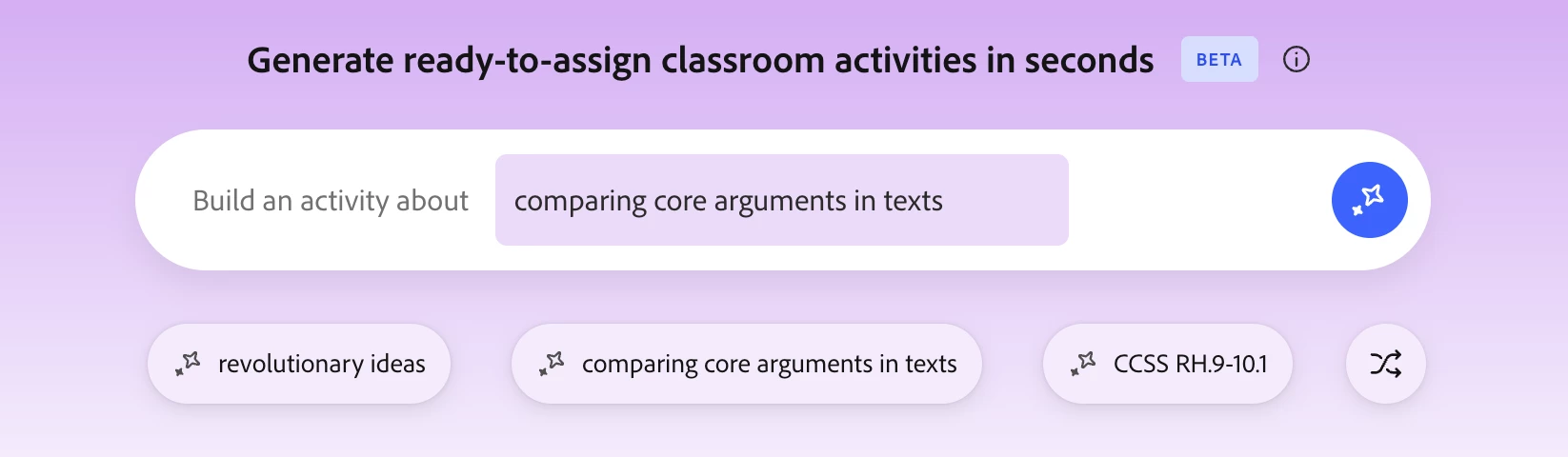
As educators, on your teach tab, you’ll see the Generate Activity at the top of your Adobe Express for Education homepage. Generate Activity is designed to simplify lesson creation by helping educators move from idea to execution in a single step.
Why we think you’ll love it:
- Saves time by turning ideas into complete activities in one step
- Moves from idea to execution quickly with minimal planning
- Supports creative instruction with built-in templates
- Includes clear, student-ready instructions for easy assignment
- Works across subjects, grade levels, and teaching styles
🤩 Massive shoutouts to Alesa Barron and Celeste Lopez who helped give feedback and inspired this to be possible!
As Celesete shares, “Generate Activity has definitely changed the way I collaborate with teachers. Instead of spending hours designing activities from scratch, I can generate a starting point in seconds and customize it for the lesson. This sparks collaborative conversations with my teachers and removes any barriers between inspiration and implementation!”
Alesa, we thank YOU and your feedback! “As an educator and long-time Adobe user, being a part of the product feedback process has been an invaluable experience! It has been amazing to have a hand in receiving the resources I need to support students with emerging educational technology as I incorporate Adobe Express and other professional products into the classroom on a daily basis.”
I love the versatility of this as I could enter a concept, lesson goal, or even the academic standard and boom, options were generated in multiple output project types. Want to see it in different style? Just select to regenerate it!
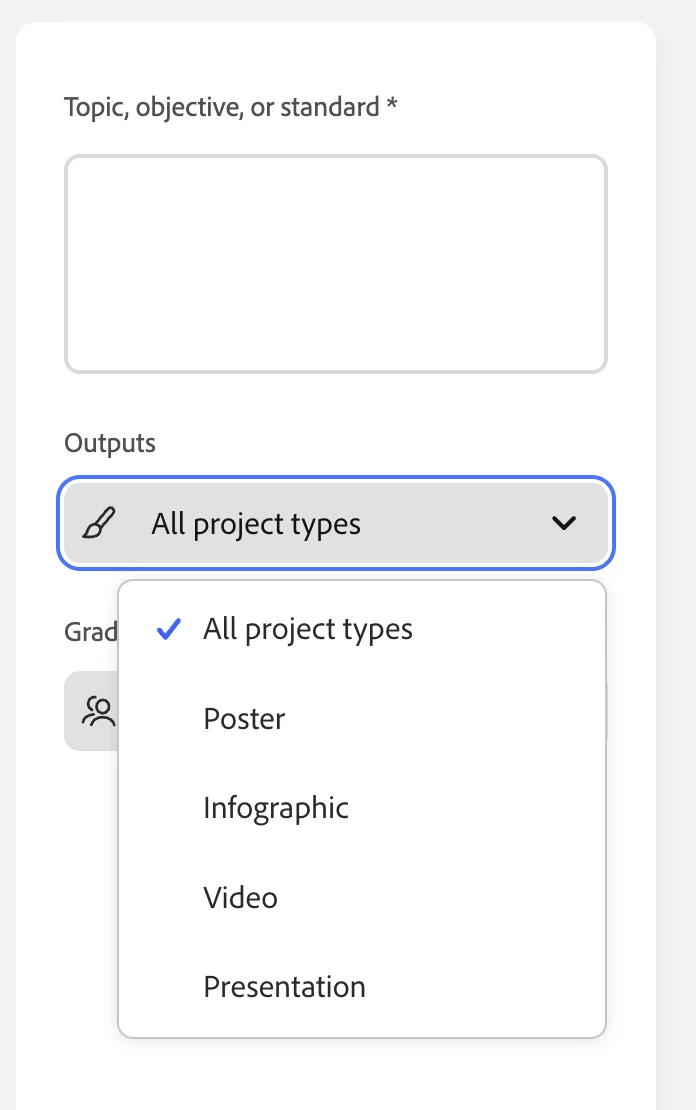
See it in action but you’ll spend more time reading about it than the time for you to try it out and make an activity yourself! Give it a try today and share what kind of activity you made!
#3: Public Galleries
What it does:
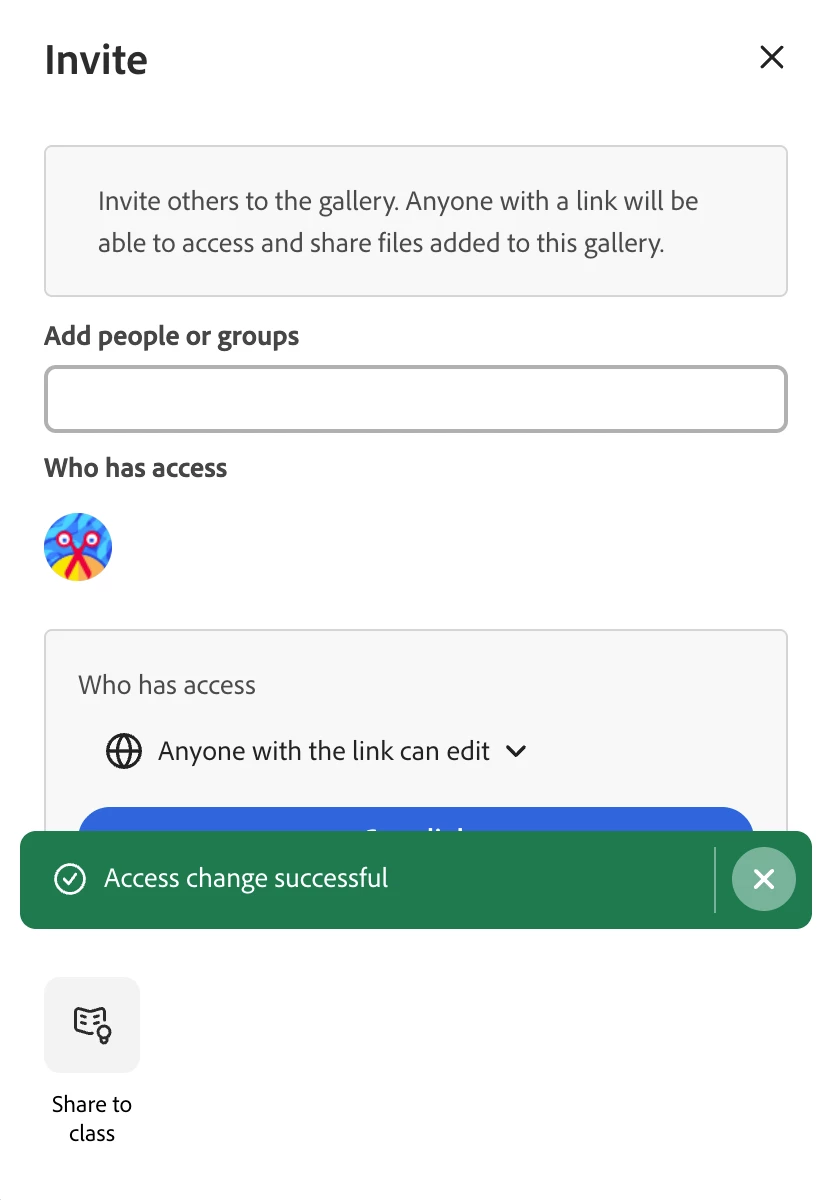
Galleries may be familiar and Personal Galleries were featured a few months back, but drumroll please 🥁🥁🥁 PUBLIC Galleries are now available because of our community! Galleries allow teachers to collect, curate, and publicly share student assignments but now, the ability to make the curation part publicly available!
- Look for the Gallery icon in your + Create menu
- When selecting the + Invite option, now Anyone with the link can edit is an option!
Why we think you’ll love it:
- Portfolio power
- Perfect for student exemplars + project showcases
- Mood boards, club inspiration, travel, journalism, art & STEM
- A creative space that you can share and build with others!
Get involved and try it out! In April, we had our 24 Hour Global Day of Creativity and as a global community, created our Community Quilt 🪡 https://adobe.ly/createathongallery. You’re invited to add a tile to the quilt too: adobe.ly/adobecreativequilt
😊 Your Turn
Got an idea that would make classroom creativity even more epic? Drop it in the replies or make your own post in the Adobe Education Forum — we really do read everything you share! 👀
Your feedback = new features to support you and your students
So keep those ideas coming!
 AdChoices