




Adobe Express or Premiere: Which One's Right for Your Video?
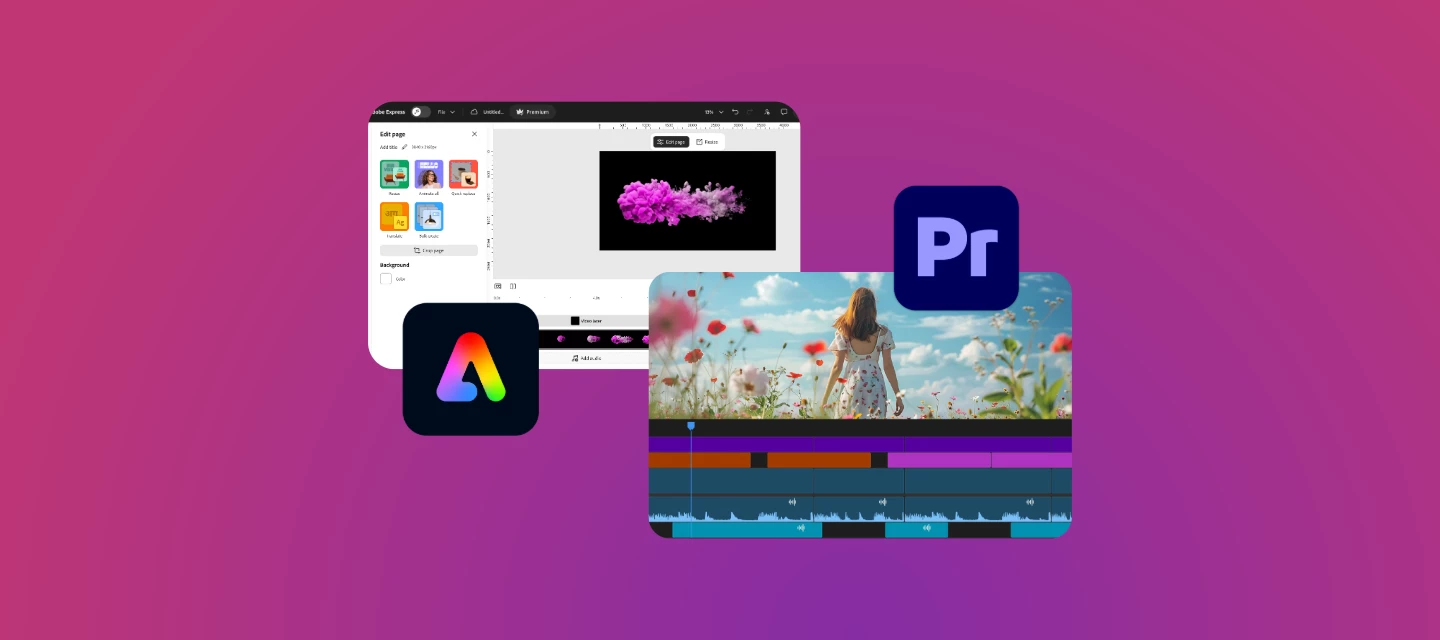
Whether you're creating social media content, marketing videos, tutorials, or longer productions, Adobe offers video editing tools designed for different needs. Understanding what each tool is best suited for can help you choose the right workflow for your projects.
Start with Adobe Express for Quick and Easy Video Creation
Adobe Express is designed for users who want to create engaging videos quickly without needing advanced editing experience.
Adobe Express is a great choice for:
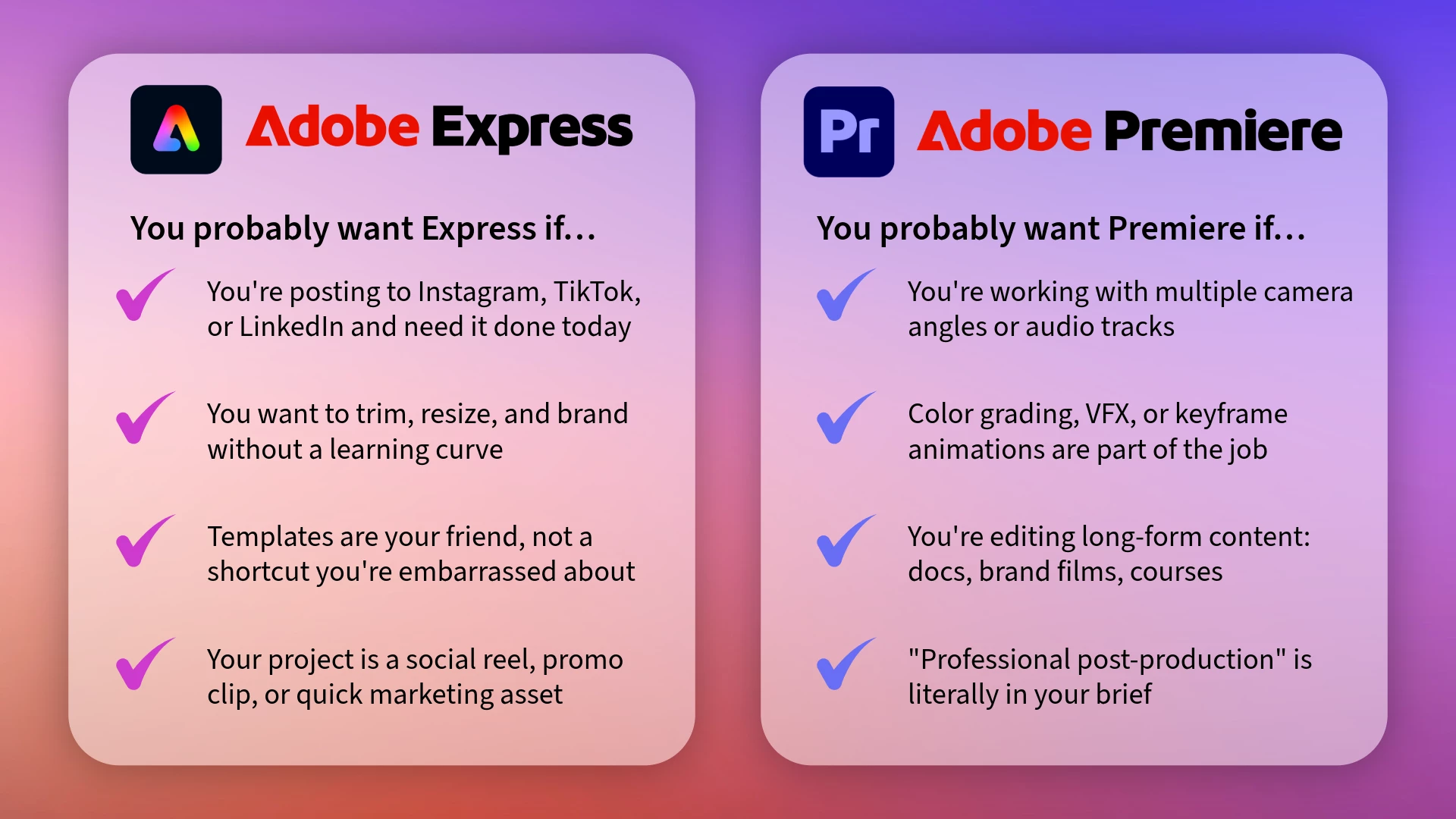
- Social media videos and reels
- Marketing and promotional content
- Quick video trimming and resizing
- Adding text, music, animations, and branding
- Template-based video creation
- School, business, and personal projects
If your goal is to create professional-looking content quickly and efficiently, Adobe Express may be all you need!
Consider Premiere for Advanced Editing
As your projects become more complex, you may benefit from the additional control and editing tools available in Adobe Premiere.
Premiere is ideal for:
- Multi-track video editing
- Advanced color correction and grading
- Detailed audio editing and mixing
- Motion graphics and visual effects
- Keyframe animations and custom transitions
- Long-form and professional video productions
Premiere provides a more comprehensive editing environment for creators who need advanced workflows and precise control over their content.
The Real Answer...
Most creators end up using both! Express for fast, frequent content and Premiere when a project demands more. They're not competing; they're just solving different problems.
What kind of videos do you make most often - and which tool do you reach for first? Drop it in the comments below 👇
 AdChoices