Amitej S
Community Manager
Community Manager
August 16, 2023
Question

Connect to Scheduler by upgrading your Instagram account from Personal to Professional
  • August 16, 2023
  • 4 replies
  • 3719 views


Having trouble scheduling Instagram posts? You may need to upgrade your Instagram account from personal to professional (business or creator).


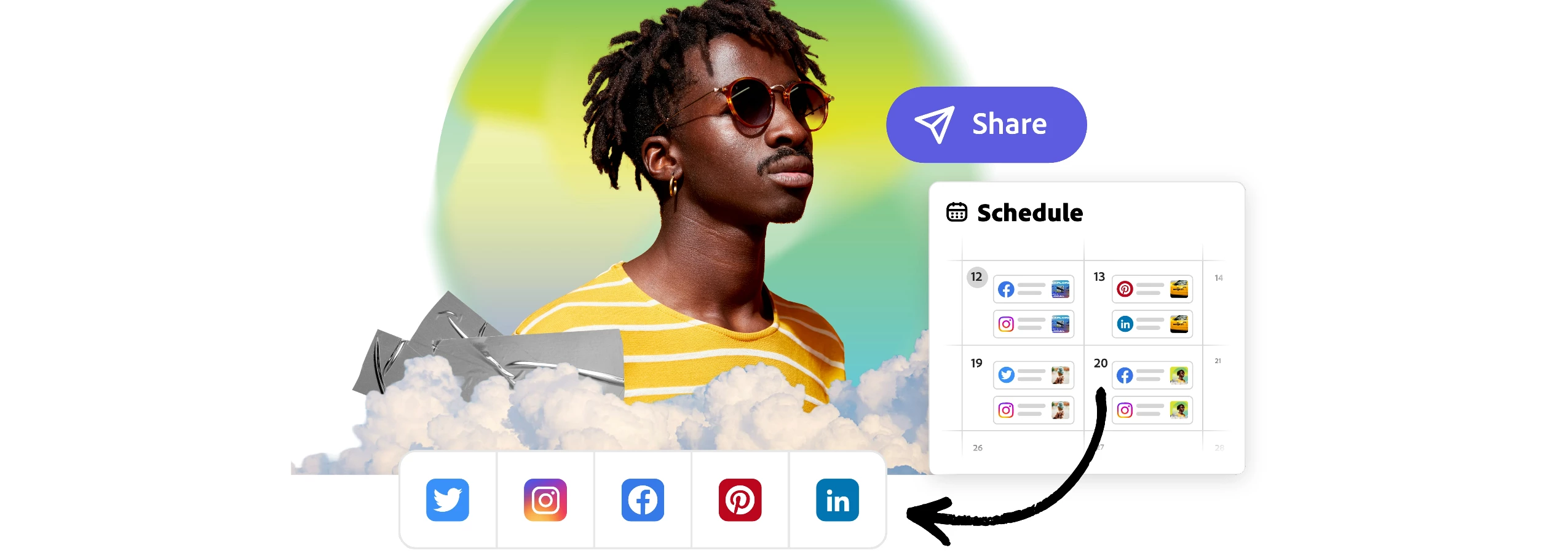
By converting your Instagram account from personal to professional, you will have access to new Adobe Express features, including the ability to schedule posts for automatic publishing. Scheduling to Instagram Reels and Stories coming soon!


Check out the video below by @Andy Lambert on how to upgrade your personal Instagram account to a professional business or creator account.


Meet the product team!

Join the Content Scheduler team for a live run-through of the latest features and how to get the most from the product, including how to upgrade your personal Instagram account to a professional account.


Common Questions


Is a Facebook page necessary for connecting an IG business account?

Yes, according to Facebook's policy, all Instagram business accounts must be connected to a Facebook page.


What features does an Instagram professional account bring?

  • Access to a professional dashboard to monitor performance.
  • Gain insights into follower demographics, posting times, and specific post performance.
  • Ability to add a contact button with directions, phone number, and email.


Can free users schedule content in Adobe Express?

Yes, free users can schedule two posts per month. To schedule unlimited posts, users can upgrade their membership.


What happens to my scheduled posts when I upgrade from a personal to a professional account?

Once you upgrade your personal Instagram account to a professional account, all previously scheduled posts will remain active. Scheduled posts will not be deleted.


Visit HelpX for information on related features.


Hey community! Upvote if this post was helpful and leave a comment to join the conversation.


4 replies

Participant
November 8, 2023

I have done all this and it's still not working for me.

When I try and connect my account it says it needs to connect through Facebook. I start the process and then it tells me I have no accounts to link. It then provides me with an option to click that says I can link my account. When I click this option it tells my account is linked and set up as a creator account and gives me no option to do anything else. But the connection window continues to say that I have no accounts to connect.

I reached out to your support and they told me that because my account was set up as an individual at the account level I would need to pay for an upgrade to a business account to use this feature. I can't find this stated anywhere in the description of the Adobe Express product, happy to upgrade but I don't want to do it if this is a red herring.

Participant
November 8, 2023

Never mind I solved this. If anyone is having the same issue, here is the absolutely incomprehensible solution.

If you want to link your instagram page to the scheduler you need to have created a business page on facebook and then linked the business page on facebook with your instagram page. Click this link (https://business.instagram.com/getting-started?fbclid=IwAR1yyswpm1SfyckzISjvhT_vByHW6N3YgNbjNfcAlhj5pKSOYyOyqqpqFvQ) then after making sure you're logged into the instagram account that you want to link click the button in the corner that says create an ad (https://business.instagram.com/micro_site/url/?click_creative_path[0]=cta_button&ums_creative_detail=cta_ads_subnav&click_from_context_menu=true&country=AU&destination=https%3A%2F%2Fbusiness.instagram.com%2Fbusiness%2Furl%2F%3Fhref%3Dhttps%253A%252F%252Ffacebook.com%252Fads%252Fcreate%26cmsid%3D436106170719257%26creative%3Dcta_button%26creative_detail%3Dcta_ads_subnav%26create_type%3Dads%26destination_cms_id%26orig_http_referrer%26search_session_id&event_type=click&last_nav_impression_id=0JAEmAeRC55ZtF8Sk&max_percent_page_viewed=20&max_viewport_height_px=1042&max_viewport_width_px=2133&orig_request_uri=https%3A%2F%2Fbusiness.instagram.com%2Fgetting-started%3Ffbclid%3DIwAR1yyswpm1SfyckzISjvhT_vByHW6N3YgNbjNfcAlhj5pKSOYyOyqqpqFvQ&primary_cmsid=635002926659414&primary_content_locale=en_GB&region=apac&scrolled=false&session_id=0sdweXxN0LteF0Dhp&site=igb&extra_data[create_type]=ads&extra_data[create_type_detail]=&extra_data[target]=https%3A%2F%2Fwww.facebook.com%2Fbusiness%2Fhelp%2Fredirect%2F&extra_data[creative_detail]=cta_ads_subnav) then follow the steps of creating a facebook page for the professional account that you want to link, include as much or as little as you'd like. Then once you've done this you'll be presented with an option to connect your new business page with your instagram page. Do this, then when you try to reconnect to the scheduler your account will be there.

Participant
April 4, 2024

Been struggling with this all night...this worked.  No idea why Ads make this work...but it does.

Another-Phil
Inspiring
August 23, 2023

If anyone wants to watch a recap of the Content Scheduler Q&A to find out more about new features, best practices and what's coming, here's the recording: https://youtu.be/XFDNZzxtu4Y.

Participant
August 22, 2023

Thanks for the info, Amitej! Upgrading to a professional Instagram account for scheduling sounds like a game-changer. Looking forward to trying out the new features. 👍📆

Participant
August 22, 2023

Hello I need help

Amitej S
Community Manager
Amitej SCommunity ManagerAuthor
Community Manager
August 25, 2023

Hey @Victor318161357w02, what do you need help with? Let us know we are here.