




Blog
Design in ChatGPT, Claude, Copilot, and Gemini — Adobe Express Is Now in Your AI Chat
You're already in your AI chat working through ideas. Now you can design there too. Adobe Express is live inside ChatGPT, Claude, Microsoft Copilot, and Gemini — here's what you can do with it.
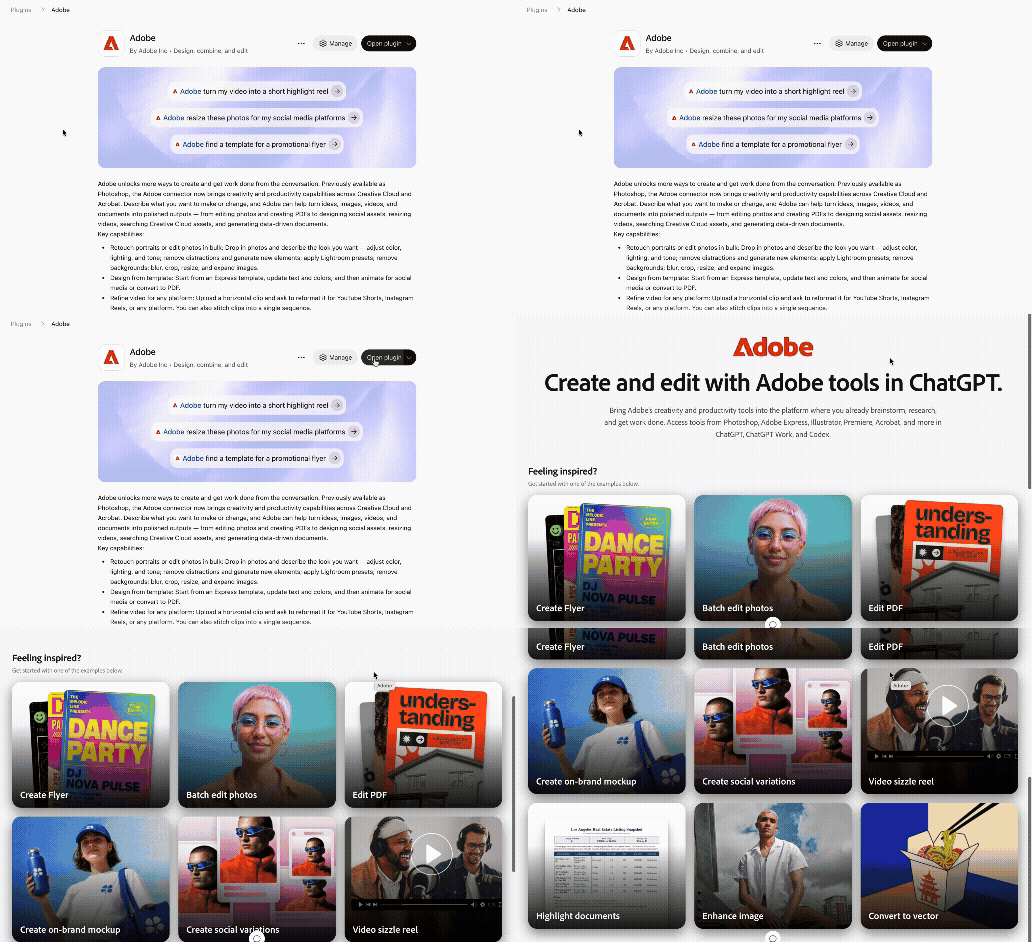
Connect Adobe to your chat app: Adobe for ChatGPT · Adobe for Claude · Adobe for Copilot · Adobe for Gemini
Everything You Can Do
| What you can do | How it works | Try this prompt |
|---|---|---|
| Start from a description | Describe what you want and matching templates appear in the chat | "Adobe, I want to create a social media post for an upcoming promotion" |
| Fill in your details | Add your content to the template in plain language | "Fill this template with: Neon New Year's, Dec 31, 8 pm, Rooftop Plaza" |
| Style your text | Change fonts, colors, size, and add effects conversationally | "Make the title white, bold, and larger" or "Add a soft shadow to the headline" |
| Swap images | Upload your own photo and drop it into the design | "Replace the main image with my uploaded photo" |
| Apply image effects | Edit photos without leaving the chat | "Make the photo black and white and add some grain" |
| Rearrange your layout | Reposition and resize elements through conversation | "Make the background image fill the page and keep the text where it is" |
| Change colors and style | Update the whole look and feel with one prompt | "Change the background to charcoal gray" or "Make the color scheme retro" |
| Edit in chat or in Express | Switch between chatting and hands-on editing any time | Select Edit in chat or Edit in Adobe Express — your changes sync both ways |
Before you start
- Requires connecting Adobe to your AI chat app — setup steps vary by platform. See the links at the bottom of this post.
- You need an Adobe account to sign in. An Adobe Express subscription unlocks additional features.
- Available actions may vary by chat app. If something isn't supported yet, you'll see a message in chat explaining the limitation!
 AdChoices