Amitej S
Community Manager
Community Manager
December 6, 2023

Updates for the Adobe Express as of November'23

  • December 6, 2023
  • 16 replies
  • 3887 views

Latest Fixes and enhancements! 


As we continue improving Adobe Express, we value your feedback and appreciate your patience. Following your feedback, here's the new Adobe Express with the following updates.


Recent Updates
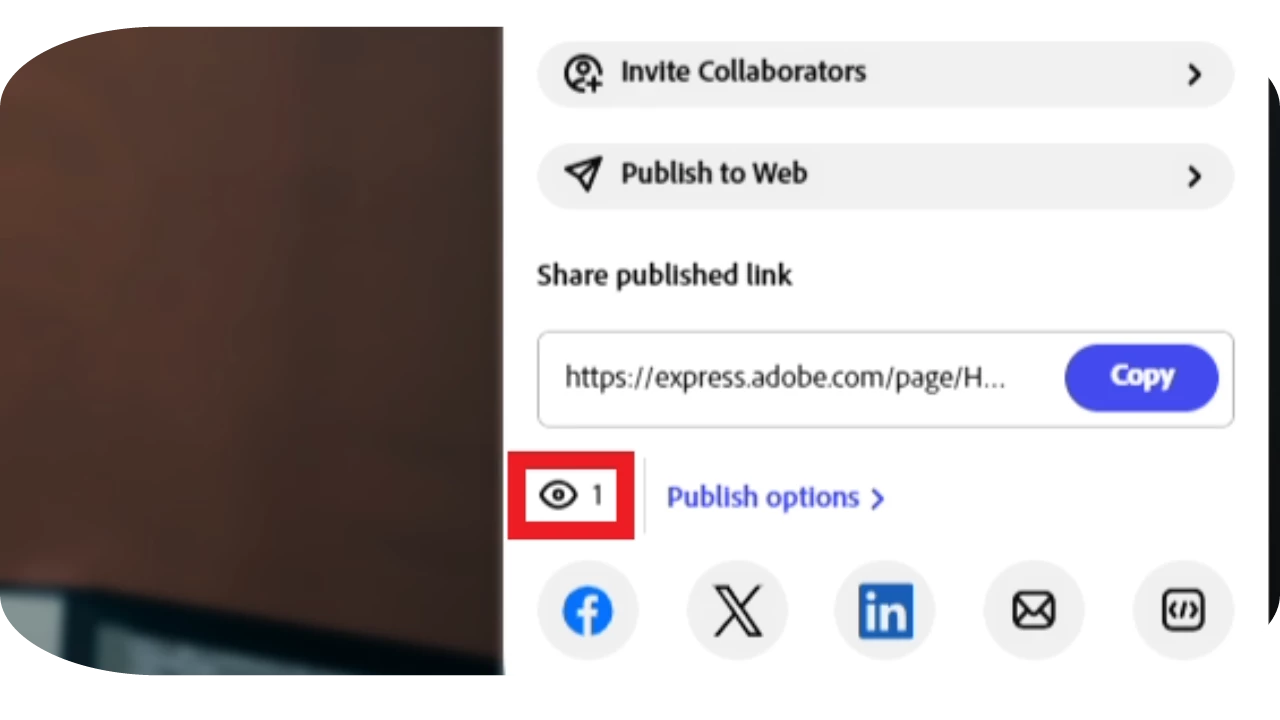
 

Measure Page views for published Adobe Express web page projects.


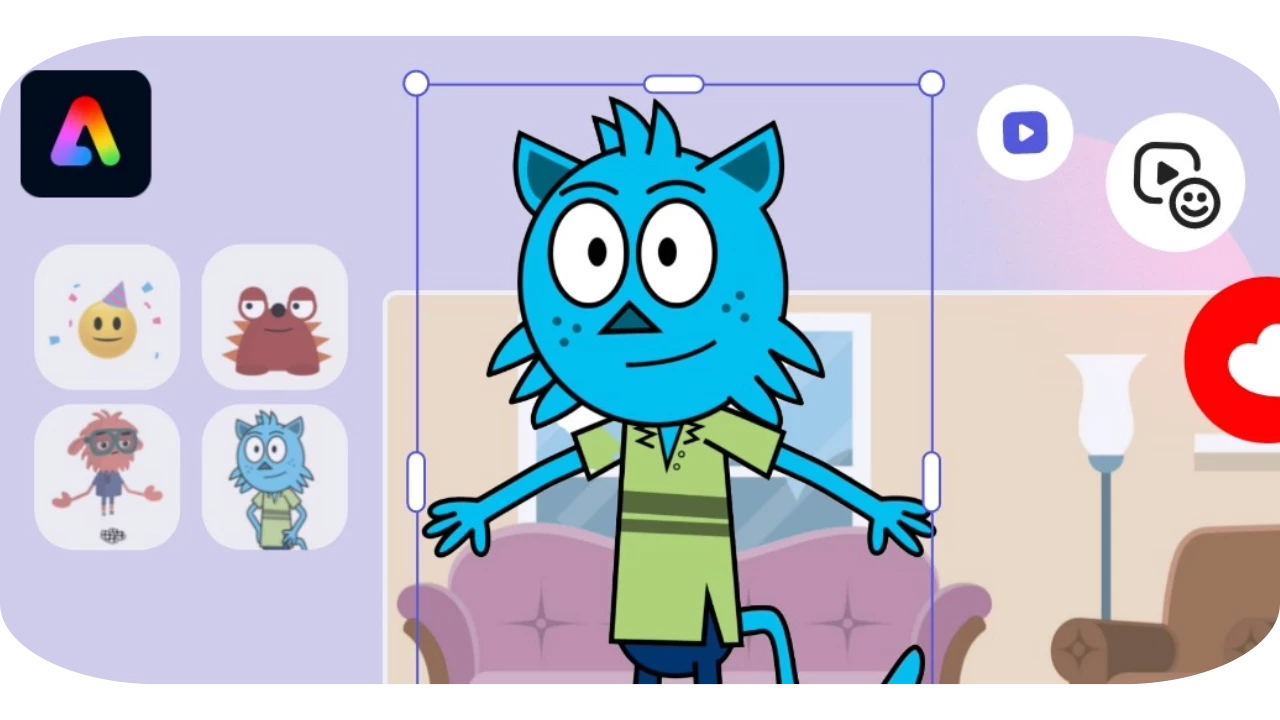
Animate a character with your voice using the Adobe Express quick action.
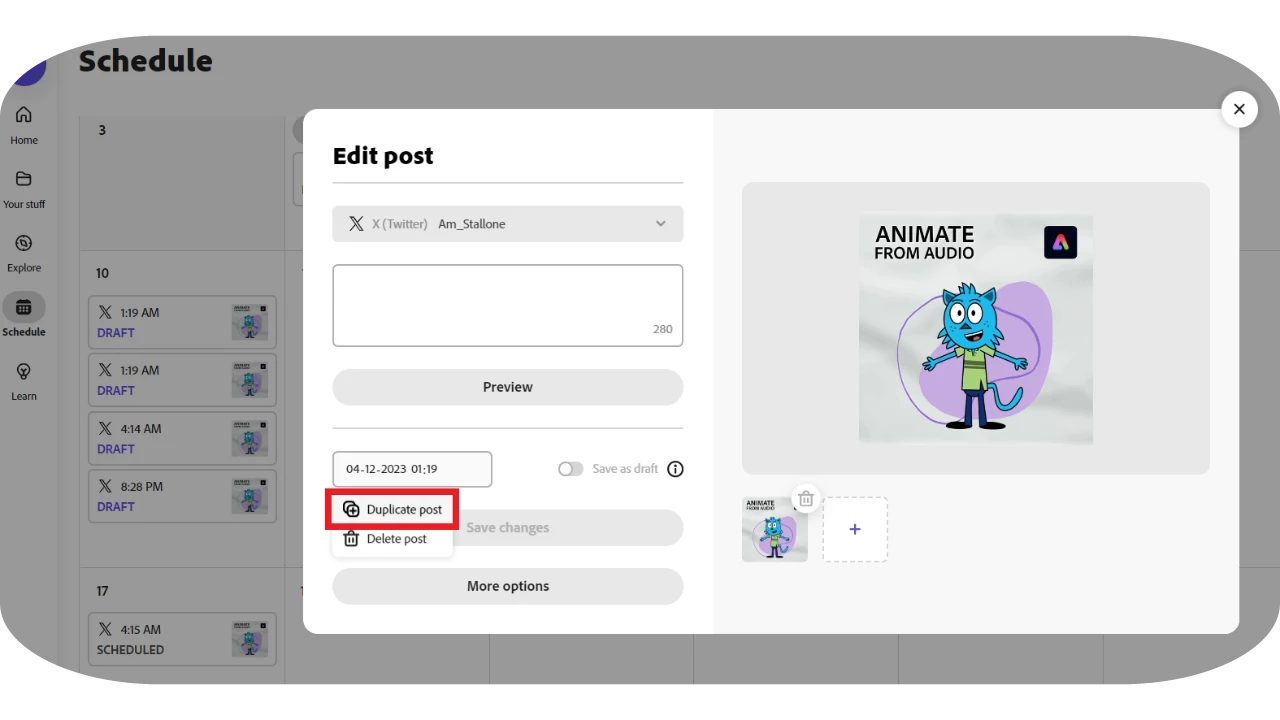


Save time and repurpose your content by duplicating your posts in the Content Scheduler.
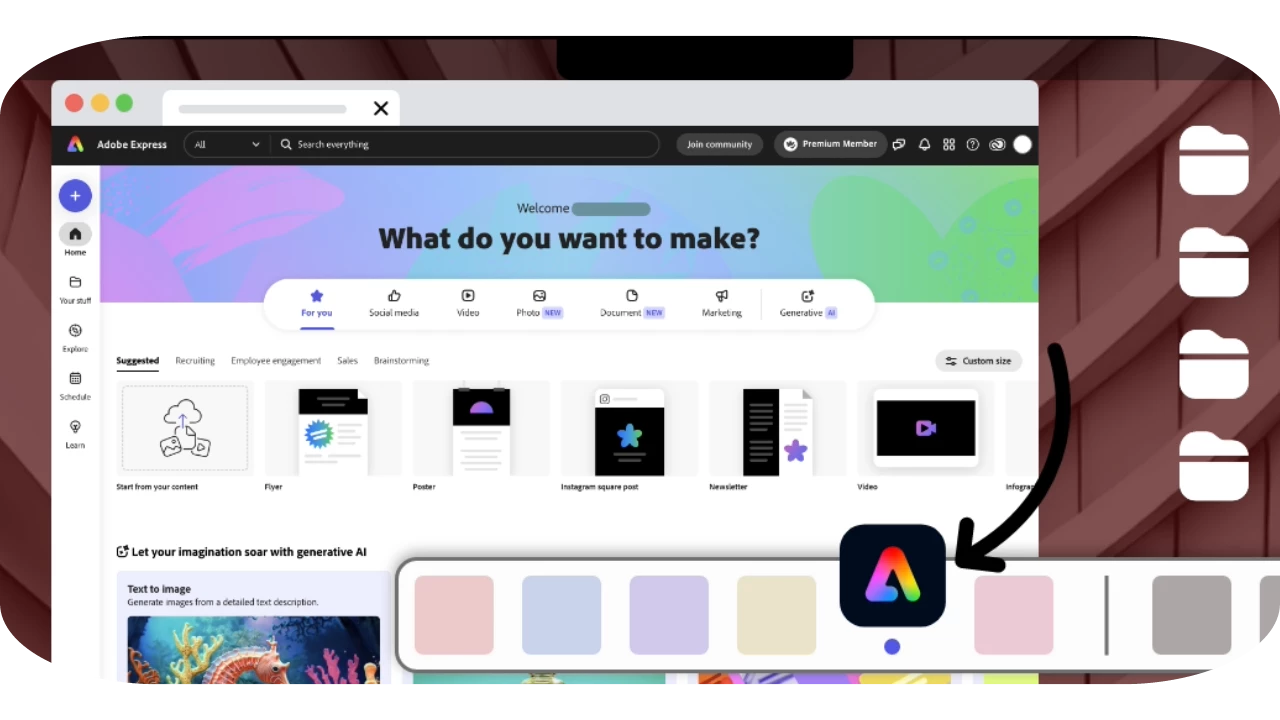
 

Progressive Web app Adobe

Use the progressive web app as a desktop app to enjoy amazing responsiveness and quicker loading times.


Check out the video below by @thejanebradbury to see how to use Adobe Express as a Windows app.


Some other updates 

  • Adobe Express can now be accessed on the Firefox browser.
  • Collages can now be created easily with just a click using Grids. Check the video here.
  • Caption Video Quick Action is now available.
  • Drawing tool is now available for Adobe Express for Education.


Useful links


  • Animate from audioAnimate a character with your voice using the Adobe Express quick action.
  • Install the Progressive Web AppInstall the Adobe Express desktop app as a Progressive Web App (PWA).
  • System requirements: Find the minimum technical specifications to use Adobe Express.
  • Known Issues: Stay up-to-date with Adobe Express's known issues and workarounds.
  • FAQ: Get answers to common questions about Adobe Express.
  • UserVoice: How can we improve Adobe Express? Share your thoughts and ideas in UserVoice.



    This topic has been closed for replies.

    16 replies

    Participant
    February 6, 2024


    My logos are coming up pixelated on my graphics in Adobe Express.  Any fixes you can recommend would be great.

    rawdeli
    Known Participant
    January 25, 2024

    A really useful feature in Adobe express would be some sort of preview of templates or being able to tab templates, so often you can't tell if you want to use a template just by looking at the tiny square so you have to open it up and then even if you don't want to use it and only have it open for a second it gets saved in to your MY STUFF on adobe express which just contains loads of clutter.  I think you need to be able to preview templates in a better way without them being saved - ie' in canva you can tab templates and only when you start editing does it save them.  Whereas in Adobe express as soon as you open it even you have not edited it it is saved. Quite frustrating.

    RV1970
    Participating Frequently
    January 16, 2024

    Thank you for the Firefox support.  It's nice to have the little guy included. 

    RV
    Inspiring
    January 15, 2024

    I hadn't used Express for a while and discovered yesterday that I can't directly use my sync;ed Lightroom Classic images.


    I use EXPRESS on via the website.


    When will I be able to start using my LrC images directly again via the website?


    Thanks

    Participant
    January 14, 2024

    thanks a lot

    Participant
    January 13, 2024

    When will we be able to add hyperlinks to adobe express files? This feature is available in canva. I am surprised we still can't does this in express.

    Participant
    January 9, 2024

    When will the quick apply brand feature be available?

    Participant
    January 9, 2024

    where did it go?


    Participant
    January 8, 2024

    Is there anyway to have a live demo for my team? Would love to start using this program but without a full overview for everyone, not sure if it will be possible

    Known Participant
    January 5, 2024

    Thank you installed in Chrome and lovint the SA 

    @mj
    Community Expert
    Community Expert
    December 30, 2023

    Thanks Jane.

    Nice tutorial.

    Best

    mj