




What's New in Adobe Express — April Highlights
April's release is a good one. Adobe Express shipped five updates this month that touch almost every part of the editor - from how you style a design to how you build a webpage. Here's what dropped and why it matters for your workflow.
CATEGORY: STYLES
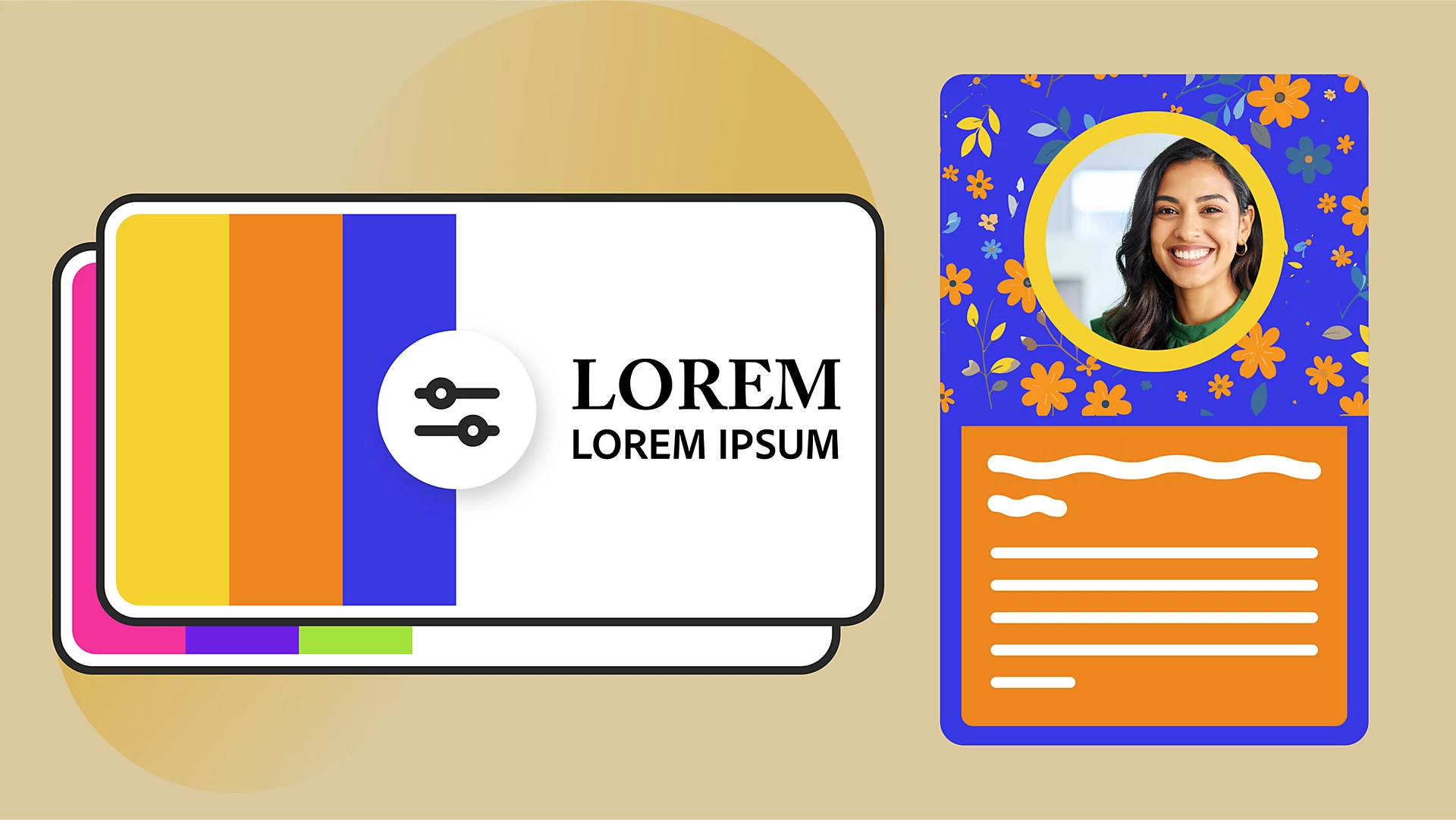
Apply Styles: Transform a design in seconds
Styles lets you apply predefined color and font combinations to any design in one click. Open the Styles panel, pick a combination, and hit Apply to all pages - your whole project updates instantly. You can also shuffle color themes, edit individual colors or fonts on the fly, and use the In Use section to see exactly what's applied at any moment.
Really useful if you're managing brand consistency across a lot of content! Instead of manually updating colors and fonts page by page, you define the style once and let Express do the heavy lifting. Brand teams and solo creators alike should find this a real time-saver. Learn more here!
CATEGORY: PRESENTATIONS
Click Order: You control what plays (and when)
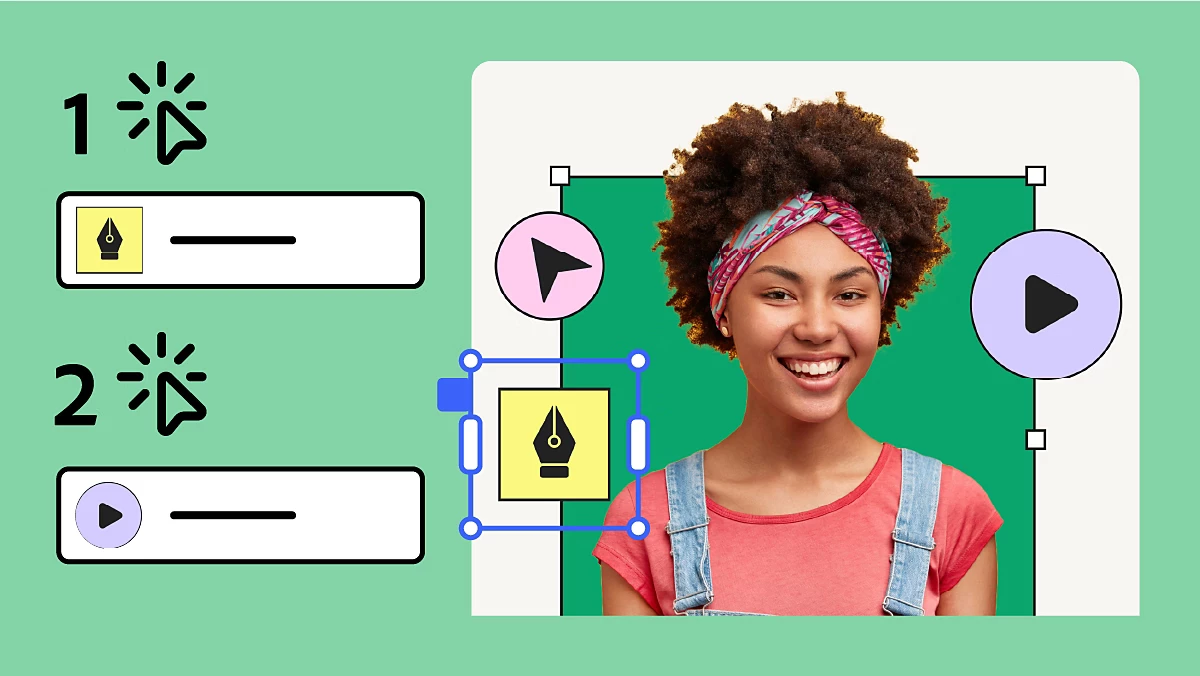
Click Order gives you precise control over the sequence of animations, video, and audio in presentations. Drag elements into the order you want, group them so they trigger on a single click, or spread them across multiple clicks. Audio defaults to Autoplay but can be repositioned in the sequence.
If you've ever built a presentation and wished you could reveal content more deliberately - the way you'd do it in a live keynote - this is the feature you've been waiting for. The Preview button lets you check playback order before you share, and exported MP4s follow the click order you set. Get the step-by-step from our HelpX team!

CATEGORY: TEMPLATES
Add Pages to Custom Templates: Start small, grow as you go
Shared custom templates now let you start with just the pages you need, then pull in more pages from the original template as your project evolves. No more starting over because you need an additional layout. Select Template info in the header, choose the pages you want to add, and they drop right into your file.
Especially valuable for Teams and Enterprise users working within brand-controlled templates. Collaborators can request brand access directly from the template screen, which removes a friction point that used to require a separate conversation. Further information here!
CATEGORY: VIDEO
Collapse Audio Tracks: A cleaner video timeline
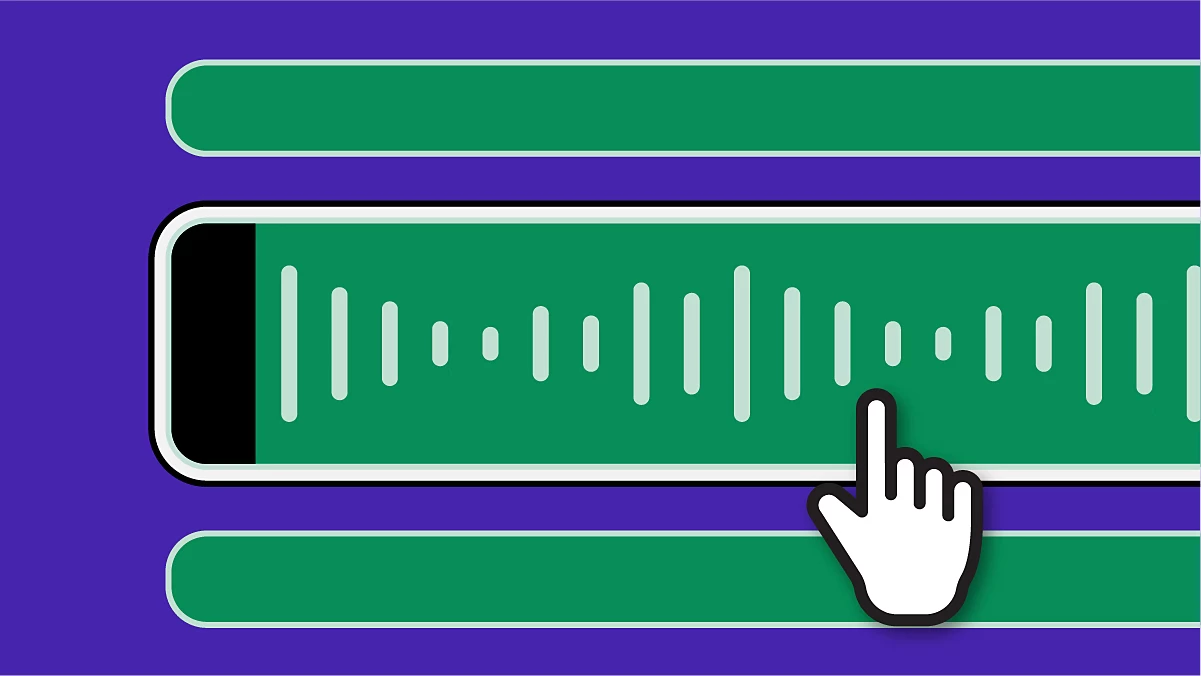
A small but welcome quality-of-life improvement for video creators. You can now collapse audio tracks in the sceneline view to reduce visual clutter when you're working with complex timelines. It doesn't change anything about how audio behaves - it just gets it out of your way when you don't need to see it.
If you regularly work on multi-track video projects, you'll appreciate having a cleaner workspace. Less scrolling, less cognitive load. Find out how to use Express to create videos!
CATEGORY: WEBPAGES
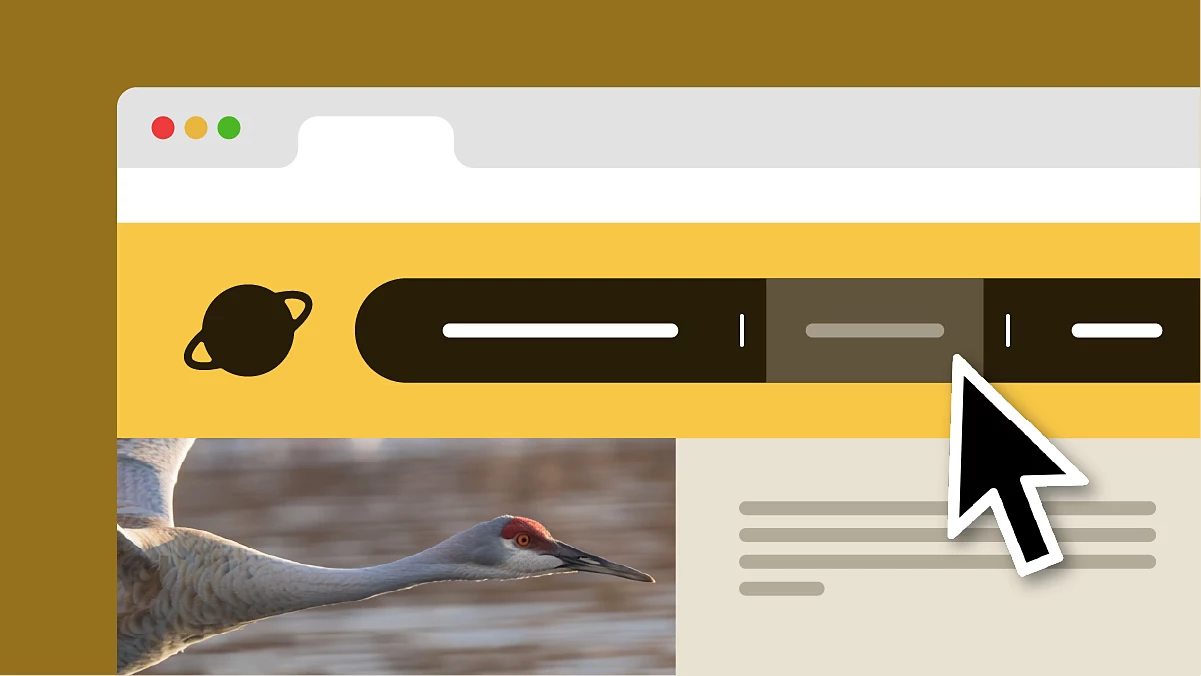
Navigation Bar: Give your page some structure
The webpage editor now supports a navigation bar - a header with anchor links that let visitors jump between sections of your page. Add it from the layout options, set your anchor points, and your page instantly becomes easier to navigate.
This brings Express webpages closer to what you'd expect from a purpose-built web tool. If you're building longer-form pages (portfolios, event pages, product showcases) this makes a real difference in how visitors experience your content. Learn more about webpages here!
All five features are live and waiting for you.
Whether you're building brand content, a presentation, or your first webpage - there's something in this release that'll make your next project a little smoother. Go take it for a spin!
 AdChoices