




What’s New in Adobe Express — July Highlights
July was a big month for Adobe Express. Whether you're experimenting with AI-powered editing or just want to finally drop an emoji into your caption without copy-pasting from a browser tab, there's something here worth trying!
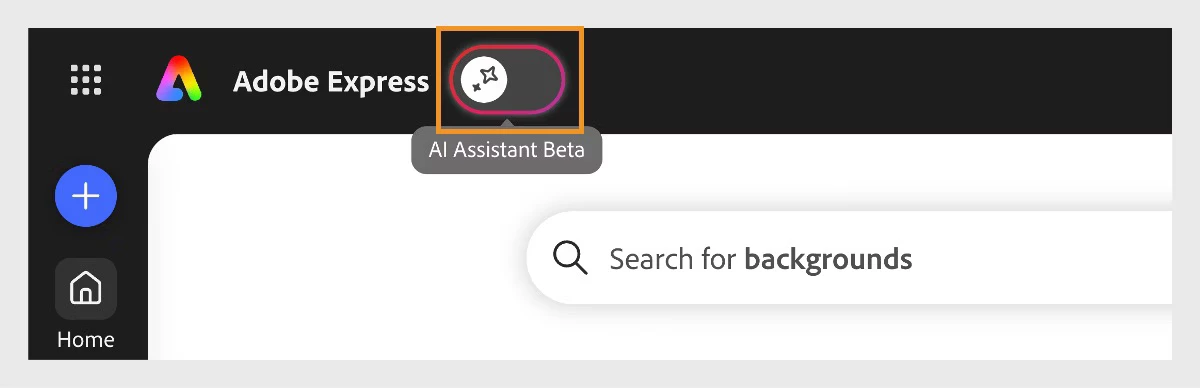
AI Assistant (Beta) — Design by Describing It
This is the headliner. AI Assistant is now available as a beta feature in Adobe Express on desktop, and it lets you create and edit designs using plain language. Describe what you want — a layout fix, an image restyle, a text tweak — and it handles the focused change without disrupting the rest of your design.
| What you can do | How it works |
|---|---|
| Start from a description | Tell it what you're making and it gets you to a starting point fast — no blank canvas paralysis |
| Edit specific elements | Ask it to swap a color, adjust a layer, or change a piece of text — targeted changes, not sweeping rewrites |
| Restyle images | Type a prompt to transform a photo, or pick from presets like Kawaii or gel lighting and fine-tune from there |
| Fix layouts | Prompts like "Fix the layout" trigger automatic spacing, alignment, and composition improvements |
| Keep edits on brand | Attach a brand in the prompt bar and AI Assistant applies its colors, fonts, and style automatically |
A few things worth knowing: currently available for individual Premium and Free plans on desktop — Teams, Enterprise, and Education plans aren't supported yet. Supports English, French, German, Japanese, Hindi, and Brazilian Portuguese. Toggle it on from the Adobe Express homepage, and off again anytime. Learn more about Adobe Express AI Assistant
Everything Else That Shipped
| What's new | What does it do? | Why you'll care |
|---|---|---|
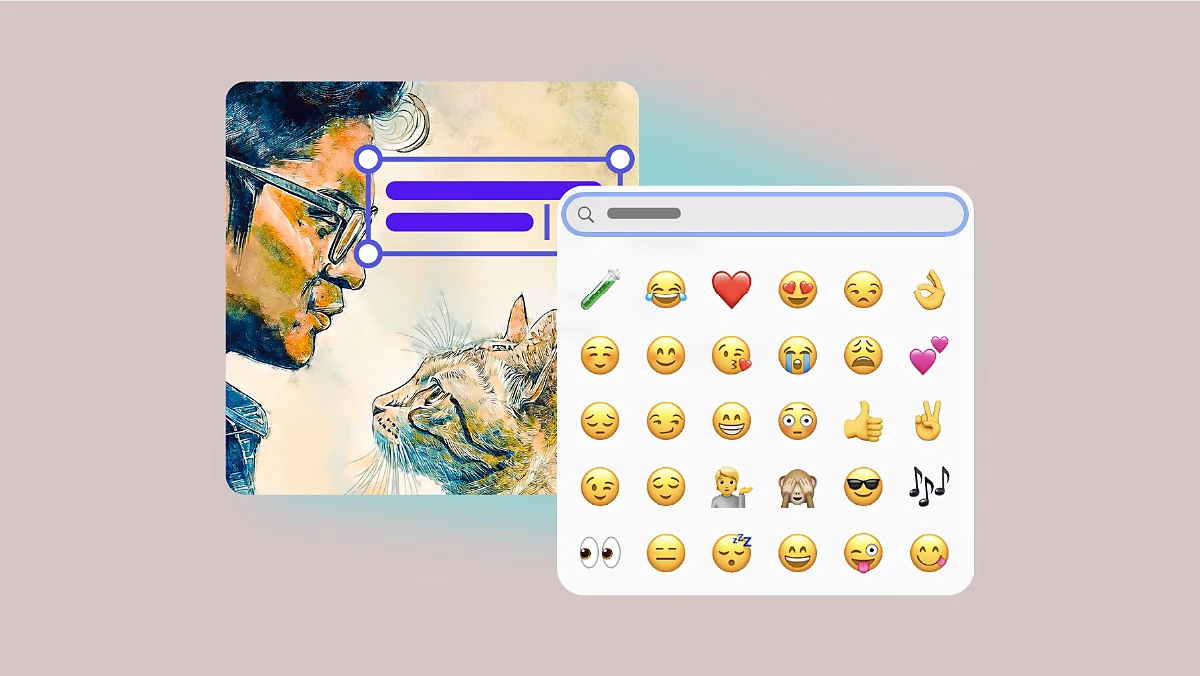 | Insert emojis directly using your device's native emoji picker | Small feature, and SUPER useful. No more copy-pasting from a browser tab! |
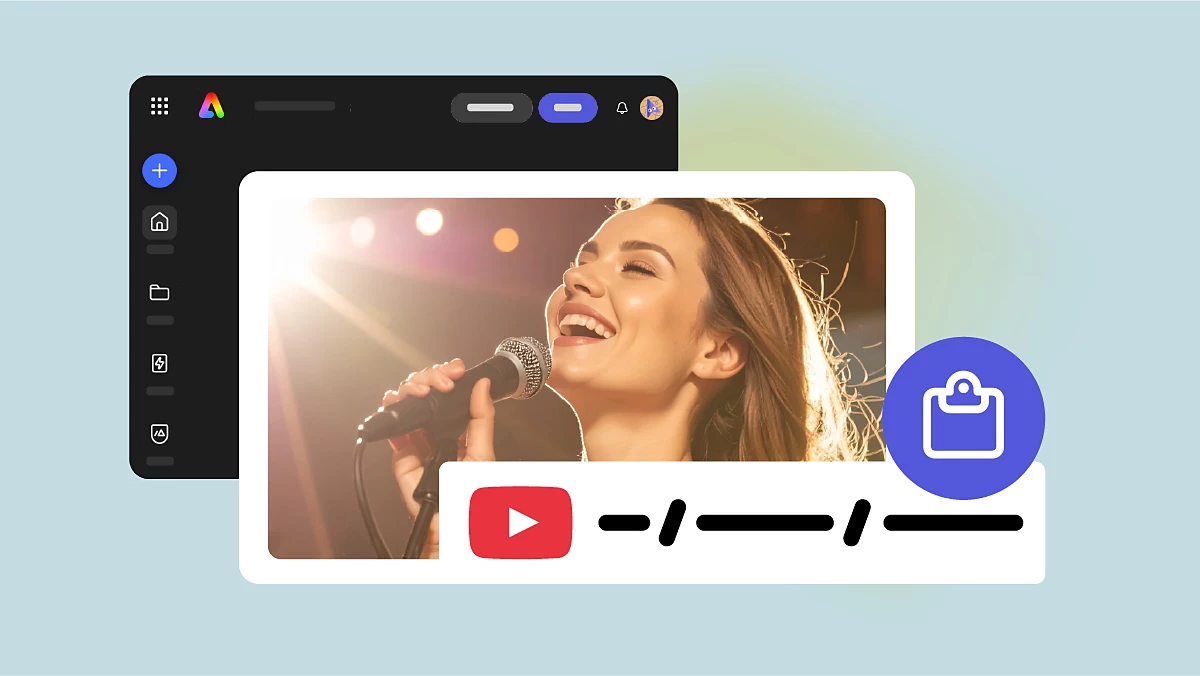 | Paste a YouTube URL onto your canvas, resize and reposition: video stays playable inside your file | Viewers watch without leaving the page. Works with youtube.com/watch and youtu.be links |
| Access full version history from File → Show version history. Browse by timestamp, restore, bookmark, or open as a new copy | Free: 10 days Bookmark anything you want to keep!! | |
 | Resize captions on canvas with handles and apply to all captions at once; style with custom and brand fonts from the captions panel | No more updating captions one by one |
 | Enterprise users can now create, open, edit, and export presentations up to 250 pages on desktop | Built for large-scale content production |
Full documentation for everything above is on the Adobe Express What's New page!
 AdChoices