



News
What’s New in Adobe Express | November 2026: MAX Highlights
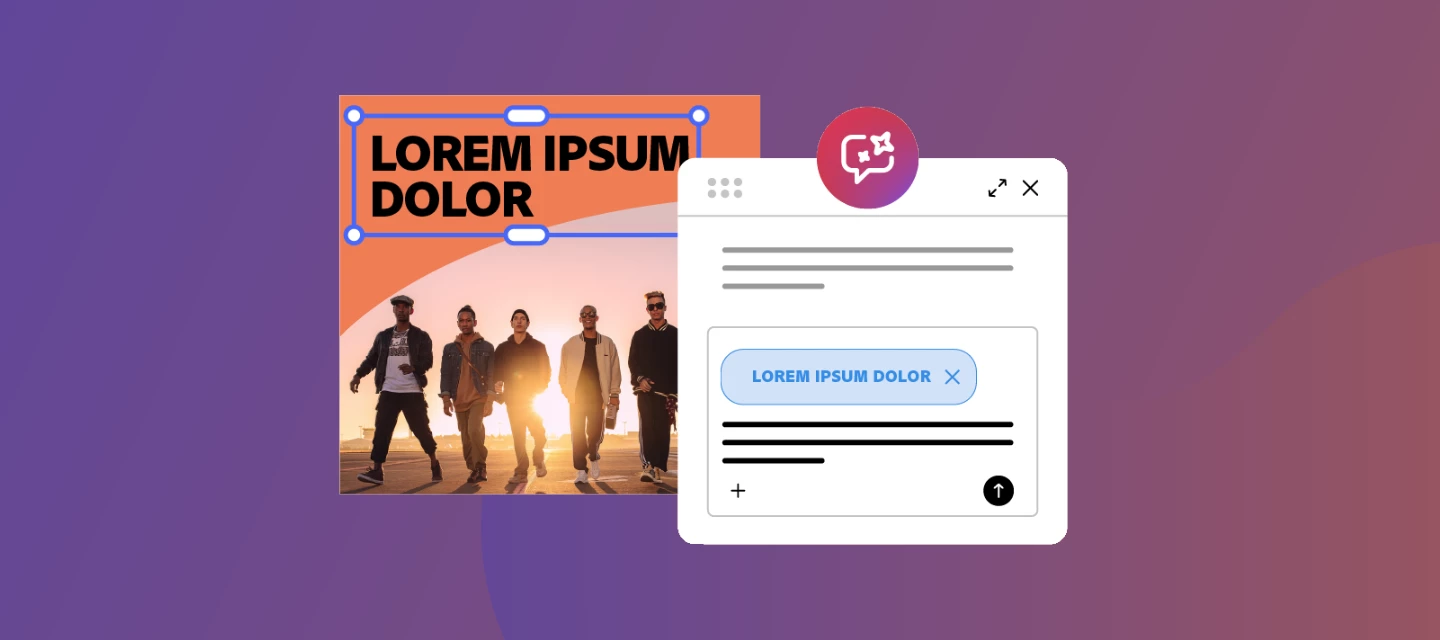
We’re at Adobe MAX in Miami, and we brought the biggest Express release of the year. Here’s everything that’s live today.
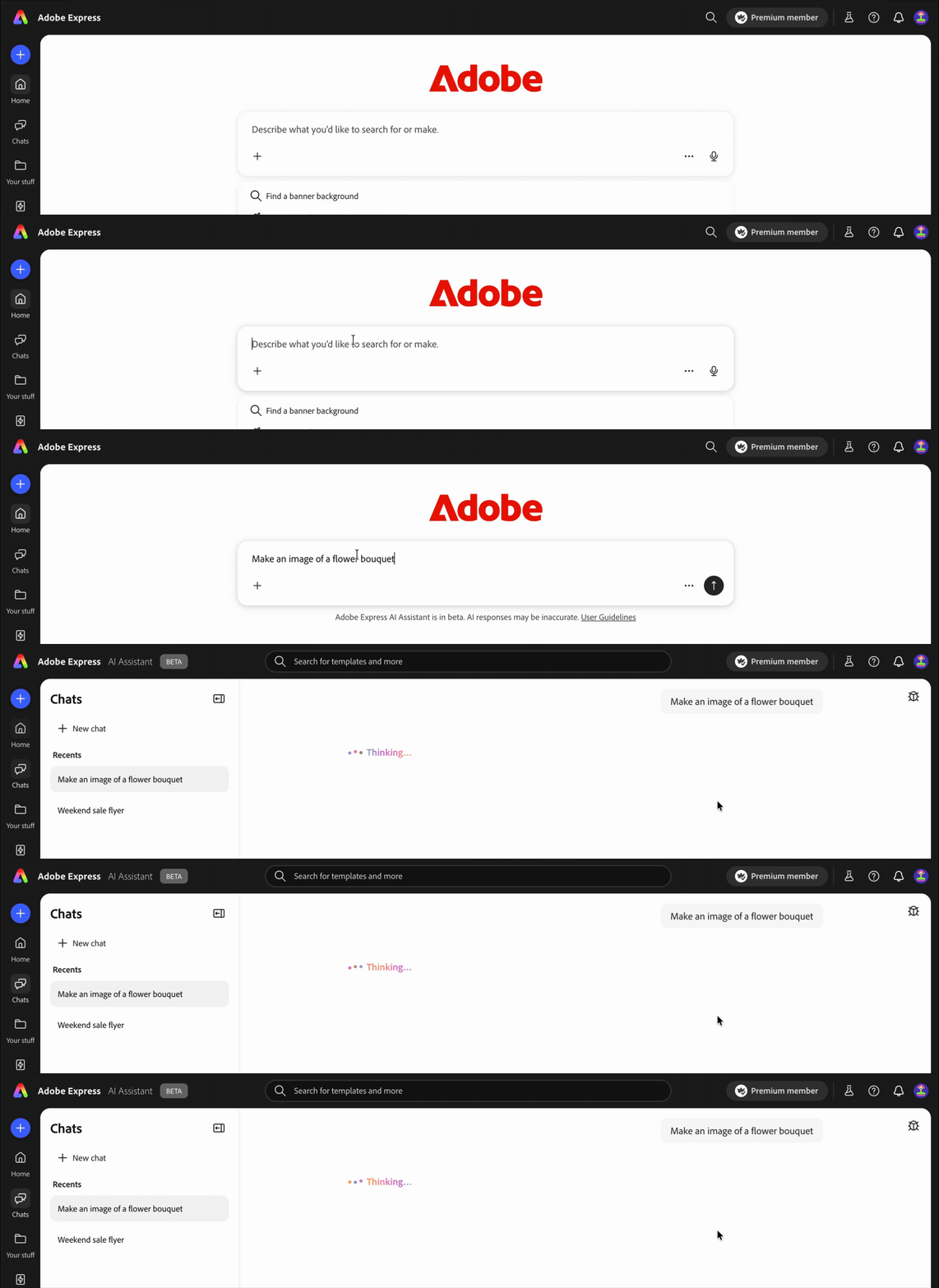
AI Assistant is now more widely available! Turn a Prompt Into a Finished Design
AI Assistant is still in beta, but as of today, it’s available to more Adobe Express users. Describe what you want, get four design variations, pick one, and keep refining through conversation.
| What you can do | How it works |
|---|---|
| Start from a prompt | Describe what you want to make — “Create a yoga flyer” — and AI Assistant generates four design variations to choose from |
| Refine through conversation | Ask it to update text, replace images, rearrange layers, or change the color scheme — all in plain language |
| Attach a brand | Use the brand picker in the prompt bar to apply your brand’s colors, fonts, logo, and voice automatically |
| Fix your layout | Prompts like “Fix the layout” or “Fit the image to my design” trigger automatic spacing, alignment, and composition improvements |
| Switch to manual editing | Toggle AI Assistant off in the header to edit in the full Express editor — your work stays exactly where you left it |
A few things worth knowing: AI Assistant beta is available for individual Premium and Free plans on desktop. Teams, Enterprise, and Education plan support is coming — not available yet! Learn more about AI Assistant
Everything Else That Shipped
| What’s new | What does it do? | Why you’ll care |
|---|---|---|
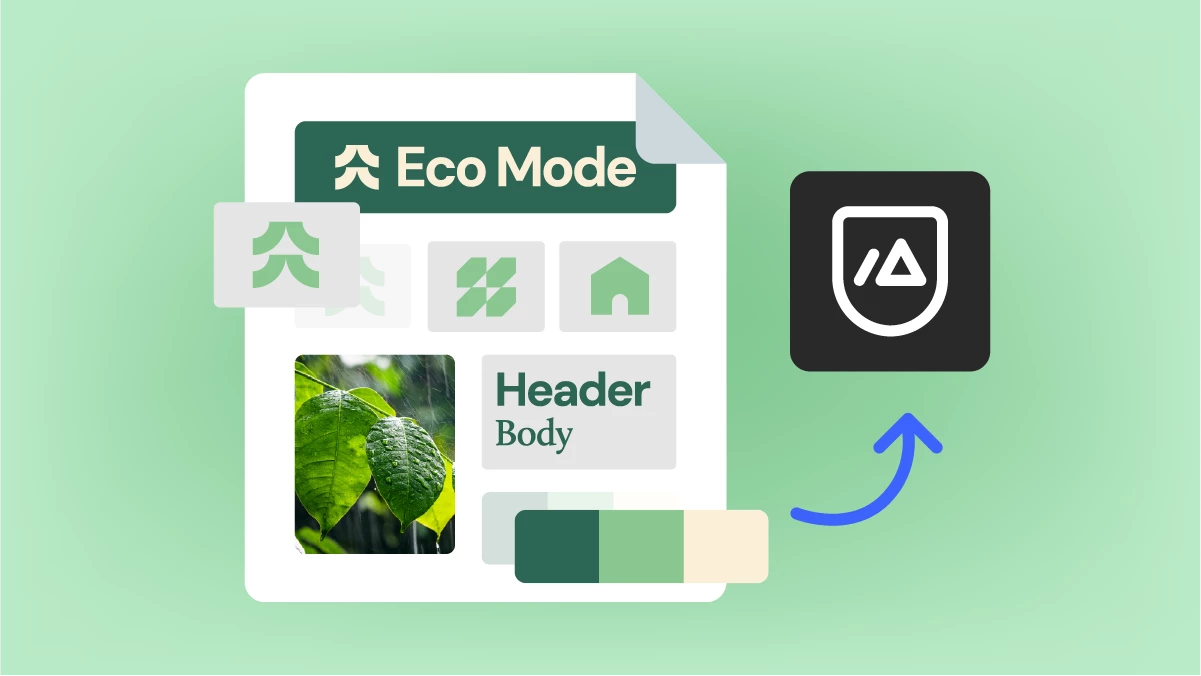 | Upload a PDF, JPEG, or PNG and Express automatically pulls out colors, fonts, logos, and brand voice | Build a brand from a file you already have instead of starting from scratch |
 | Describe what you want to make in your AI chat app, pick a template, and edit it right there in the conversation | Create Express designs without leaving the chat app you’re already in |
 | Export any design as an IDML file to open in InDesign | Take your design further in InDesign without rebuilding it |
Full documentation for everything above is on the Adobe Express What’s New page!
 AdChoices