




After Effects 26.3 is here!
The latest version of After Effects is here. Bringing powerful new features designed to speed up everyday workflows and reduce manual effort.
Leading this release is Depth of Field in the Advanced 3D renderer, letting you pull focus on 3D models, meshes, materials, and text right in-engine. Alongside it, you can now paste Illustrator and SVG content as native editable shape layers, track masks up to 5x faster, copy a rendered frame straight to your clipboard, create swirling organic motion with the new Curl Noise effect, and quickly filter the font list to find variable fonts. This release focuses on helping you get more done with fewer steps.
What's new in 26.3 | |
|---|---|
| Depth of Field in the Advanced 3D renderer Create a Depth of Field effect that lets you focus on 3D models, parametric meshes, Substance 3D materials, 3D text, shape layers, and more in Advanced 3D. | 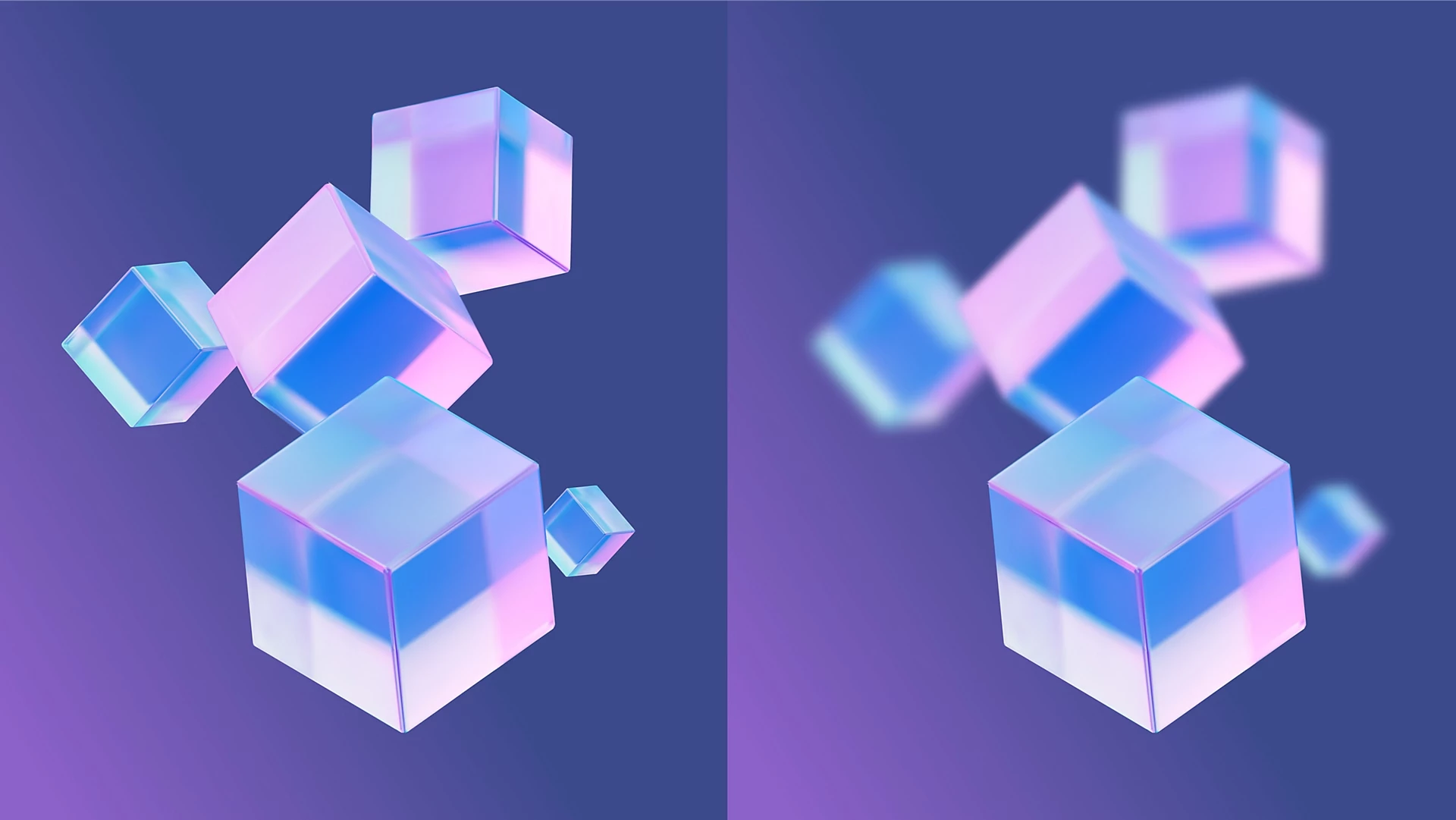
|
| Copy and paste Illustrator and SVG content Paste SVG content from Illustrator or other apps directly into After Effects as native, editable shape layers using Edit > Paste. | 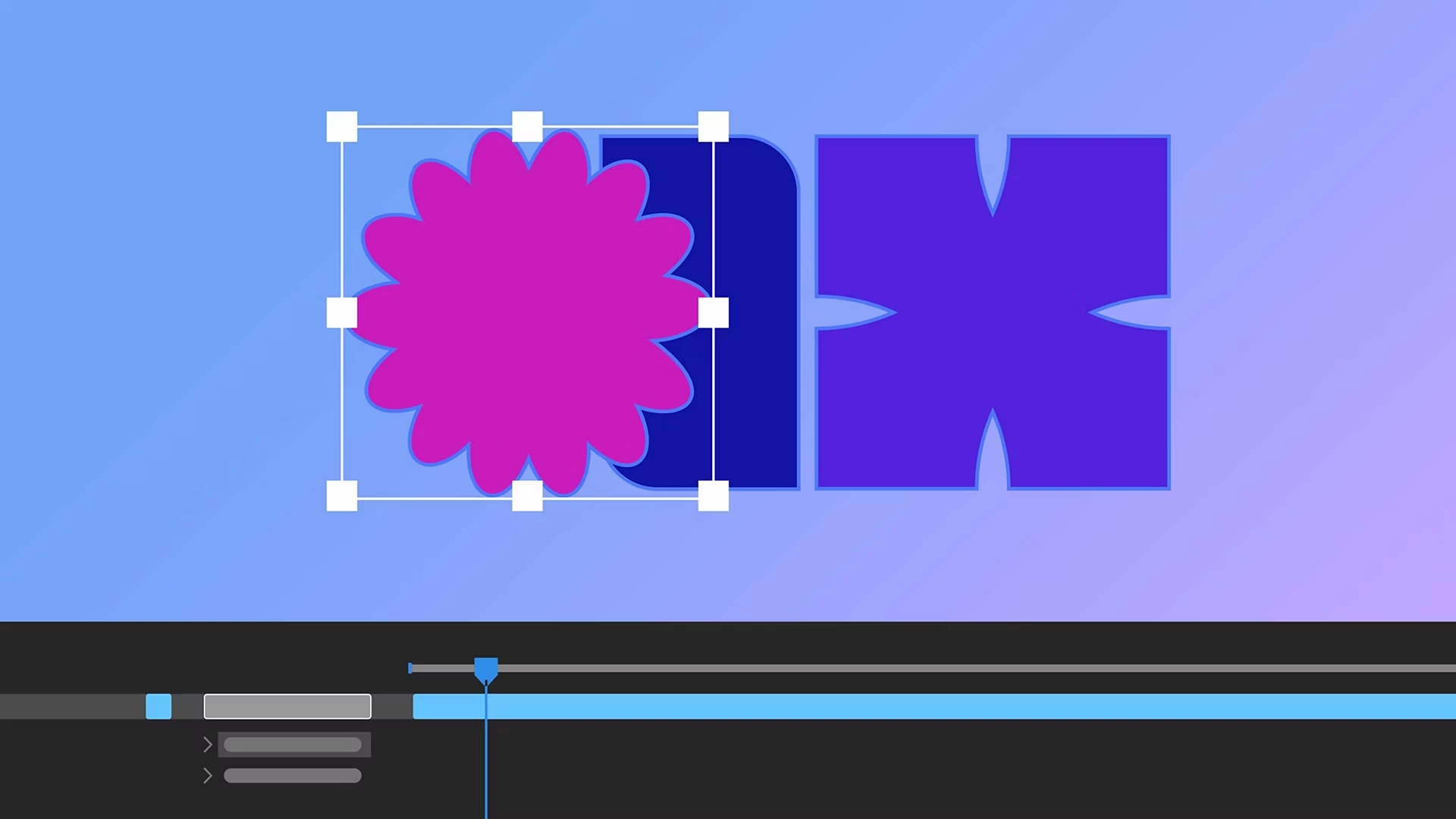
|
| Updated Mask Tracker Track masks faster and more accurately with the updated mask tracker, now up to 5x faster, with accessible controls that let you start tracking directly from the Timeline panel. | 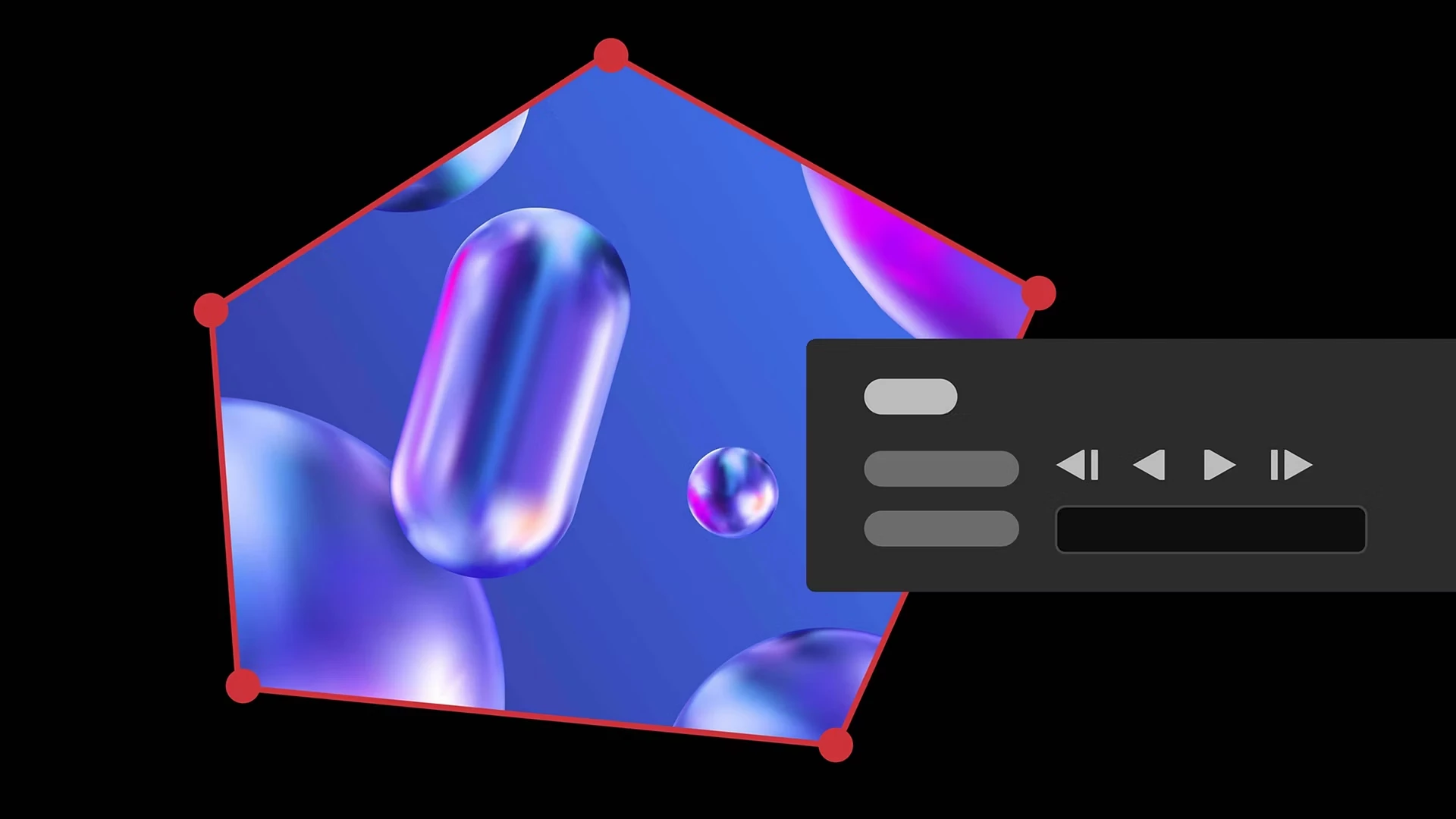
|
| Copy a frame to the clipboard Capture the currently rendered frame as a still image from the Composition, Footage, or Layer panel and copy it to your system clipboard in a single click. | 
|
| Curl Noise effect for swirling animated 2D patterns Create fluid, organic 2D noise that feels like smoke, water, or ink—ideal for smooth, flowing motion in backgrounds, textures, and abstract animations. | 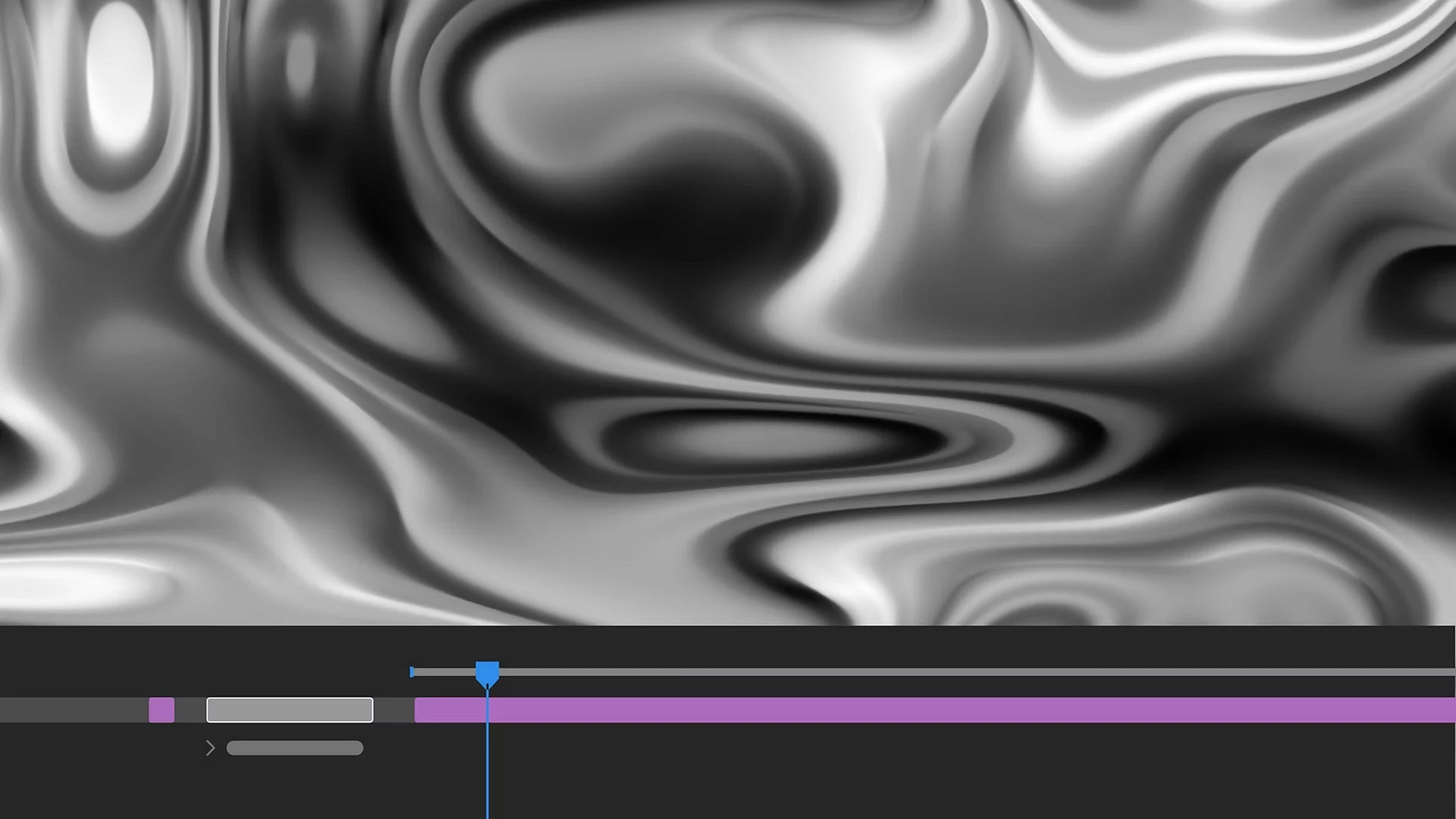 |
| Quickly find variable fonts by axis Filter the font list to show only variable fonts, making it easier to find the right font. | 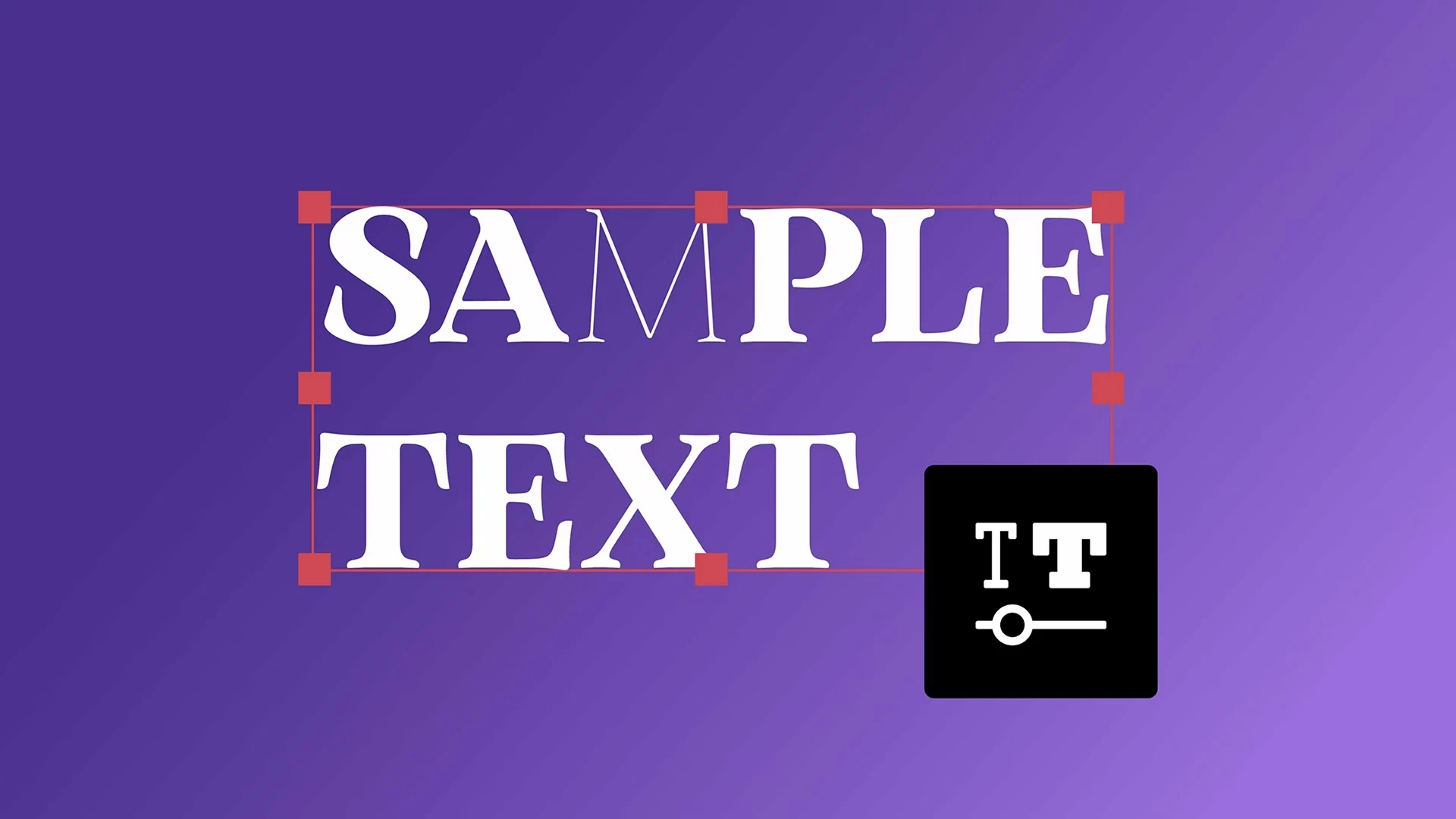
|
Fixed issues in 26.3
This release includes a large number of bug fixes and stability improvements. For the full list, see the official document:
View all fixed issues in After Effects 26.3 ›
New in Beta | |
|---|---|
| Duplicate layers using Alt/Option-drag Alt/Option-drag a layer to the Composition panel to instantly duplicate it in both 2D and 3D compositions. | 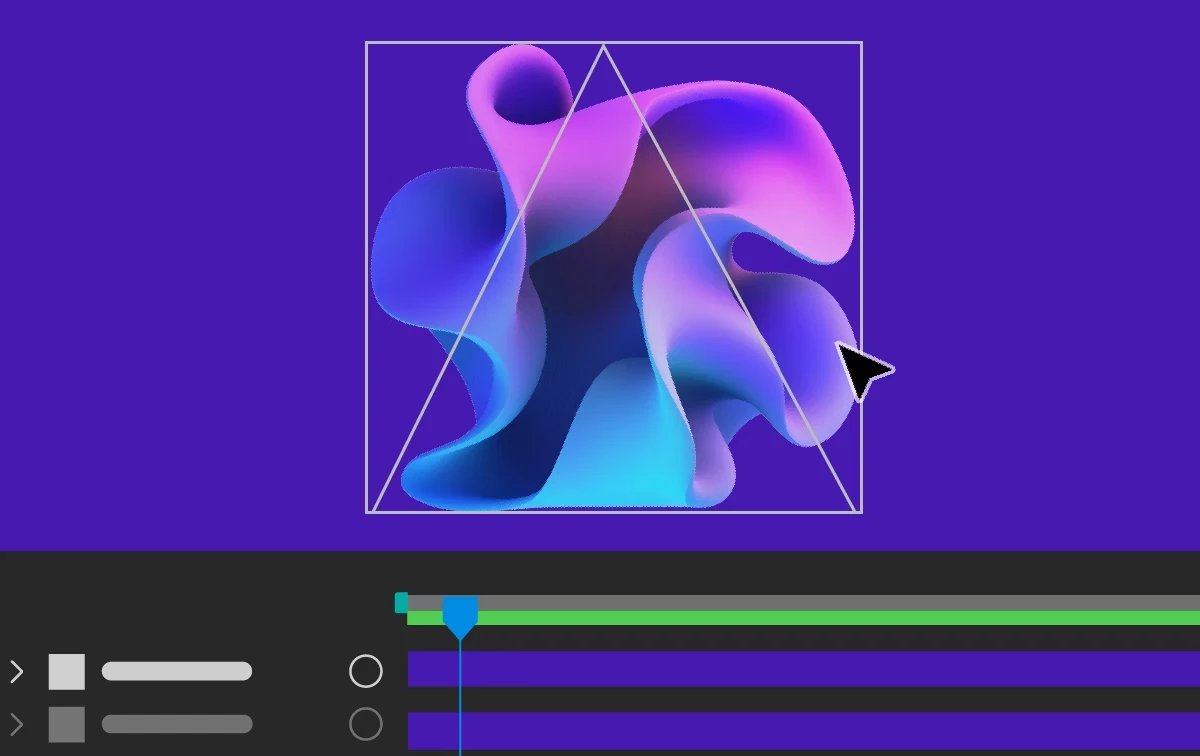
|
| Change anchor point in a more efficient way Effortlessly adjust the anchor point on 2D layers with Quick Set Anchor using the Properties panel or a keyboard shortcut. | 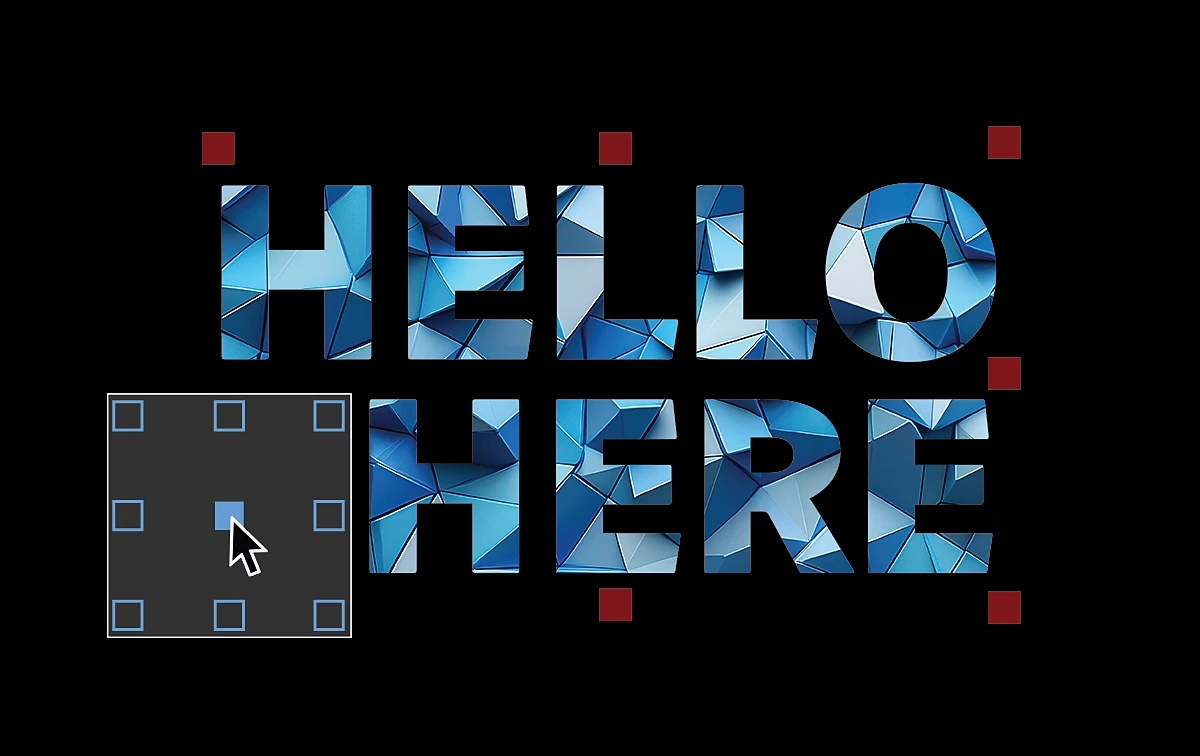
|
| Effect Controls panel modernization Use the updated Effect Controls panel, built on a modern framework, to view and manage effects with icon-based controls. | 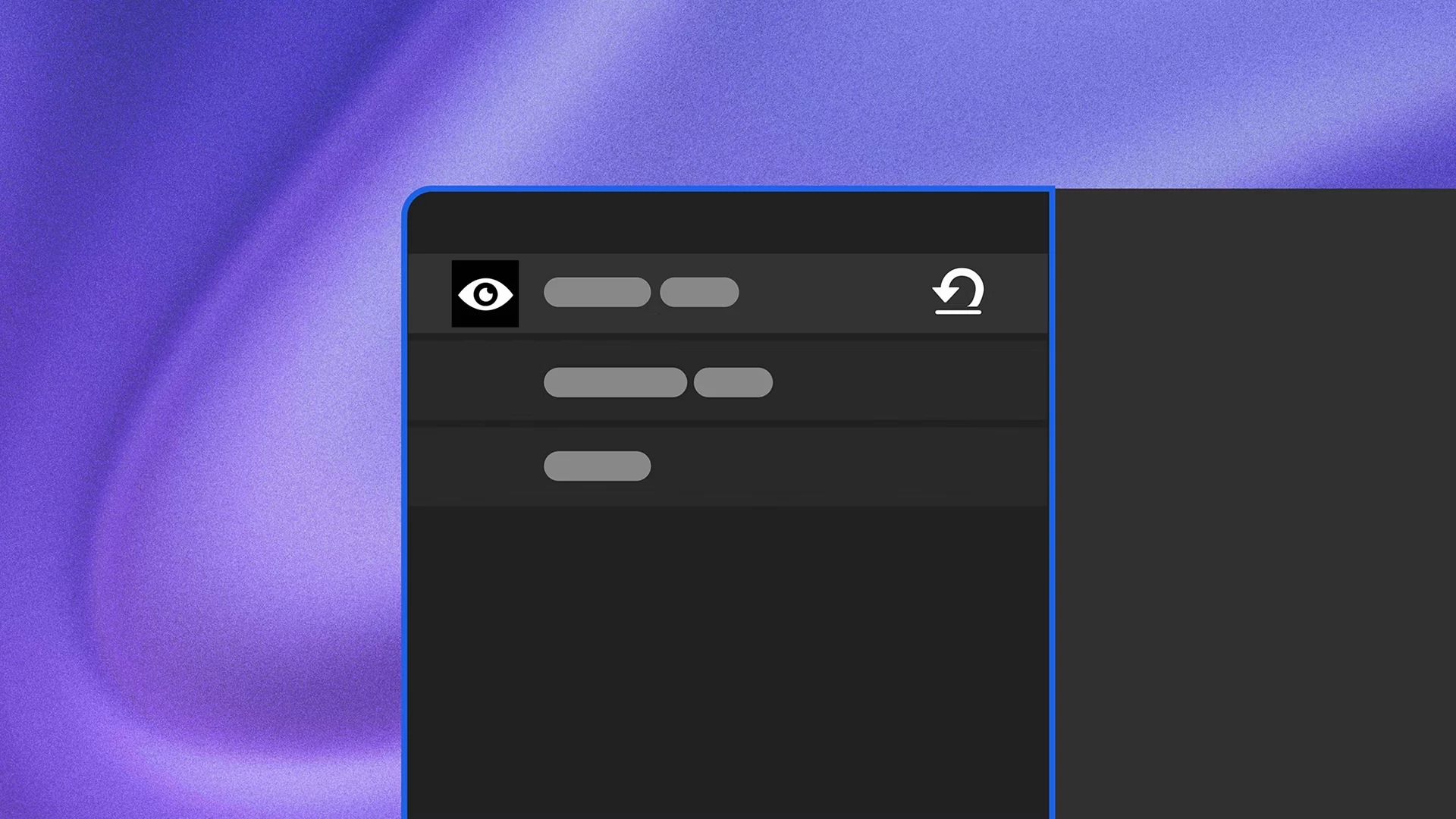
|
| Color labels for effects Assign color labels to individual effect instances in the Effect Controls panel to organize, identify, and work with your effects more easily. | 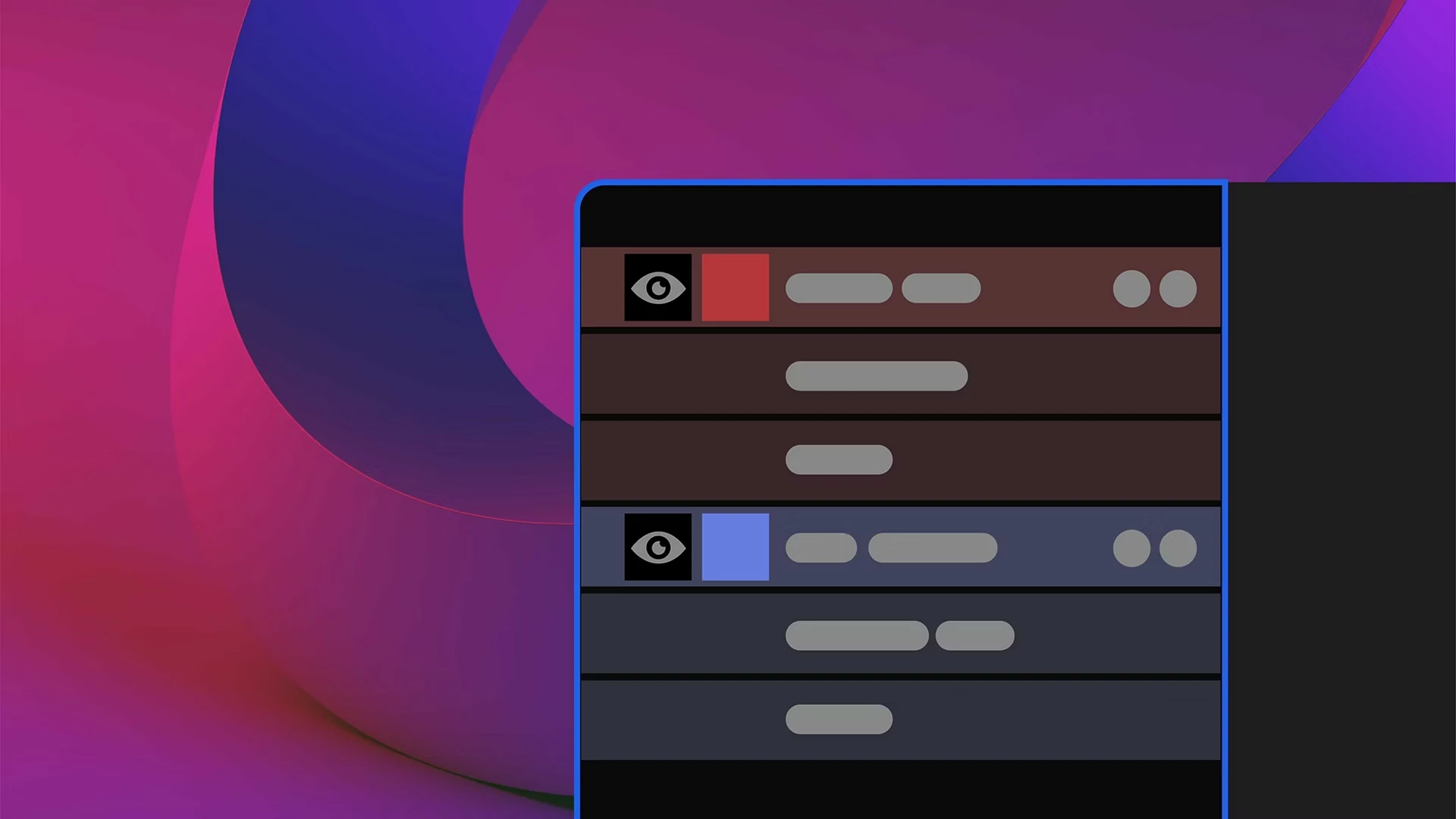
|
Here's how you can update your After Effects
👉 Which feature are you trying first? 👉 What's already improving your workflow?
Let us know in the comments!
 AdChoices