




After Effects 26.5 is here!
After Effects 26.5 is here! Bringing powerful new features designed to speed up everyday workflows and reduce manual effort.
Leading this release is the new Guides functionality, giving you percentage-based positioning, edge pinning, and custom guide colors for more precise, flexible layouts. Alongside it, you can now keep your propagated Object Matte results cached to disk between sessions, assign color labels to individual effects, and manage your effects in a modernized Effect Controls panel. This release focuses on helping you get more done with fewer steps.
What's new in 26.5 | |
|---|---|
| New guides functionality Use the new guides, which support percentage-based positioning, edge pinning, custom guide colors, and improved guide editing controls. Learn about grids, guides, and rulers › | 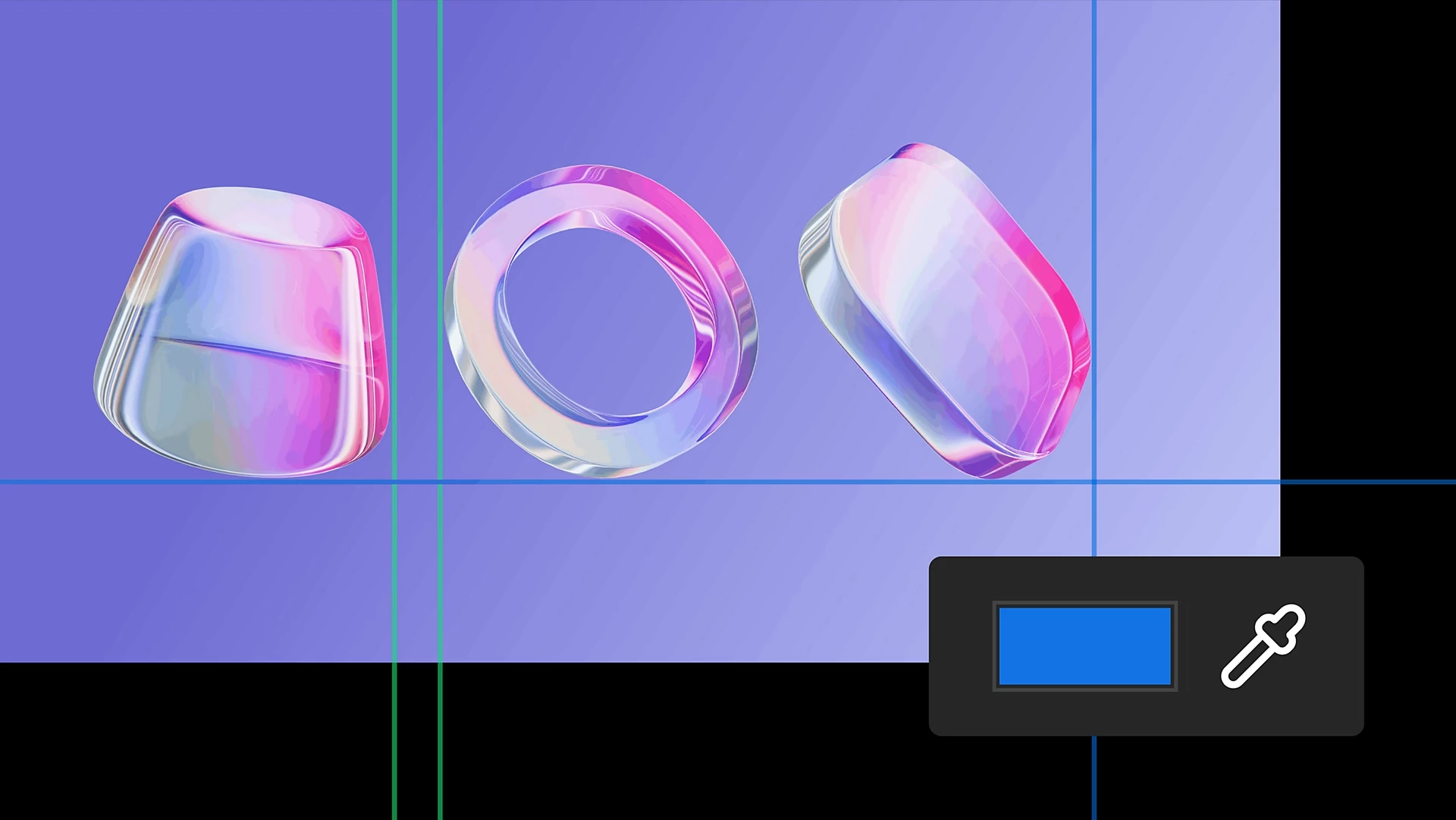
|
| Disk Caching for Object Matte Disk caching keeps your propagated Object Matte results even after you close the project, freeing up RAM and speeding up work on long clips. Learn about Object Matte › | 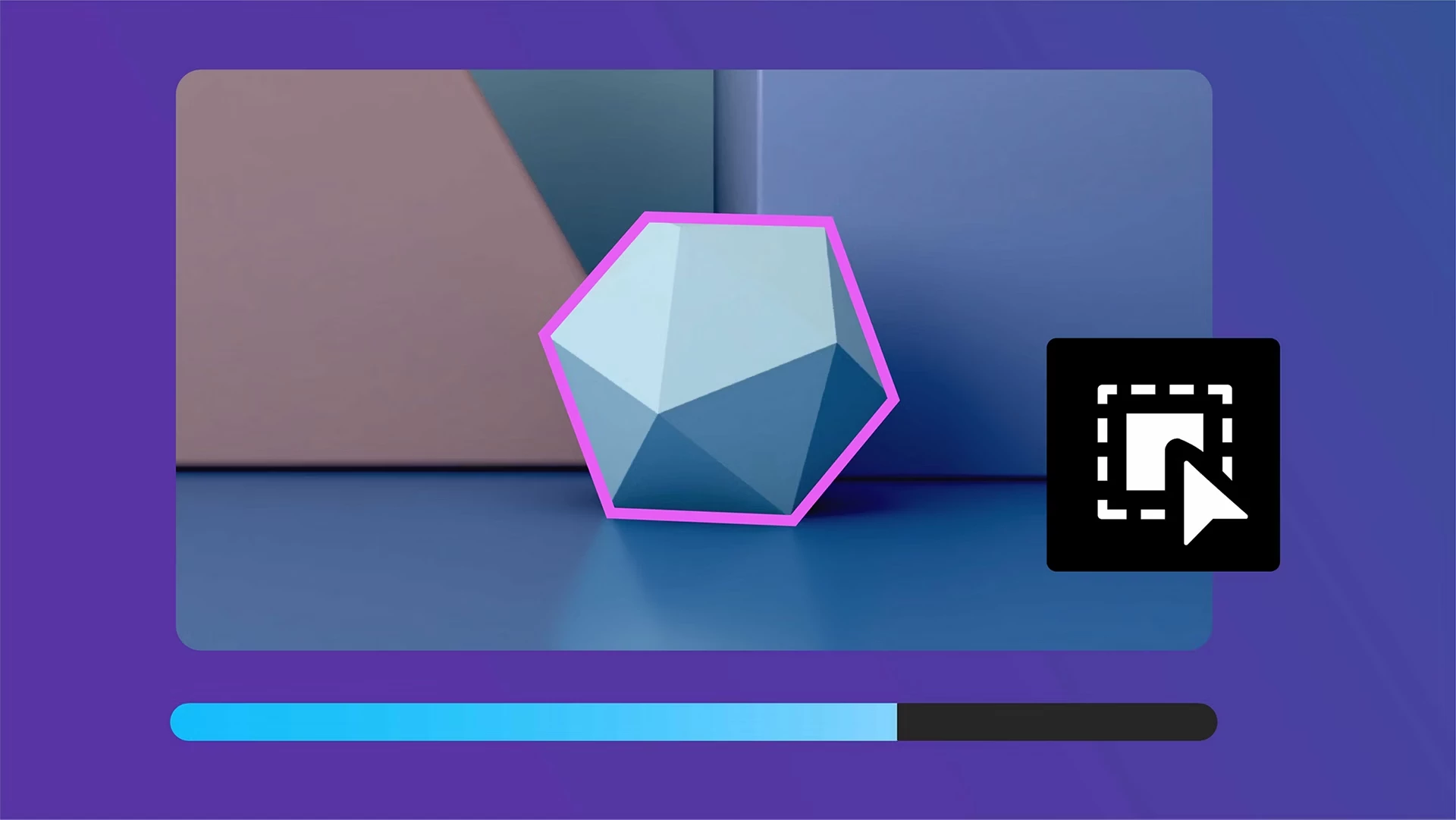
|
| Color labels for effects Assign color labels to individual effect instances in the Effect Controls panel to organize, identify, and work with your effects more easily. Learn about color labels for effects › | 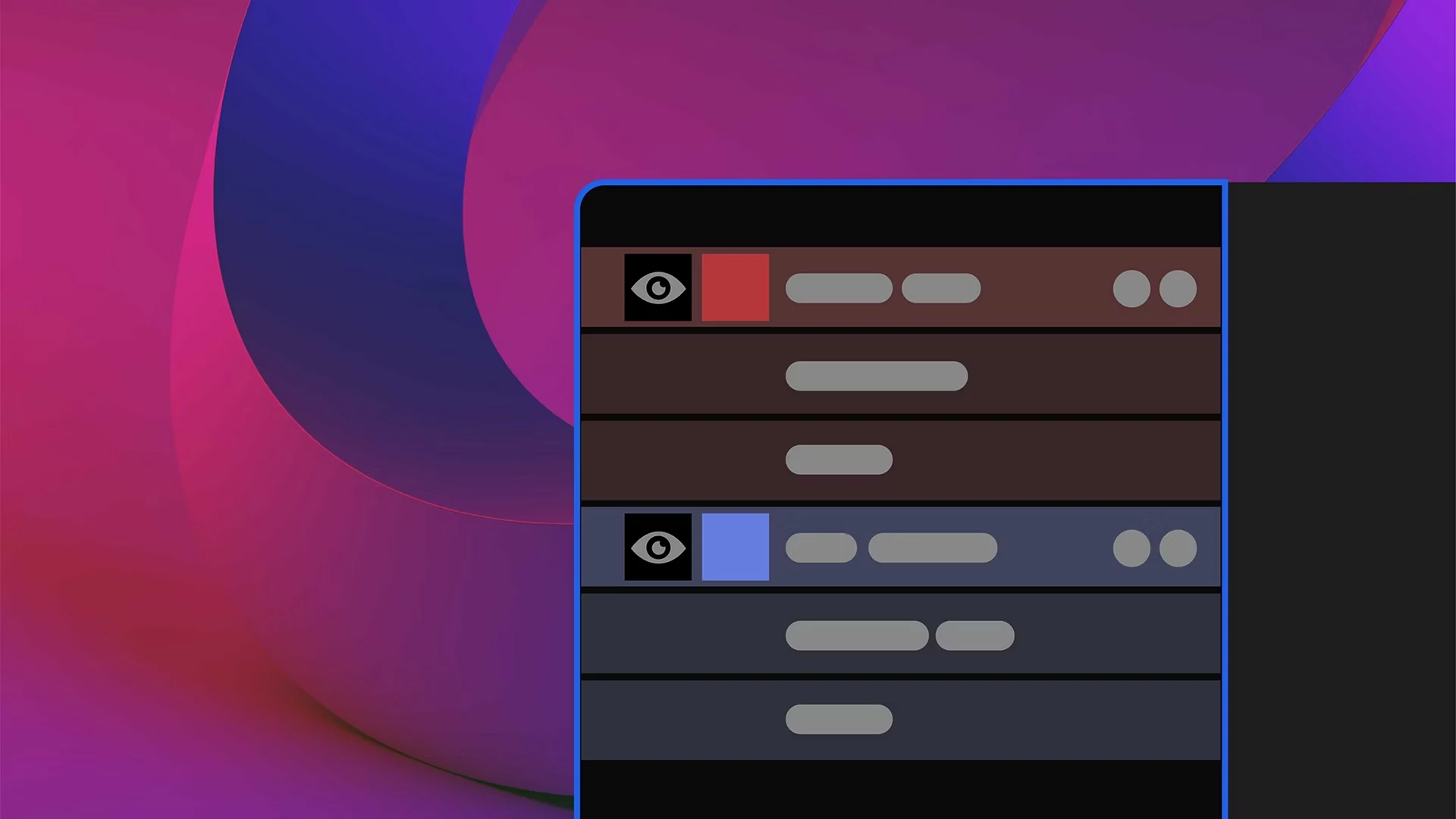
|
| Effect Controls panel modernization Use the updated Effect Controls panel, built on a modern framework, to view and manage effects with icon-based controls. Learn about the Effect Controls panel › | 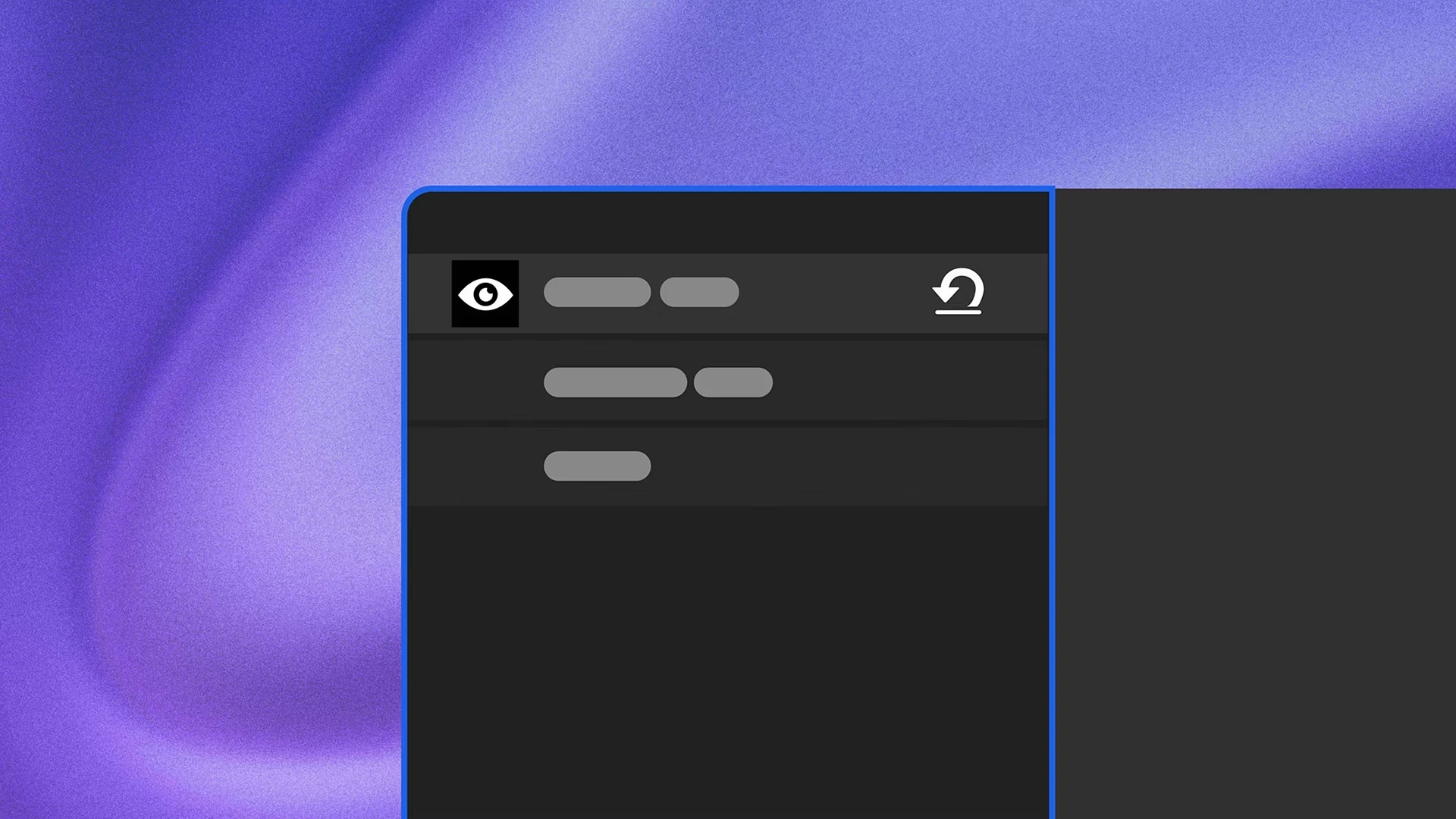 |
Fixed issues in 26.5 |
|---|
| This release includes a large number of bug fixes and stability improvements. For the full list, see the official document: |
Top features in Beta | |
|---|---|
| After Effects AI Assistant Describe what you need in the new Assistant panel, and let it organize your project, write and fix expressions, generate images and videos, and more. Learn more › | 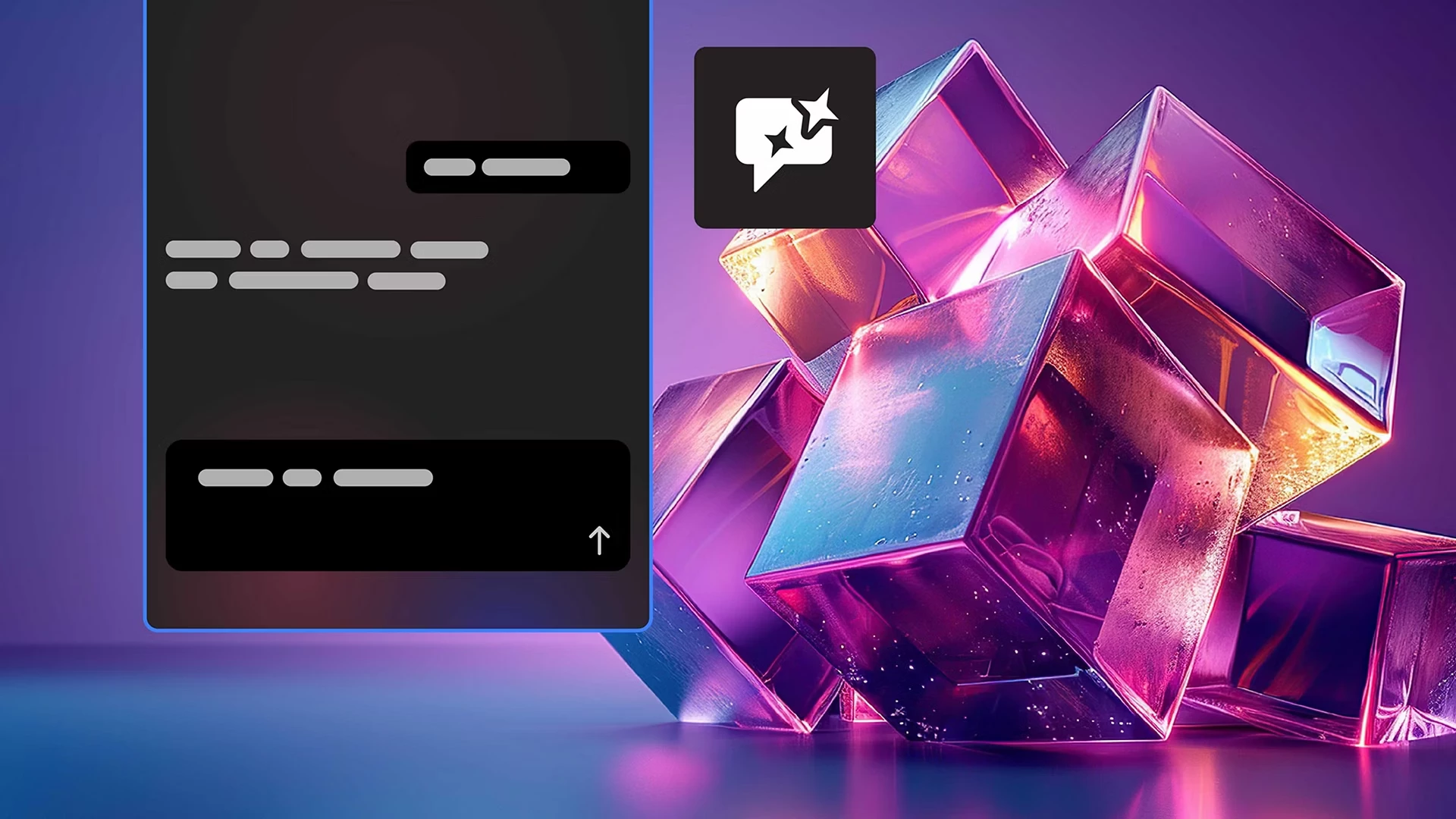
|
| Stylize footage with Contour Paint effect Use the new Contour Paint effect to analyze the contours in your frame, then smear and posterize pixels along those contours for a highly stylized result. Learn more › | 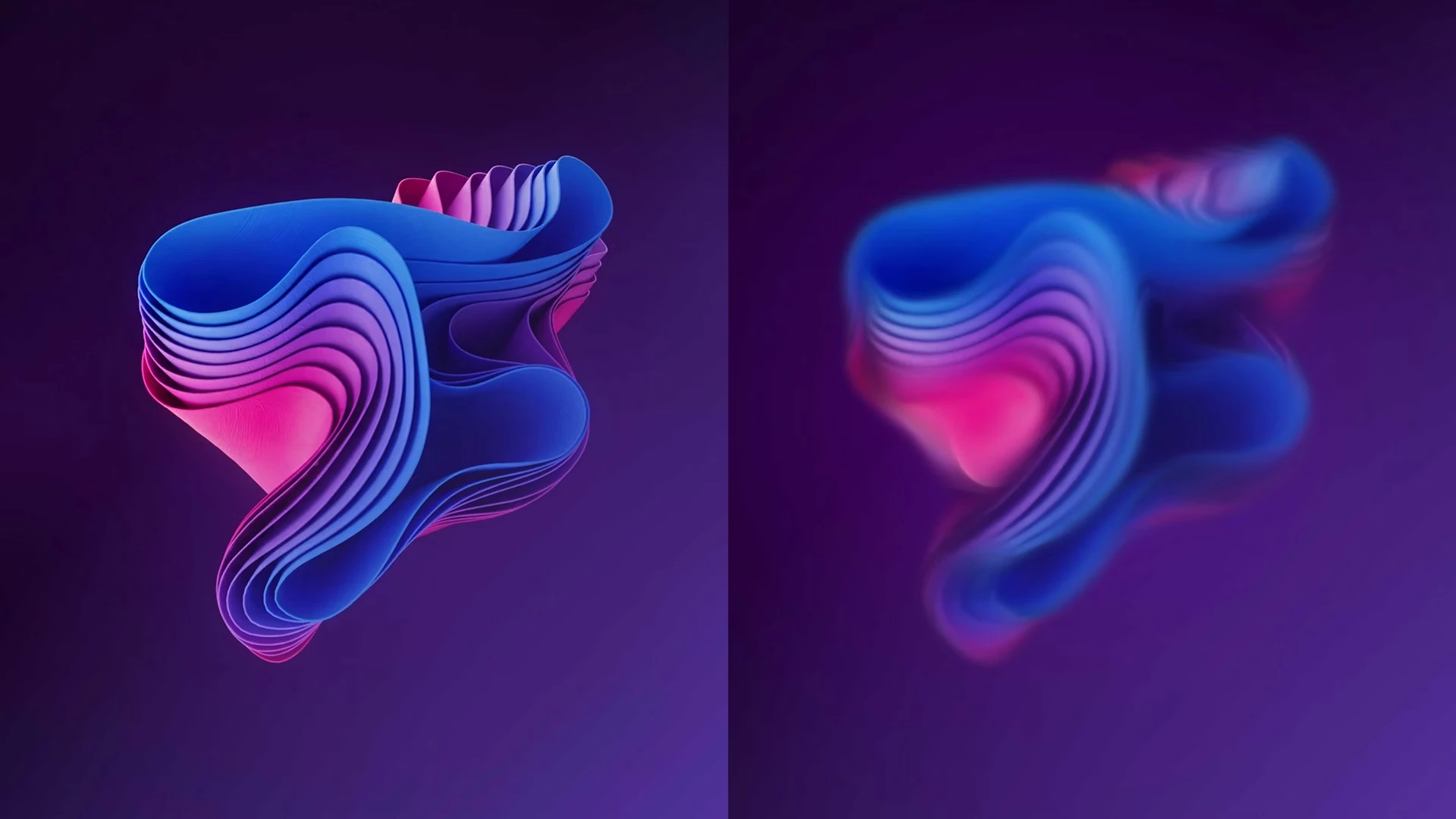
|
| Use layers as material sources Use animated precomps, solids, images, and videos as materials for 3D objects when working with the Advanced 3D renderer. Learn more › | 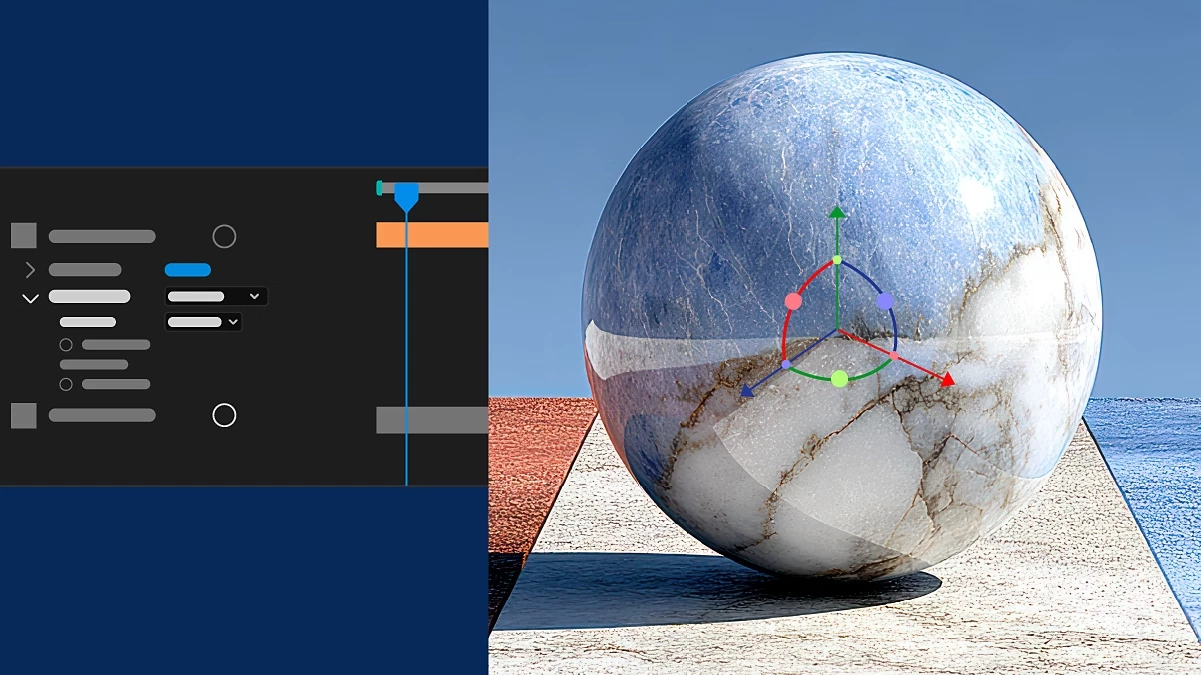
|
| Apply materials to 3D text and shapes Apply Substance materials directly to 3D text and shape layers, replacing default legacy materials with photorealistic or stylized looks. Learn more › | 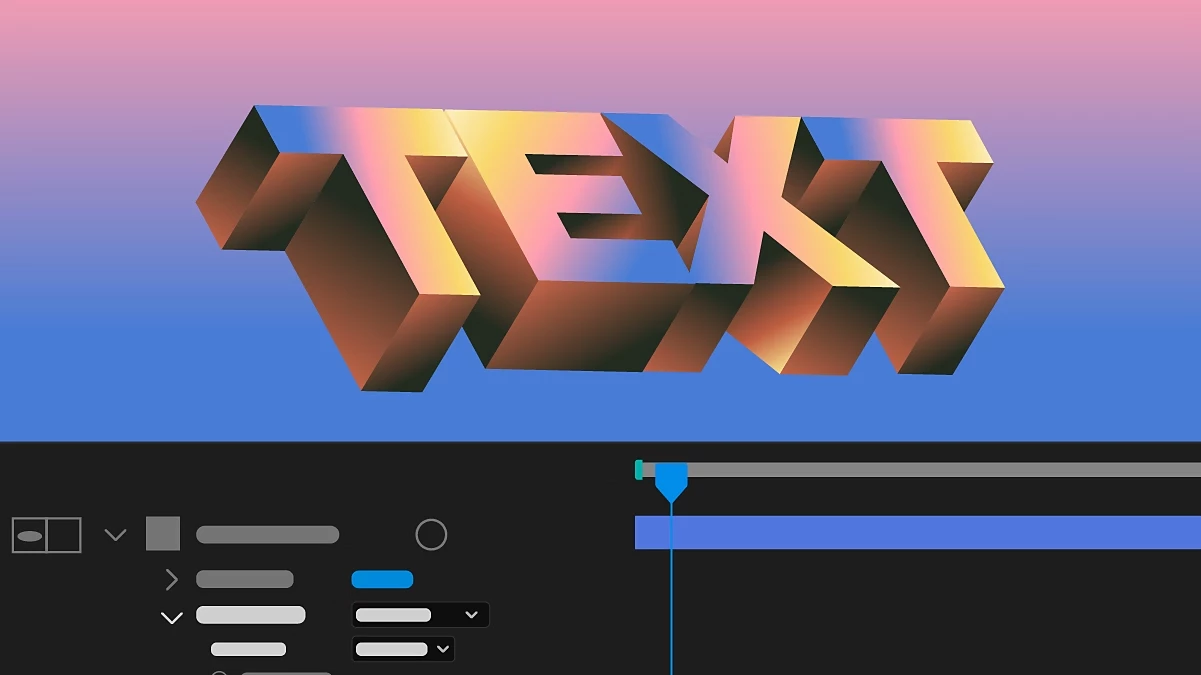
|
| Editable text from Illustrator layers Convert Illustrator text to editable text layers, preserving font, size, fill, position, styles, and variable font settings. Learn more › | 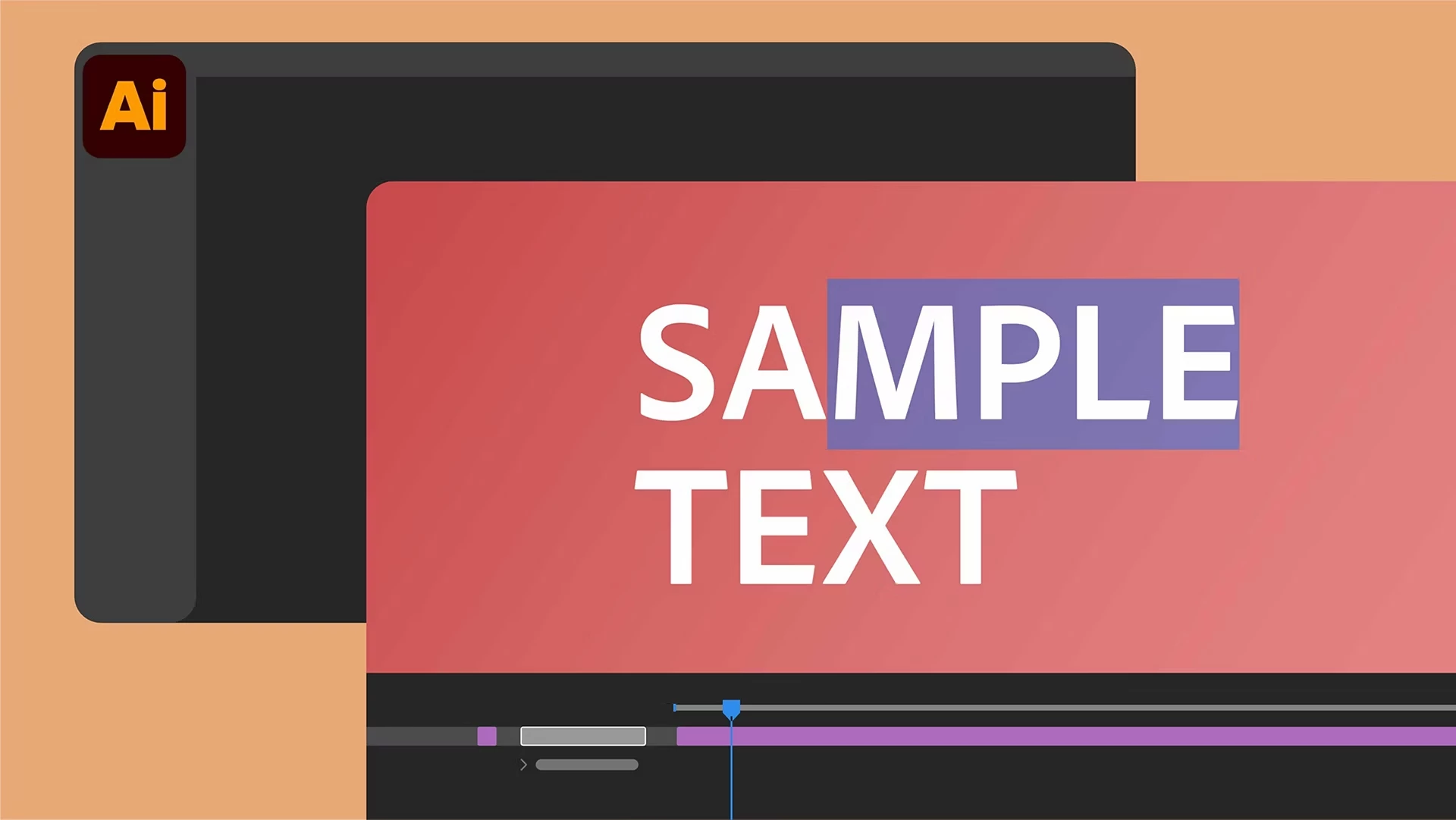
|
| Duplicate layers using Alt/Option-drag Alt/Option-drag a layer to the Composition panel to instantly duplicate it in both 2D and 3D compositions. Learn more › | 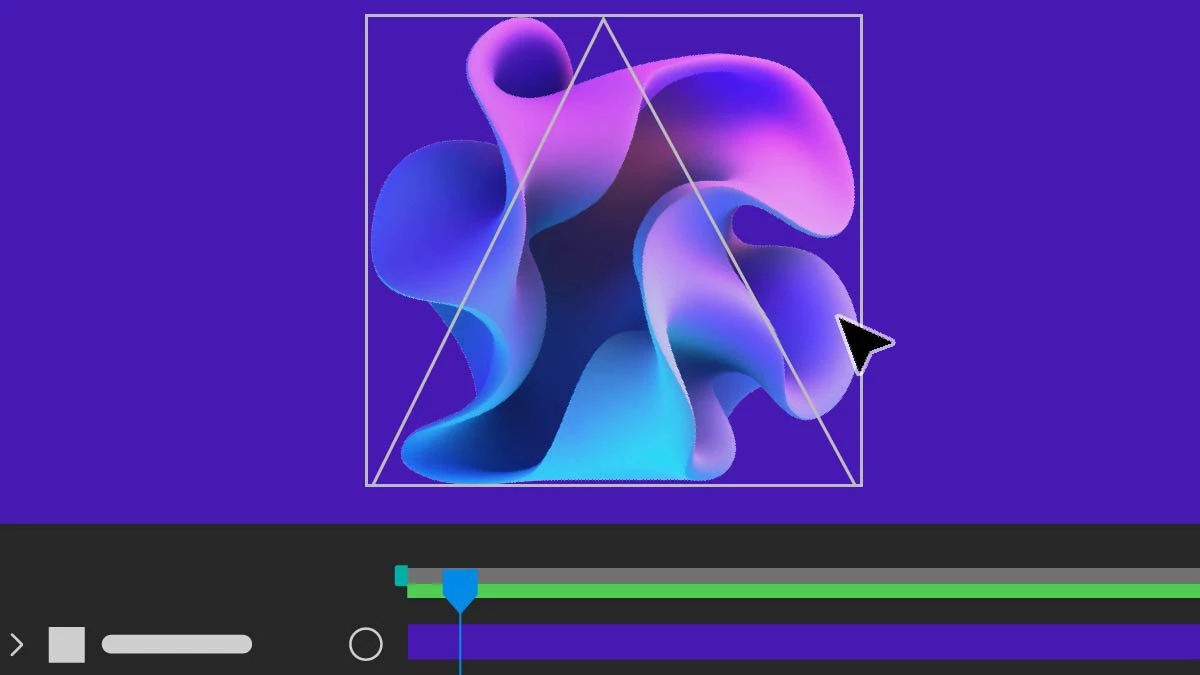
|
| Change anchor point in a more efficient way Effortlessly adjust the anchor point on 2D layers with Quick Set Anchor using the Properties panel or a keyboard shortcut. Learn more › | 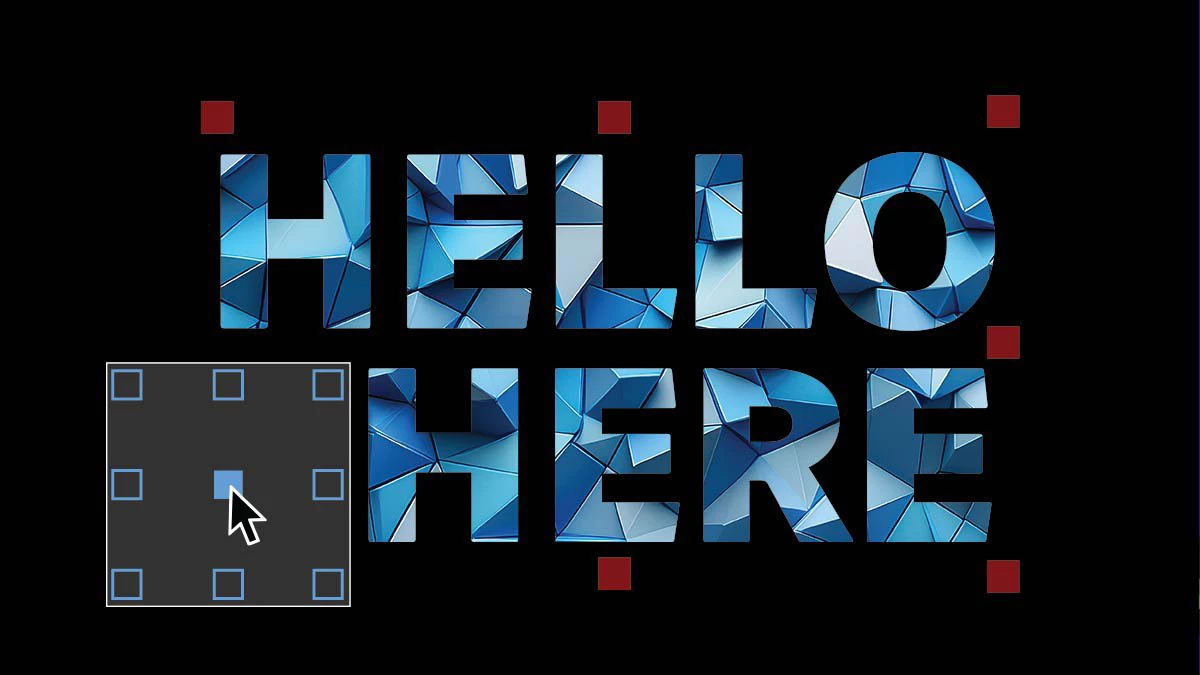
|
Here's how you can update your After Effects
👉 Which feature are you trying first? 👉 What's already improving your workflow?
Let us know in the comments!
 AdChoices