




After Effects 27.0 Is Here: AI Assistant, 3D Materials, and What to Try First 🚀
After Effects 27.0 is here! Here's what to try first. 🚀
Scrolling through release notes to find what matters for your work takes time. So here's the short version. This release brings the AI Assistant, plus new ways to use layers as 3D materials and to texture 3D text and shapes.
What’s new in 27.0 | ||
|---|---|---|
| After Effects AI Assistant Describe what you need in the new Assistant panel, and let it organize your project, write and fix expressions, generate images and videos, and more. | 
| |
| Use layers as material sources Use animated precomps, solids, images, and videos as materials for 3D objects when you’re working with the Advanced 3D renderer. Learn more › | 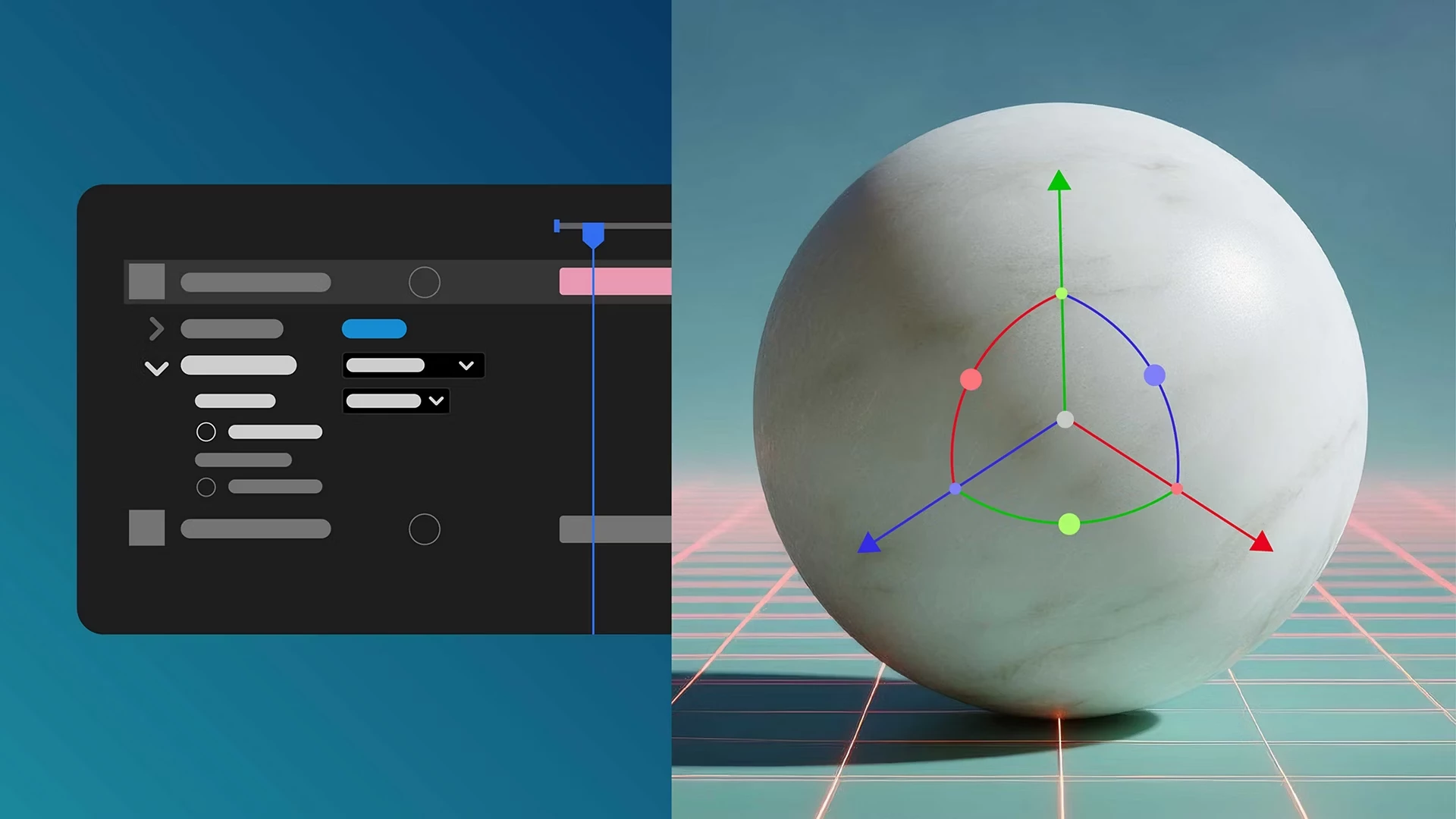
| |
| Apply materials to 3D text and shapes Put Substance materials straight onto 3D text and shape layers, in place of the default legacy ones. | 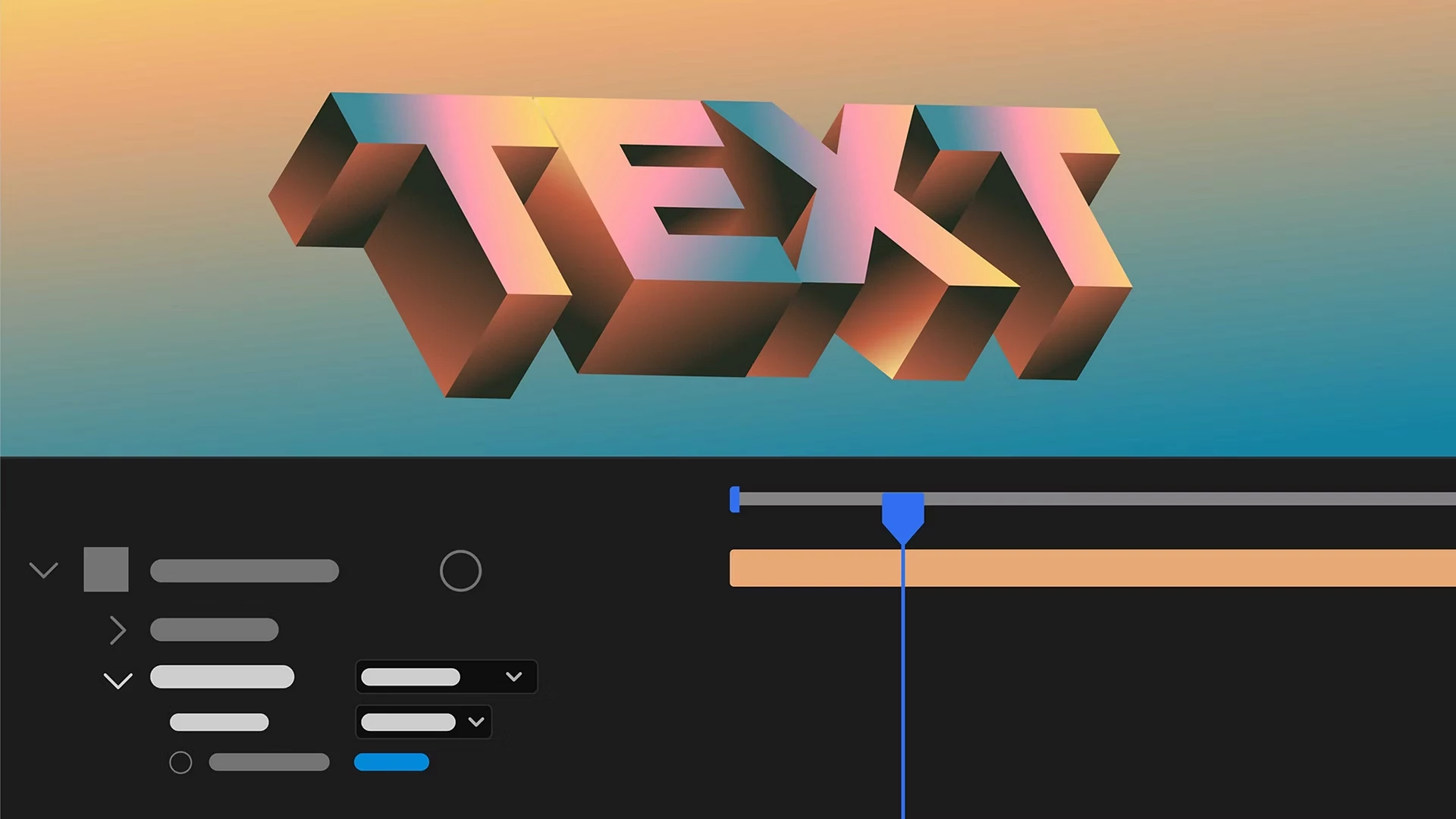
| |
| Import Illustrator text as editable text layers Convert Illustrator text to editable text layers, preserving fonts, size, fills, positions, styles, and variable font settings. | 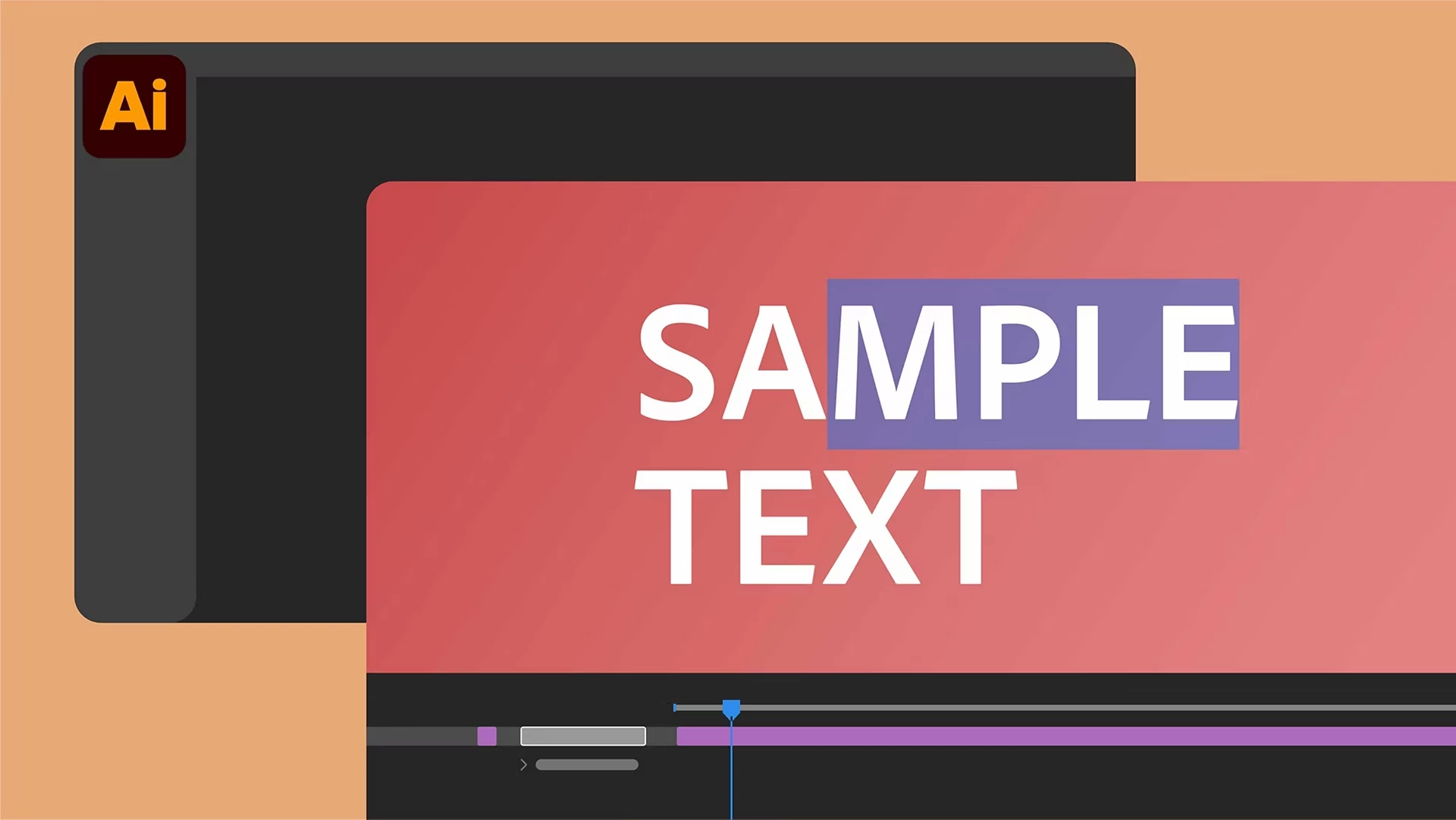
| |
| Access Adobe Stock assets in After Effects Use the new Adobe Stock panel to add Stock assets without leaving After Effects, and download them straight into your Project panel. | 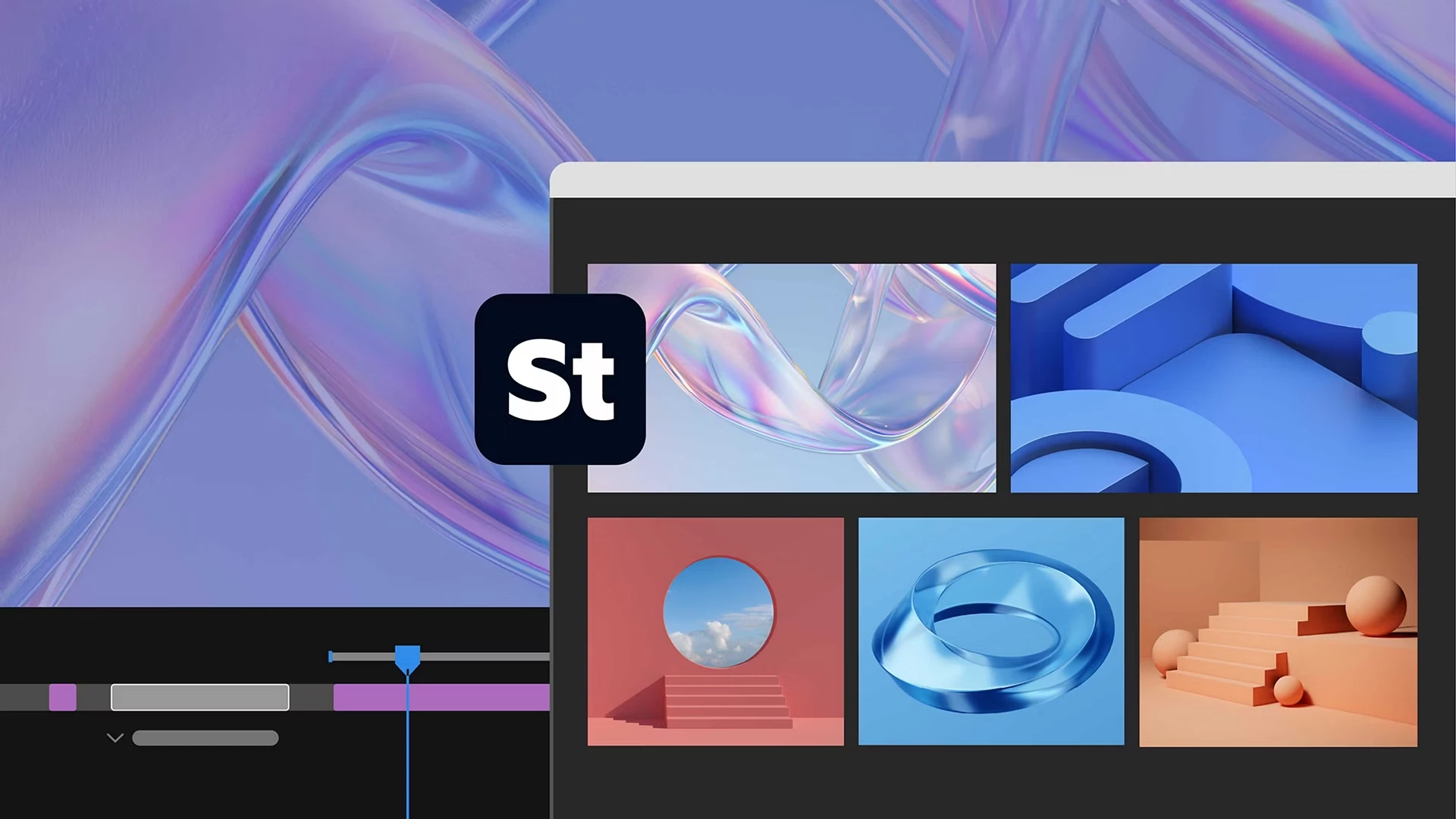
| |
| Stylize footage with Contour Paint The new Contour Paint effect analyzes the contours in your frame. Then it smears and posterizes pixels along those contours for a highly stylized result. | 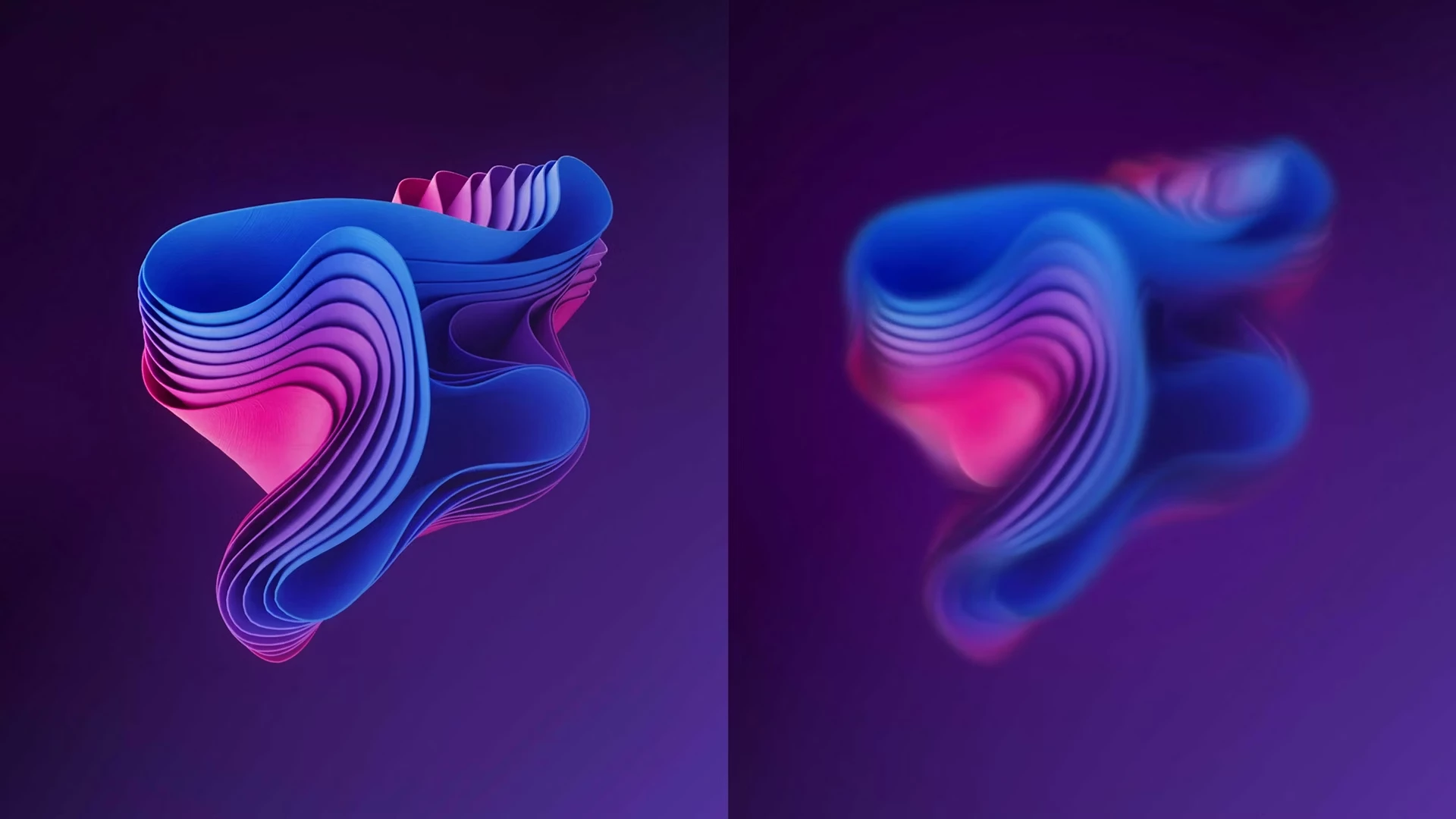
| |
| Recover projects easily with improved Auto-Save Auto-Save helps safeguard your projects, and you can quickly recover your work after an unexpected After Effects crash. | 
| |
| Set your PNG compression level on export | 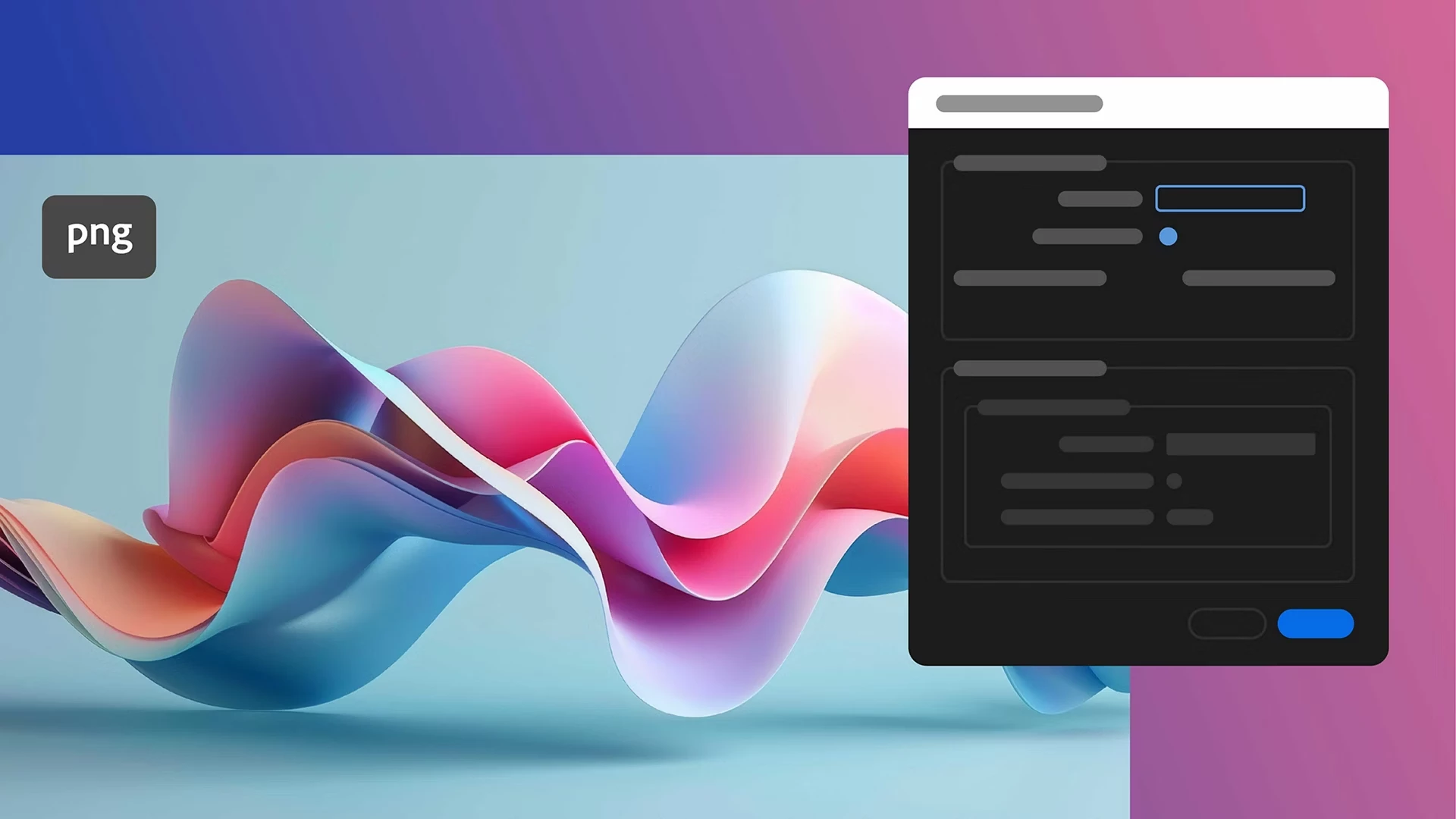
| |
| Reduce sibilance with the De-esser effect De-esser automatically detects harsh "s" and "sh" sounds in a target frequency range and turns them down until the harshness passes. Learn to use the De-esser effect › | 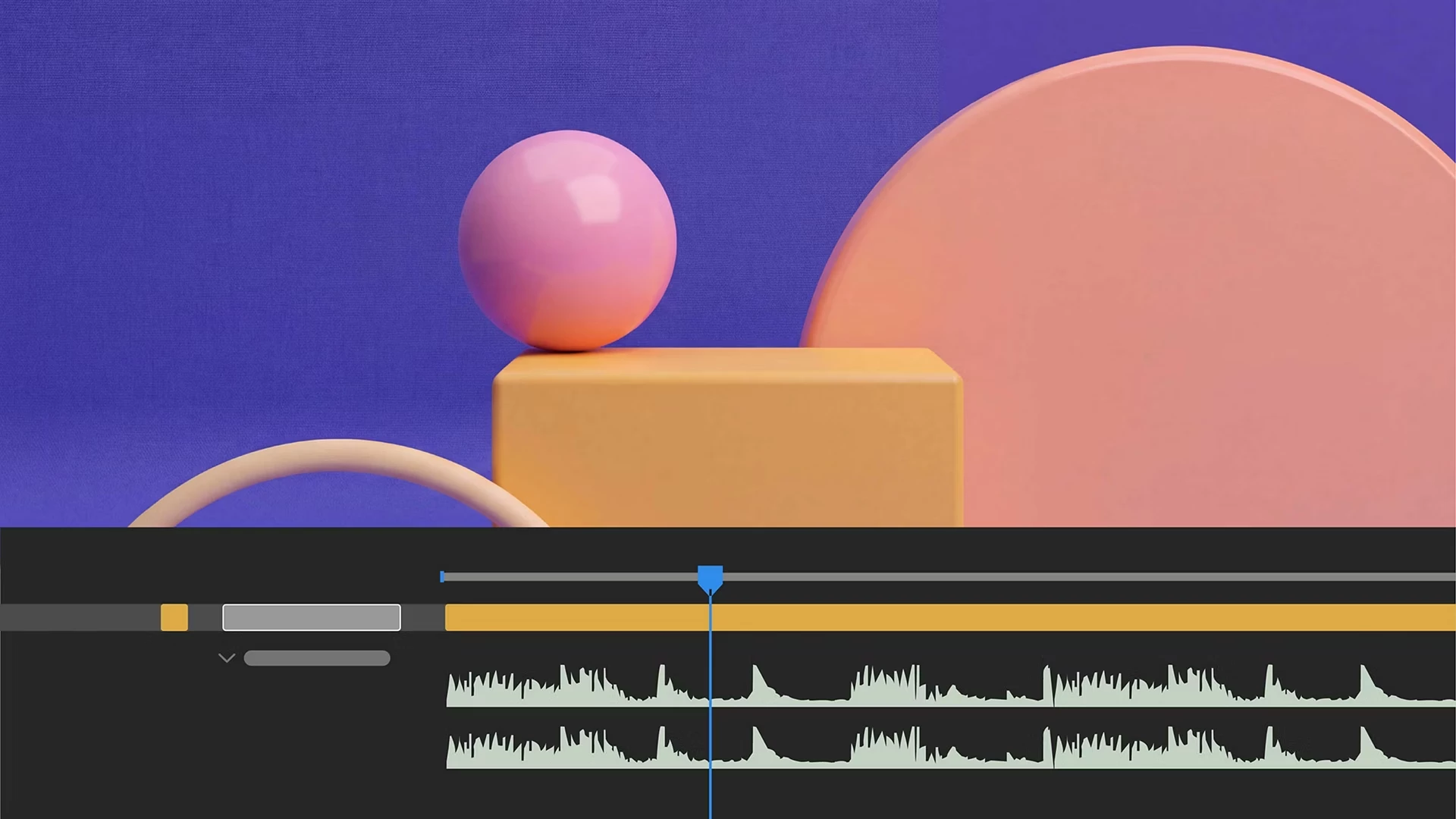
| |
| Reuse recent items in Quick Apply Quick Apply now keeps a history of the effects, animation presets, and menu commands you've used, so you can reuse them without searching again. Learn to access recently used items in Quick Apply › | 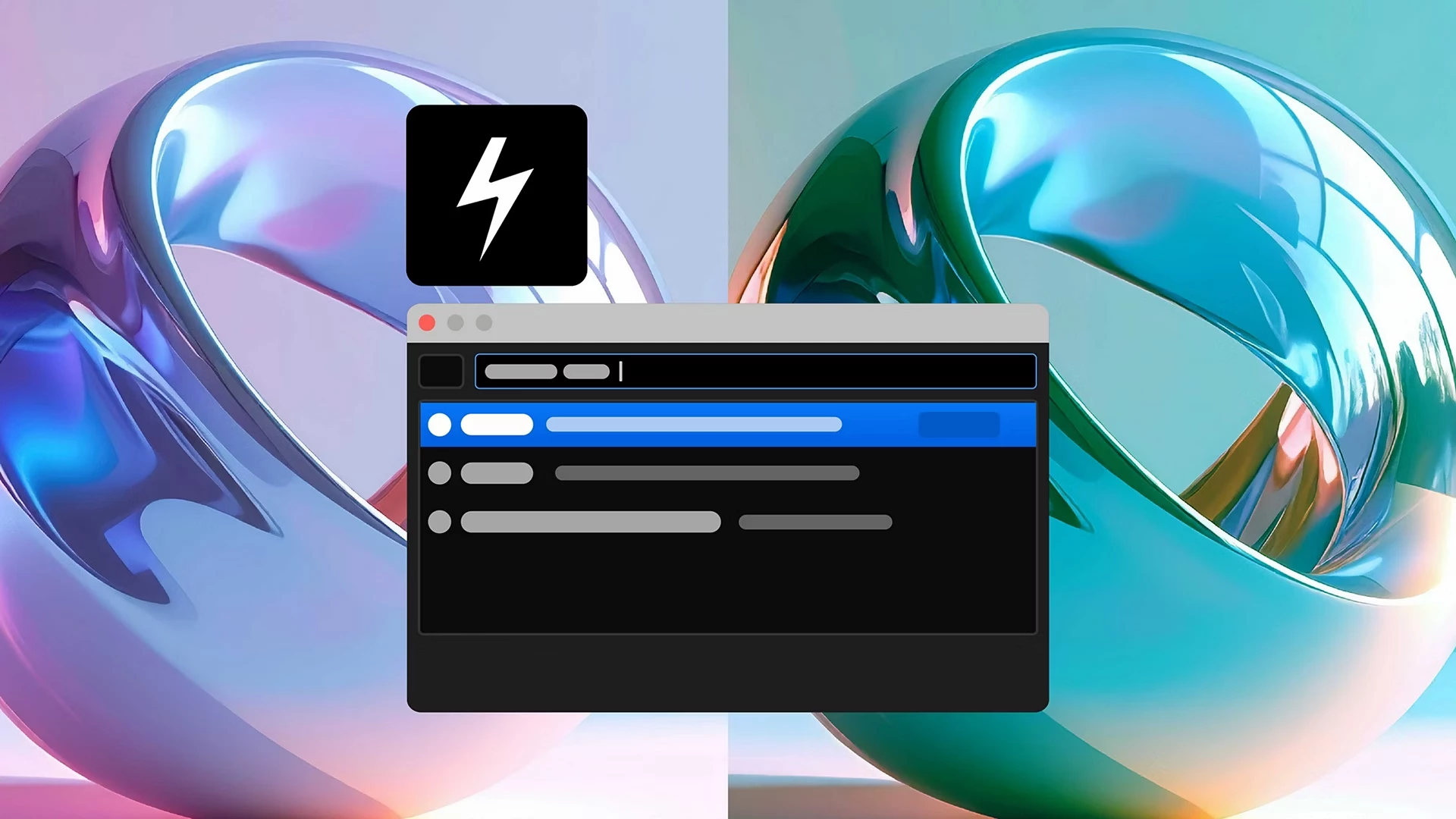
| |
Fixed issues in 27.0 |
|---|
| Lots of bug fixes and stability improvements in this one. See the full list of fixed issues › |
Top features in Beta | ||
|---|---|---|
| Adjust the anchor point on 2D layers with Quick Set Anchor, from the Properties panel or with a keyboard shortcut. | 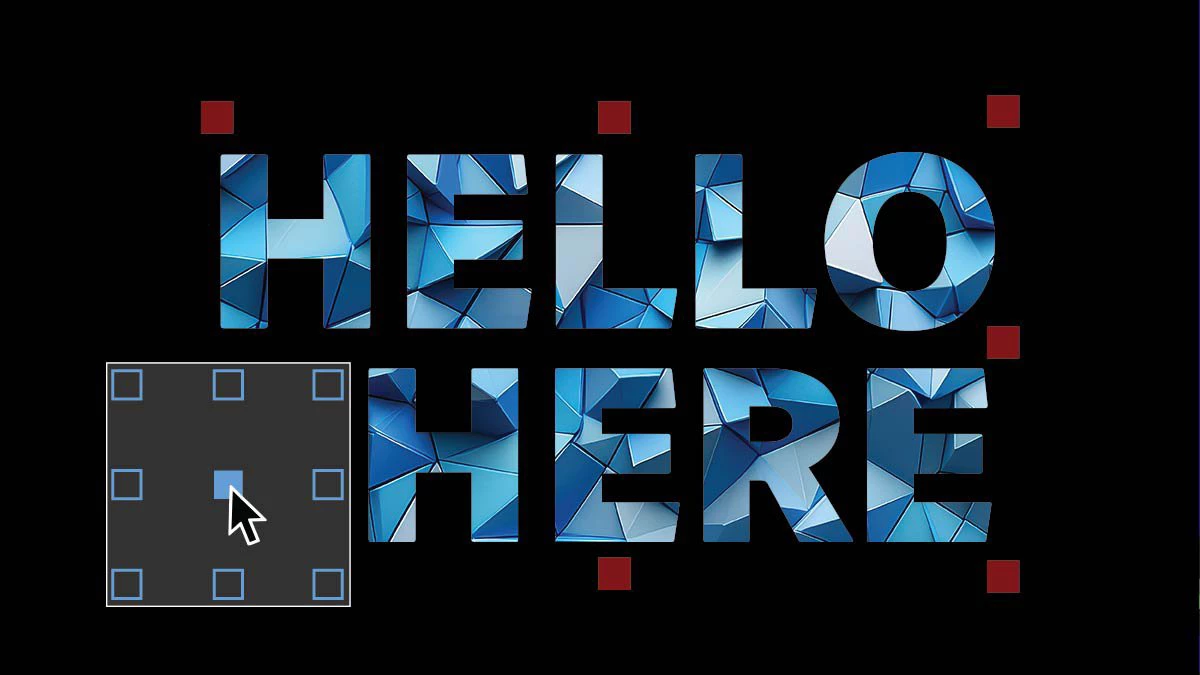
| |
| Duplicate layers using Alt/Option-drag Alt/Option-drag a layer to the Composition panel to duplicate it instantly in both 2D and 3D compositions. | 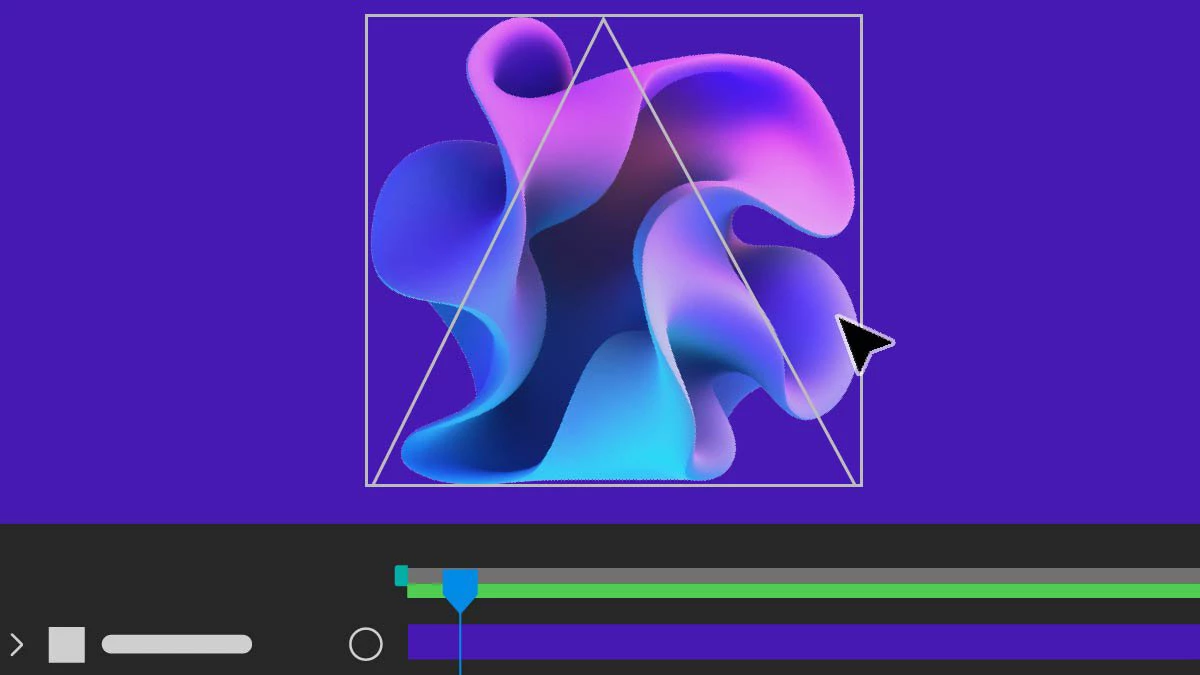
| |
| View and manage your Adobe account, subscription details, and settings from the Account menu in After Effects. | 
| |
Here’s how you can install the beta version
Here’s how you can update your After Effects
Your turn! Let us know in the comments.
-
👉 Which feature are you trying first?
-
👉 What's already improving your workflow?
 AdChoices