




Tutorial
New in AE 26.3: Depth of Field in Advanced 3D Renderer
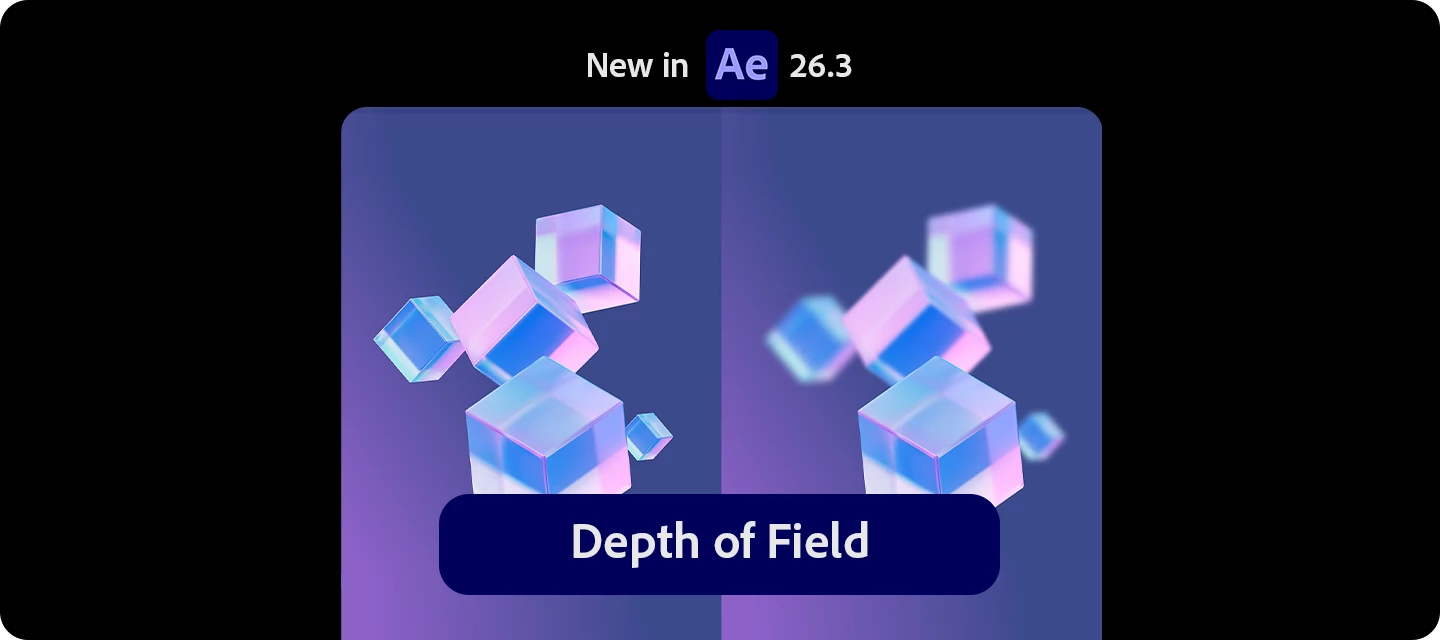
Want your 3D scenes to feel like they were shot through a real camera lens?
With Depth of Field in the Advanced 3D renderer, you can now pull focus on your 3D scene right in the engine, keeping your subject sharp while everything in front of and behind it falls into a soft, natural blur.
It works across 3D models, parametric meshes, Substance 3D materials, 3D text, shape layers, and more. No compositing tricks or post blur required.
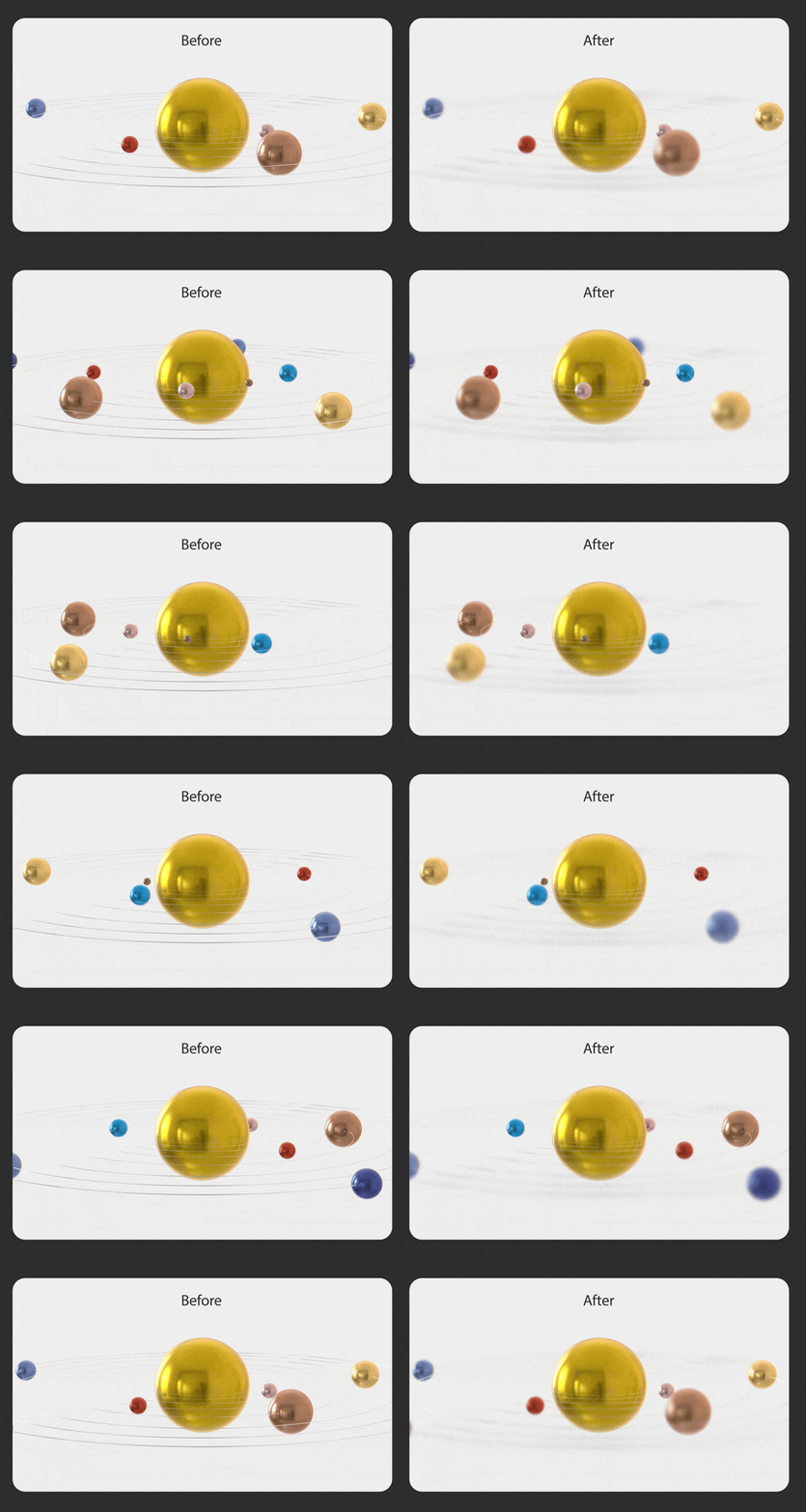
What can you do with it?
- Add true, camera-accurate depth of field rendered directly in Advanced 3D
- Keep your subject in sharp focus while backgrounds and foregrounds blur naturally
- Apply it to 3D models, parametric meshes, Substance 3D materials, 3D text, shape layers, and more
- Get realistic optical blur instead of faking it with post effects
Put it to use in your workflow
- Direct the viewer's eye to a hero product, logo, or title
- Add cinematic depth to 3D type and motion graphics
- Create dreamy, shallow-focus background plates
- Sell realism on 3D model and material-heavy scenes
How to use it
- Set your composition's 3D renderer to Advanced 3D
- Add a camera to your composition
- Enable Depth of Field on the camera
- Adjust Focus Distance to set what stays sharp
- Tweak Aperture / Blur Level to control how strong the blur is
Pro tips
- Use a focus null or layer to lock focus onto a moving subject
- Smaller focus distance changes feel more cinematic than big jumps
- Pair with camera movement to make the depth read more naturally
- Push aperture higher for dreamy, stylized blur—or keep it subtle for realism
Read the full article to get started: Enable in-engine Depth of Field ›
Have you tried Depth of Field in Advanced 3D yet? What are you focusing on first?
Share your thoughts—or your renders—below!
 AdChoices