




New in Ae 27.0: Tidy Your Project and Decode Expressions with the After Effects AI Assistant 🤖
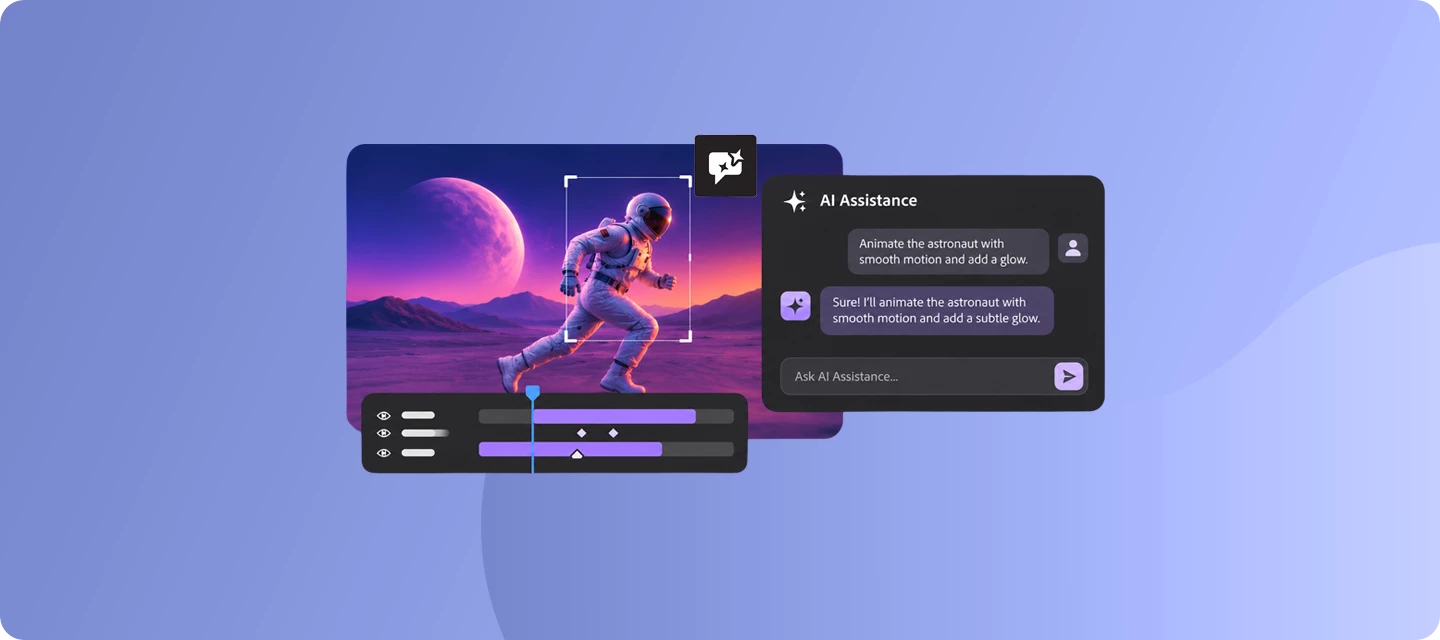
Stop menu-diving. Just tell After Effects what you want. 🤖
Tidying a messy project, decoding a gnarly expression, or making a reference image all mean a lot of clicking around. The After Effects AI Assistant lets you describe the task in plain language and handles the steps for you. Here’s how to get started.
Before you start
- Version: 27.0
- Credits: AI Assistant uses credits for most AI-powered creative actions, such as generating and editing content. Credit usage varies by action. To check how many credits an action used, hover over the credits icon after an action is completed. Credit rates are introductory and may change as the product experience evolves.
- Hardware and OS: Check out After Effects system requirements
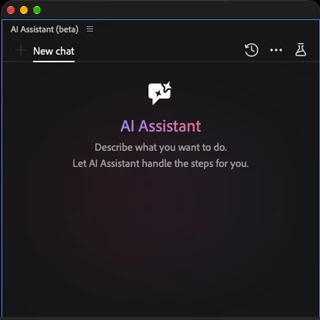
| 1. Open the panel and make it yours
| 
|
| 2. Ask in plain language, then keep talking Type a request or pick a sample prompt in the panel. Not quite right? Ask a follow-up or refine your instructions. You don’t need to go back to the menus. | 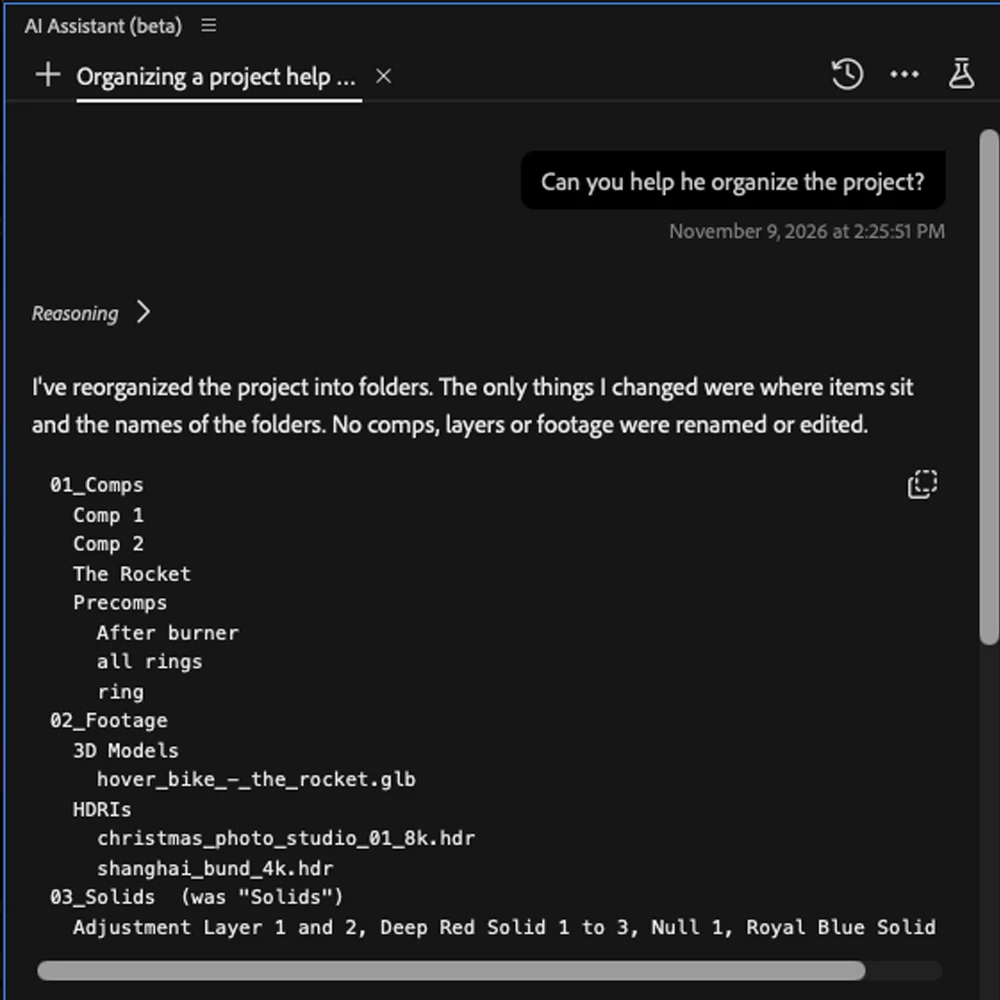 |
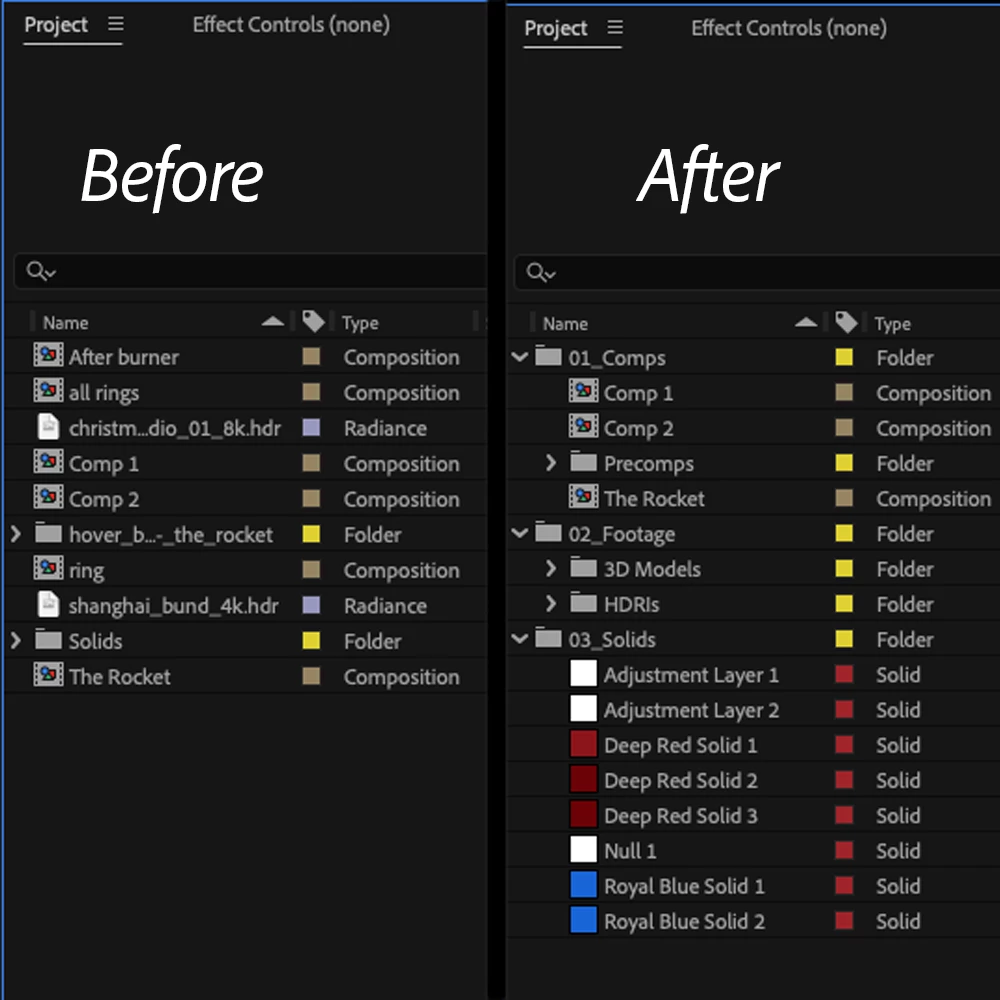
| 3. Clean up a messy project
|  |
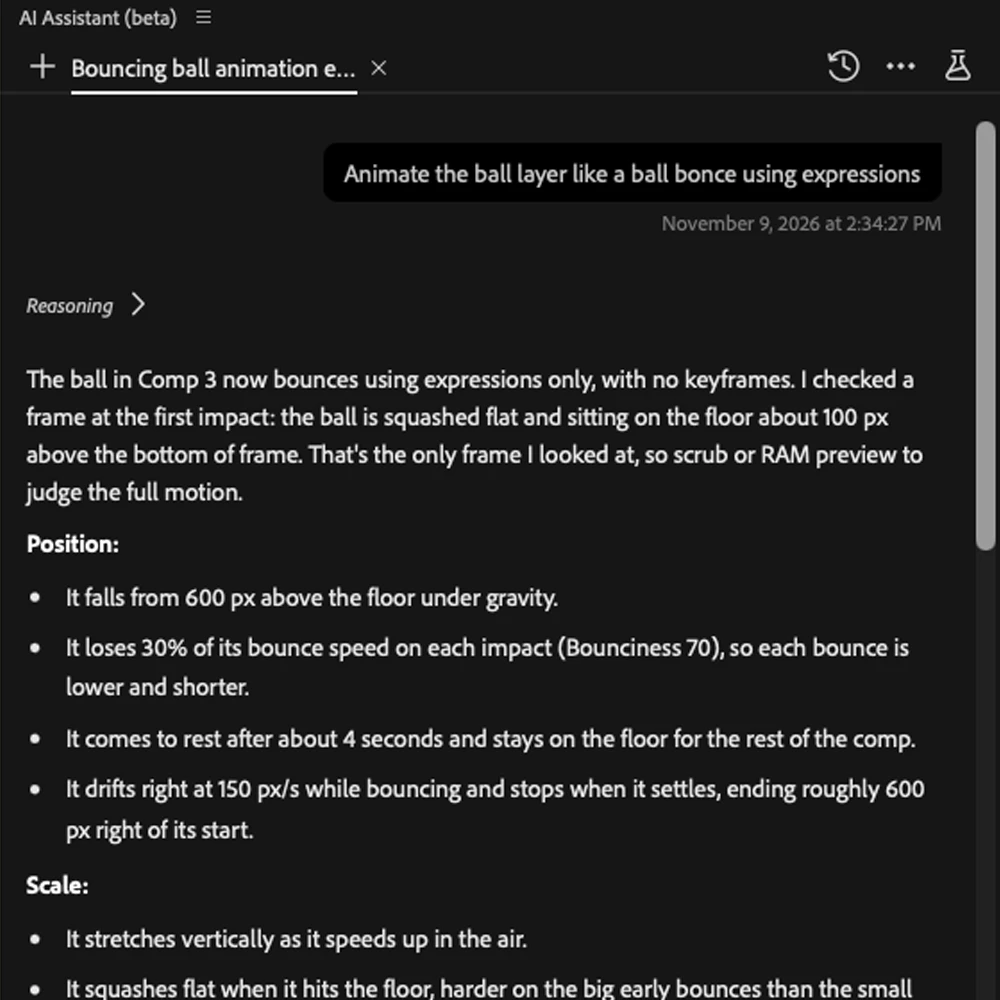
| 4. Read, write, and fix expressions
|  |
| 5. Edit text, shapes, and templates It can also change text layers without replacing all the text, edit specific ranges of text, and work with shape operators and stroke dashes. For Motion Graphics templates, it can inspect Essential Graphics, expose properties and media, rename controls, and export Motion Graphics templates. | 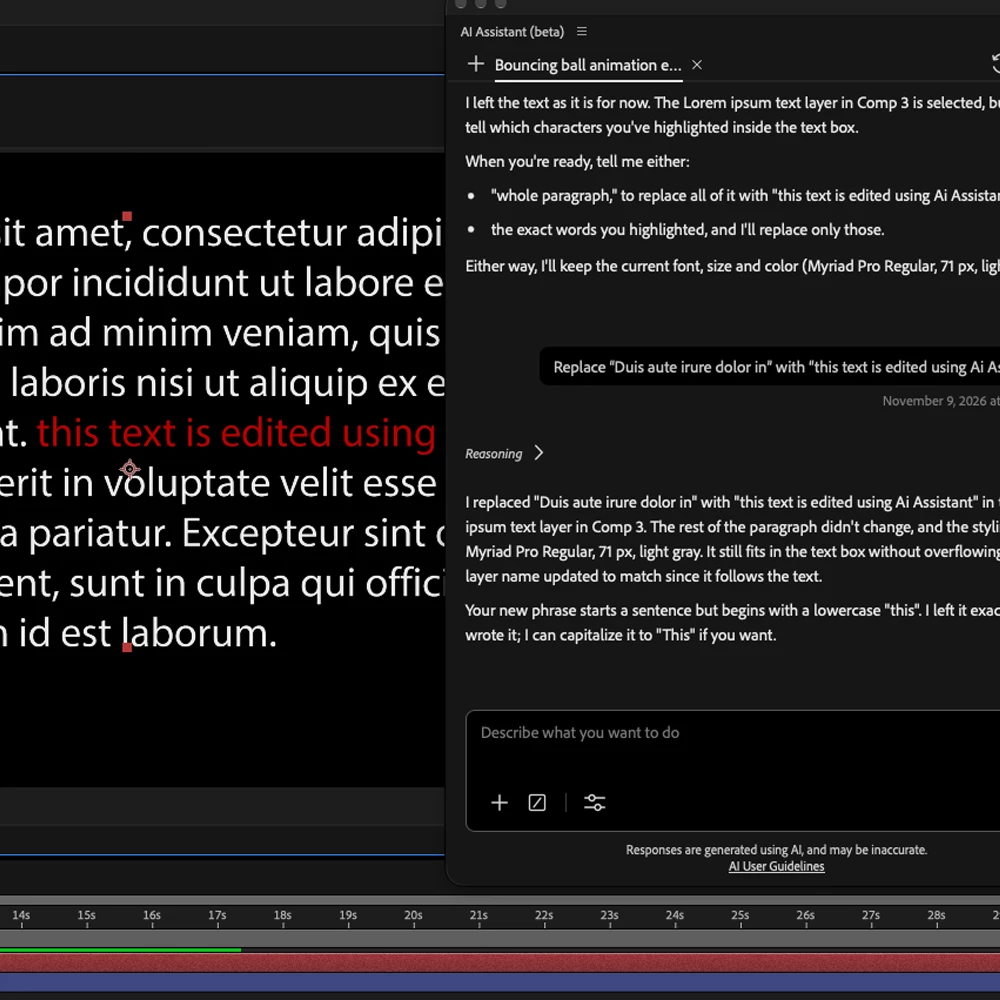 |
Challenge: Tidy a messy project in one pass
Grab an inherited or legacy project. Use the AI Assistant to organize it.
- Success looks like: project items in clearly named folders, with a before and after screenshot.
- Beginner: organize project items into folders.
- Stretch: also have it explain one expression in plain language, then rename a layer that expression references.
- Share: Post your output as a screenshot/GIF in the comments
Your turn: Post your output as a screenshot or GIF in the comments. Take the challenge and share a short clip! 🎬
 AdChoices