




New in AE: Add Real Displacement with Substance Materials
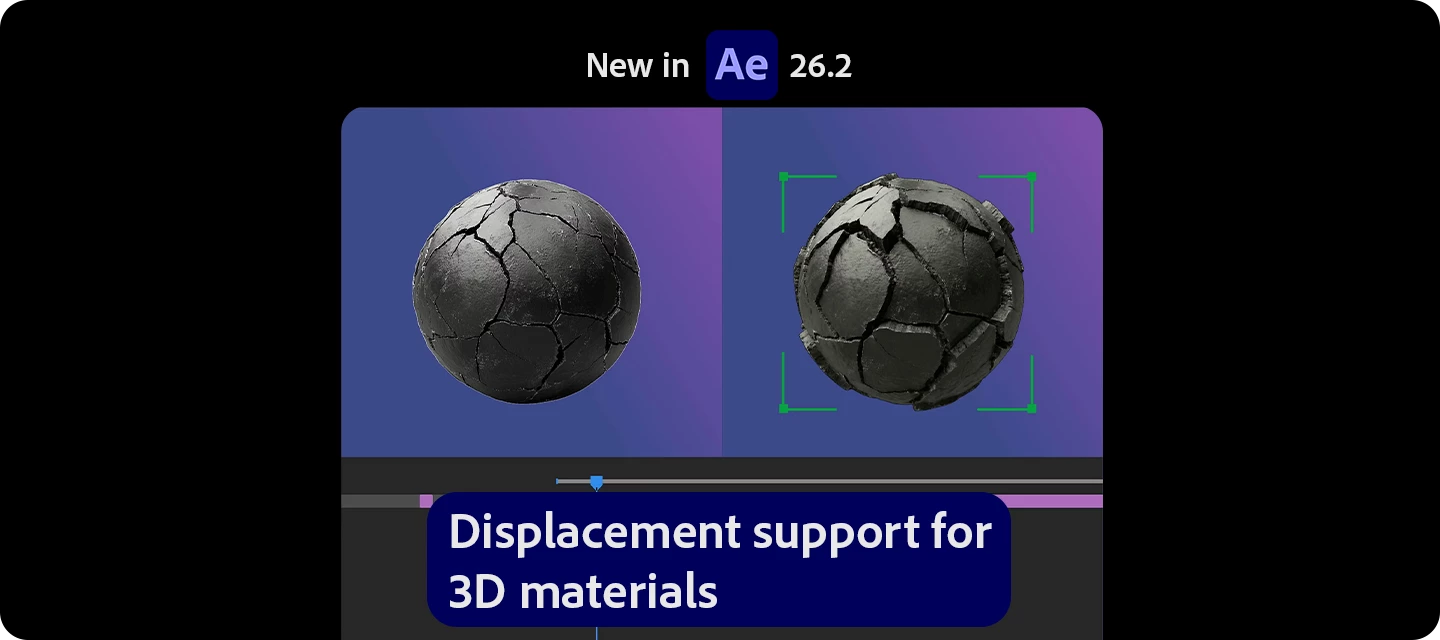
Already using Substance 3D materials in After Effects?
Now you can take them even further - with built-in displacement support, allowing your surfaces to have real depth, not just texture.
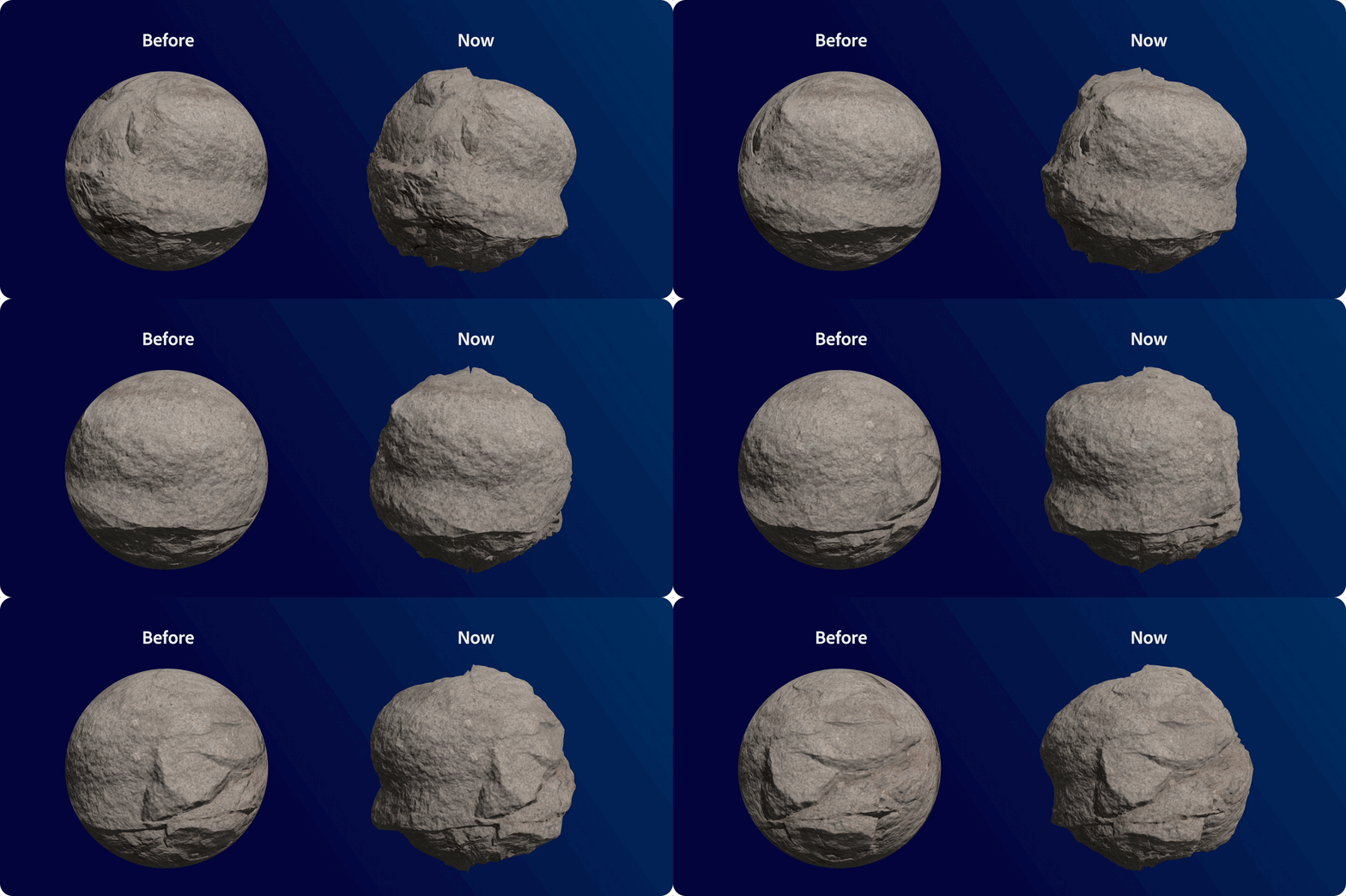
What can you do with it?
-
Add true surface depth using displacement maps from Substance materials
-
Go beyond flat textures with physically richer details
-
Enhance realism with materials that now affect both appearance and geometry
Put it to use in your workflow
-
Create realistic surfaces (brick, fabric, terrain)
-
Add depth to product renders
-
Build stylized, abstract looks with exaggerated displacement
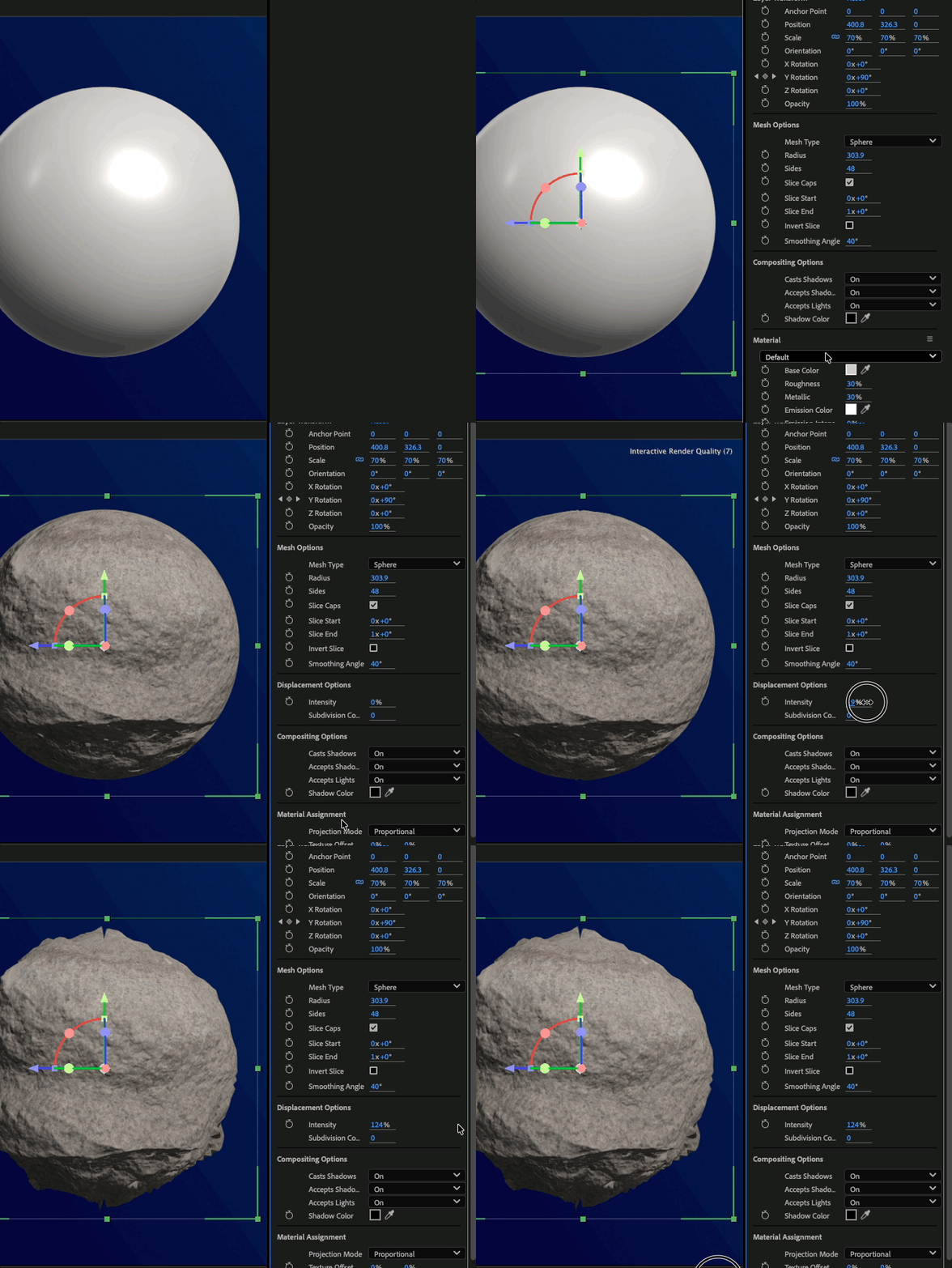
How to use it (GIF)
| 
|
Read the full article to get started: Displacement with Substance Materials
Pro tips
- Start subtle—small displacement values often look more realistic
- Use good lighting to enhance depth and shadows
- Combine with camera movement to make displacement more noticeable
- Great for close-up shots where surface detail matters most
Have you tried displacement with your materials yet? Where do you see this making the biggest impact?
Share your thoughts—or your renders—below!
 AdChoices