




New in AE: Object Matte (AI-powered Rotoscoping)
Still spending hours rotoscoping frame by frame?
With the latest version of After Effects, Object Matte introduces a faster, AI-powered way to isolate subjects—so you can create clean mattes with just a few clicks.
Object Matte combines one-click selection + manual refinement + smart tracking, making rotoscoping significantly faster and more intuitive.
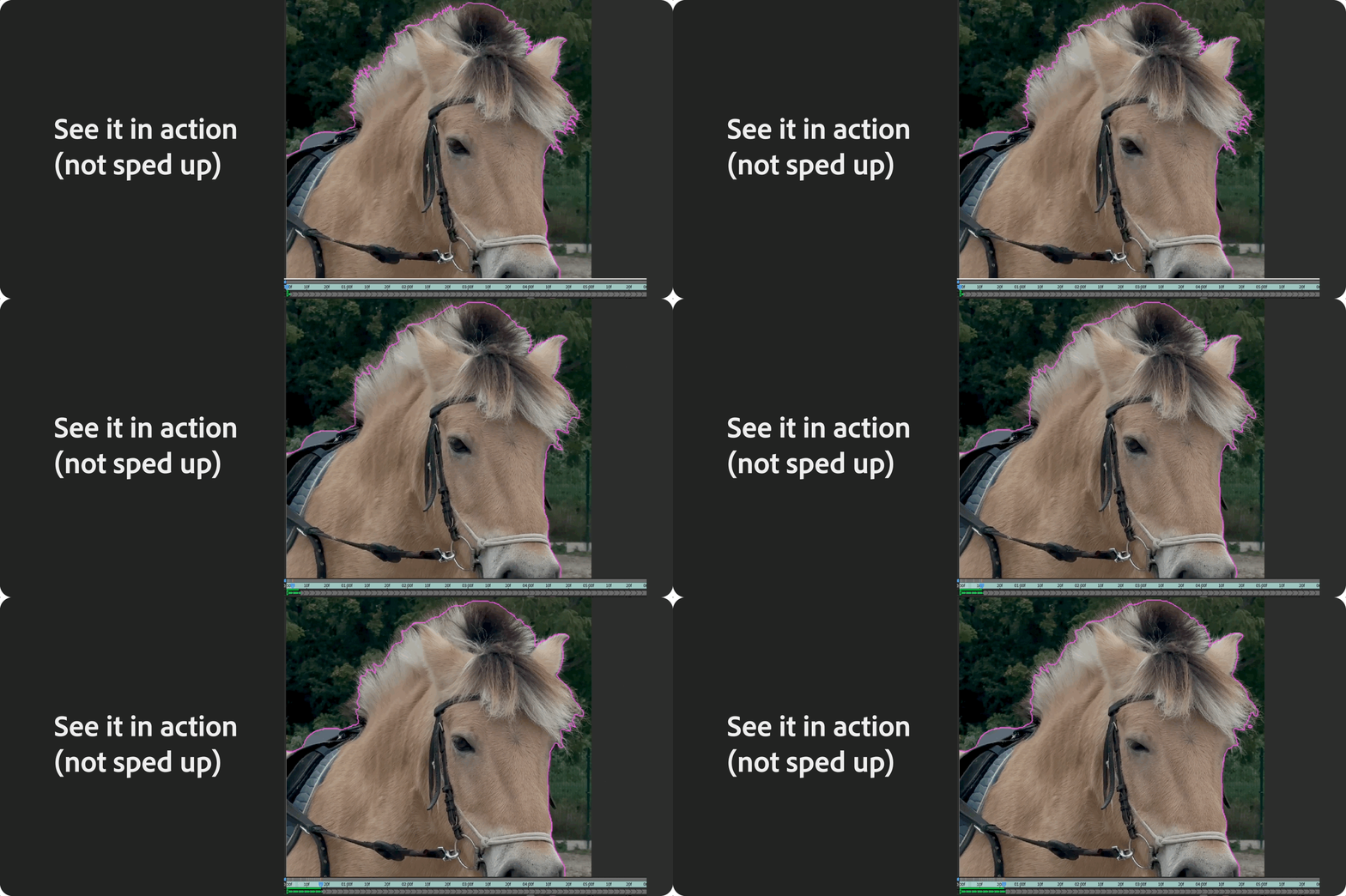
What can you do with it?
- Instantly select and isolate objects using AI
- Automatically propagate mattes across frames
- Refine edges (like hair and fine details) with dedicated tools
Put it to use in your workflow:
-
Remove or replace backgrounds (no green screen needed)
-
Apply effects to specific objects
-
Create clean composites for VFX and motion graphics
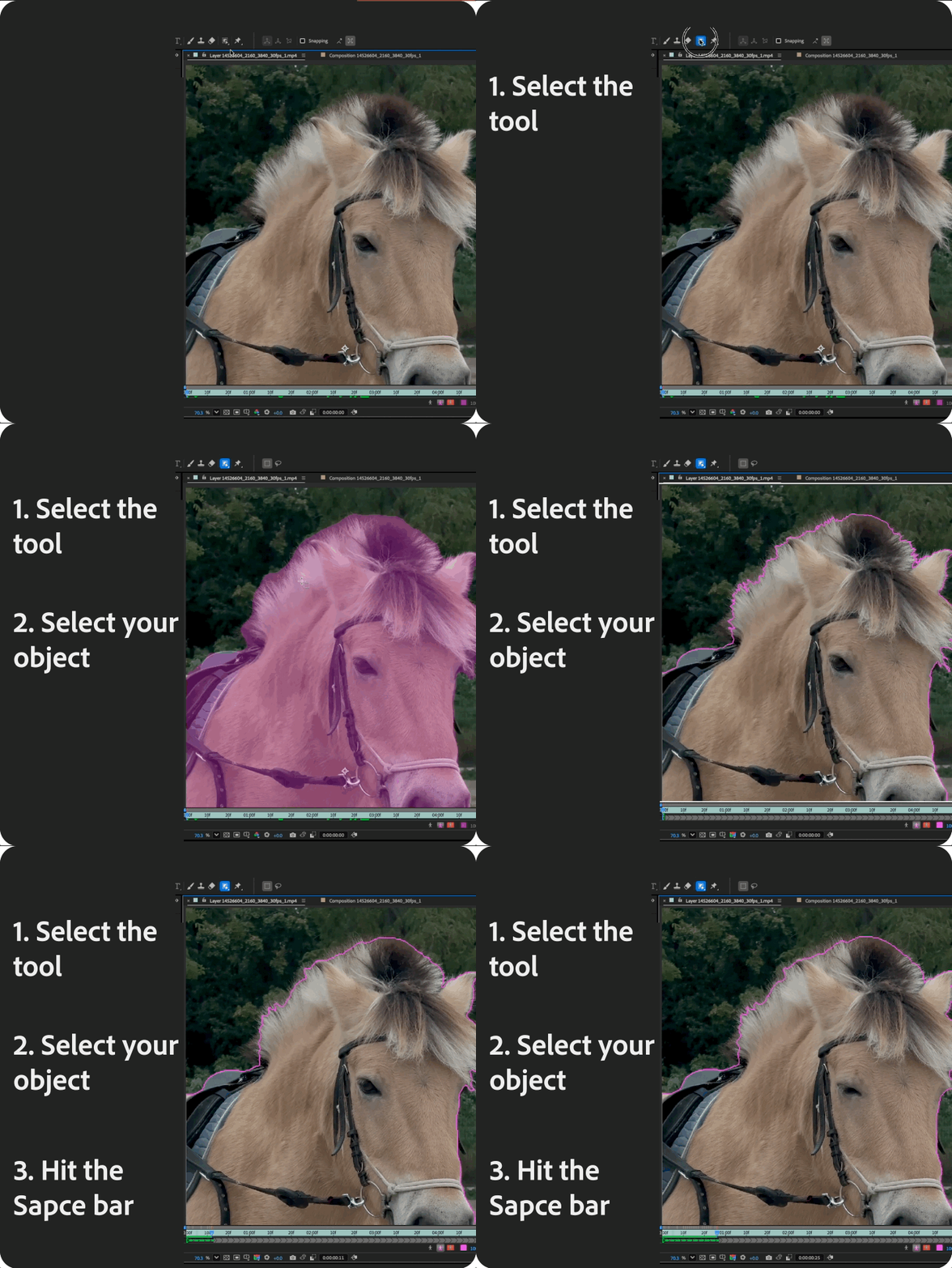
How to use it
| 
|
For full details, check out the Object Matte documentation.
Pro tips
-
Start with a rough selection—refine only where needed
-
Use Refine Edge Tool for hair and soft edges
-
Freeze early once you're happy to improve performance
-
Combine with color effects or blur for targeted adjustments
Have you tried it yet? How does it compare to your roto workflow?
Share your results, we’d love to see what you create!
 AdChoices