




New in AE: Proportional Scrubbing
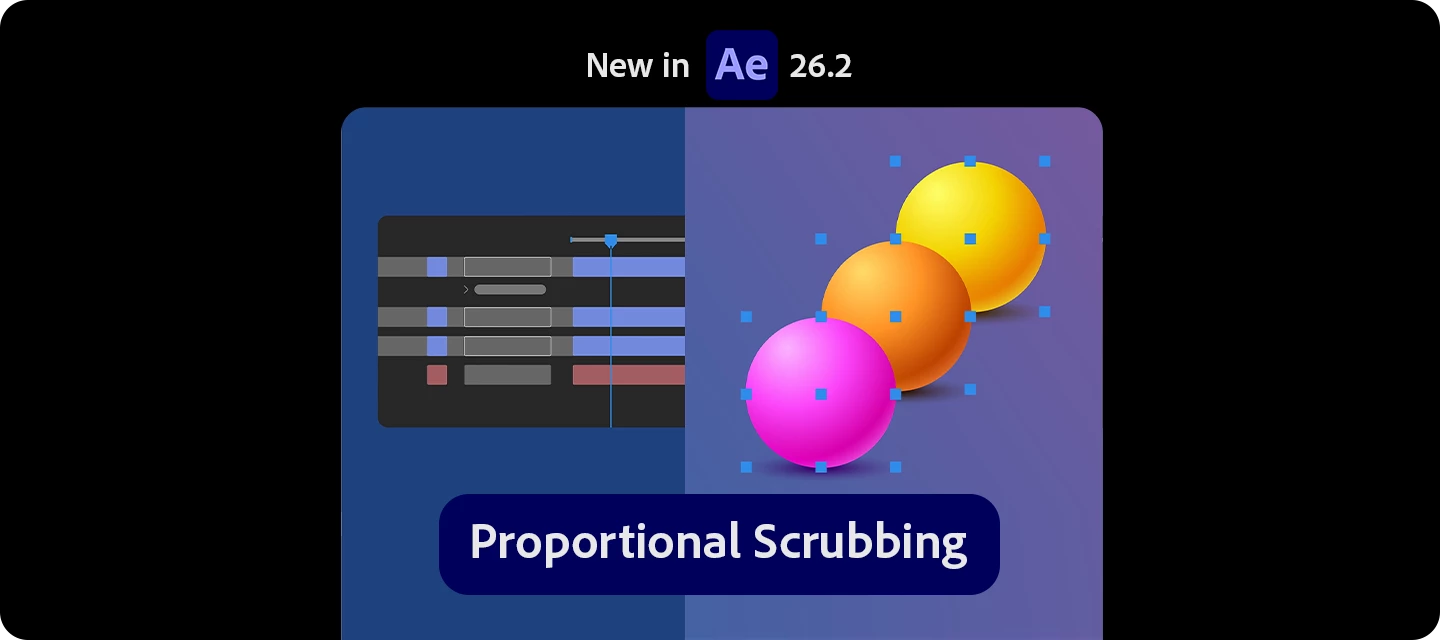
Still adjusting values layer by layer to create offsets or spacing?
With Proportional Scrubbing, you can now adjust multiple properties across layers—and have the values automatically distributed proportionally with a single drag.
What’s new?
-
Adjust multiple selected properties at once
-
Automatically distribute values based on selection order
-
Create smooth offsets, and cascades instantly
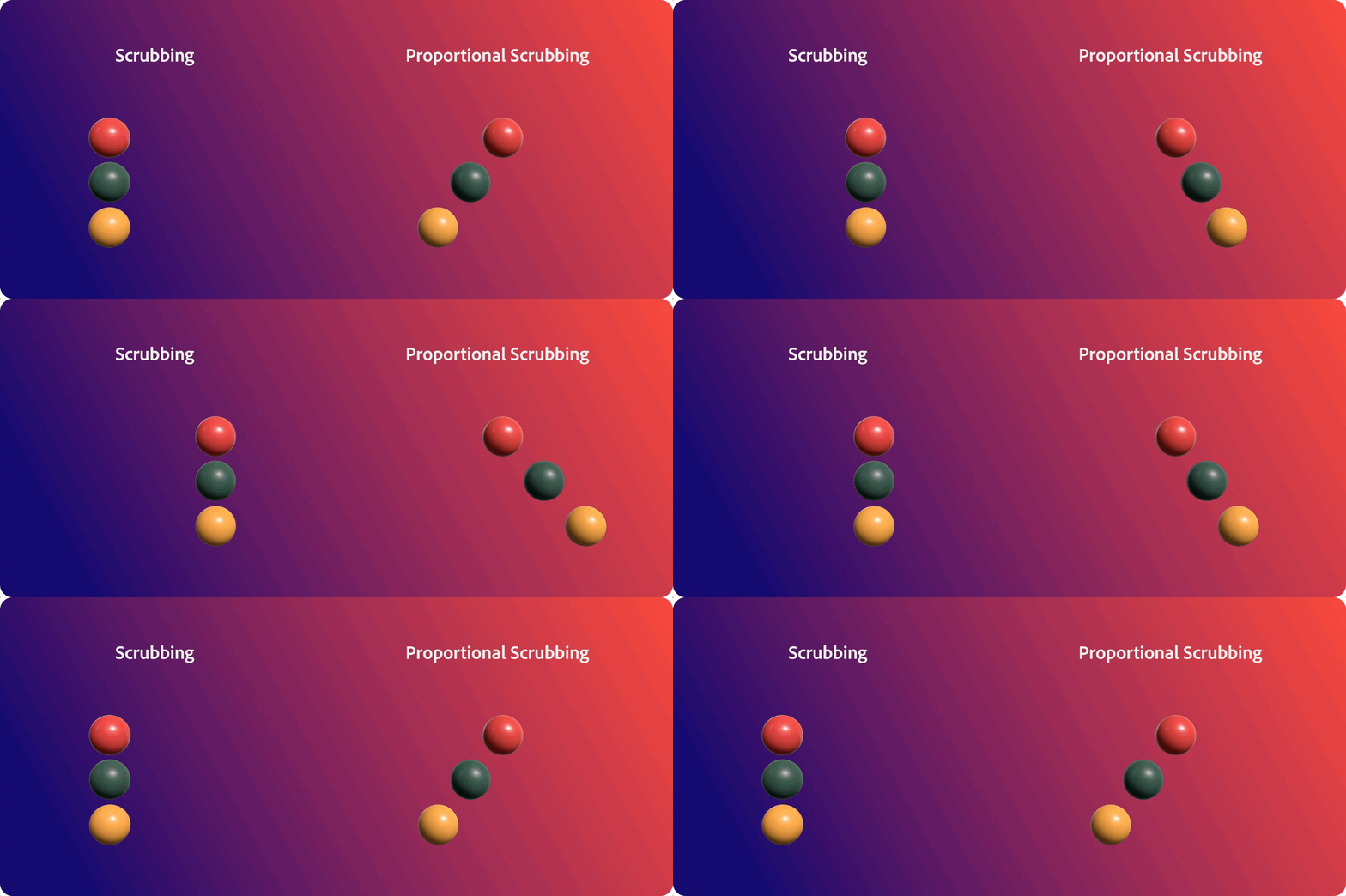
Instead of applying the same value to every layer, After Effects now distributes the change so:
-
First layer = no change
-
Last layer = full change
-
Everything in between = evenly spread values
Put it to use in your workflow
-
Create staggered animations instantly
-
Build cascades and motion spreads
-
Design gradient-style transformations
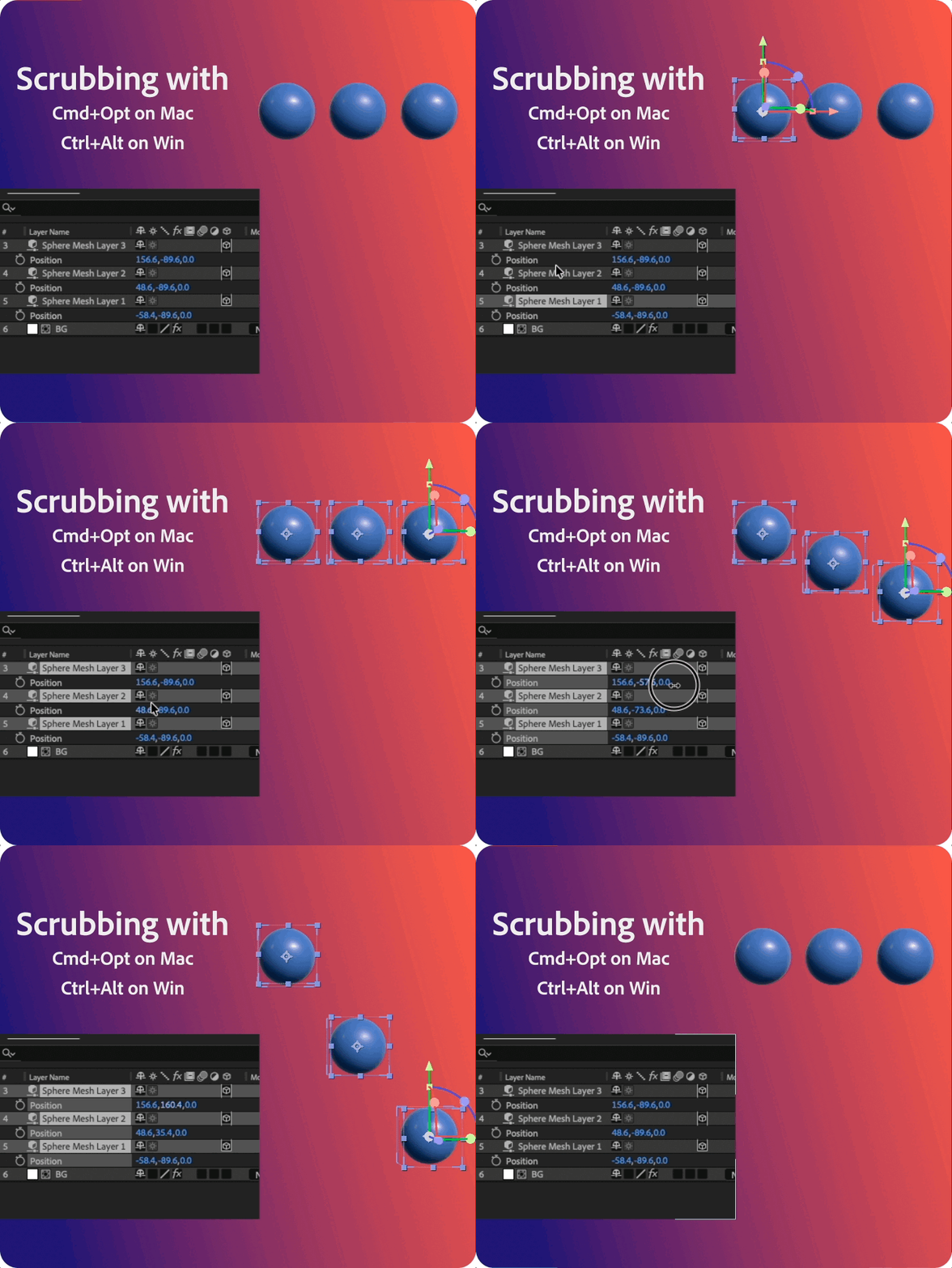
How to use it
| 
|
Read the full article to get started: Proportional Scrubbing
Pro tips
-
Selection order controls the distribution—pick carefully
-
Works across almost any property (not just transform)
-
Combine with keyframes for fast procedural-style animation
-
Use Timeline search to quickly select matching properties
Have you tried Proportional Scrubbing yet? Where does it fit into your workflow?
Drop your thoughts (or examples!) below!
 AdChoices