




Camera Raw 18.7 is Here: Faster Culling, Smarter Exposure Matching, and More!
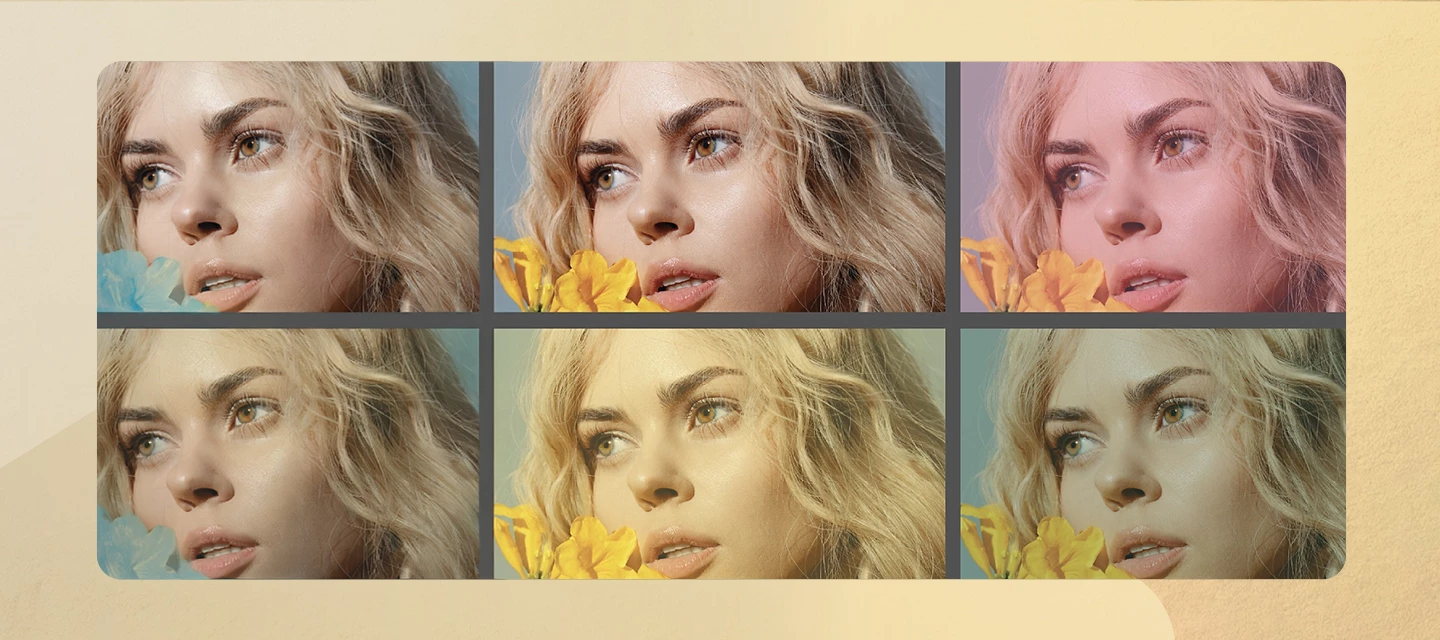
Camera Raw v18.7 brings a range of workflow enhancements and quality improvements designed to help you move through your editing process more efficiently. From faster photo browsing and more consistent exposure across images to greater workspace flexibility, refined editing results, and expanded camera and lens support, this update focuses on making everyday photo editing smoother and more intuitive.
What’s New
The September 2026 release of Adobe Camera Raw brings new ways to speed up photo selection, create consistency across large shoots, and refine your editing workspace. The new Grid view makes it easier to browse and compare large groups of photos in a thumbnail-based layout, helping you quickly identify your best shots, apply ratings, and select multiple images at once. For photographers working with batches of images, Match Exposure can now automatically normalize exposure using capture metadata, with an advanced option that also compensates for changes in light conditions across a sequence. This release also introduces a floating Histogram and Vectorscope panel for a more flexible editing experience, improved Reflection Removal for cleaner results on glass, water, and reflective surfaces, and expanded support for new cameras and lenses from leading manufacturers.
Learn more about the latest updates here.
👉 Download the latest version of Camera Raw here.
How to Update
Update to Camera Raw v18.7 through the Adobe Creative Cloud desktop application, or download and install it manually from here.
Join the Conversation
Have you tried the new Grid view or Match Exposure workflow yet? We'd love to hear how these updates fit into your editing process. Share your experience, favourite new feature, or any before-and-after examples with the community and help shape future Camera Raw releases.
 AdChoices