nikunj.m
Community Manager
Community Manager
June 17, 2025

📸 Camera Raw & DNG Converter 17.4 are now available

  • June 17, 2025
  • 2 replies
  • 3457 views

We’re excited to announce the release of Adobe Camera Raw & DNG Converter 17.4, available now as part of the June 2025 update. This release includes new features designed to speed up your workflow and expand your creative control—plus support for the latest cameras and lenses, along with important bug fixes.


Here’s what’s new in Adobe Camera Raw 17.4:

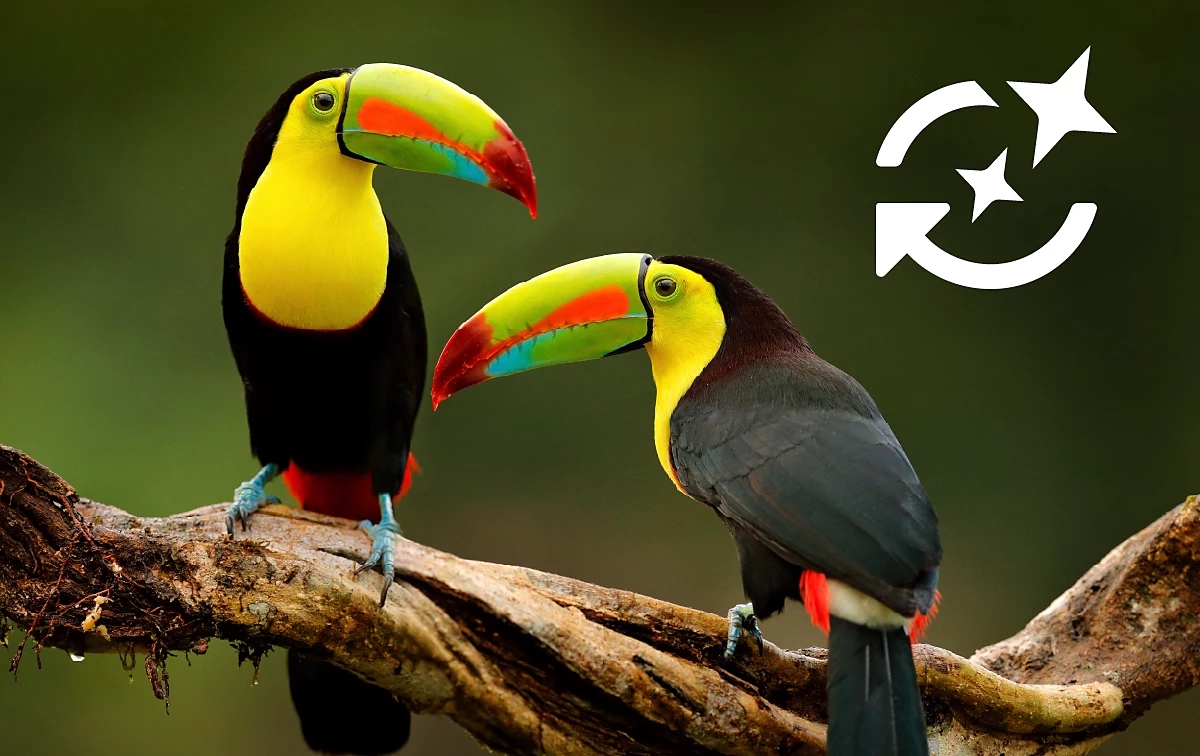
Non-Destructive Enhance:

Apply Denoise, Raw Details, and Super Resolution non-destructively. Learn more here.


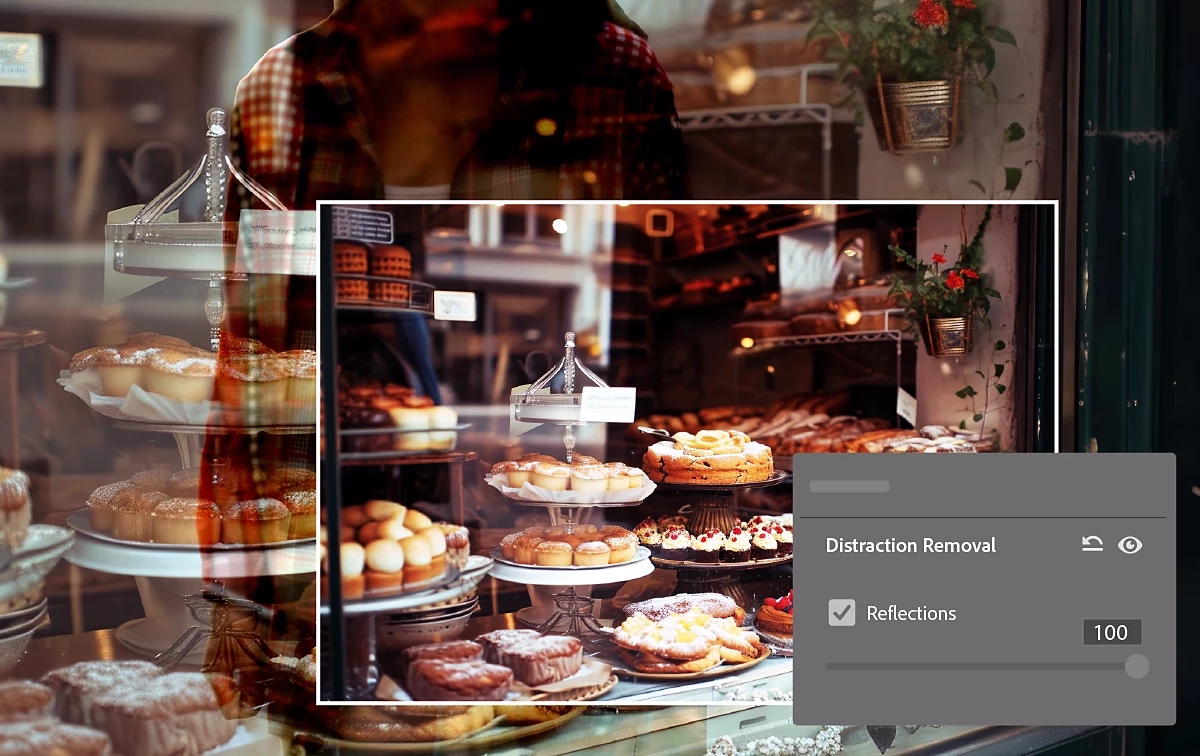
Distracting People and Reflection Removal

Automatically remove distracting people and reflections from photos.


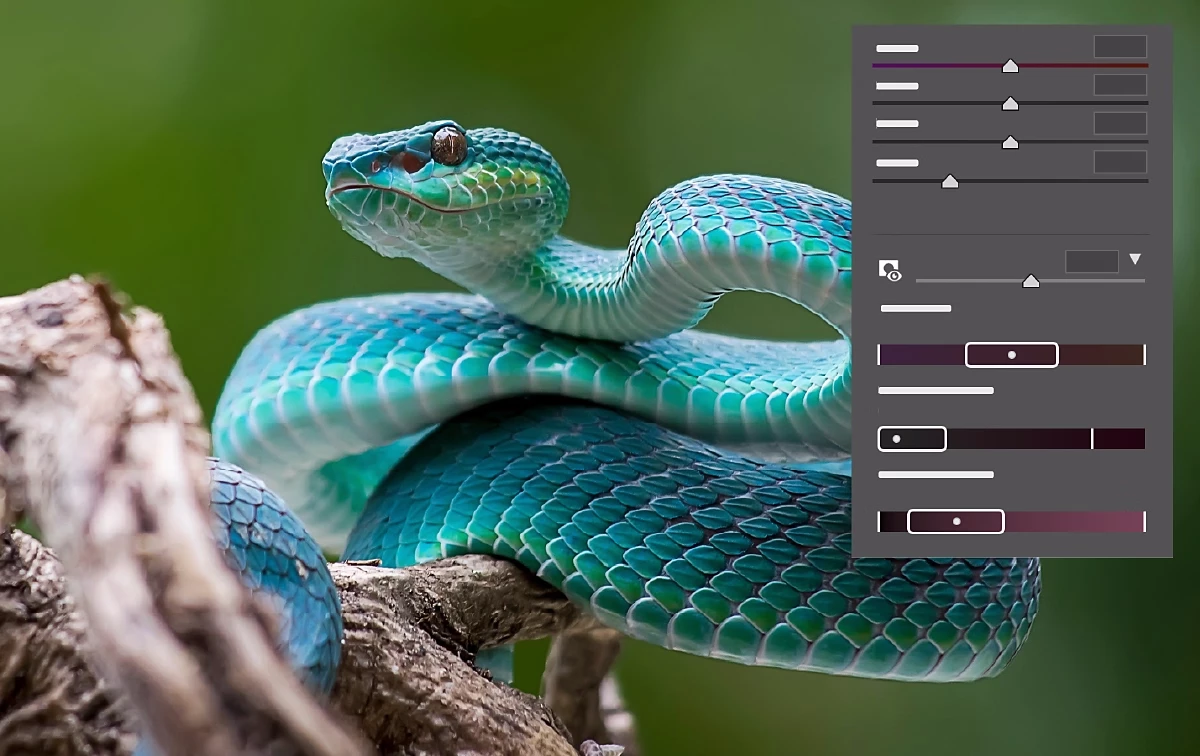
Color Variance (Early Access)

New Variance slider in Point Color to accentuate or reduce color variations, which is optimized for portrait retouching. Learn more here.


To update Camera Raw to 17.4, click "Update" in the Creative Cloud desktop app next to Camera Raw. More detailed instructions for updating.


You can check out details for the Adobe DNG Converter 17.4, here.


We’d love to hear from you!

Try out the new Adobe Camera Raw 17.4, and let us know your thoughts. Feel free to reach out if you have any questions or need more tips!

If this was helpful, please click the Upvote icon in the top left corner of this post. Your feedback helps us improve the experience. Thank you!


    2 replies

    Participating Frequently
    July 11, 2025

    I'm having issues with Camera Raw and DJI Air 2s files. When I use "Super Resolution", then process into a higher TIFF resolution file, when I uncheck the Super Resolution box, the file remains at the higher resolution which might be more than double its original 35mb file size. However, if I use the Super Resolution feature on a Nikon NEF file, process a TIFF, then uncheck the Super Resolution box, the file doesn't increase in size. .  I understand that information might be stored to .XMP sidecar file, but the DJI's DNG files stores the information in the file, so it can't be changed back. .  this is a big downside to using this feature, but a work around is to make all the adjustments to the DJI .DNG file, make a duplicate, use "Super Resolution" on the duplicate file, process a .TIFF, .JPEG, or whatever format, then delete the now inflated .DNG file. Perhaps in a future update to Camera RAW you can fix this so the DJI .DNG file can revert back to its original resolution, when the Super Resolution box is unchecked on original RAW file?  Thanks in advance for reading this, and perhaps fixing this issue.

    Trevor.Dennis
    Community Expert
    Community Expert
    June 18, 2025

    @nikunj.m  Is ACR 17.4 being rolled out by location?  I am in New Zealand and have tried the usual tricks to force an update (sign out and back in to the Creative Cloud Desktop App) and have Updates set to auto, and it's not showing any updates available.  I don't use Lightroom, in case that makes a difference.

    stephans79998306
    Inspiring
    June 19, 2025

    ....same here, I'm in Portugal. No ACR 17.4 to be seen/found....