




Changes to Adobe Creative Cloud Storage Experience
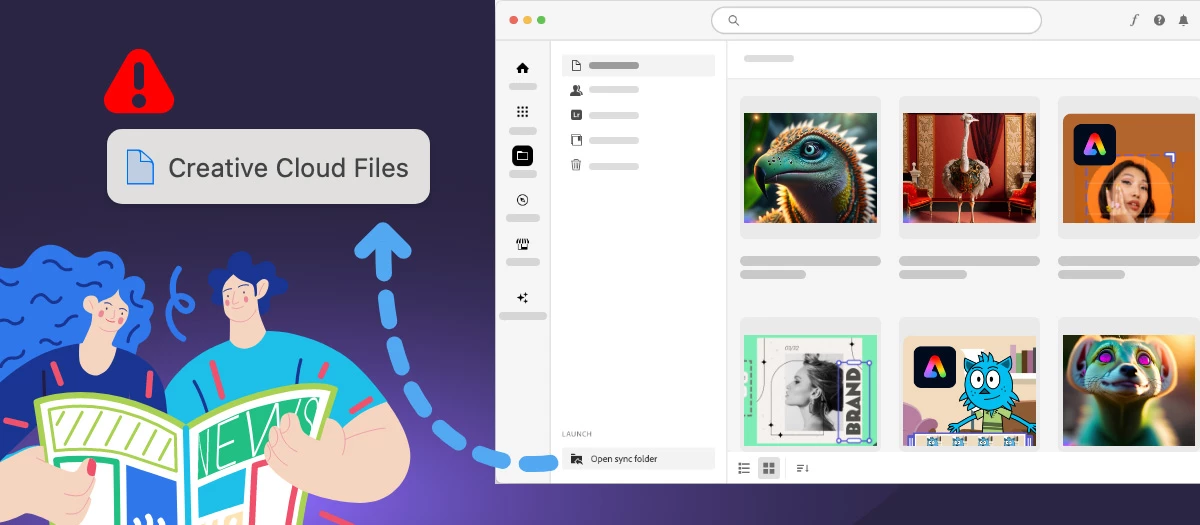
To enhance the Adobe Creative Cloud storage experience, we would like to inform you of upcoming changes to the Creative Cloud file syncing service that may impact your workflow.
Creative Cloud has previously enabled personal users to save files on their local devices in a folder called Creative Cloud Files. The contents of this folder can be synced (copied) to the user’s cloud storage via a process that runs on the local device. You can access those files locally on the device in a folder named Creative Cloud Files or through the Creative Cloud website within the Launch More menu (from the Synced files option)
Discontinuation of Synced Files: We would like to inform you that the Synced Files feature in Creative Cloud will be discontinued. Starting February 1, 2024, the Creative Cloud desktop synchronization service and the folder and file-sharing capabilities of Creative Cloud Synced Files will be phased out.
Impact on Users: If you are a personal user (free or paid) relying on Creative Cloud Synced Files for file syncing, folder sharing, or collaborative work, please be aware of the following changes:
- Files in the Creative Cloud Files local folder will no longer be copied to cloud storage.
- Copies of files in cloud storage related to Synced Files will be deleted.
- Files and folders shared with other users from Synced Files will no longer be accessible.
- Adobe apps leveraging Creative Cloud Synced Files for cross-device file sharing will remove those integrations.
Your Assets are Secure: Rest assured, all assets in your local Creative Cloud Files folder on your device will remain intact and under your complete control. You have the option to leave the assets in the Creative Cloud Files folder or move them to other Adobe-supported storage solutions such as Frame.io or Adobe Experience Manager (AEM) assets. Additionally, third-party cloud storage solutions with sync capabilities are viable alternatives.
Adobe continues to offer and support cloud storage and syncing across Creative Cloud with Cloud Documents, Creative Cloud Libraries, Lightroom Cloud storage, and Frame.io cloud storage. None of these cloud storage solutions are impacted by this change.
Quick Links
- Discontinuation of Creative Cloud Synced files
- Discontinuation of Creative Cloud Synced files for business plans
- Creative Cloud Synced Files End of life for Premiere Rush
- Creative Cloud Synced Files End of life for Media Encoder
- Creative Cloud Synced Files End of life for Premiere Pro
 Hey community! Upvote if this post was helpful, and leave a comment to join the conversation.
 AdChoices