




Artboard Enhancements in Illustrator

Hey everyone!
With the latest release, Illustrator’s engineering team has rolled out exciting artboard enhancements—shaped directly by your feedback. These updates bring faster setup, clearer canvas control, and export precision you can rely on.
Explore the latest updates and enhancements in Illustrator. Update to Illustrator 30.3 using this link, or open the Creative Cloud desktop app and click Update next to Illustrator. For step-by-step guidance, check out the detailed update instructions.
Enhancements in Illustrator 30.0

Now lock artboards with just a click. Simply right-click (or control-click on macOS) your selected artboard and choose from:
- Lock Selected
- Lock All Except Selected
- Lock All
- You can also lock artboards directly from the Artboards panel. Select the artboard and click the lock icon.
With Illustrator v30.0, it's easier to preview your designs by allowing you to assign solid background colors to individual artboards. Whether you're designing dark UIs, social media templates, or branded layouts, this feature helps you visualize your work in context and stay organized.
Quickly export only what you need by selecting artboards directly from the canvas or the Artboards panel.
Use the artboard context menu to manage artboards directly from the canvas with a simple right-click. Access essential commands like create, duplicate, rename, delete, select, rearrange, lock, and export—without switching panels.
Enhancements in Illustrator 29.7
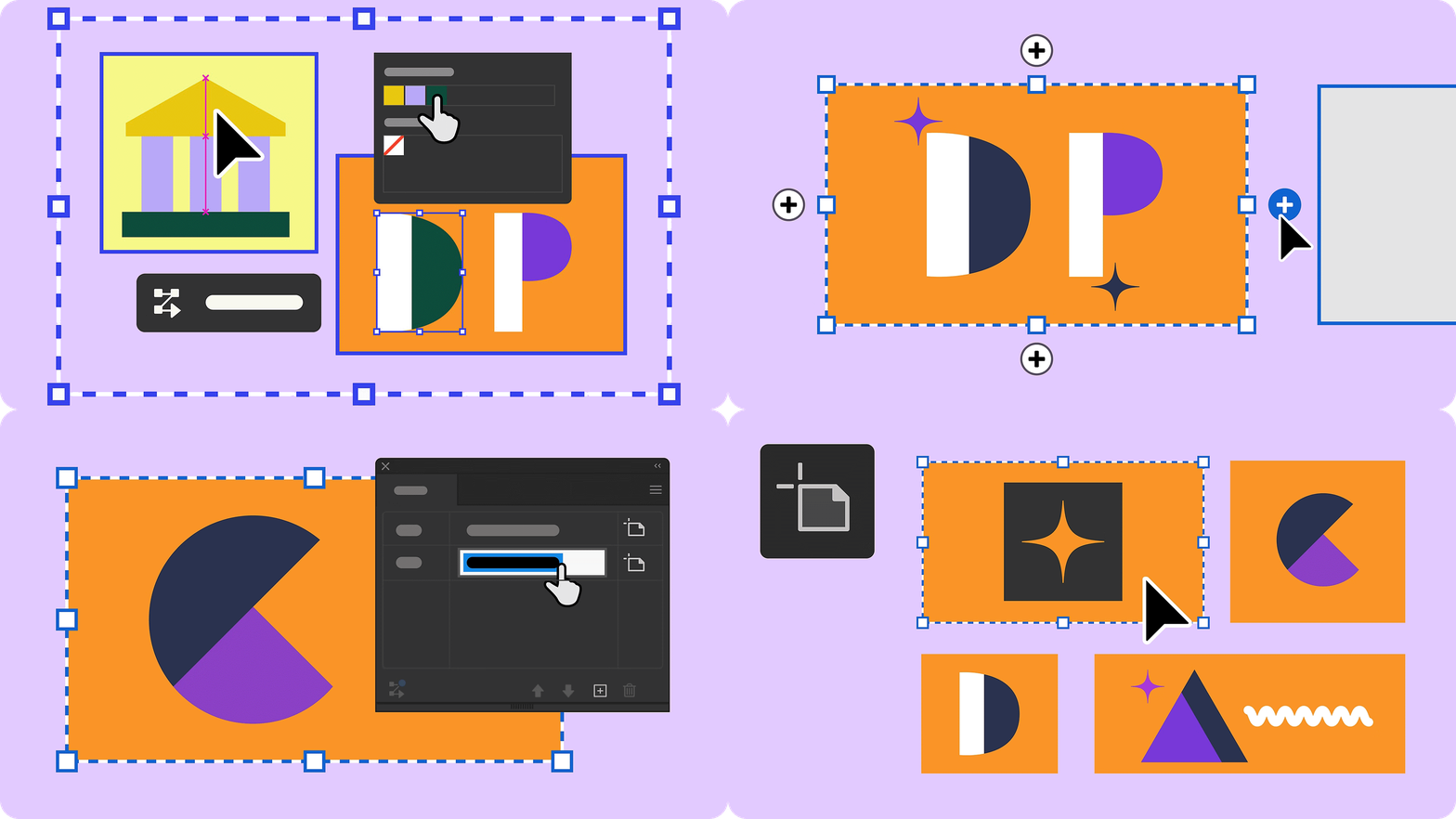
- Select the + buttons on any edge of an artboard to quickly expand your layout and add or duplicate a new artboard.
- Rename multiple artboards together to manage screens, versions, or exports more efficiently, especially in multi-artboard files.
- Illustrator now outlines the active artboard with a black border, so you always know where you are working.
Enhancements in Illustrator 29.6
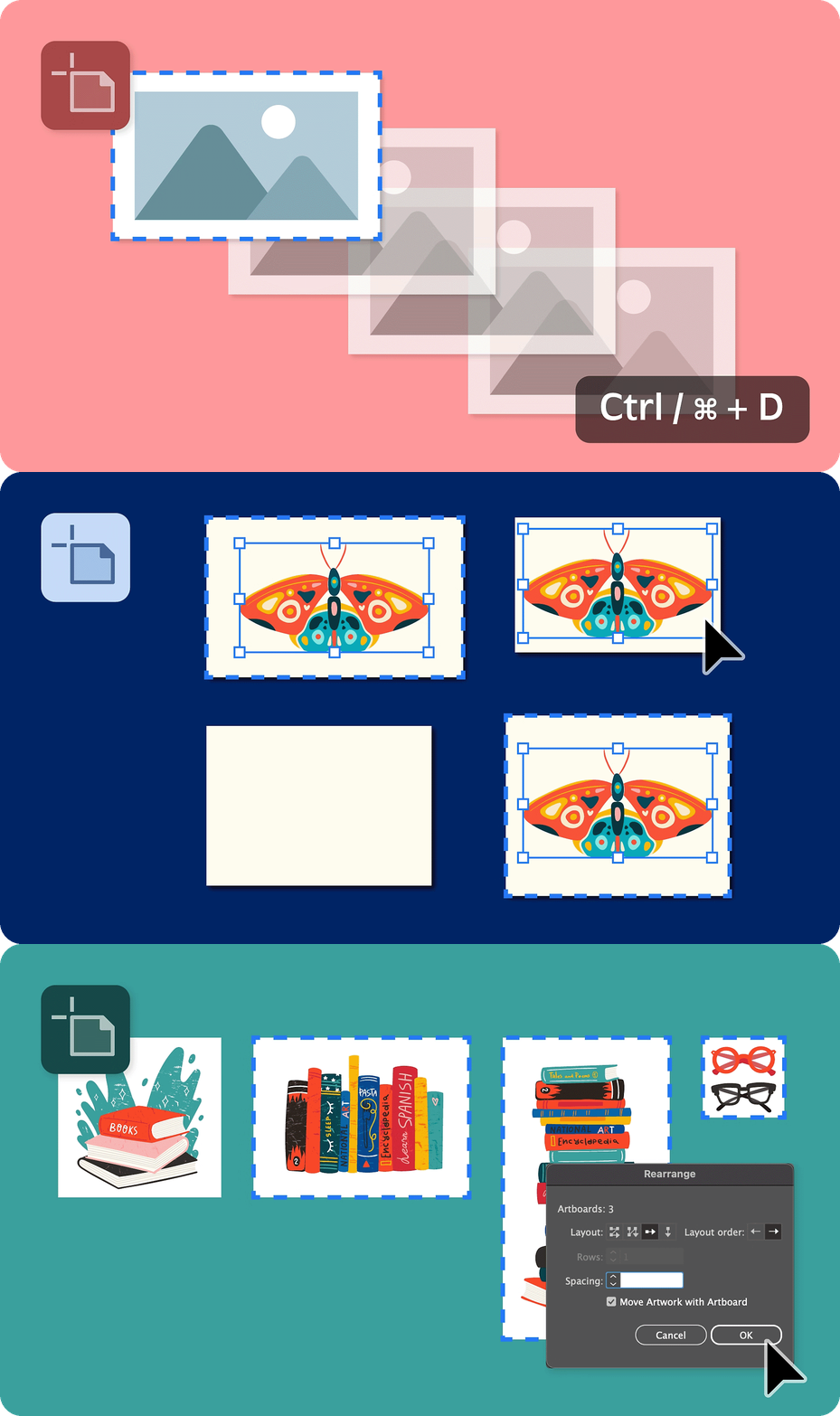
- Instantly repeat your last artboard action — move, duplicate, or scale — using Ctrl + D or Cmd + D.
- Paste objects directly onto selected artboards using Paste in Front, Paste in Back, or Paste in Place.
- Easily rearrange selected artboards in your document with more precision, helping you streamline your workflow.
Enhancements in Illustrator 29.5
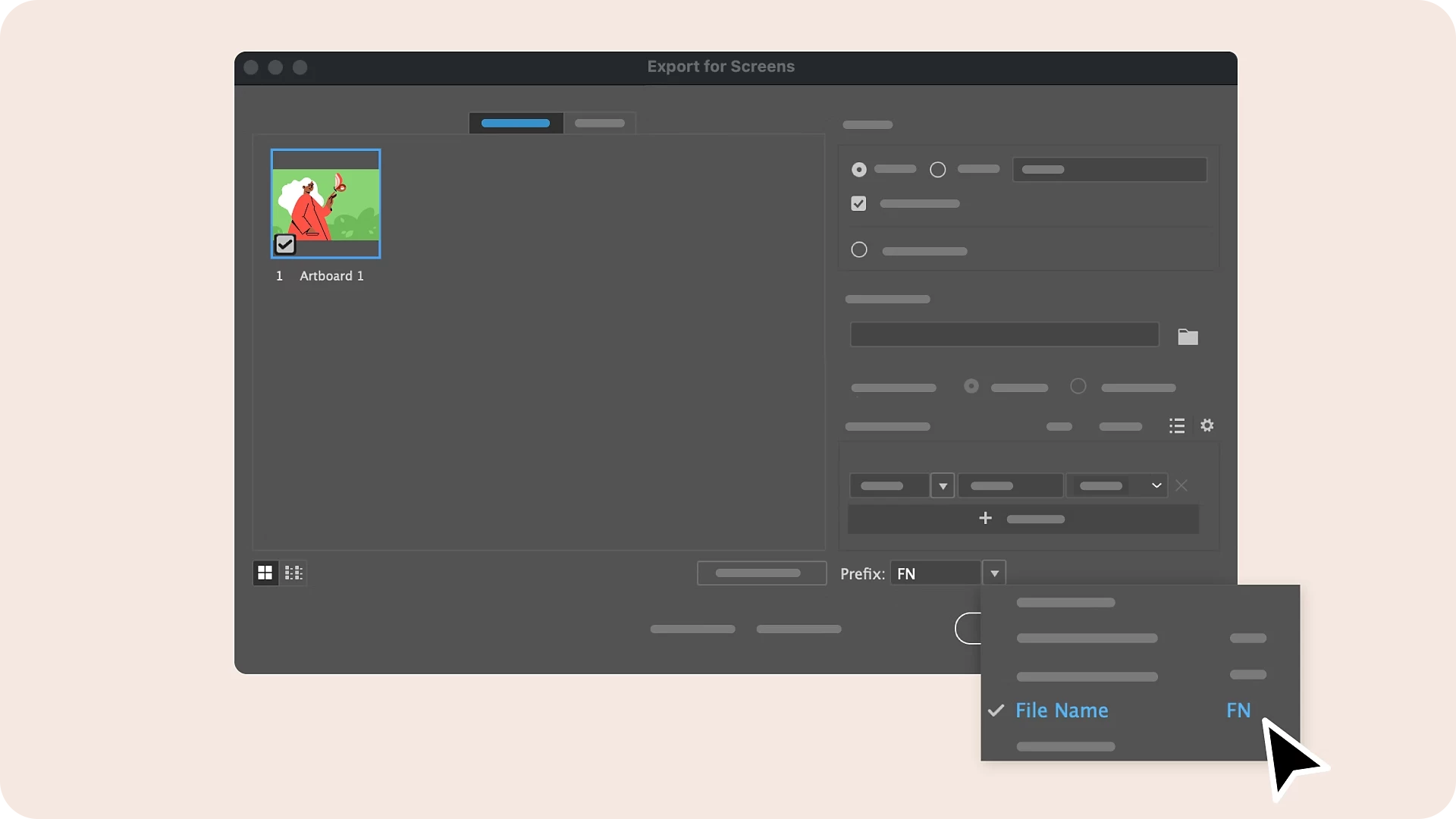
Add prefixes to artboard names during export for better file management.
Share Your Feedback
Explore this more intuitive way to work with artboards in Illustrator and let us know your thoughts in the comments. Feel free to create a new post if you have any issues related to the release or need more tips!
If you found this announcement helpful, click 👍 Like.
Use ⭐ Subscribe to stay informed about future updates.
You may also share this post with others who might benefit from these enhancements.
 AdChoices