



Avoid Phishing: 3 Easy Ways to Identify Adobe Staff

Hey everyone!
We have received several reports where some individuals in the community are posing as Adobe Employees. These individuals are falsely representing who they are to gain your trust and possibly access to your computer or personal information by offering to help troubleshoot issues.
Here are 3 Easy ways you can identify Adobe Staff:
- All Adobe Staff have a RED ADOBE BADGE below their profile picture and an Adobe logo after their username. This staff badge is visible on Adobe Staff profile pages, original posts and replies to threads.
- Genuine Adobe emails are always ____________@adobe.com
- Adobe Staff will never ask you to share your passwords or sensitive information in the Adobe Community. Adobe employees will always direct you to communicate through an official Adobe channel to set up support sessions.
Notifying Adobe of Security Issues
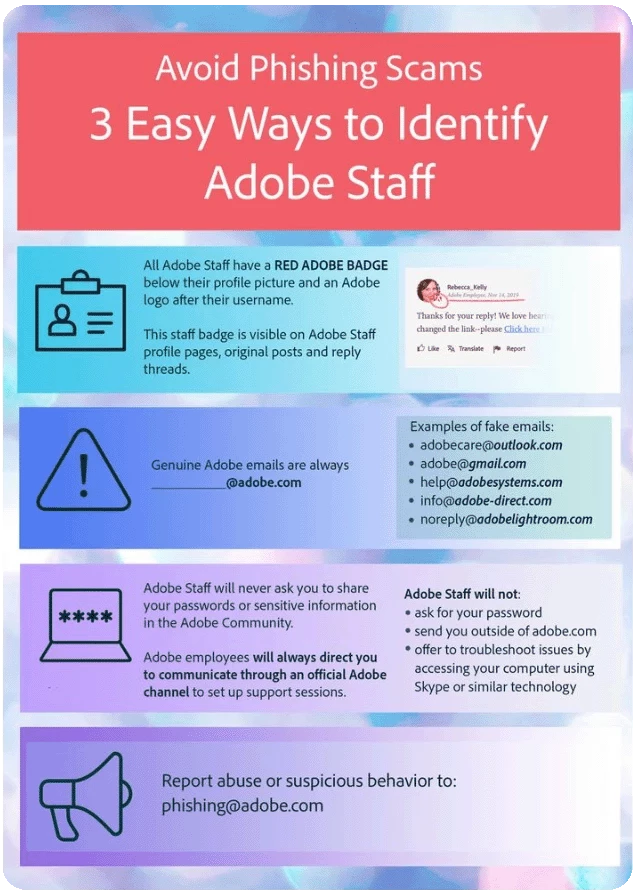
Report abuse or suspicious behavior to: phishing@adobe.com
Learn more about notifying Adobe of security issues here.
Share Your Feedback
If you found this post helpful, click 👍 Like.
Use ⭐ Subscribe to stay informed about future updates.
You may also share this post with others who might benefit from this.
 AdChoices