



Illustrator 2026 v30.0 | Font Browser, Color, Snapping & Artboards Enhancements, Turntable and more
Hey everyone!
We’re excited to announce the release of Adobe Illustrator 2026 v30.0 (MAX) - now available via Creative Cloud Desktop! This update brings a refreshed font browser, smoother gradients with dithering and perceptual blending, enhanced snapping tools, and faster performance across the board.
You’ll also find new features like Turntable (Beta) for multi-angle views, Projects for collaboration, direct access to Firefly-generated images, and centralized generative AI tools. Plus, enjoy easier artboard management, personalized workspaces, and seamless integration with Adobe Express.

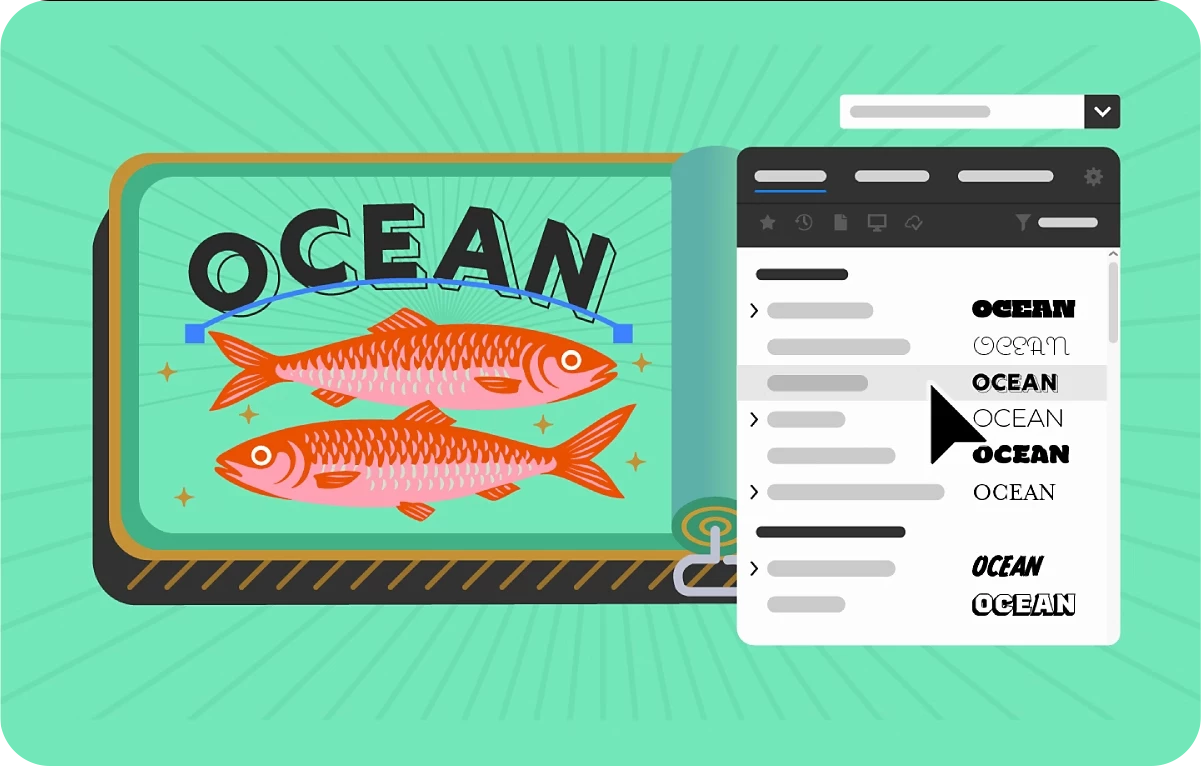
Find, apply, and organize fonts easily
Explore fonts effortlessly with the enhanced font browser, featuring streamlined sections and new filters to help you quickly find and discover fonts from the extensive Adobe Fonts library. Plus, seamlessly organize and manage your fonts using Creative Cloud Libraries—right within the font browser.
Explore the options in the enhanced font browser and find the font you need.
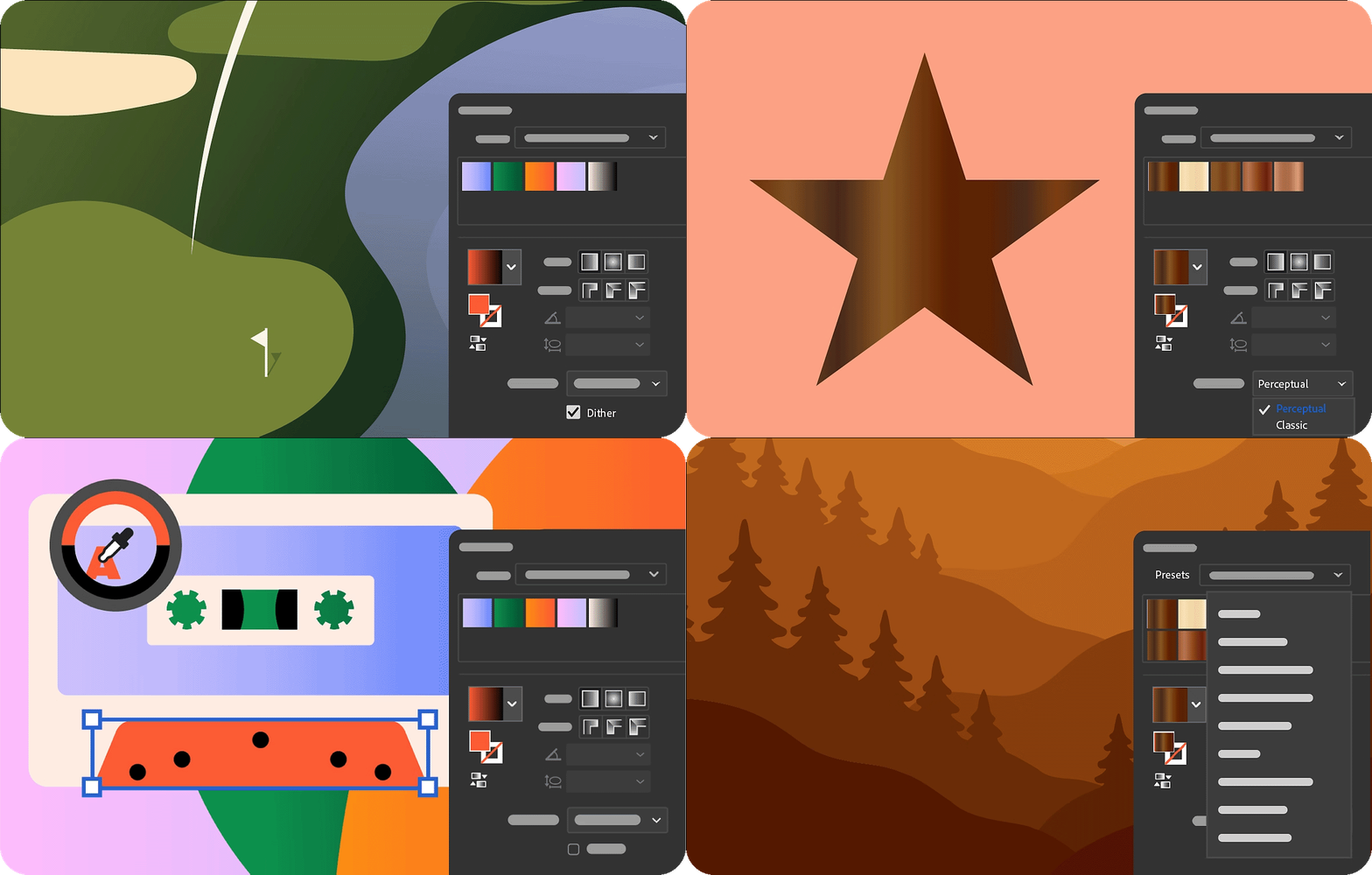
Color Enhancements in Illustrator 2026
- Achieve smoother color transitions with gradient dither.
- Control perceptual color blending in gradients for natural transitions.
- Preview, select, and apply colors faster with the enhanced Color Picker.
- Apply creative, ready-to-use gradient presets.
- Learn more about the Color Enhancements in Illustrator.
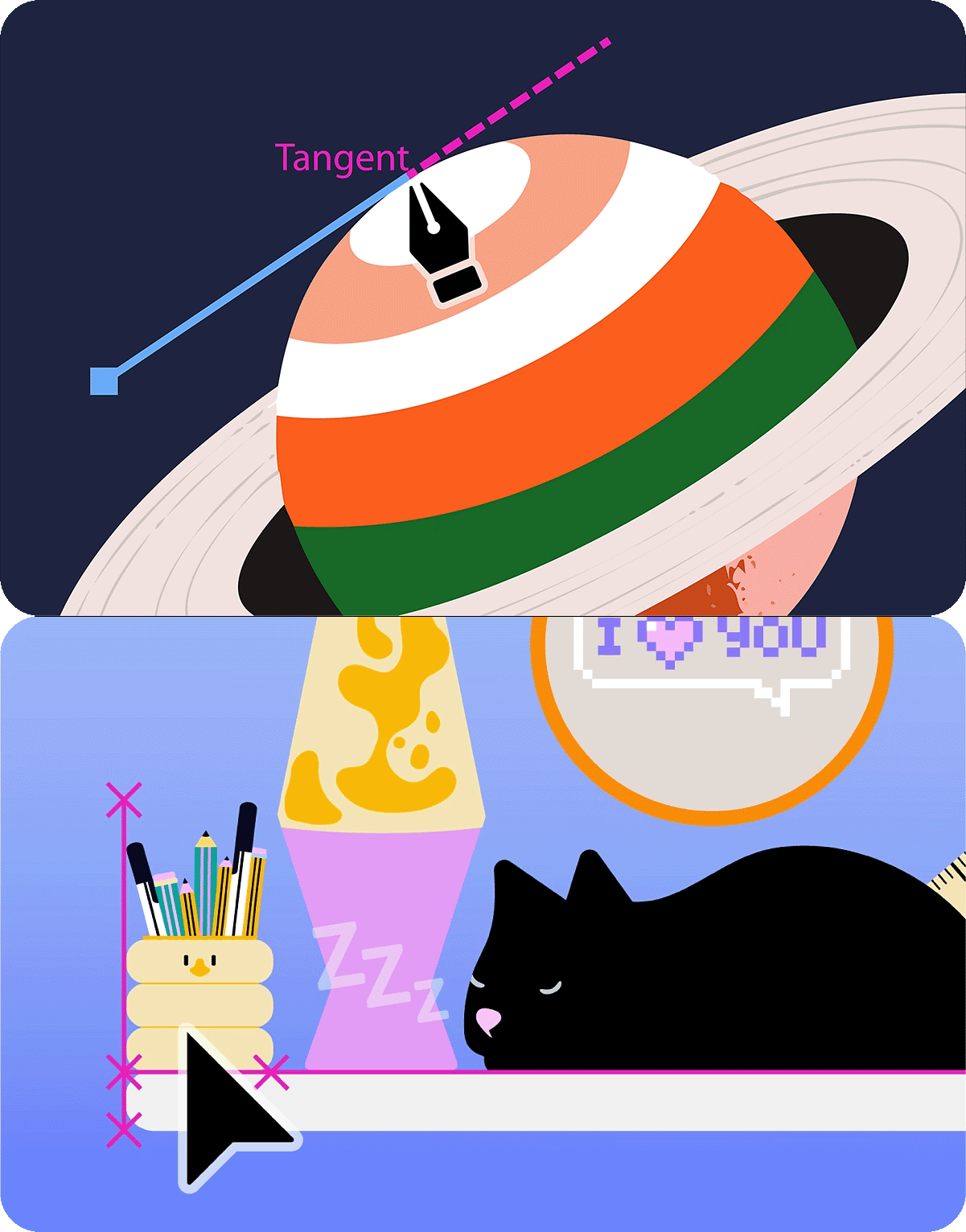
Snapping Enhancements in Illustrator 2026
- Snap line endpoints to tangents.
- Use perpendicular snapping for precise alignments.
- Learn more about the Snapping Enhancements in Illustrator.
Artboard Enhancements in Illustrator 2026
- Prevent accidental edits by locking artboards.
- Personalize your workspace with colored artboards.
- Export just the artboards you need.
- Manage artboards without leaving the canvas.
Learn more about the Artboard Enhancements in Illustrator.

Experience enhanced app performance
Speed up saving large files to protect your work instantly, recover documents quickly and reliably after unexpected crashes, and enjoy smoother editing when moving, scaling, rotating, or duplicating—without lag or interruptions.
Learn more about the performance enhancements.

View 2D objects from multiple angles for new creative directions
Use Turntable in Illustrator (beta) to rotate and view your artwork from any angle for a more dynamic design perspective.
Learn how to use Turntable in Illustrator (Beta) and share your feedback.

Organize, share, and collaborate using Projects
Create shared spaces within Projects to seamlessly organize and collaborate on files across apps like Adobe Photoshop and Adobe Express.
Learn how to organize, share, and collaborate using Projects.
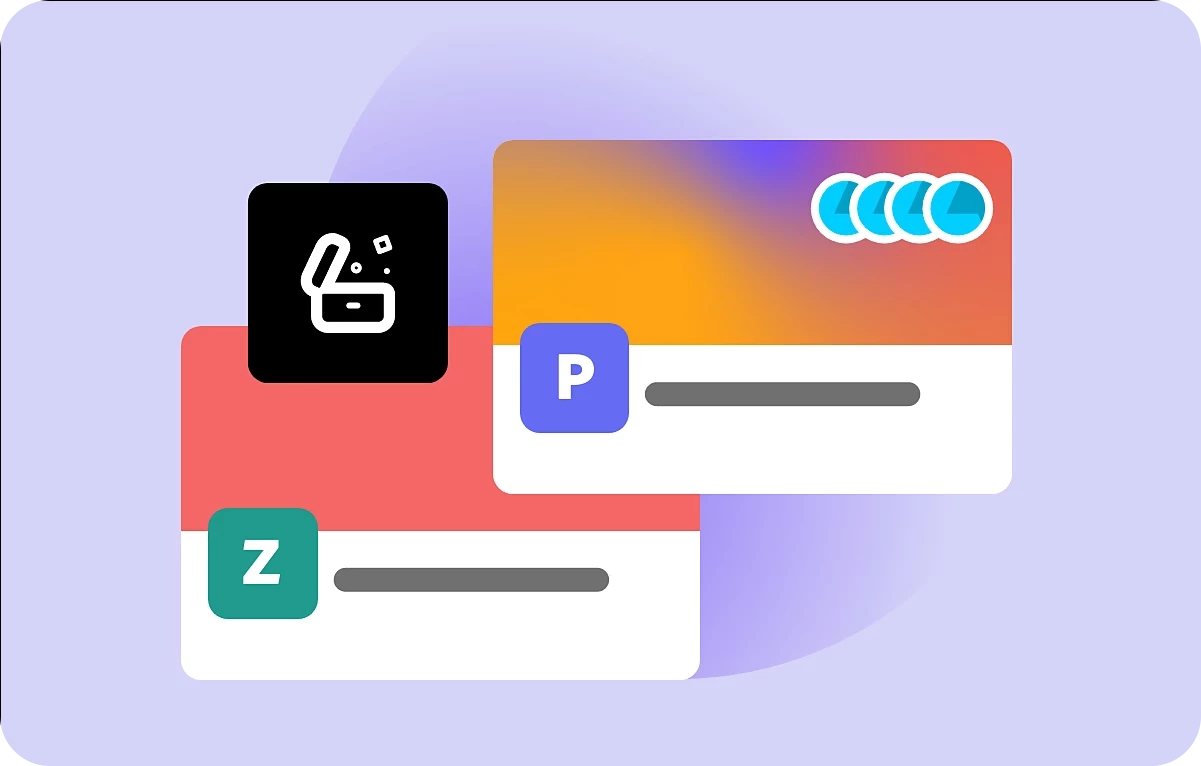
Place and refine Adobe Firefly images directly in-app
Access your Generation history directly from the Illustrator homescreen or workspace to work with raster images created on the Firefly website—no downloads or uploads needed.
Learn how to access Firefly images in Illustrator.
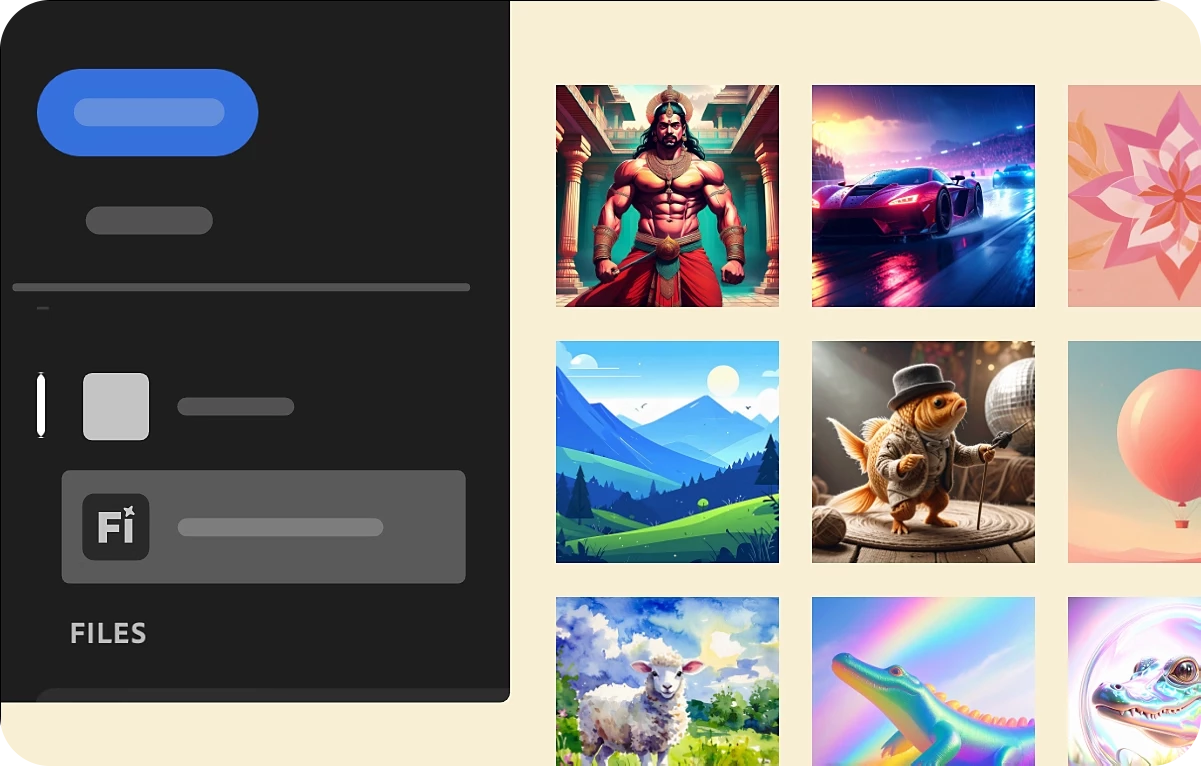
Create faster with Adobe Express templates
Browse and select the perfect template right from the Illustrator homescreen, then fine-tune it in Adobe Express.
Learn how to find and edit Adobe Express templates.
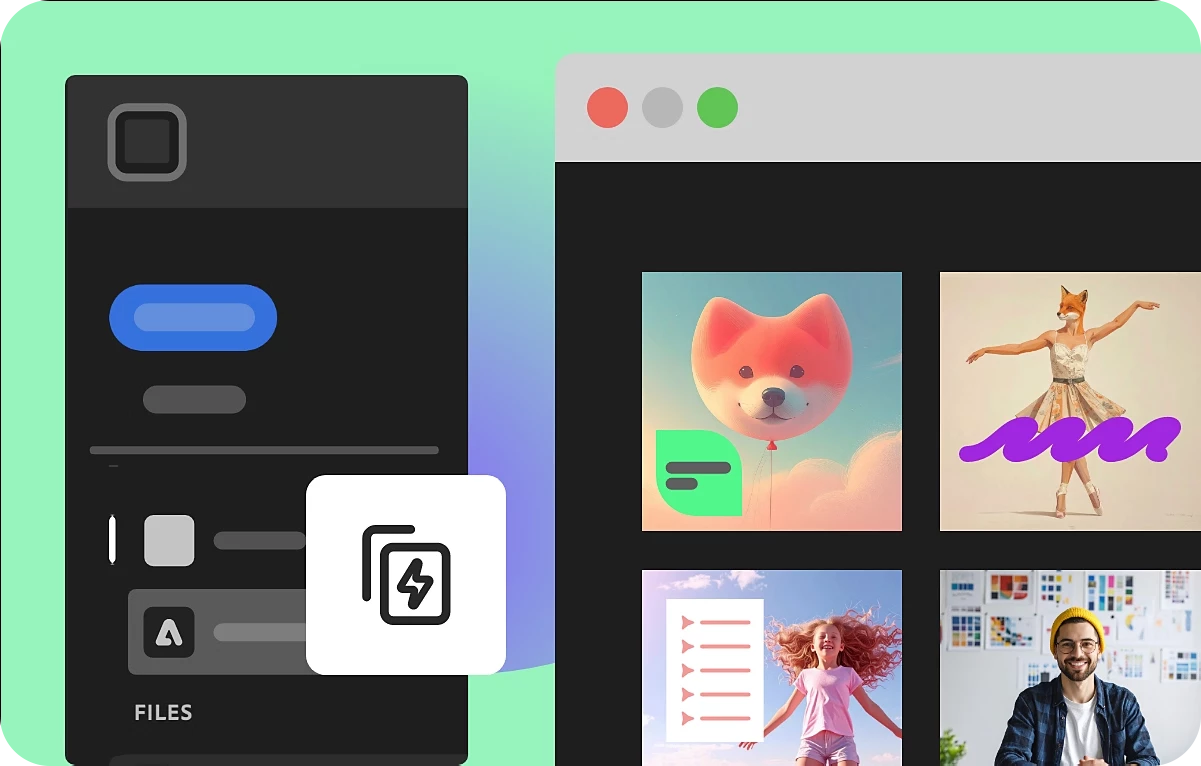
Explore Firefly models in Text to Vector Graphic for more creative control
Experiment with Firefly Vector 4 and Vector 3 models to generate scenes, subjects, and icons—then choose the one that best fits your creative vision.
Learn how to select Firefly models in Text to Vector Graphic.
Access all generative AI features centrally
Access all generative AI features in one place using the Generative AI button in the toolbar or through the Object > Generative menu.

Other Changes
System updates: Illustrator 2026 isn't supported on macOS Monterey (version 12), Windows 11 v22H2, and v21H2 devices.
Fixed Issues: Illustrator 2026 also includes a host of bug fixes and improvements. Learn more.
We’d love to hear from you!
Try out Illustrator 2026 v30.0 and let us know your thoughts. Feel free to reach out if you have any questions or need more tips!

Have questions? Click 'Reply' below to ask.
Click 'Follow' below to bookmark this post for easy reference.
 AdChoices