



Illustrator 2027 v31.0 | Automate tasks with AI Assistant, create smoother blends, explore new presets, learn with Quick Skill guide, and more
Hey all!
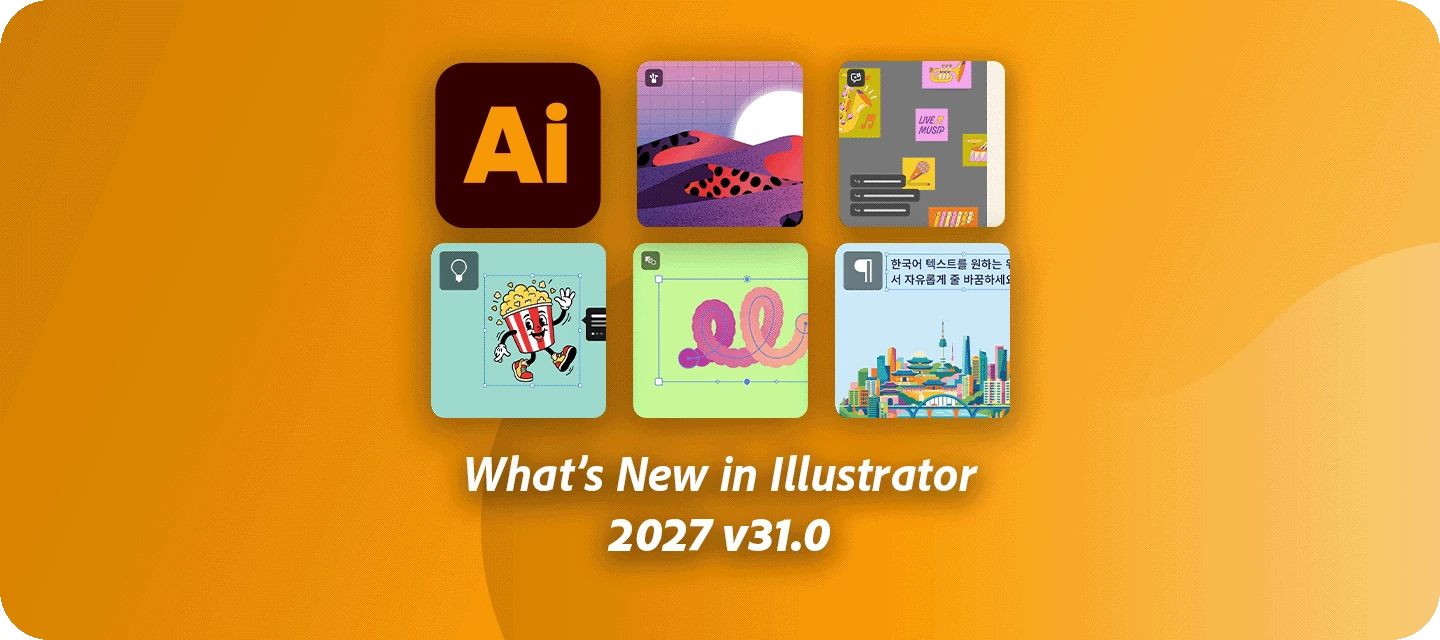
Illustrator 2027 v31.0 brings together time-saving workflow improvements and fresh creative possibilities. AI Assistant (beta) helps you tackle routine, multi-step production work using simple prompts, while new Blend controls give you more flexibility to shape transitions directly on the canvas. You’ll also find refreshed brushes, graphic styles, patterns, and gradients, plus a new Quick skill guide for learning inside Illustrator. For designers working with Korean text, new line-breaking controls offer greater layout flexibility. This release also includes a batch of customer-reported fixes.
For full details, check out the Illustrator release notes.
Automate multi-step production tasks with AI Assistant (beta)

Spend less time on repetitive production work. With AI Assistant (beta), you can use simple prompts to organize layers, edit content, prepare artwork for print, and handle routine tasks that would otherwise take multiple steps, helping you move through production more efficiently.
Create smoother blends with more control

Fine-tune how objects transition within a Blend using new options in the Blend panel and on-canvas easing handles. Shape smoother, more intentional transitions and adjust the results directly on the canvas.
Start fresh with updated creative presets

Explore a refreshed collection of professional-grade brushes, graphic styles, patterns, and gradients. Designed around contemporary creative workflows, these updated presets give you fresh starting points for your next design
Build your skills with Quick skill Guide

Learn new techniques without leaving your artwork. The new Quick Skill Guide brings guided, level-aware learning directly into Illustrator, with interactive, step-by-step lessons covering shape, color, and type workflows.
Get more flexibility with Korean text layouts

The new Korean Line Break Anywhere option gives you greater control over how Korean text wraps within text objects. Use it to fine-tune line breaks and create cleaner layouts that fit your design.
System Updates

Illustrator 2027 now runs natively on Windows ARM devices and Copilot+ PCs. Learn which Adobe apps run on Copilot+ PCs here.
Fixed Issues
Illustrator 31.0 addresses a number of issues reported by customers. Thanks for sharing your reports and helping us improve Illustrator.
- [Mac] A false Wacom driver warning appeared on every launch, even when the tablet was working correctly.
- [Mac] Pressing the spacebar on the Home screen or after switching tabs unexpectedly opened a file dialog.
- [Win] Zoom could become extremely slow and unresponsive when GPU Preview was enabled.
- Severe lag could occur when zooming, panning, and switching tools, particularly in documents containing multiple artboards.
- Documents containing stacked dimension annotations or objects with accumulated metadata could experience significant lag when moving or editing artwork.
- Blend orientation could revert to Align to Path instead of retaining the selected setting.
- Blend panel settings could not be recorded or played back as Actions.
- Using Cmd/Ctrl+Enter while adjusting CMYK color values could incorrectly modify color channels set to zero.
- The ExtendScript Debugger extension for Visual Studio Code could fail to attach to Illustrator for script debugging.
For the complete list of fixes and release information, see the Illustrator release notes.
Get Started

Update to Illustrator 31.0 from the Creative Cloud desktop app by selecting Update next to Illustrator. For step-by-step guidance, check out the detailed update instructions.
Share Your Feedback
Give the new features in Illustrator 2027 v31.0 a try and tell us what makes the biggest difference to your workflow. Are you using AI Assistant (beta) to take repetitive production work off your plate, experimenting with the new Blend controls, or finding inspiration in the refreshed presets?
Share your experiences, questions, and suggestions in the replies. If you encounter an issue, create a new community post so we can follow up.
If you found this announcement helpful, click 👍 Like. Use ⭐ Subscribe to stay informed about future updates. You may also share this post with others who might benefit from these improvements.
 AdChoices