
HARSHIKA_VERMA
Community Manager
Community Manager
August 4, 2025

Illustrator 29.7 | Enhanced Artboards, Colors, Find setting faster, & Improved User Interface

  • August 4, 2025
  • 23 replies
  • 4203 views

Hey everyone!

With the Illustrator v29.7 release, we’re excited to introduce powerful updates designed to make your design experience smoother, smarter, and more accessible. Please check what's new to learn more about this release. 

Update now to experience these improvements and elevate your creativity! 

 

Update the App

Try out the latest Features and Enhancements in Illustrator.


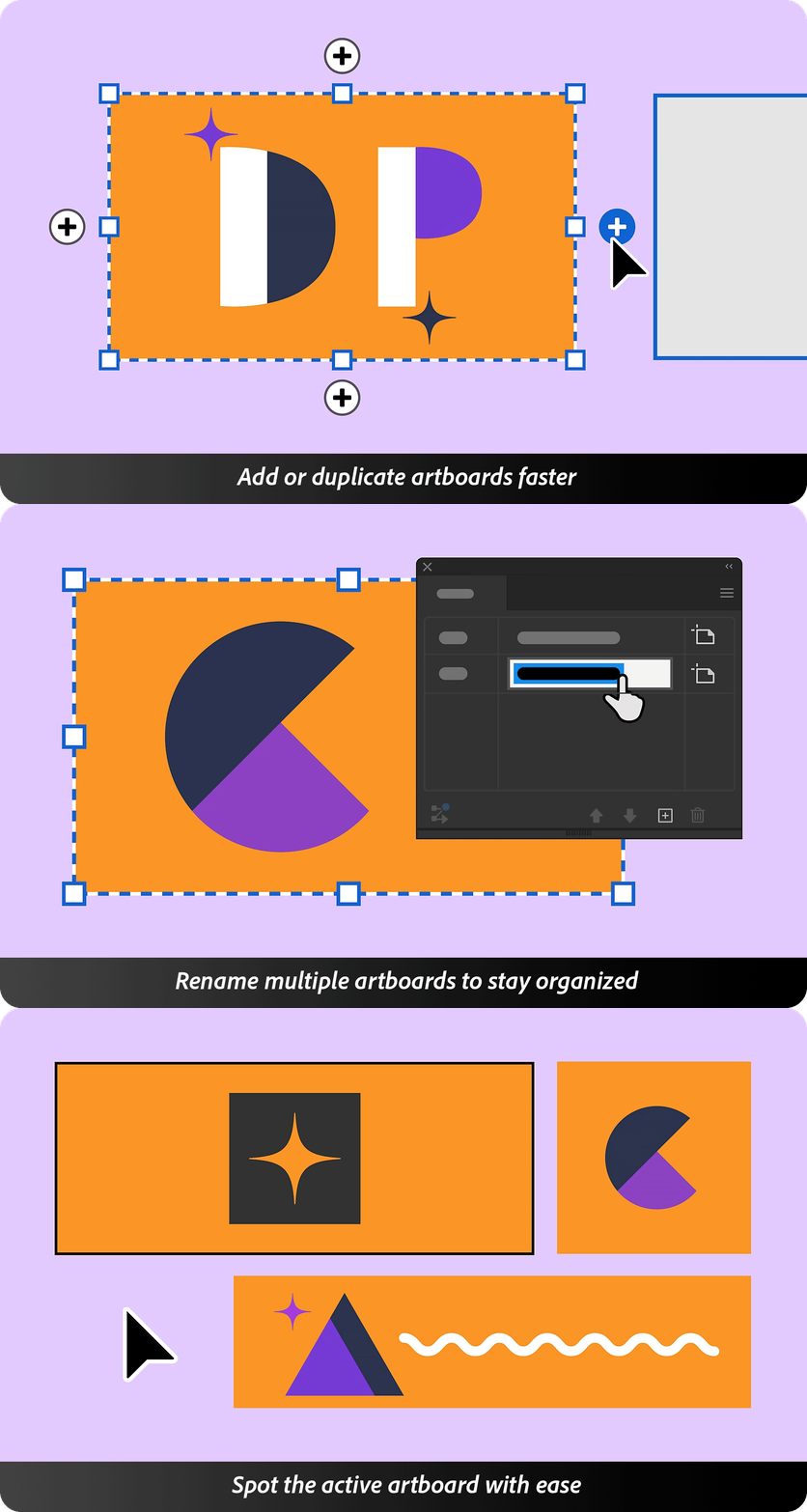
Artboards Enhancements!

Work with artboards more intuitively—add or duplicate them right from the canvas.
Rename multiple artboards at once.
Easily identify the active artboard to stay focused while designing. Check this page for more details.

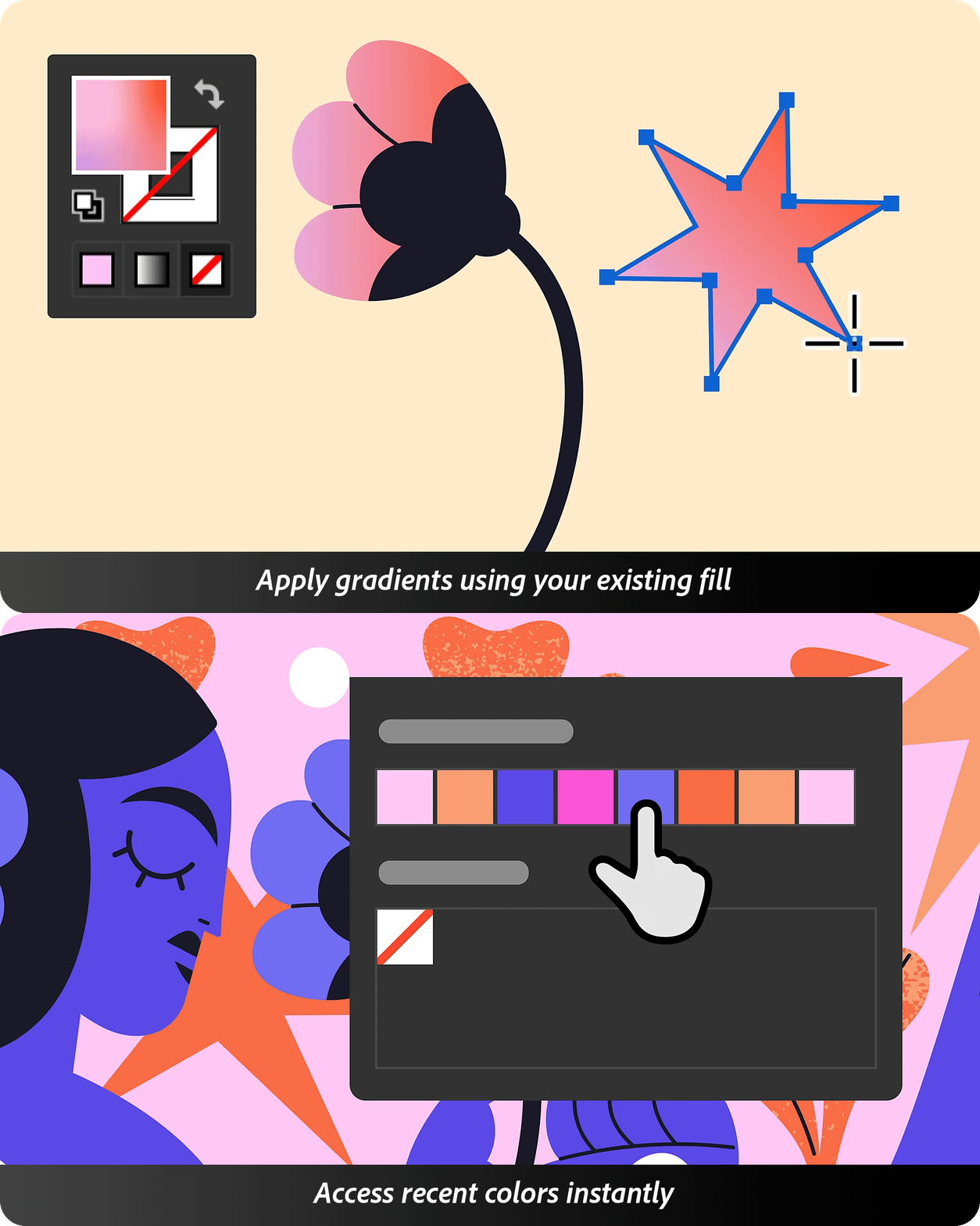
Colors Enhancements!

Work with color more precisely and flexibly across your designs. Smarter gradients and reusable recent colors make applying and managing color effortless.
Streamline your workflow while enhancing creative control. Check this page for more info.

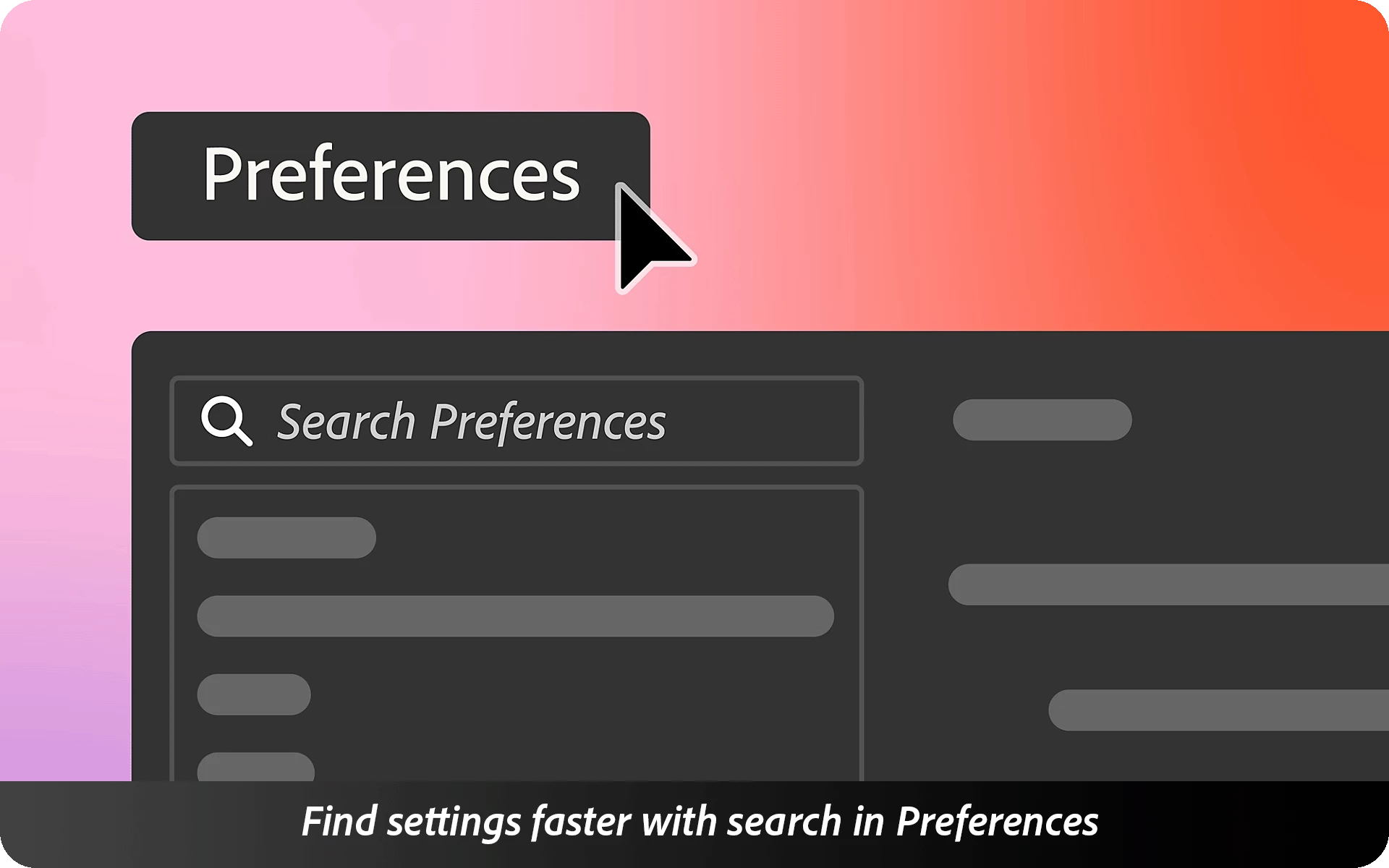
Instant Preferences Search!

The Search bar in Preferences helps you instantly find any setting. Just type a keyword—whether it’s for performance, UI, or tools—and jump straight to the option you need.

Improved Accessibility

Navigate with ease using screen readers, keyboard shortcuts, and enhanced accessibility settings across toolbars, menus, and panels.

Fixed Issues

Illustrator v29.7 also includes several bug fixes. Take a look here.

We’d love to hear from you!

Try out Illustrator v29.7 and let us know your thoughts. Feel free to reach out if you have any questions or need more tips!

If this was helpful, please click the Upvote icon in the top left corner of this post. Your feedback helps us improve the experience. Thank you!


Have questions? Click 'Reply' below to ask.

Click 'Follow' below to bookmark this post for easy reference.

    23 replies

    Participating Frequently
    September 8, 2025

    Loving the new updates in v29.7 — especially the artboard enhancements and color features! The search preferences are also a real time saver. Great job, team!

    watermelon5
    Inspiring
    September 7, 2025

    Since 2010, I asked for basic automatic margin settings in Illustrator just like in InDesign and all I got was Artificial Intelligence.  🤷🏻‍♀️

    Ton Frederiks
    Community Expert
    Community Expert
    September 7, 2025
    watermelon5
    Inspiring
    September 9, 2025

    It's not my thread, but I'm pretty sure I've posted this on the suggestions as far back as 2010. I remember people giving up on it. Imagine measuring doc margins for every single artboard or every art board having different margins?? 🤦🏻‍♀️

    Participant
    September 5, 2025

    Why the management of PSD dont work like InDesign? If I have a Photo that I want hide a layer ... I can't.

    Wouldn't it be preferable to have the same file management in the 2 programs?

    Known Participant
    September 5, 2025

    Was ich auch noch sagen wollte, der dicke Zeichenflächenrahmen ist schrecklich. Könnt Ihr den bitte wieder fein machen. 

    Participating Frequently
    September 4, 2025

    My large-format files are all converting down to 10%. What's going on?

    Ton Frederiks
    Community Expert
    Community Expert
    September 4, 2025

    Where do you notice that, in Illustrator or another app?

    Participating Frequently
    September 4, 2025

    At the moment, only in Illustrator.

    We are a signage company, so we usually use a 'page size' of over 9,000mm. For a while, it's been great to be able to work at a 1:1 ratio, but when I save, close and reopen the file again, it converts down to 10%...

    marvinj75944493
    Participant
    September 3, 2025

    The new thicker artboard borders are very distracting and not useful.

    Known Participant
    September 3, 2025

    Also ich finde dieses Update eine totale Katastrophe. Ich kann die vielen bugs gar nicht aufzählen!


    Farbfelder = ich öffne eine Datei und die Farbfelder sehen nach meiner persönlichen Einstellung aus. Ich öffne eine zweite Datei und gehe dann zu der vorherigen Datei zurück. Die Farbfelder sind nun nicht mehr sichtbar und ich muss diese wieder anzeigen lassen und die Farbfelder sind auch nicht mehr so wie ich die Grössenanzeige eingestellt habe. Das beginnt von neuem wenn nochmals eine Datei geöffnet wird oder die Grösse der Farbfelder wird auch wieder auf klein gestellt. Auch wenn man zwischen der Listenansicht und Feldansicht wechselt. Es ist ein ewiges hin und her klicken und Einstellen. Zuletzt verwendete Farben habe ich ausgeblendet.


    Schriften = Ich musste Textliche Korrekturen in einer Artwork anbringen. Plötzlich wurden die Schriftschnitte verändert. Bild im Anhang.


    Retype = Illustrator stürzt ab, wenn ich diese Funktion benutzten möchte.


    Voreinstellung = Cursor steht im neuen Suchfeld anstatt in den Zeilenschritten. Dies hat mein Arbeitsablauf extrem verlangsamt da ich sehr viel mit dem com k und den Tastenschritten arbeite. Dies sollte in der neuen Version, die in meinem Land leider noch nicht zur Verfügung steht, behoben sein.


    Ich arbeite seit ca. 28 Jahren mit den Adobe Programmen und gestern stand ich kurz vor einem Nervenzusammenbruch!


    Stellt lieber weniger Updates zur Verfügung und wenn dann sollte dies von den Adobe Mitarbeiter vor her gründlich getestet werden. Ich komme mir immer wie mehr wie ein Versuchskaninchen für Adobe Programme vor.


    Zur Info: ich habe Illustrator 29.7.1 deinstalliert und wieder neu installiert und die Fehler sind immer noch da.

    Ton Frederiks
    Community Expert
    Community Expert
    September 3, 2025

    Try the update to 29.8 your (check if it is already available in your region), many of these problems have been solved.

    Inspiring
    September 3, 2025

    It has been noted in another post that the font substitution problem remains with 29.8, and there is a video which shows it. https://community.adobe.com/t5/illustrator-discussions/fonts-changing-in-files-when-opened-in-illustrator-29-5-1/m-p/15488511#M452312

    Participant
    September 3, 2025

    Hi, 

    I am having two issues since the update:

    1. Lines disappearing when selecting and dragging path: select multiple not connected paths, drag them around: at least one path will disappear while dragging -> placing it where it should be becomes impossible

    2. Pasting text into textboxes: always changes formating from regular to bold and vice versa.

    johnson_8344
    Participating Frequently
    August 28, 2025

    Thanks for sharing this update, Harshika! The new artboard controls and instant preferences search are super handy, and the color + accessibility improvements make the workflow even smoother. Excited to try these out!

    Inspiring
    August 25, 2025

    Recent colors.  This is a feature that I feel like, I should like it...but I don't.  LOL.  It's not because it's not useful.  It's of course useful.  But I found that it created some kind of visual clutter for me and I couldn't find what I was looking for at a glance once it populated with color swatches.  So I turned it off for normalcy.  Also, there's a bug in there.  When the recent colors is enabled, the spectrum bar sometimes gets hidden.  Especially when resizing the panel below it.  I think I'll have to play around with it some more and see if I can get used to it.