
HARSHIKA_VERMA
Community Manager
Community Manager
August 4, 2025

Illustrator 29.7 | Enhanced Artboards, Colors, Find setting faster, & Improved User Interface

  • August 4, 2025
  • 23 replies
  • 4203 views

Hey everyone!

With the Illustrator v29.7 release, we’re excited to introduce powerful updates designed to make your design experience smoother, smarter, and more accessible. Please check what's new to learn more about this release. 

Update now to experience these improvements and elevate your creativity! 

 

Update the App

Try out the latest Features and Enhancements in Illustrator.


Artboards Enhancements!

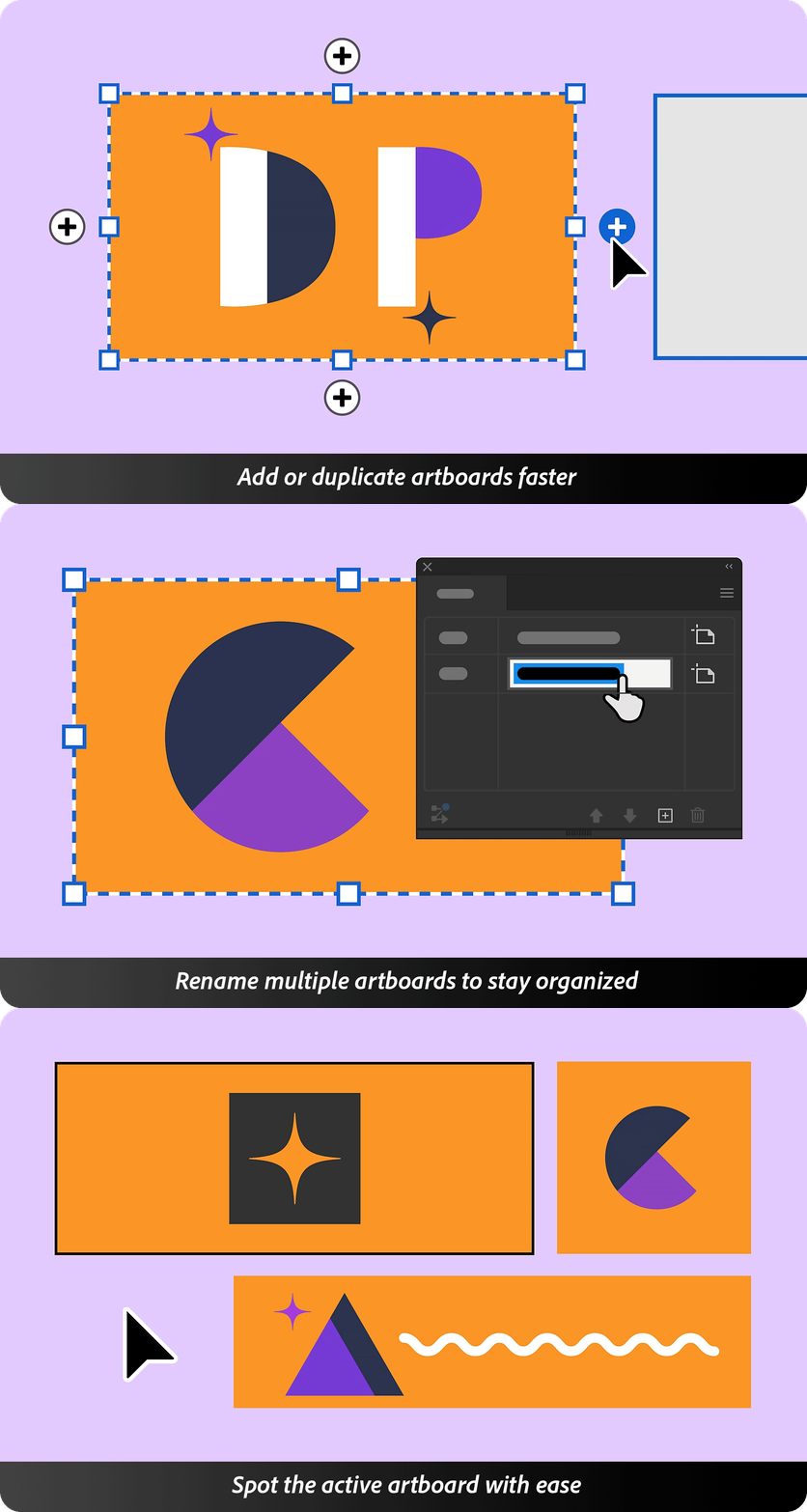
Work with artboards more intuitively—add or duplicate them right from the canvas.
Rename multiple artboards at once.
Easily identify the active artboard to stay focused while designing. Check this page for more details.

Colors Enhancements!

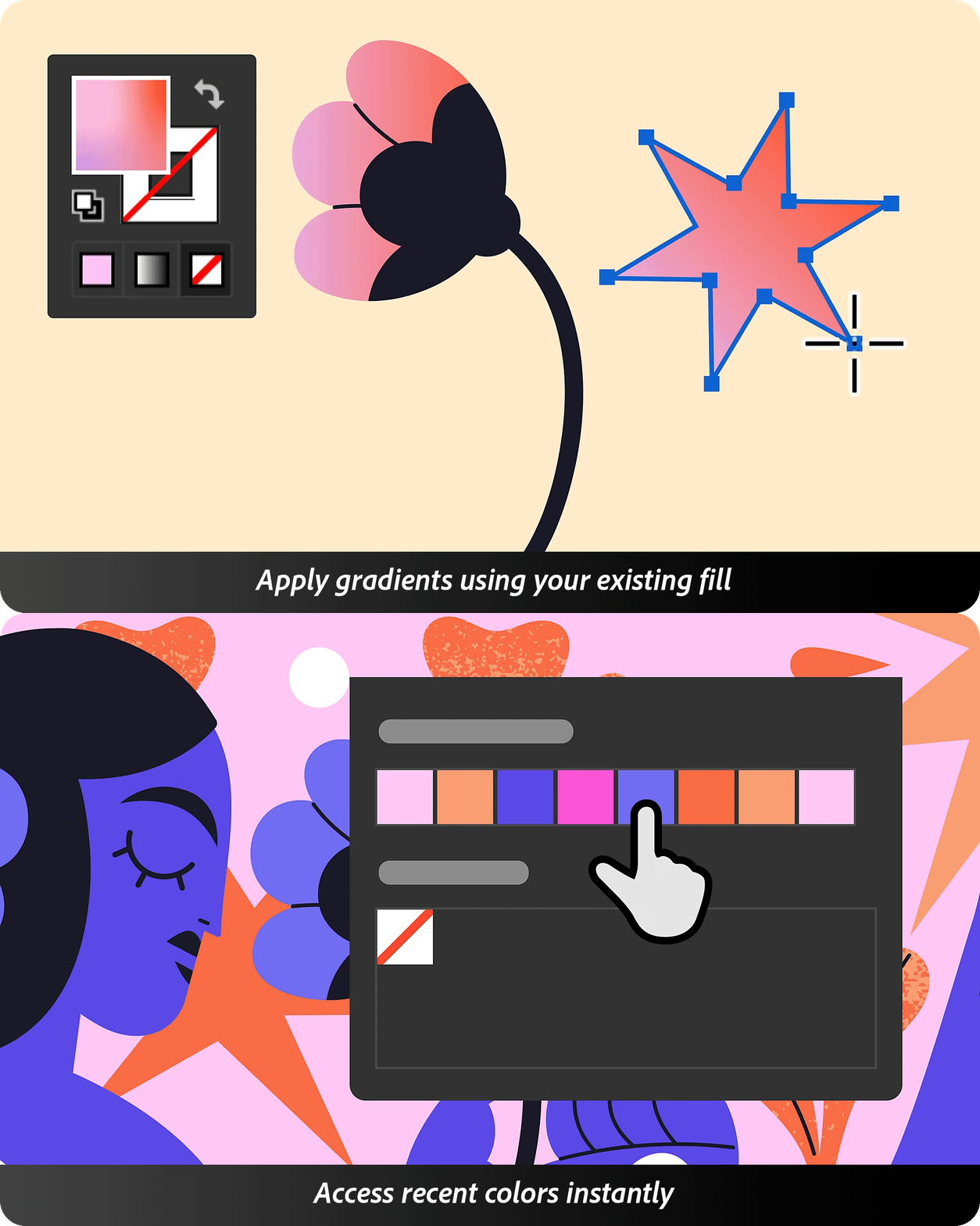
Work with color more precisely and flexibly across your designs. Smarter gradients and reusable recent colors make applying and managing color effortless.
Streamline your workflow while enhancing creative control. Check this page for more info.

Instant Preferences Search!

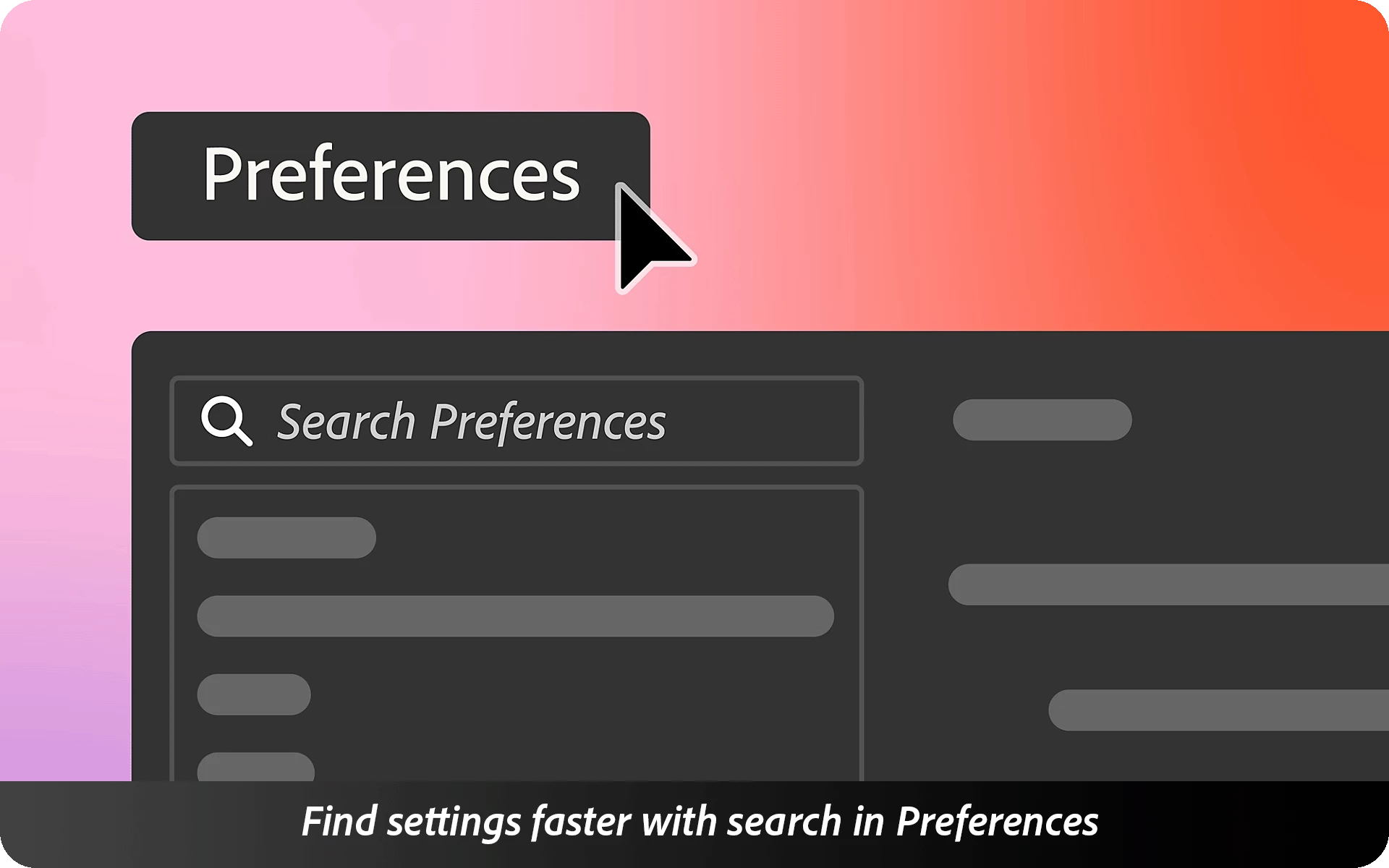
The Search bar in Preferences helps you instantly find any setting. Just type a keyword—whether it’s for performance, UI, or tools—and jump straight to the option you need.

Improved Accessibility

Navigate with ease using screen readers, keyboard shortcuts, and enhanced accessibility settings across toolbars, menus, and panels.

Fixed Issues

Illustrator v29.7 also includes several bug fixes. Take a look here.

We’d love to hear from you!

Try out Illustrator v29.7 and let us know your thoughts. Feel free to reach out if you have any questions or need more tips!

If this was helpful, please click the Upvote icon in the top left corner of this post. Your feedback helps us improve the experience. Thank you!


Have questions? Click 'Reply' below to ask.

Click 'Follow' below to bookmark this post for easy reference.

    23 replies

    Participant
    August 5, 2025

    Hallo, of ik zie het nu pas of het is na de update.

    Een zwarte dikke rand om een nieuw gemaakt document.

    Is dat ergens weg te halen of?!?!?!?!

    Ton Frederiks
    Community Expert
    Community Expert
    August 5, 2025
    Participant
    August 4, 2025

    How do I turn off the stupid change to the preferences bar you've made? I use keyboard increment 100's of times a day when laying AW and now you've slowed the whole process down with the automatic highlight of the search settings bar.

    Participant
    August 7, 2025

    Have re-installed the older version because of this. The addition of the search bar inside preferences has completed upset the ability to quickly change keyboard increment – workflow goes out the window. Also, all units keep changing back to points even after changing to 'mm'. This happens in both preferences and document setup, even after saving. This update seems very buggy and very much a downgrade. 

    Ton Frederiks
    Community Expert
    Community Expert
    August 7, 2025

    @angelo_4363 yes, when text is entered in the search field in Preferences and you click OK, the units are changed to pt the next time you go to Preferences.

    It is reported here: https://illustrator.uservoice.com/forums/601447-illustrator-desktop-bugs/suggestions/50287938-illustrator-29-7-1-changes-units-from-pixels-to-po

    Participant
    August 4, 2025

    In Illustrator 29.6 / 29.6.1, the behavior of Tab has changed in a way that significantly slows down layer‑name workflows. It no longer moves you directly to the next layer’s name while renaming. Instead, it cycles through visibility toggles, lock icons, color swatches, expand/collapse arrows, and panel buttons before finally landing on the next name field — a reversal of the behavior in versions ≤ 29.5.

    I frequently rename many layers in sequence, and the old workflow enabled me to:

    1. Double‑click a layer name → type the new name

    2. Press Tab → immediately start renaming the next layer

    This keyboard-only process was fast and essential for my projects. Now, the extra Tab stops interrupt my flow and force me to switch to the mouse multiple times per layer.

    Adobe’s admin response on the UserVoice thread noted the change likely stemmed from accessibility improvements, and confirmed it “broke the way this feature works.”

    ✔️ Suggested solution:

    Please add a setting in Preferences (or inside the Layers panel) to restore the classic Tab behavior, where Tab jumps directly to the next layer name. Optionally, let users toggle between “focus full row” (accessibility mode) vs “focus name field” behavior. That would keep accessibility intact while restoring efficient workflows.

    Thank you for considering it.

    Anubhav M
    Community Manager
    Community Manager
    August 4, 2025

    Hello @richardp9891, @kalen_1925,

    I'm sorry to hear about your workflow disruption. Would you mind creating a UserVoice for this request (https://adobe.ly/3U8If38) and adding your comments there? Doing this will help us prioritize this request, and you will be notified of any updates.


    Feel free to reach out if you have more questions or need assistance. We'd be happy to help.


    Anubhav