


Anubhav M
Community Manager
Community Manager
February 10, 2026
Sticky

Illustrator 30.2 | Partner Models, Firefly Boards, TIFF Export, Cloud Export, Scaling Enhancements and more
  • February 10, 2026
  • 2 replies
  • 675 views
what's new in illustrator 30.2

Hello everyone,

We’re thrilled to introduce new Illustrator improvements with version 30.2, designed to speed up ideation, enhance AI results, and simplify how you export and share your work. You’ll now see smarter model recommendations for generative vector workflows, more third‑party model choices for shape fills, and new export capabilities—including TIFF support and easier cloud-based handoff—so you can create, refine, and deliver faster.
 

What’s new in Illustrator

   Get auto model recommendations when using Text to Vector Graphic

Auto Select recommends the best partner model for your prompt when creating scenes, subjects, and icons.
Learn more about Auto Select.

Fill shapes with partner models when using Generative Shape Fill
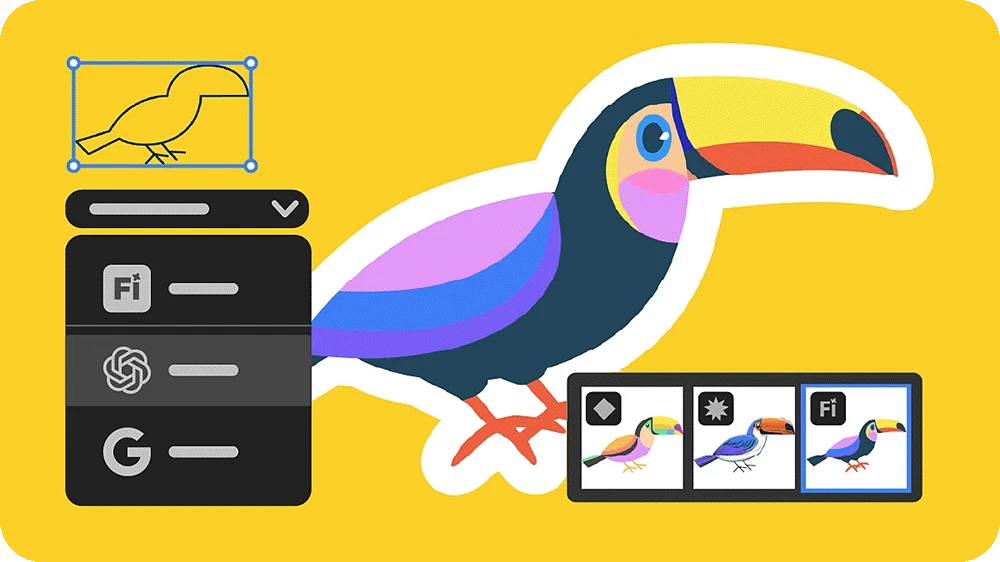
Add detailed vector graphics to shapes using GPT Image 4o and Gemini 2.5 (Nano Banana).
Learn how to use partner models in Generative Shape Fill.

Generate with new partner models when using Text to Vector Graphic
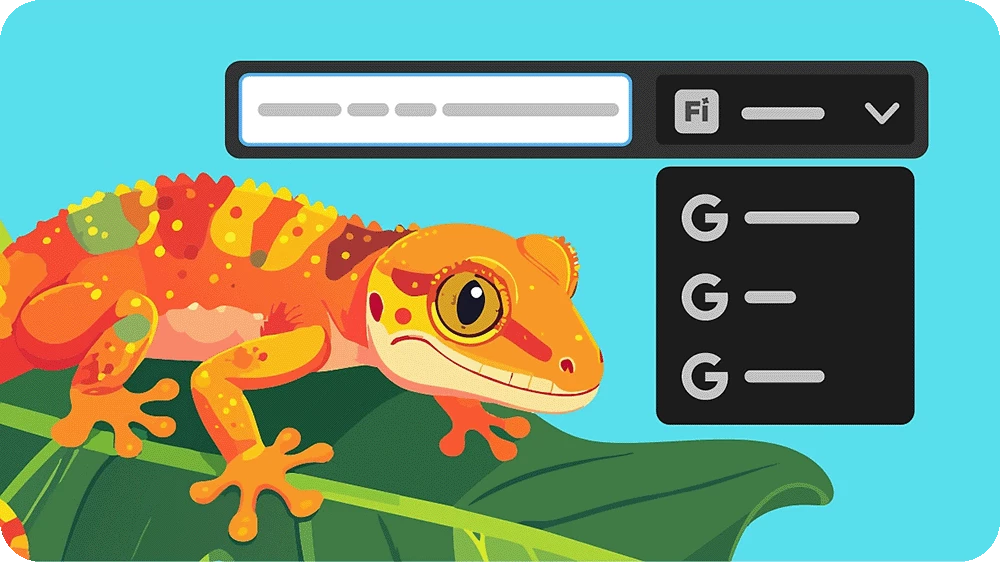
Generate cleaner, high‑quality, and more stylized scenes, subjects, and icons with Gemini 3 (Nano Banana Pro) and Imagen 4.
Learn how to use partner models in Text to Vector Graphic.

Export artboards and assets as TIFF

Export artboards and assets in TIFF format via Export for Screens for high‑quality, print‑ready workflows.
Learn how to export artboards and assets for screens.

Export Illustrator files directly to Adobe cloud storage

Export Illustrator files to Adobe cloud storage for easy access, sharing, and reuse across desktop and web. 
Learn how to export files to Adobe cloud.

Ideate and visualize using Firefly Boards
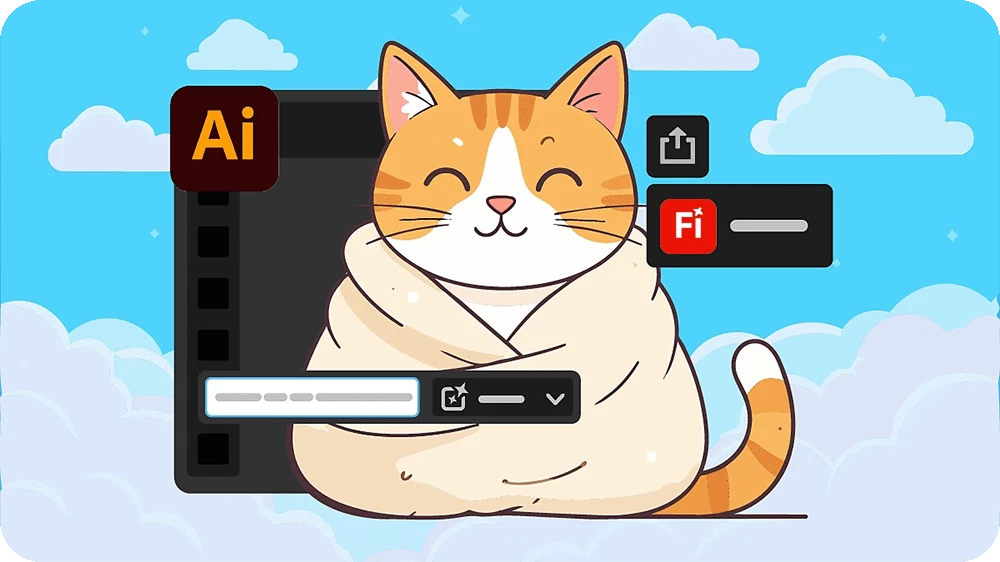
Export assets from Illustrator directly into Firefly Boards to build mood boards and mockups.
Learn how to export assets to Firefly Boards.

Scale objects using relative or absolute values

Choose Relative or Absolute scaling in the Transform Each panel to control transformations across selected objects.
Learn how to scale objects.

Fixed issues


Illustrator 30.2 also includes several improvements and bug fixes. Learn more.


Get Started


To update to Illustrator 30.2, open the Creative Cloud desktop app and click Update next to Illustrator. For step-by-step guidance, check out the detailed update instructions.

Once updated, open your existing projects and explore the latest enhancements available in Illustrator 30.2.


Update the App

Try out the latest Features and Enhancements in Illustrator

Update Illustrator


We'd love to hear from you!


Try out the new features in Illustrator 30.2 and let us know how they’re improving your workflows. If you have questions or feedback, feel free to reply here and join the conversation.


If you found this post helpful, click 👍Like to let us know. Use ⭐Subscribe to stay updated on future replies. You can also share this post with others who might find it useful.

2 replies

Miteodoro88
Participant
February 27, 2026

ola!

Estou com problemas na instalação de alguns programas.

Ja falei com dois atendentes por chat e por ultimo recebi um email me instruindo a vir aqui na comunidade.

Meu Macbook tem a versão Big Sur 11.7.11, acabei de assina o creative cloud Pro.

Porem, nao estou conseguindo baixar versões anteriores de alguns aplicativo como por exemplo o ILLUSTRATOR.

uma atentamente por chat  me enviou link do Illustrator  2024 para baixar.

mas, nao deu certo.

acho que precisar ser versão anterior tipo: 2023.

por exemplo o photoshop que tem aqui no mac e de 2021


Como posso solucionar isso?  alguém pode me ajudar ?

ppooooqq
Participating Frequently
February 11, 2026

You still can’t fix the object-jumping bug after a simple three-finger drag, yet you keep shipping all these shiny new features.
At this point it just feels like decorating trash with fancy feathers.

Anubhav M
Community Manager
Anubhav MCommunity ManagerAuthor
Community Manager
February 12, 2026

Hello ​@ppooooqq 


I’m sorry to hear about your experience. I tried replicating this behavior on my end but could not. Would you mind adjusting the trackpad sensitivity (https://support.apple.com/guide/mac-help/change-trackpad-settings-mchlp1226/mac) and checking if it helps?


Looking forward to hearing from you.
Anubhav

ppooooqq
Participating Frequently
February 13, 2026

I’ve been able to fully reproduce the three-finger drag object jumping issue in Illustrator 30.x. This does not happen in version 29.x under the exact same interaction pattern, so this really looks like a regression.

When using three-finger drag on macOS to move an object, after releasing it at the intended position, there’s a noticeable delay (almost around ~1 second) before Illustrator visually restores the object to its normal “selected” appearance — meaning the bounding box and anchor highlights come back.

During that short window, the object looks like it’s already released. But internally it still behaves as if it’s in an active “grab” state. That’s the key part.

This extended post-release state seems to only happen with three-finger drag. It does not occur when using a mouse, and it does not occur with two-finger drag (force-click + move). Only three-finger drag shows this prolonged latent grab state.

To reproduce it in 30.x: move an object with three-finger drag, release it where you want it, and before the object fully returns to the normal selected appearance, just slightly move your finger again in any direction on the trackpad. The object immediately shifts again in that direction. Visually, it looks like the object “jumps” for no reason.

In 30.x this is reproducible 100% of the time for me. In 29.x, using the exact same steps, this behavior does not occur. That strongly suggests something changed in drag state handling or input finalization between versions.

You can actually observe the timing by watching how long it takes after release for the object to visually return to the selected state. With three-finger drag, that delay is noticeably longer compared to other input methods, and that visual delay matches the window during which unintended movement can still happen.

I suspect this may be underreported because many users still rely on a mouse, or use alternative drag methods. Heavy three-finger trackpad workflows might not be very common. I intentionally use trackpad-based workflows extensively, so I probably ran into this earlier and more consistently than others.

Speculating a bit, this feels related to drag state finalization timing, possibly differences in input event handling introduced in 30.x, or even how macOS gesture events are translated into pointer events. That said, since 29.x does not show this behavior, it seems more likely something changed inside Illustrator’s own drag or selection state logic.

As a temporary mitigation (not saying this is the correct architectural fix), one idea might be to introduce a short post-release suppression window. For example, when drag ends (mouseUp), record a timestamp t0, and for a brief interval after that — say t0 to t0 + N ms — ignore movement-affecting input events. Alternatively, suppress movement interpretation until the selection state is fully restored (like when the bounding box redraw is confirmed complete). That could prevent the visible “object jump” effect while the UI state finishes committing.

It’s probably not the cleanest long-term solution, but it might serve as a guard against this specific behavior.

I hope this makes the issue more concrete and easier to reproduce internally.

Thanks for taking the time to read through this.

P.S.
For clarity, this does not appear to be a general macOS three-finger drag issue. The same gesture behaves normally in Finder, on the desktop, and in other apps — once released, the drag state fully commits and no residual movement occurs. That makes it more likely this is specific to Illustrator’s drag state handling in 30.x, rather than the OS gesture layer itself. Which also suggests this should be fixable at the application level.