




Illustrator 30.3 | Turntable, Auto Select, Style Reference, and Cloud Export Enhancements

Hey all!
Illustrator 30.3 introduces new features to enhance creativity and efficiency. Turntable enables multi‑angle viewing and dynamic exports, Auto Select generates multiple variations from a single prompt, style references now work across partner models like GPT Image and Gemini, and Export for Screens supports direct saving to Adobe Cloud. For more details, check out the what’s new page.
Turntable: View 2D objects from new angles

Discover how to use Turntable in Adobe Illustrator to view both vector and raster objects from different angles.
Smart Model Selection with Auto Select in Generative AI
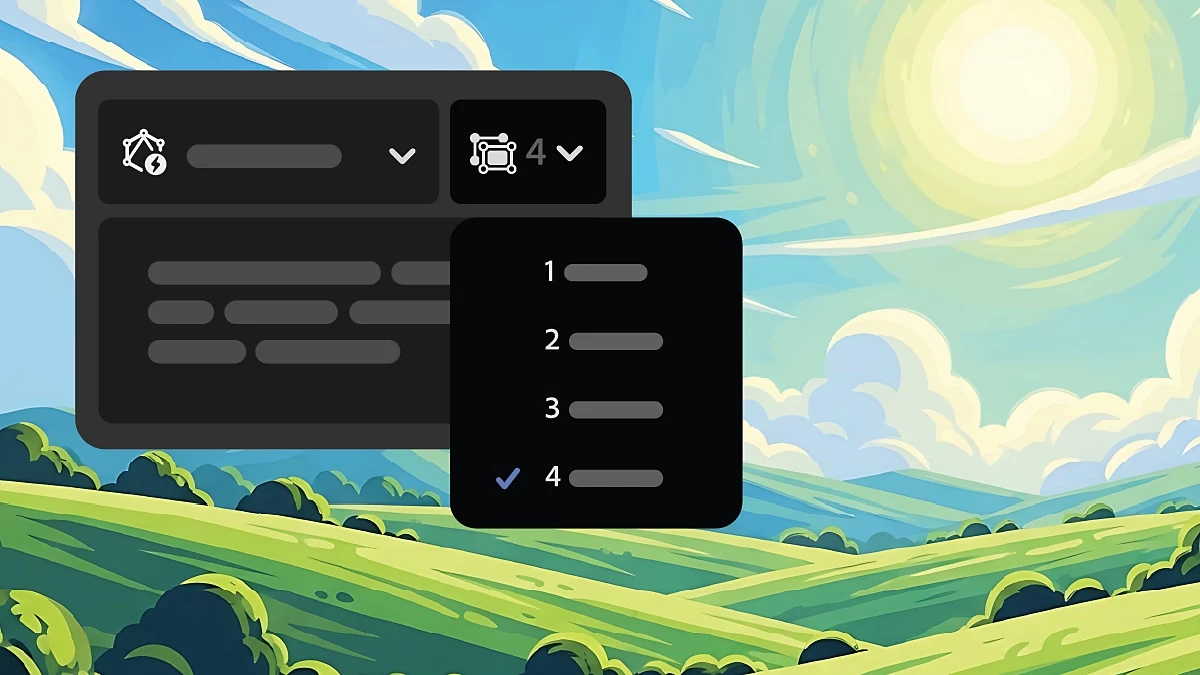
Learn about Auto Select in generative AI, a feature that helps you choose the most suitable models for your prompts.
Style Reference Across Partner Models in Text to Vector Graphic

Apply style references with new partner models in Text to Vector Graphic by using a reference image to guide your output across models like GPT Image and Gemini.
Seamless Cloud Export from Export for Screens

Export your Illustrator files directly to Adobe Cloud storage using Export for Screens, making it easy to access, share, and reuse your work anytime across desktop and web.
Fixed issues
Illustrator 30.3 also includes several improvements and bug fixes. Learn more.
Get Started
Explore the latest updates and enhancements in Illustrator. Update to Illustrator 30.3 using this link, or open the Creative Cloud desktop app and click Update next to Illustrator. For step-by-step guidance, check out the detailed update instructions.
Share Your Feedback
We encourage you to try the new features in Illustrator 30.3 and share your feedback with the community. If you have questions or suggestions, please reply to this post or create a new post for any issues.
If you found this announcement helpful, click 👍 Like.
Use ⭐ Subscribe to stay informed about future updates.
You may also share this post with others who might benefit from these enhancements.
 AdChoices