




Illustrator 30.5 | Concept to Vector, Prompt to Edit, Rewrite Text and many more

Hey all!
Illustrator 30.5 brings a major leap forward in AI-powered design workflows, putting intelligent generation and editing capabilities right at your fingertips. This release introduces Concept to Vector for turning rough sketches into refined vector artwork, Prompt to Edit for conversational refinement of generated assets, Rewrite Text for AI-generated copy and translations, a centralized Gen AI Hub, Firefly Board integration, and quality-of-life improvements. For more details, check out the What's New page.
Concept to Vector (Sketch to Vector)

Transform rough sketches and concepts into polished vector artwork with Concept to Vector. Simply draw or import a loose sketch, describe what you want, and Illustrator generates clean, editable vector graphics that follow your composition. Ideal for quickly iterating on ideas without starting from scratch.
Learn how to generate vectors from sketches.
Prompt to Edit

Refine your generated artwork without regenerating from scratch. Prompt to Edit lets you make conversational adjustments to artwork created with Generate Vectors (Text to Vector) and Turntable -- change colors, adjust compositions, modify details, and iterate faster with simple text instructions.
Learn how to refine generated artwork with prompts.
Rewrite: Generate, Rephrase, and Translate

Let AI help you craft the perfect copy directly inside Illustrator. Rewrite lets you generate headlines, taglines, and body copy, rephrase existing text for tone or length, and translate text into other languages -- all while preserving your formatting and Adobe Fonts.
Learn how to generate and rephrase text with AI.
Manage project files from the home screen
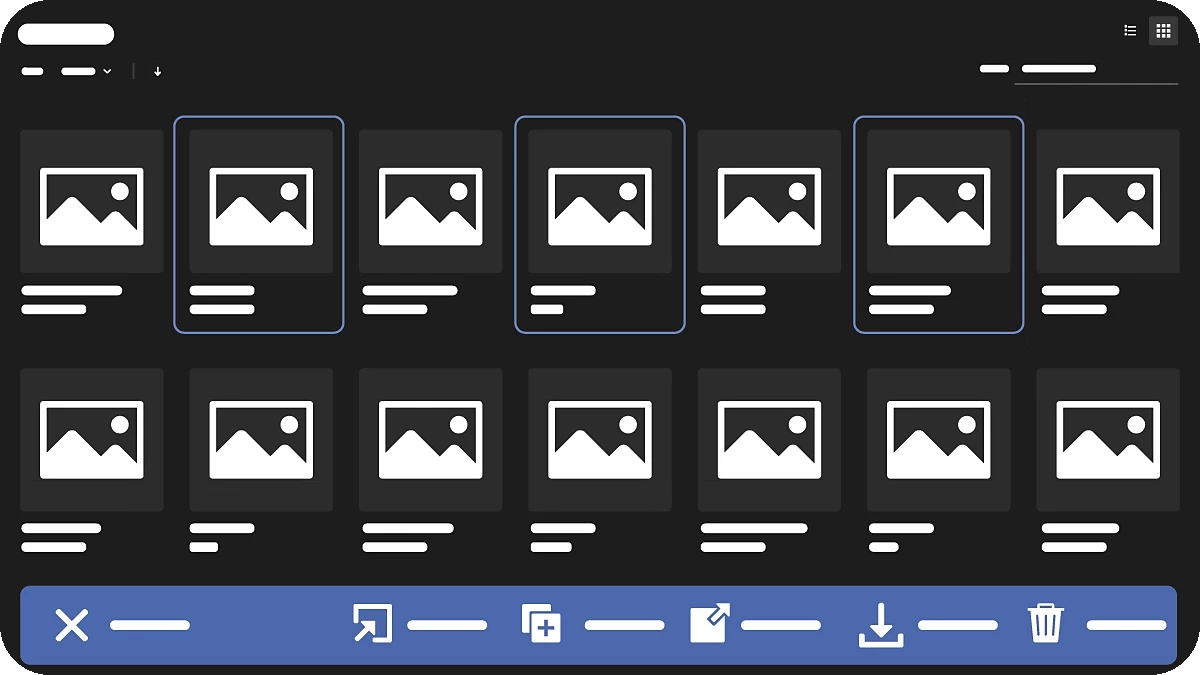
You can now upload and download project files individually or all at once from the home screen.
Learn how to upload and download project files in Illustrator.
Check generative credits from the Application Bar

Keep track of your generative credit usage without leaving your workspace. The new Credits Counter in the Application Bar displays your remaining generative credits directly in the Illustrator interface, so you always know where you stand.
Learn more about using the Application Bar.
Quality-of-Life Improvements
Illustrator 30.5 also includes refinements based on your feedback:
- Full Alignment Center Option - A long-requested feature that lets you center-align objects relative to the full artboard or page with a single click.
- Disable Hover-Scrolling on Numeric Fields - Accidentally scrolling values in panels is now a thing of the past. Numeric input fields no longer change values on hover-scroll.
Get Started
Explore the latest updates and enhancements in Illustrator. Update to Illustrator 30.5 using this link or open the Creative Cloud desktop app and click Update next to Illustrator.
For step-by-step guidance, check out the detailed update instructions.
Share Your Feedback
We encourage you to try the new features in Illustrator 30.5 and share your feedback with the community. If you have questions or suggestions, please reply to this post or create a new post for any issues.
If you found this announcement helpful, click Like.
Use Subscribe to stay informed about future updates.
You may also share this post with others who might benefit from these enhancements.
 AdChoices