




Illustrator Creative Challenge #7: Weave Decorative Text with the Intertwine Tool

Welcome back to the Illustrator Creative Challenges, our monthly nudge to open Illustrator, learn something, and share it with the community. This time, we're zooming right in on a single, brilliant feature, the Intertwine tool, and using it to weave something through text.
THE CHALLENGE: WEAVE SOMETHING
Take a word, your initials, or a monogram, and weave something through it, a ribbon, a vine, a strand of wool, so it laces over and under the letters like it was always tangled there.
Need a spark? Pick a lane, or invent your own:
- A monogram, your initials with a ribbon or cord woven through them.
- A word, laced through with a vine, a string of fairy lights, or a scarf.
- A single big letter, with an illustrated creature or plant winding through it.
- A woven knot or emblem, skip the letters entirely, and interlace shapes into a Celtic-style badge.
WHAT TO INCLUDE
- The letters or shape, set big enough to actually weave something through.
- The thread, whatever laces through it, with at least one full crossing, behind, then in front, so the weave actually shows.
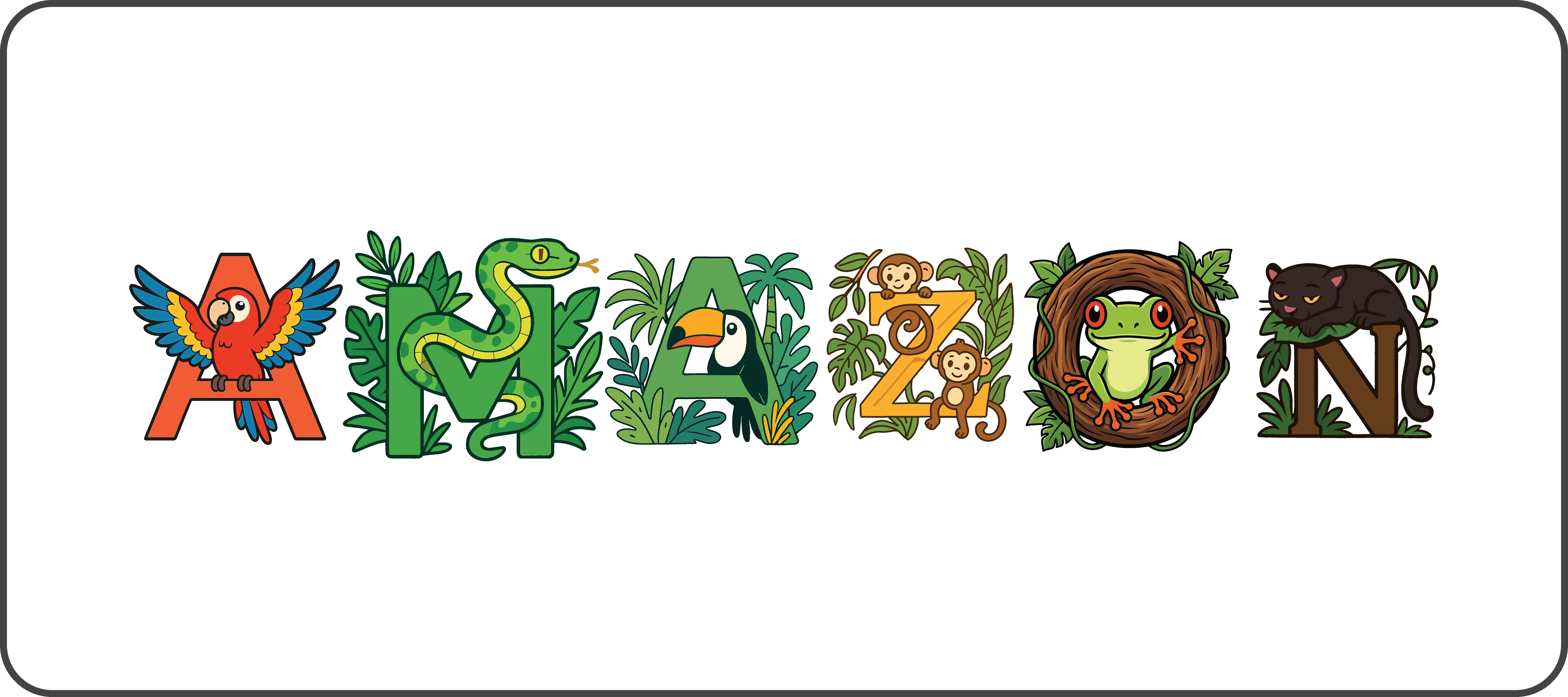
HERE'S MINE
HOW TO TAKE PART
Reply to this thread with:
- Your finished piece, the word or monogram with the thread woven through it.
- A line on your process, what you chose to weave, and which crossing you're proudest of. Honestly, this is the best part to read, so don't skip it.
👍 Like · ⭐ Subscribe for the next one · 📣 Share with someone who'd join in
 AdChoices