



Anubhav M
Community Manager
Community Manager
Oct 6, 2026 4:04 PM UTC

Illustrator Creative Challenge #7: Weave Decorative Text with the Intertwine Tool
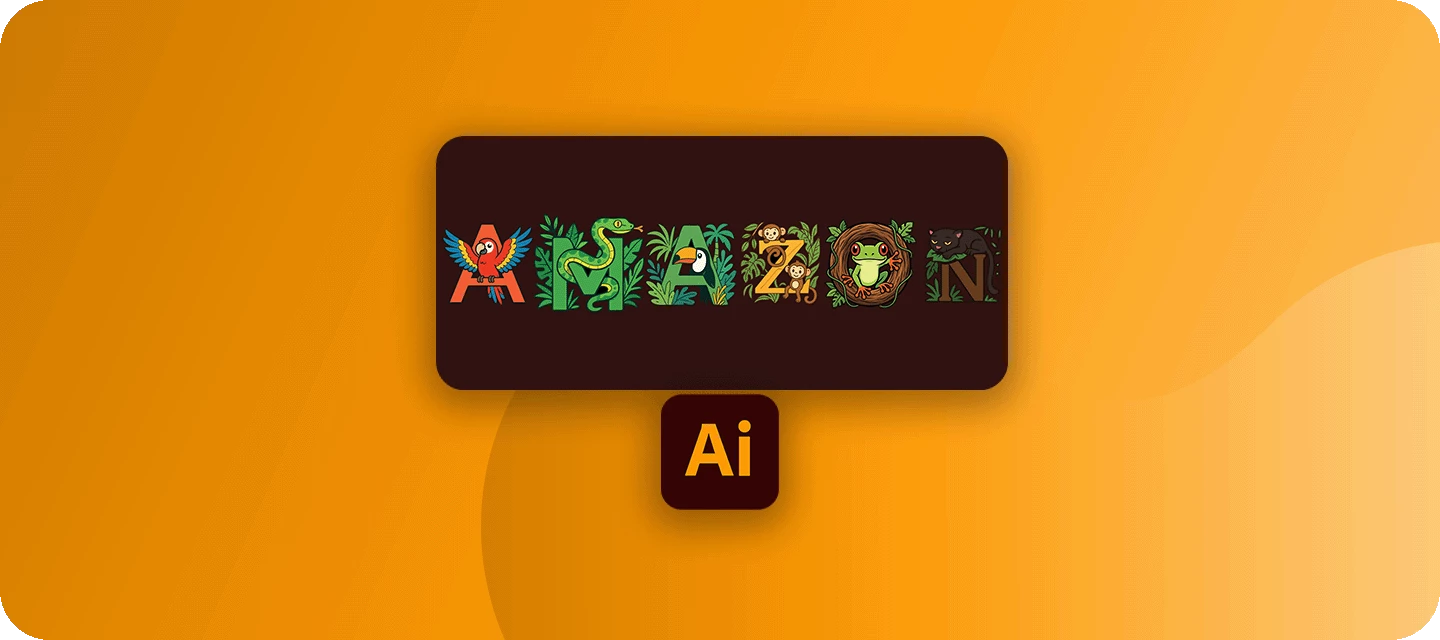
Welcome back to the Illustrator Creative Challenges, our monthly nudge to open Illustrator, learn something, and share it with the community. This time, we're zooming right in on a single, brilliant feature, the Intertwine tool, and using it to weave something through text.
 

THE CHALLENGE: WEAVE SOMETHING

Take a word, your initials, or a monogram, and weave something through it, a ribbon, a vine, a strand of wool, so it laces over and under the letters like it was always tangled there.

Need a spark? Pick a lane, or invent your own:

  • A monogram, your initials with a ribbon or cord woven through them.
  • A word, laced through with a vine, a string of fairy lights, or a scarf.
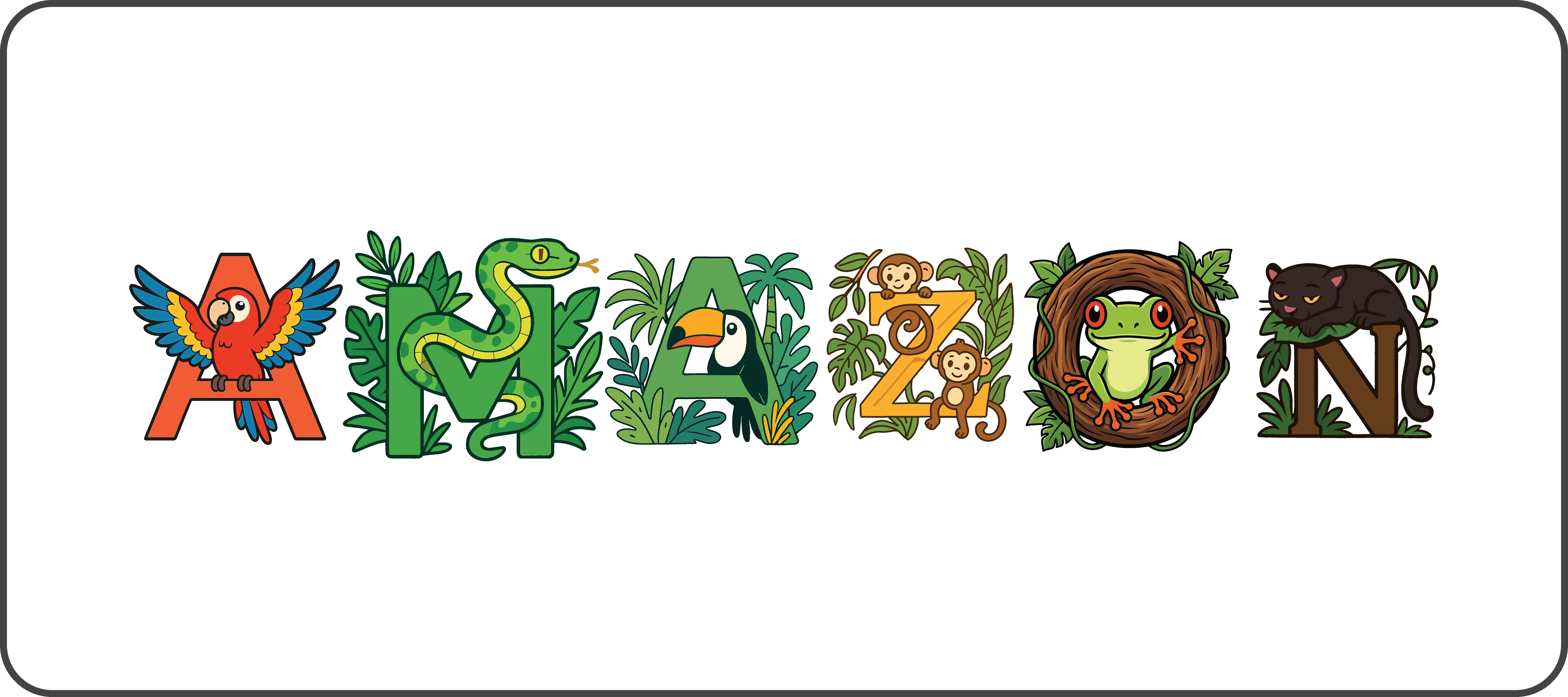
  • A single big letter, with an illustrated creature or plant winding through it.
  • A woven knot or emblem, skip the letters entirely, and interlace shapes into a Celtic-style badge.


WHAT TO INCLUDE

  • The letters or shape, set big enough to actually weave something through.
  • The thread, whatever laces through it, with at least one full crossing, behind, then in front, so the weave actually shows.


HERE'S MINE

HOW TO TAKE PART

Reply to this thread with:

  • Your finished piece, the word or monogram with the thread woven through it.
  • A line on your process, what you chose to weave, and which crossing you're proudest of. Honestly, this is the best part to read, so don't skip it.
     

👍 Like · ⭐ Subscribe for the next one · 📣 Share with someone who'd join in

    43 replies

    Participant
    Oct 29, 2026 1:53 PM UTC

    This is such a fun challenge! 🎀 I love the idea of weaving a ribbon through letters so it looks like it was always tangled there. The Intertwine tool is a great pick for this, and the over-and-under crossings make a simple monogram feel so elegant and handmade. Thanks for the inspiration, can’t wait to see everyone’s entries! 🙌


    Translate
    N8.
    Community Expert
    Oct 31, 2026 10:26 AM UTC

    ​@practical_genius7720 we would love to see your take on this challenge. Make sure to add your version of using the intertwine tool. :)

    Translate
    bebarth
    Community Expert
    Community Expert
    Oct 19, 2026 5:19 PM UTC

    A bit of love in this cruel world!


    Translate
    N8.
    Community Expert
    Oct 20, 2026 4:25 PM UTC

    Definitely need more love. The soft colours are great.

    Translate
    Participant
    Oct 29, 2026 1:54 PM UTC

    I love purple color 😍

    Translate
    N8.
    Community Expert
    Oct 18, 2026 5:15 PM UTC

    Kind of simple… however, it was fun to do. 


    Translate
    Ivi Dimitrova
    Participant
    Oct 18, 2026 2:11 AM UTC

    I was inspired by the word “Dream” and I use Intertwine tool and the word “Infinite” to express the idea of infinite dream. I like how the letters D and M intertwine and connect visually with the letters of the word "Infinite."

    Translate
    daniellei4510
    Community Expert
    Community Expert
    Oct 18, 2026 2:14 AM UTC

    Nice job. I’m also a sucker for subtle, pastel colors.

    Translate
    Adobe Community Expert | I have miles to go before I sleep, but I'm all done on this end.
    Ivi Dimitrova
    Participant
    Oct 19, 2026 6:14 AM UTC

    Thank you so much for your feedback! It means a lot to me. ✨

    I promise to create more designs during the remaining months of this year and throughout the whole next year. ✨🎨💜

    Translate
    Community Expert
    Oct 16, 2026 2:17 PM UTC


    Translate
    N8.
    Community Expert
    Oct 16, 2026 3:03 PM UTC

    ok… that is growing on me. I like the concept.

    Translate
    chanaart
    Community Expert
    Community Expert
    Oct 15, 2026 7:52 PM UTC


    Translate
    N8.
    Community Expert
    Oct 16, 2026 3:04 PM UTC

    Awe… that would make anyone’s birthday. 

    Translate
    @mj
    Community Expert
    Community Expert
    Oct 15, 2026 4:58 PM UTC

    Hisss!

    Translate
    N8.
    Community Expert
    Oct 19, 2026 3:33 PM UTC

    I love the concept and the colours. Very cute and well done.


    Translate
    Tina_Irvine
    Community Expert
    Community Expert
    Oct 15, 2026 12:09 AM UTC


    I was inspired by the word “lace,” mentioned in the challenge a few times. I had a tough time adding the red shadow for additional depth, so I used the shape builder tool for that; however, the intertwine feature worked well in general when using the lasso :) 

    Translate
    N8.
    Community Expert
    Oct 27, 2026 12:41 PM UTC

    I see how your are tying it all together. ​@Tina_Irvine 

    Translate
    Tina_Irvine
    Community Expert
    Community Expert
    Oct 27, 2026 4:03 PM UTC

    “tying” 😄

    Translate
    Shawn Kosel
    Community Expert
    Community Expert
    Oct 13, 2026 12:28 PM UTC

    Had fun using my brushes on my live stream.  

    Translate
    N8.
    Community Expert
    Oct 13, 2026 3:30 PM UTC

    that is cute Shawn.

    Translate
    derekwatson
    Community Expert
    Community Expert
    Oct 12, 2026 4:07 PM UTC

    I always like to see if I can push it and break things… The Intertwine tool works perfectly on some of the fish but not others, not detecting the overlaps in some cases.


    Translate
    Derek Watson
    N8.
    Community Expert
    Oct 13, 2026 3:30 PM UTC

    That is is quite interesting. I look forward to breaking Illustrator. hahaha

    Translate