

Illustrator MAX update (26.0) | 3D enhancements, In-app learning, enhanced collaboration and more!
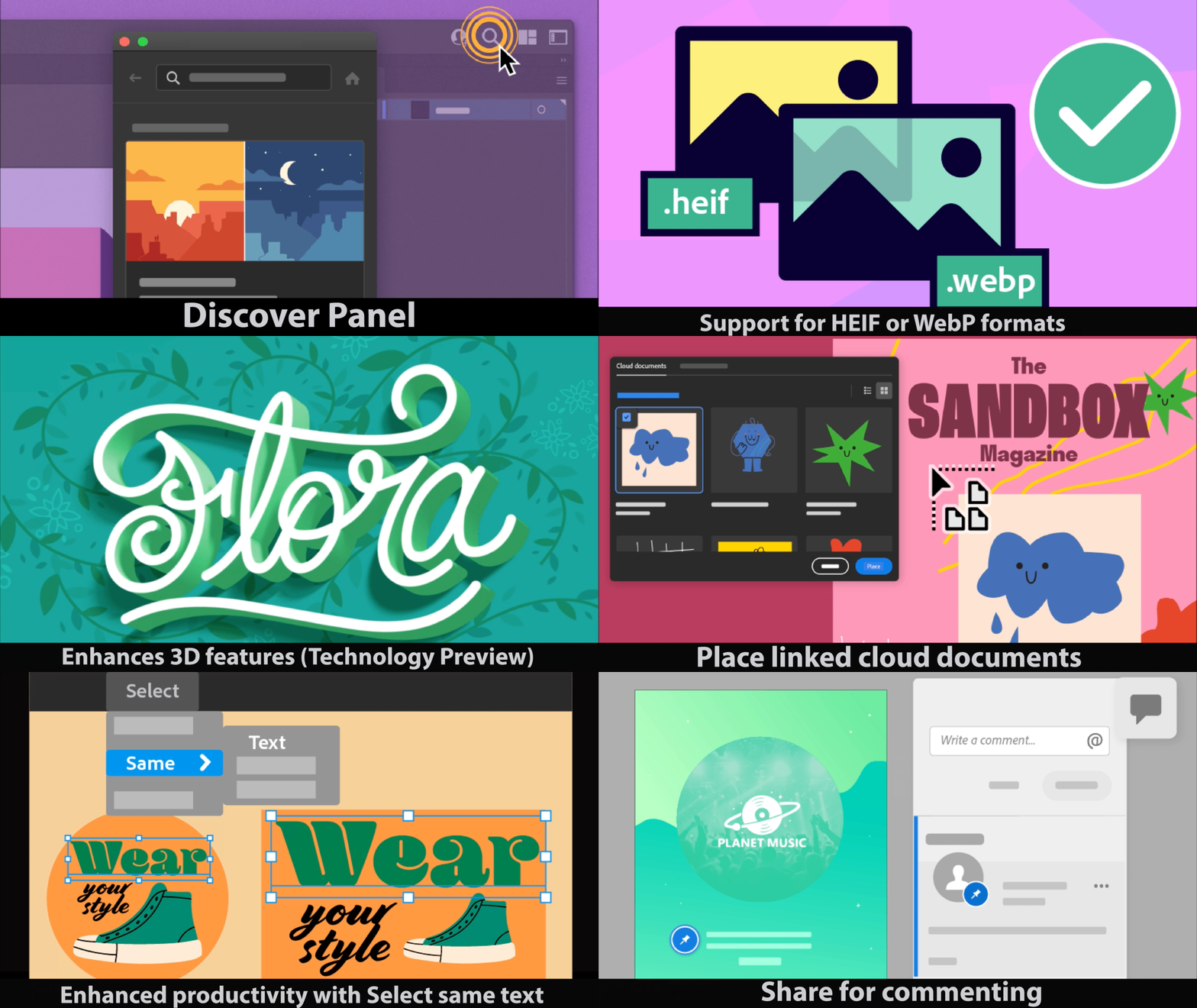
The Adobe MAX update to Illustrator brings to you several exciting features listed below. To update your current version, or to download it, see this article.
Discover Panel
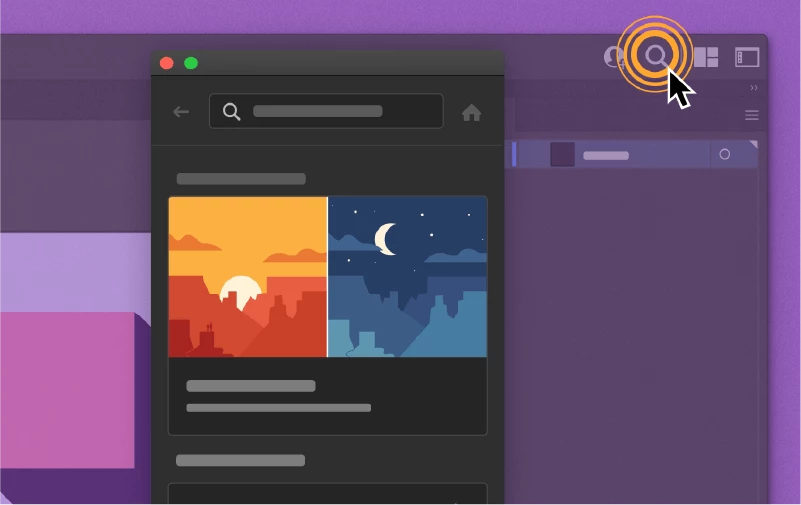
Learn how to get the most out of Illustrator’s tools and capabilities using the Discover Panel. The powerful features of the Discover Panel, powered by Adobe Sensei, help you quickly locate and learn tools and tutorials from within the application.
3D and Materials (Technology Preview)

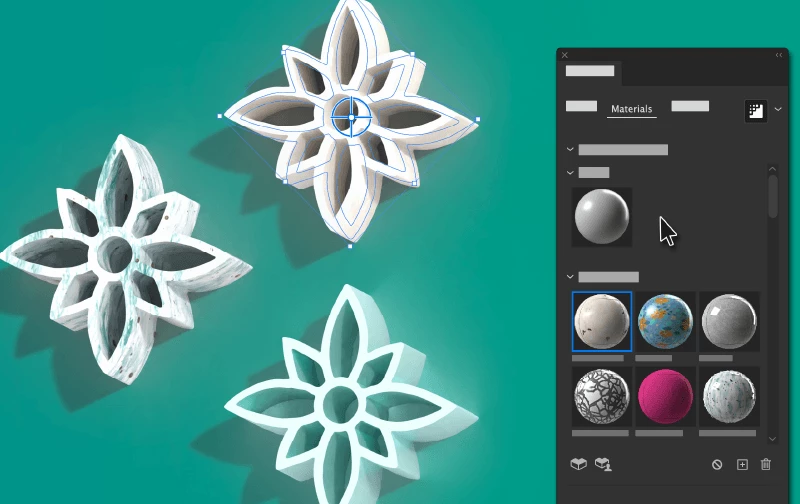
Create 3D objects and bring them to life by applying lighting, and materials from Adobe Substance. Use Extrude, Plane, Revolve or Inflate to create 3D objects, and customize them using the various options. Add lighting using presets or provided options, and texture using materials sourced from Adobe Substance. Use ray tracing to render your 3D objects in almost real time.
Share for Commenting

Invite multiple stakeholders to review your document using Shared review.
Support for HEIF or WebP formats

You can now open or place High Efficiency Image Format (HEIF) or WebP format files in Illustrator.
Accessibility Improvements

Screen readers will now be able to read out Tools, Menu entries, Panel name and Status bar in Illustrator.
Place Photoshop Cloud Documents

Place, relink, update, or embed Photoshop Cloud files in Illustrator on the iPad.
Auto Font Activation
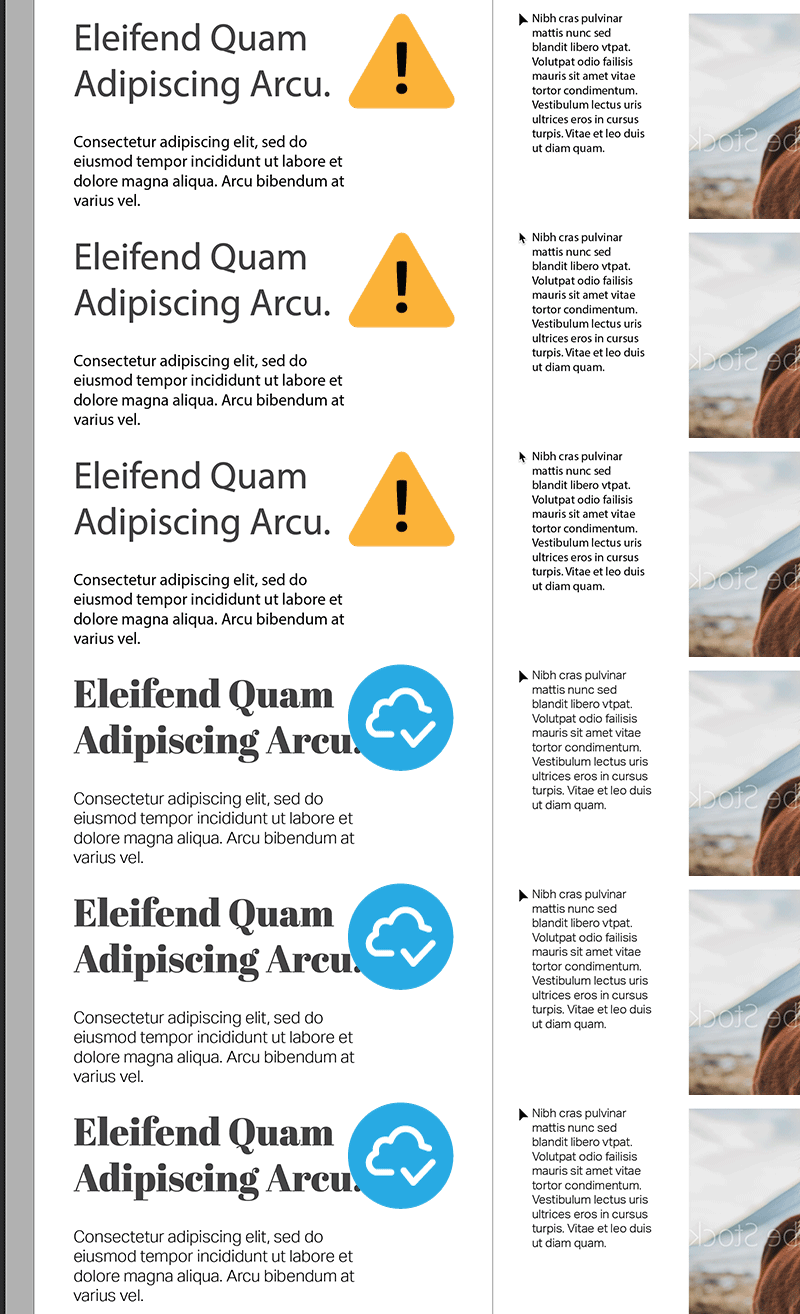
Adobe Fonts that are not available on your computer are automatically activated when a document is
opened.This preference is enabled by default in File Handling under Preferences(Edit > Preferences > File Handling).
Select Same Text
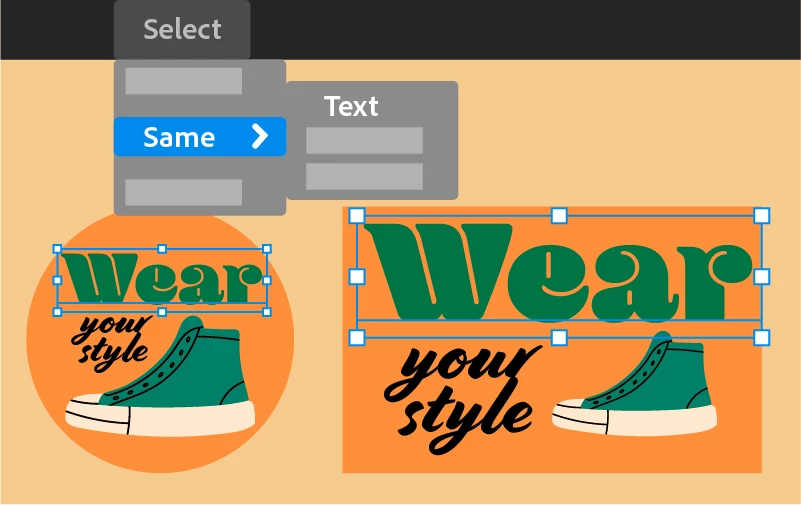
Select text in a document based on Font family, Font family and Style, Font size, text fill color, text stroke color, and so on.
Simplified Variable- Width Strokes

You can now work with variable-width strokes easily with fewer anchor points applied.
Other Enhancements
- Tool picking from the customtool: -A new Grid View of the tools isavailable that you can add to customtools
- Navigate through multiple layers or artboards using the tab options.
- Export artboards as individual PDF files.
- For expanding objects, the number of anchor points have been reduced to simplify the process.
We would love to hear your experience related to all the features in this update. Please create separate posts for focused discussions.
-Sujatha Reddy
 AdChoices