Anshul_Saini
Community Manager
Community Manager
November 20, 2024

Illustrator v29.1 | Help Bar, Enhanced Swatches, Ungroup All, and More!

  • November 20, 2024
  • 8 replies
  • 2455 views

Hello everyone!

Adobe Illustrator 2025 (version 29.1) is here! This update introduces the Help Bar for quick tips, enhanced swatch group organization, Ungroup All for nested groups, easy sharing of color information with Swatch Info, and new text tools like Monospaced Full-Width Forms and Nonbreaking Space.

Download the latest version to explore these improvements and boost your creativity!

 

Update the App

Try out the latest Features and Enhancements in Illustrator.


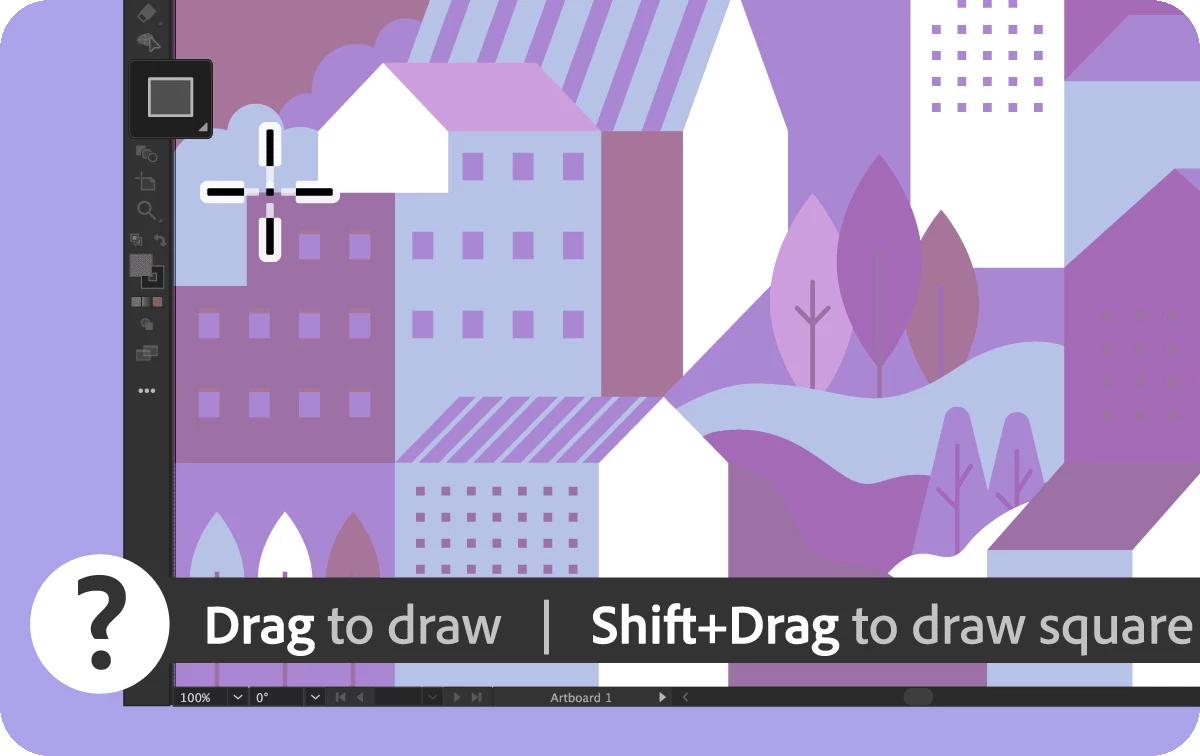
Find quick tips and shortcuts for tools and features

The new Help Bar in Illustrator enhances workflow efficiency by providing quick tips, shortcuts, and easy steps for using tools and features. It offers contextual information as you navigate, delivering handy guidance whenever needed.
Check out this page for more details!

Note:

We're rolling out the Help Bar incrementally to everyone, and it should be available to you in a few days.

 
Discover enhancements based on your feedback

We are dedicated to continuously improving to meet your evolving needs. Based on your feedback, here are the enhancements included in the October release of Illustrator. 


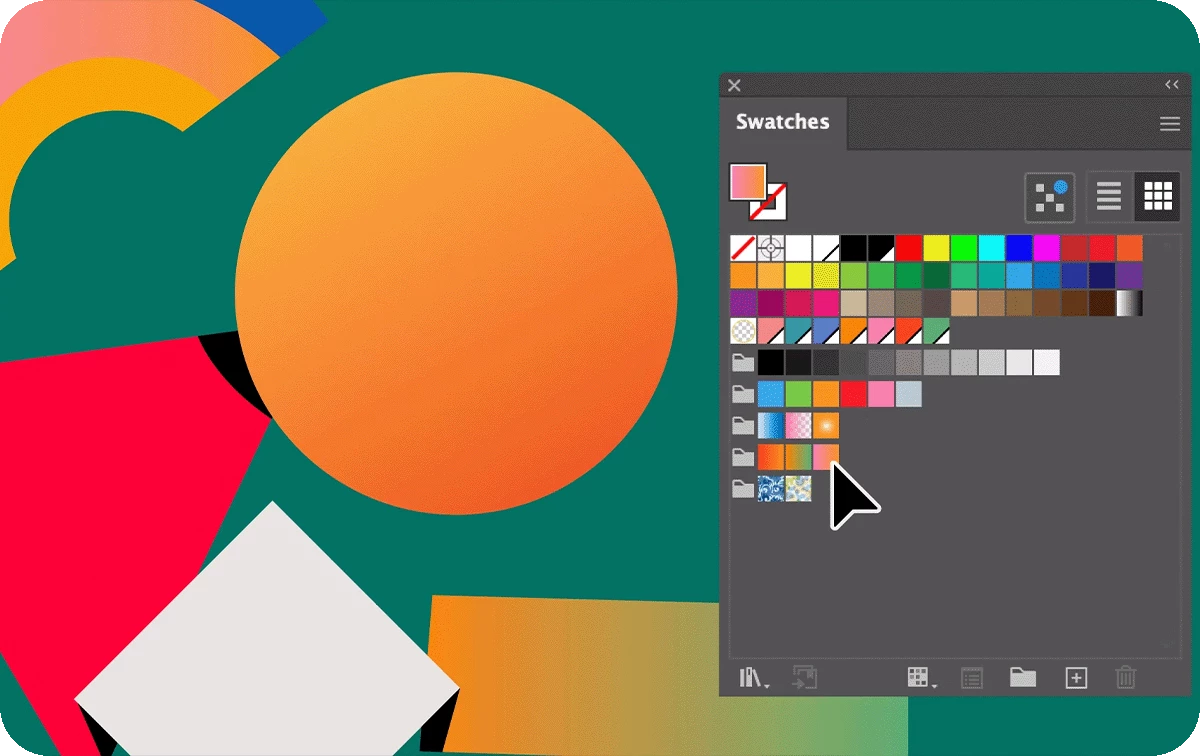
Add vibrant gradients and patterns to swatch groups

Organize your swatches more efficiently by creating swatch groups that include colors, patterns, and gradients, making it easier to manage and access your design elements.
Check out this page for more details!


 Easily share color information with collaborators

With “Create Swatch Info,” you can generate color information cards directly from the Swatches panel, making it simple to share color codes and types with your collaborators.
Check out this page for more details!


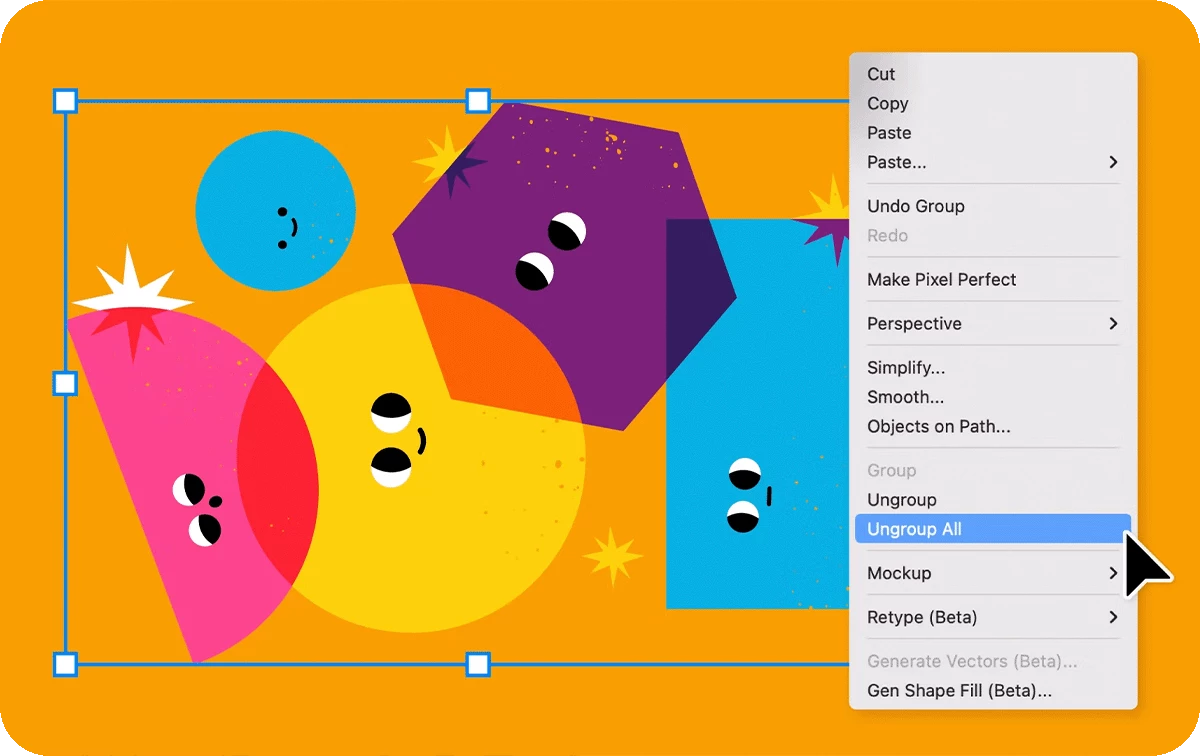
Quickly ungroup all nested groups

With the “Ungroup All” option, you can ungroup a group and all its nested subgroups in one step, saving time and simplifying your workflow.
Check out this page for more details!


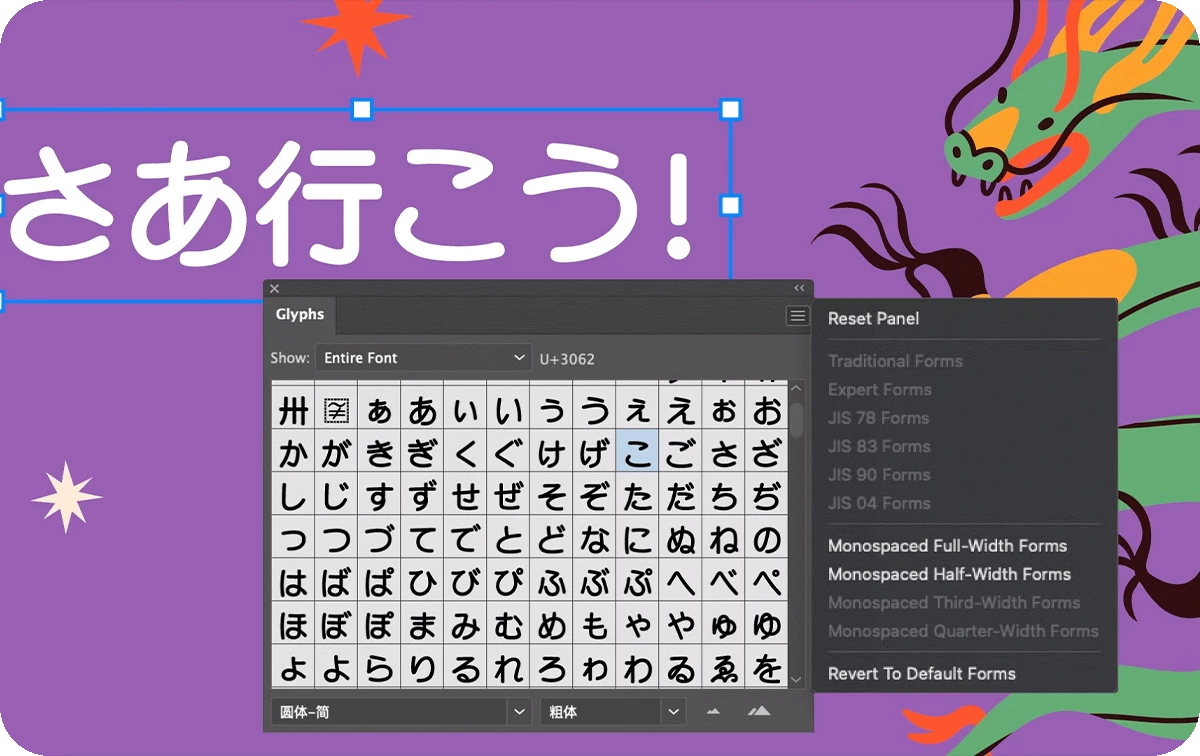
 Maintain alignment with Monospaced Full-Width Forms

Perfect for bilingual layouts and technical documents, Monospaced Full-Width Forms ensure Latin characters align seamlessly with East Asian scripts, maintaining consistent width and readability in CJK grids.
Check out this page for more details!


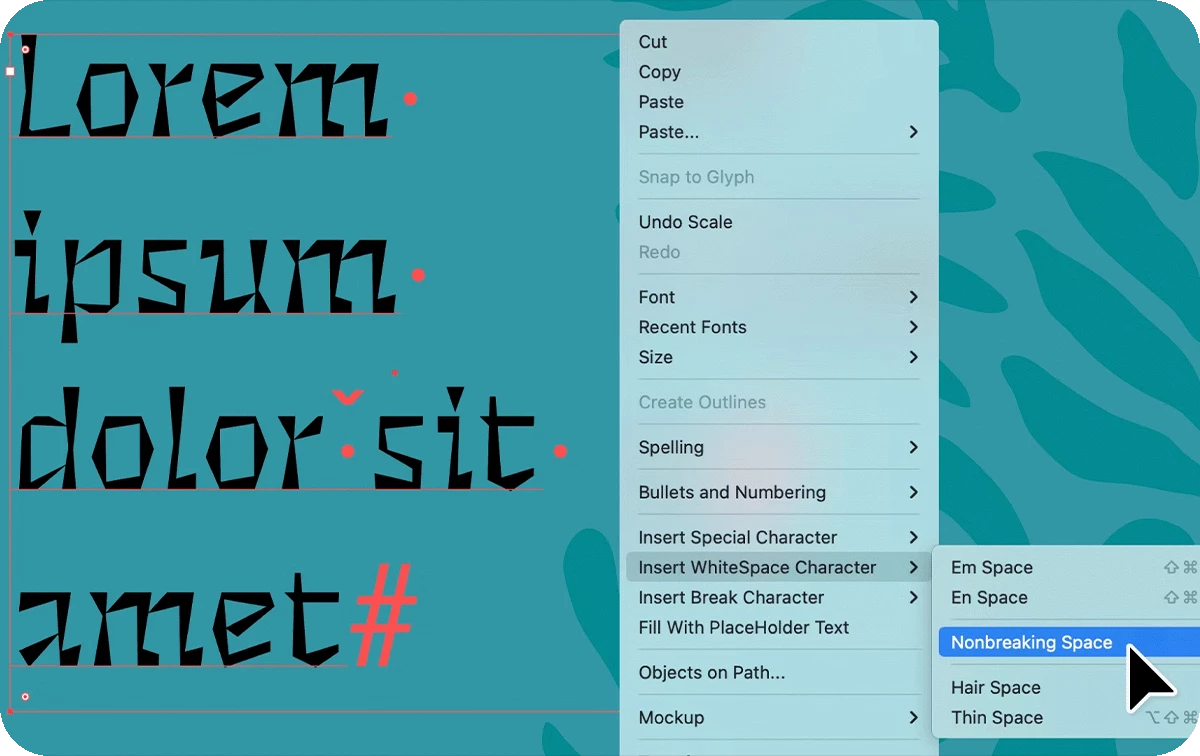
Improve readability with nonbreaking space

Prevent unwanted line breaks by inserting a nonbreaking space, ensuring related words stay together for cleaner and more polished text formatting.
Check out this page for more details!

Fixed Issues

Illustrator v29.1 also includes several bug fixes. Take a look here.


We’d love to hear from you!

Try out the v29.1 and let us know your thoughts. Feel free to reach out if you have any questions or need more tips!

If this was helpful, please click the Upvote icon in the top left corner of this post. Your feedback helps us improve the experience. Thank you!


Have questions? Click 'Reply' below to ask.

Click 'Follow' below to bookmark this post for easy reference.

    8 replies

    Participant
    January 14, 2025

    ok, but why is it STILL not available on my surface laptop?

    CmdrTomalak6330
    Inspiring
    January 6, 2025

    Ok. I appreciate the new help bar feature but can I turn it off?   

    Edit: Never mind.  I was too quick to post.  I found it.  Thanks!

    Scott.Olling
    Known Participant
    January 3, 2025

    I come back from vacation - my Illustrator is updated, and I have no workspaces - what? this was working a few days ago.


    WHY?


    ALSO: how can I fix this?

    just crazy - is someone happy with this update? I am sad right now.

    Monika Gause
    Community Expert
    Community Expert
    January 3, 2025

    Your custom workspaces are gone?

    The Creative Cloud is probably set up to do automatic updates and also reset the the preferences when doing so.

    If you have no backups or something like TimeMachine running, then your workspaces are gone.


    What I would do: turn off automatic updates, which is generally a good idea.

    After you have set up your workspaces, make a backup of your settings with Edit > My settings > Export settings

    Participant
    December 3, 2024

    Since you removed the direct selection scaling option (which does not seem necessary and should REALLY have been mentioned on all these release updates) how do I now toggle between scaling and direct selection so I can move elements as I size them? 


    Ton Frederiks
    Community Expert
    Community Expert
    December 3, 2024

    I am not sure what you mean with direct selction scaling. Press S to scale a selected object and press A to move with the Direct Selection tool.

    Participating Frequently
    December 3, 2024

    What is happening over at Adobe? All three core programs are getting worse and worse with every new "feature." I would rather have a stable, reliable product than whatever AI nonsense you think we want (spoiler: we don't). This is affecting our work flow, our professions, our income. 


    Unfortunately, I think the only solution is a viable competitor to Adobe. I'm hoping one comes soon.

    Participant
    December 2, 2024

    I'm having trouble specifically selecting fill or stroke. When I try and edit fill or stroke properties it will edit the other one. For example, I'll try and set something to no stroke by clicking the white box with the red line through it and then it'll set the object to no fill and vice versa. 

    Ton Frederiks
    Community Expert
    Community Expert
    December 2, 2024

    @cheerful_aura95460 There is currently a know bug when using the Control or the Properties panel.

    You can try to use the Color panel or the Tools panel to change color.

    Participant
    December 1, 2024

    I am looking to fill a rectangular object that I created with my logo. From what I understand I have to make my logo a color swatch and then fill. I can not seem to do this. All I really want to do is round the corners to my logo in reality and I feel stuck at this point. Any help would be greatly appreciated!

    Participant
    November 23, 2024

    I have a great computer, but Illustrator keeps crashing while I'm working. It's a terrible situation. I'm using Illustrator 2025 and I've done all the updates. It's starting to get really frustrating."

    Anubhav M
    Community Manager
    Community Manager
    November 25, 2024

    Hello @tahsin30325822js1f,

    I'm sorry to hear you're having trouble using Illustrator on your computer. Would you mind confirming the exact version of the OS/Illustrator installed and if Illustrator behaves this way when using a particular tool/feature/file so I can better assist you?

    Looking forward to hearing from you.


    Anubhav