

Ai for iPad MAX'21 Update: Object Blend, Image Trace, Shape Aware Transform, and more!
The Adobe MAX update for Illustrator on iPad (2.0) is now available for download from the Apple store.
This update brings you all that you have been waiting for: the option to Blend colors and shapes, Image trace and much more!
Check out the complete list below:
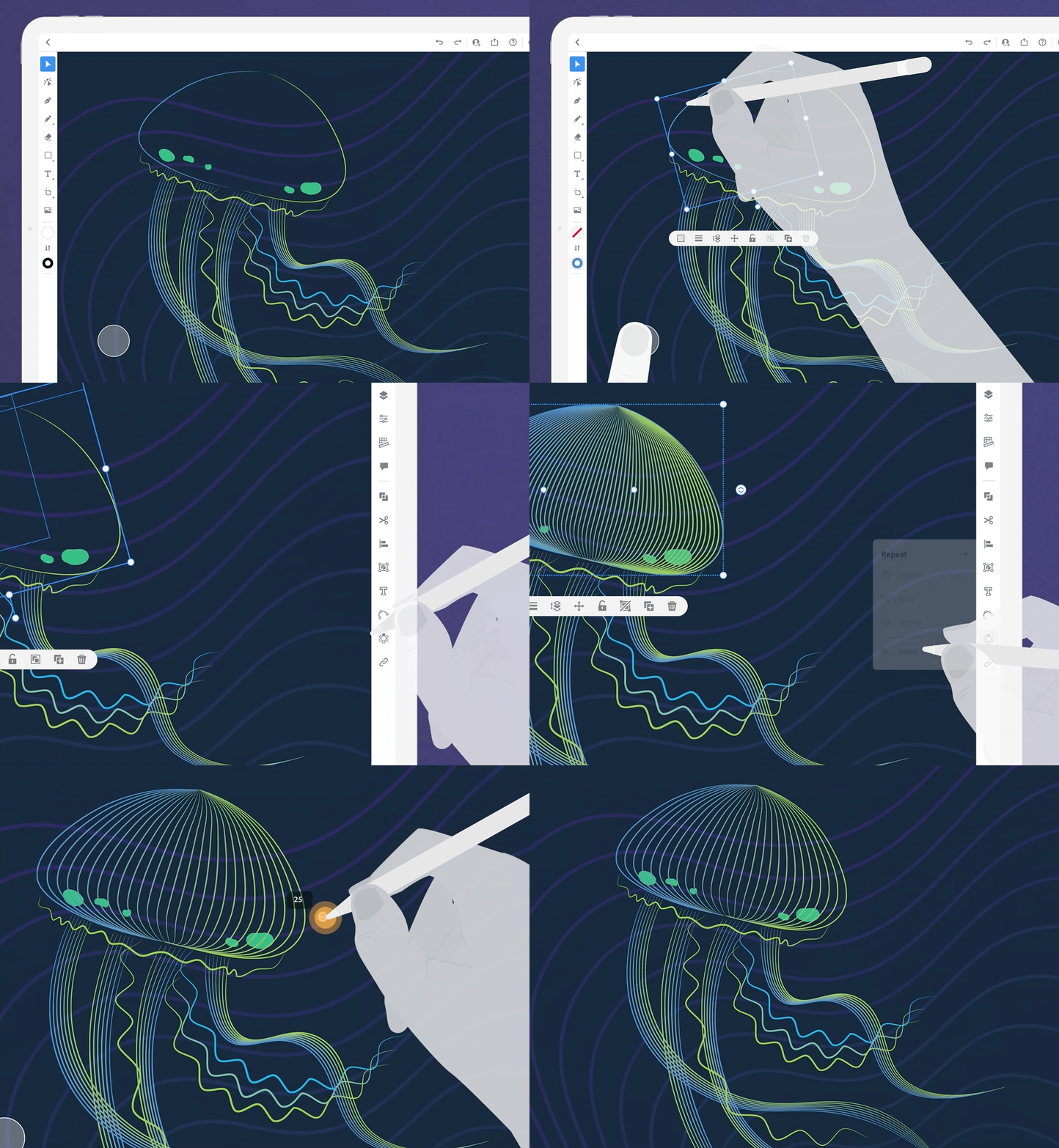
You can now create blends of various shapes, patterns, and colors using the Blend tool in Illustrator on iPad.
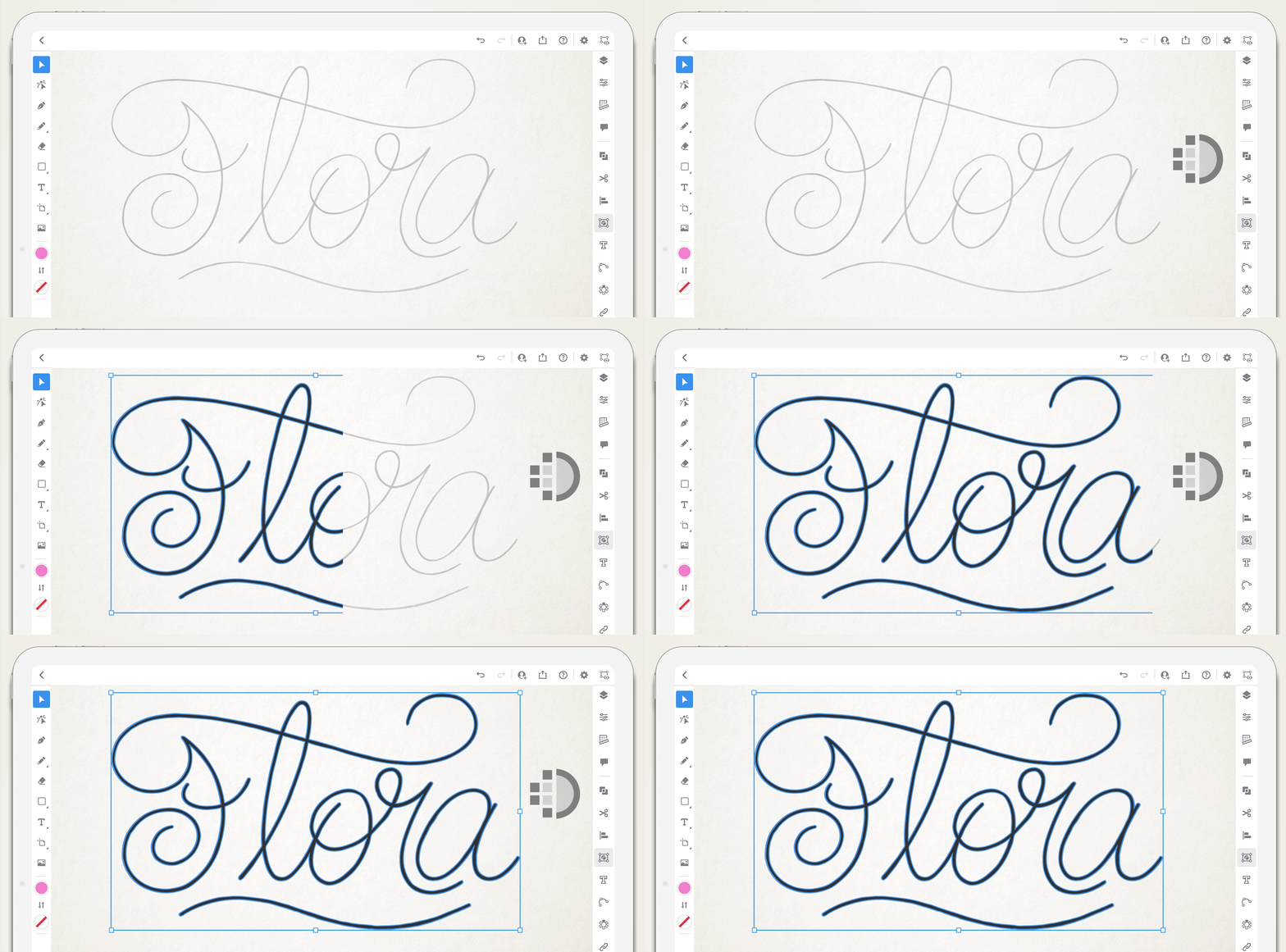
Vectorize (Technology Preview) raster images
One of the most requested features is now available for your testing and feedback! Convert raster images or sketches to vector art and edit the object and its paths with ease.
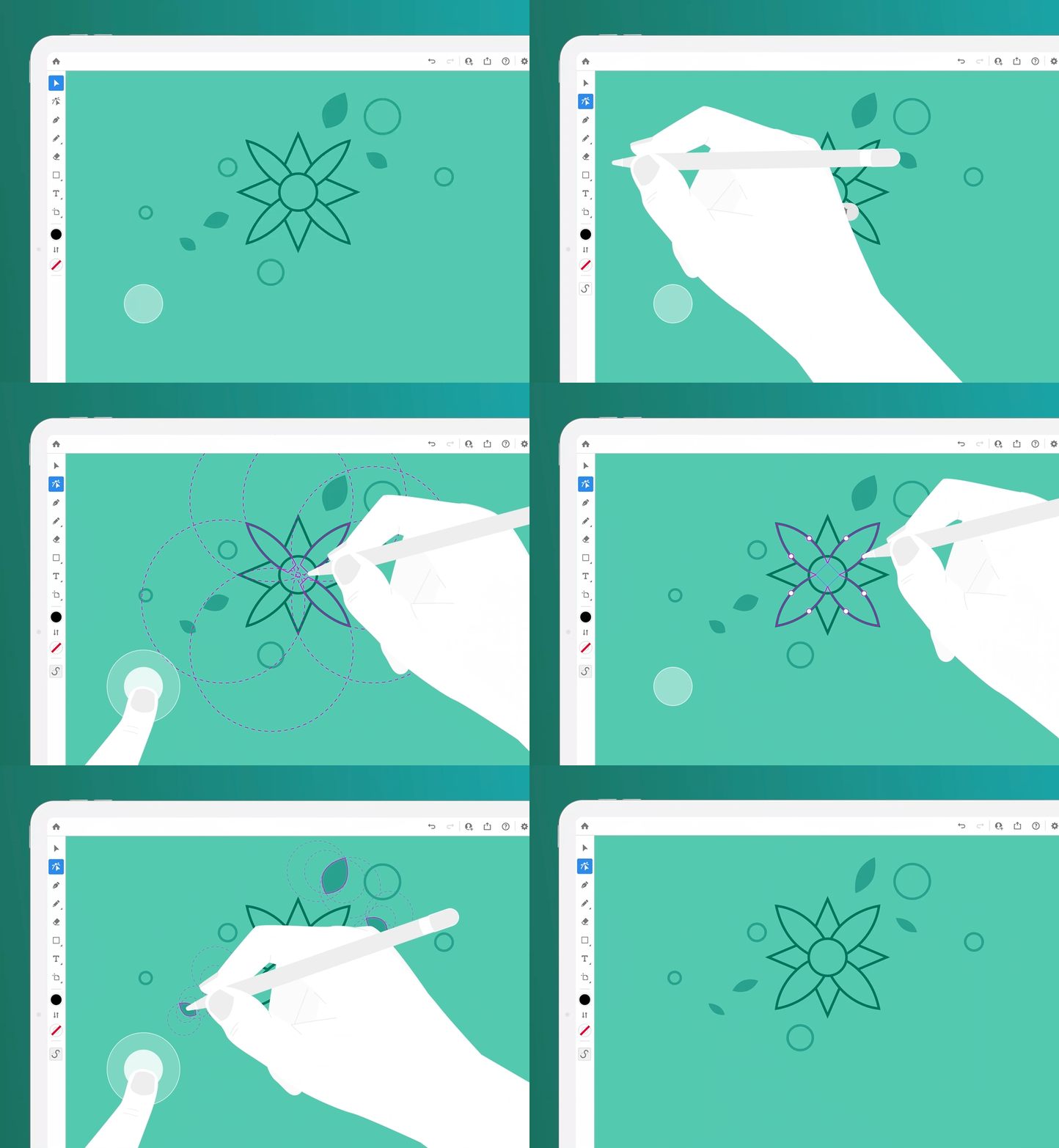
Transform shapes with the Shape transform tool:
Using this feature, you can easily transform similar lines and curves within complex shapes.
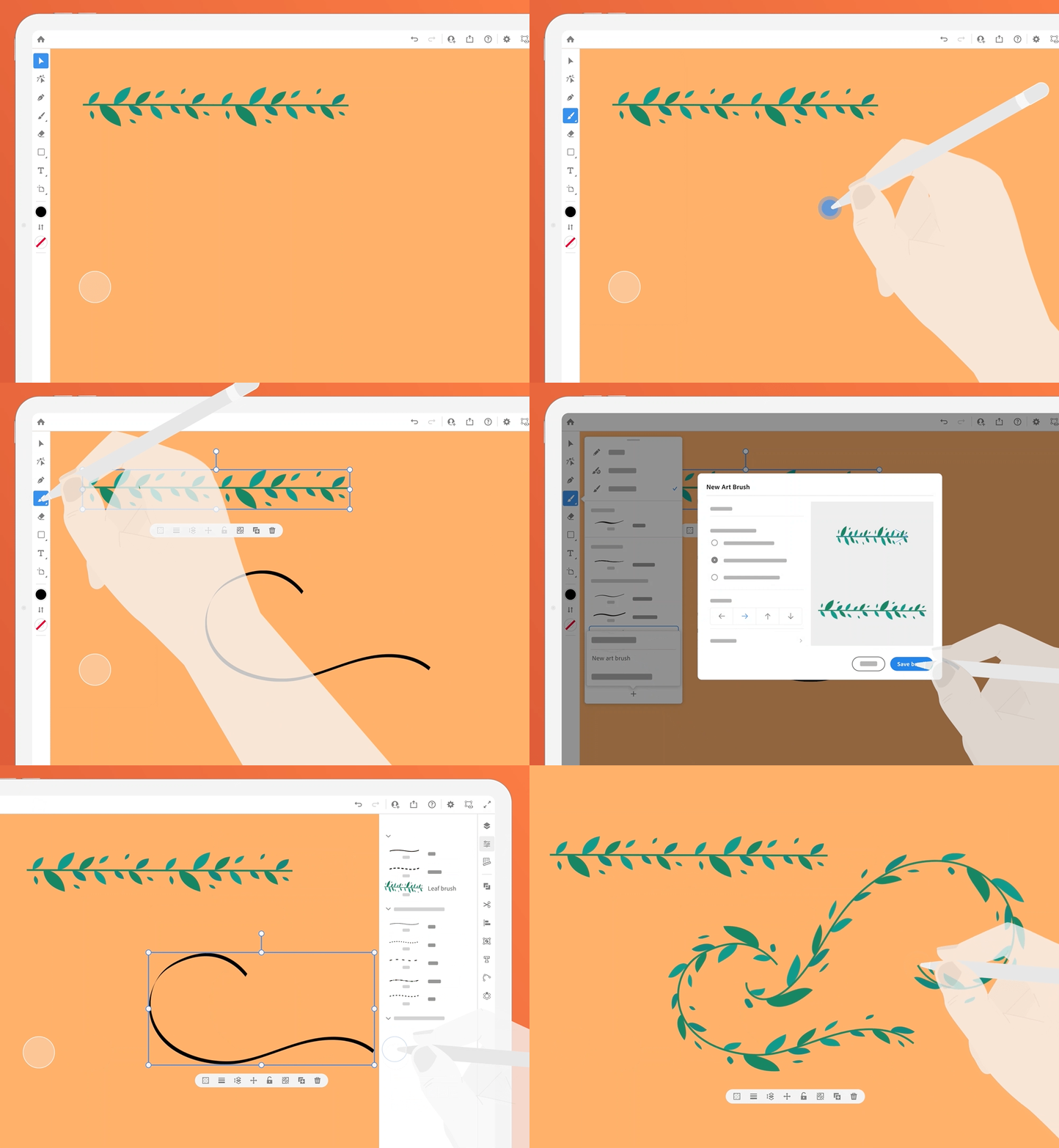
Easily create brushes from your favorite artwork and apply brush strokes to existing paths; use the Paint Brush tool to draw a path and apply a brush stroke simultaneously.

Share a link to your Illustrator document with anyone. View, review, and share comments to stay on the same page.
Place linked Photoshop Cloud Documents
Place, relink, update, or embed Photoshop Cloud files in Illustrator on the iPad.

Capture colors
Pick colors from your surroundings and add them to your Swatches using the built-in camera powered by Adobe Capture.
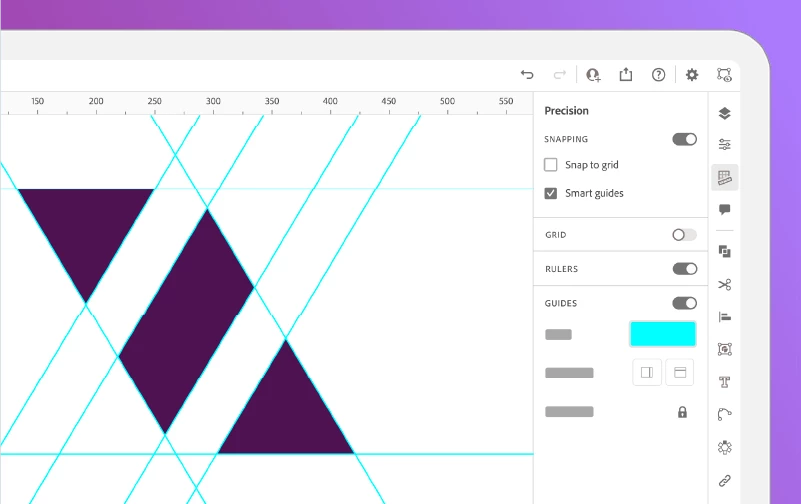
Rulers and Guides
Position and align text and graphic objects with precision using rulers and guides.
We would love to hear your experience related to all the features in this update. Please create separate posts for focused discussions.


 AdChoices