




Substance 3D Sampler 4.4.0 is now available!
Version 4.4
Substance 3D Sampler 4.4 introduces three new generative workflows as beta: Text-to-texture, Text-to-pattern and Image-to-texture.
Generative AI features are only available on Adobe version as it requires an Adobe account. Therefore, these features are not available on Steam.
Release date: 23 May 2024
Text-to-texture
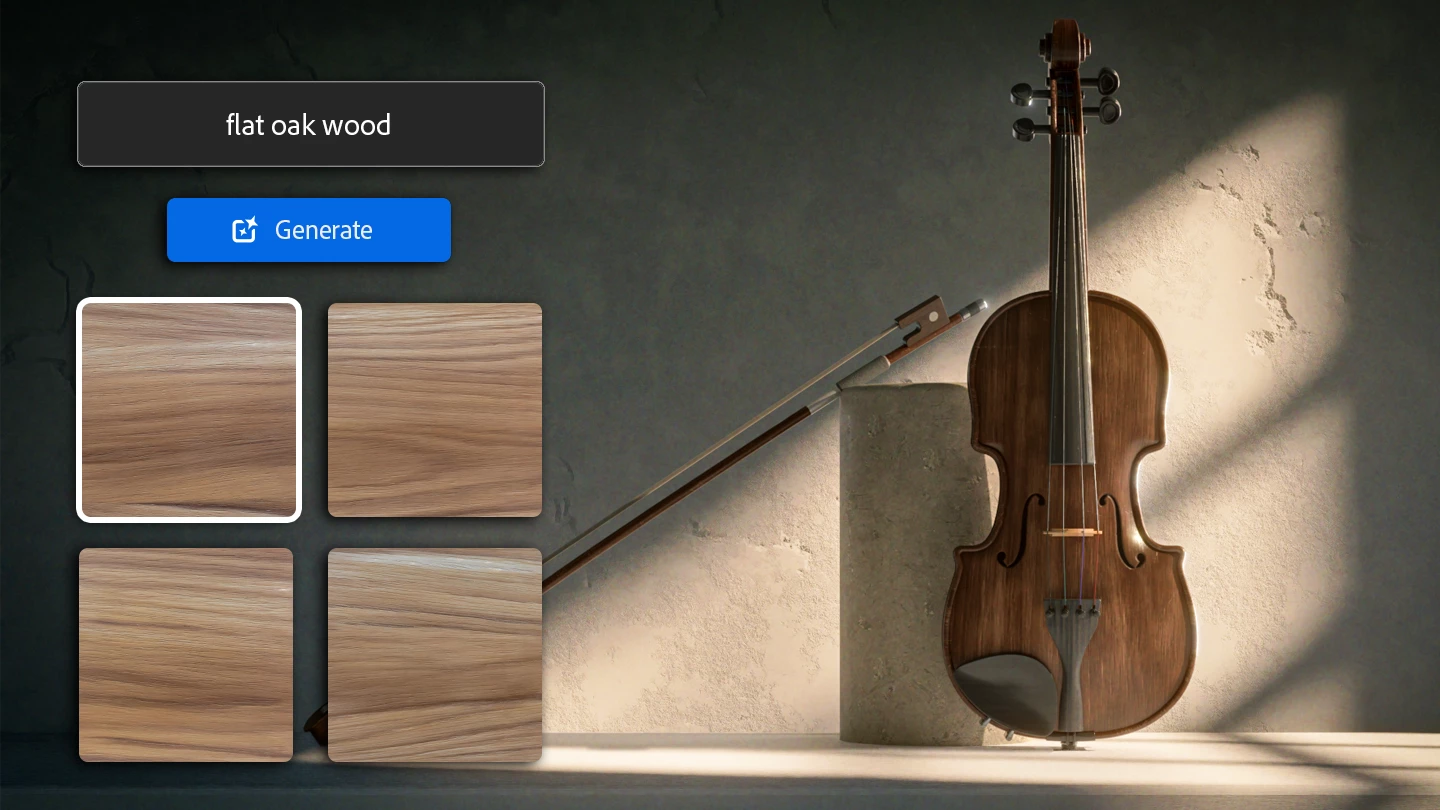
Text-to-texture allows you to explore a new way of creating materials with a text prompt. You can generate a tiled texture from a detailed text description, and keep building on the result via Image-to-material or any Sampler filter to make it uniquely yours.
Image-to-texture
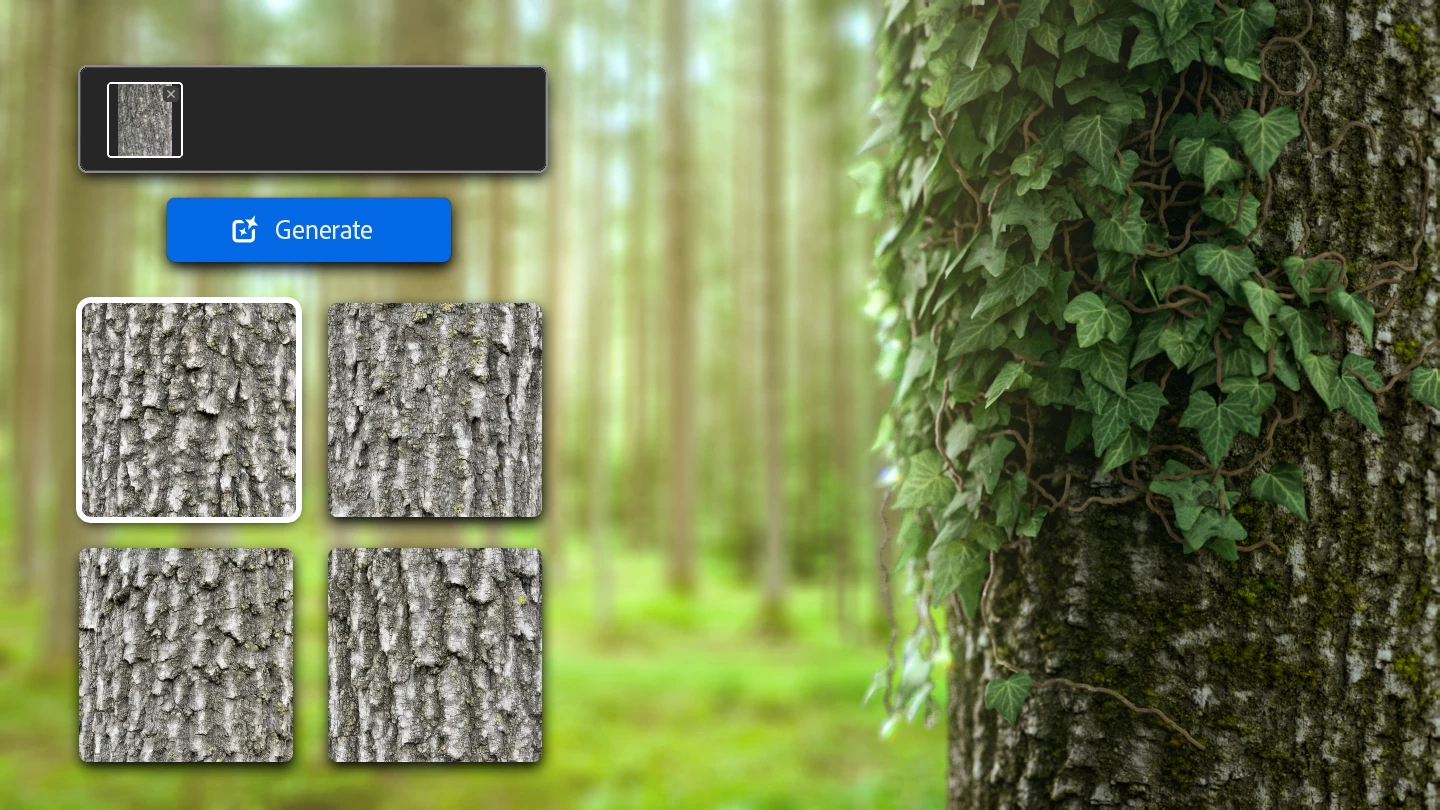
With Image-to-texture you can create tiled square textures from your own reference image, no matter if it is non square and non tiling. This gets you closer to your desired results without needing to write the perfect prompt.
Image-to-texture can also help you save time by creating variations from content you have already created.
Text-to-pattern
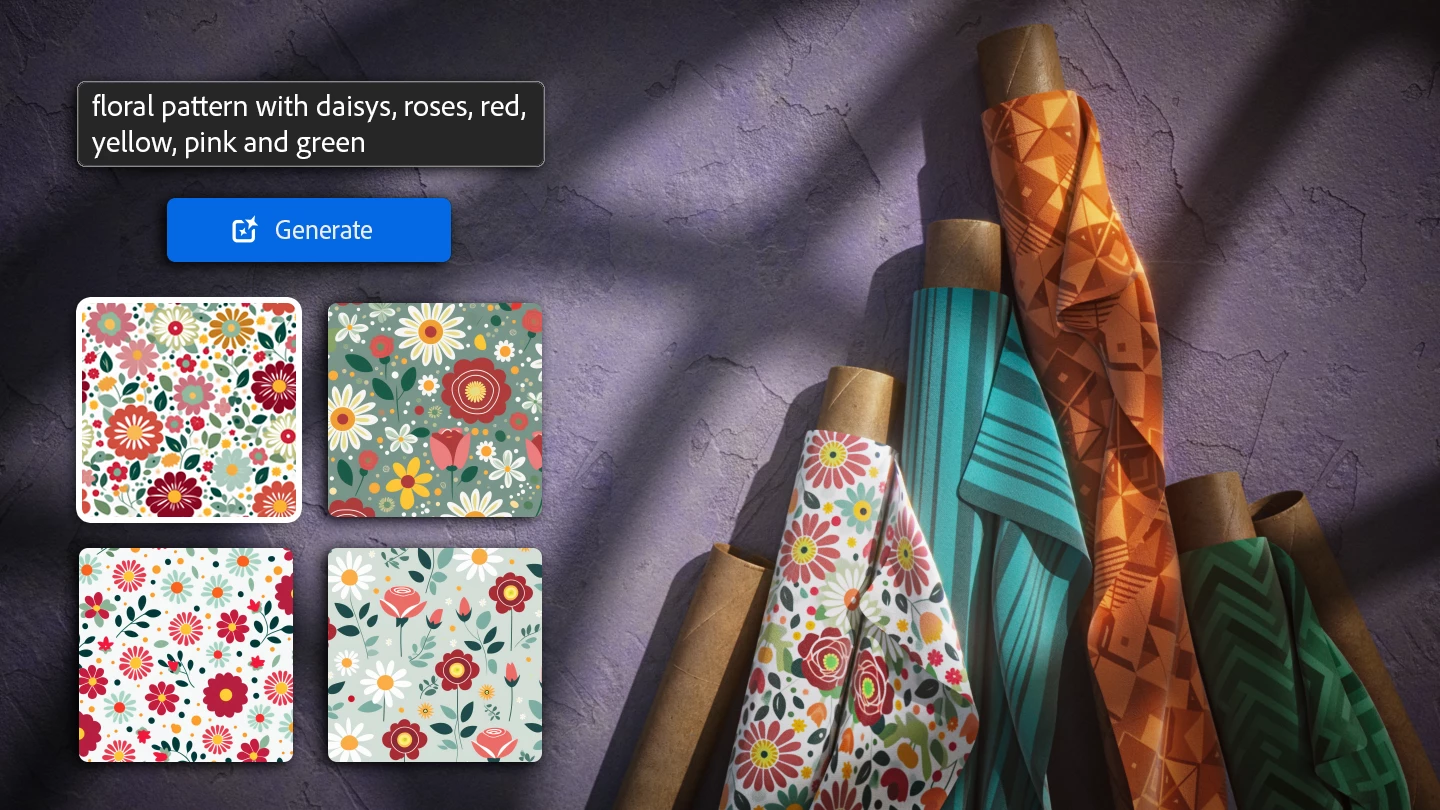
The Text-to-pattern feature will use your text prompt to generate a square tiling pattern. You can then use it as the base color with a Cloth Weave filter to create an original fabric material, use it as in input of a Pattern filter and more!
Release Note
(Released: 23 May 2024)
Added:
- [Application] 3D Capture cache is now stored in a separate sub-folder
- [Generative AI] Image to Texture (Beta)
- [Generative AI] Text to Pattern (Beta)
- [Generative AI] Text to Texture (Beta)
- [Scripting] Assets now have a 'resource' property
- [Scripting] Layers now have a 'output_usages' property
Fixed:
- [Application] Crash when opening corrupted project file
- [Application] Crash when project contains corrupted assets
- [Application] Crash when unplugging a monitor on Windows
- [Application] Incorrect application icon in the Windows task bar
- [Application] Main configuration file corruption can lead to files deletion
- [Application] Panels appear in front of popups
- [Content] Texture generators have blurry thumbnails
- [Export] Opacity channel generated from an imported image breaks when exporting a .sbs/.sbsar
- [Filters] Upscale can crash depending on its input layers
- [Generative AI] Possible crashes when receiving unexpected results from the service
- [Scripting] Crash when autoloading a plugin from environment variable
- [Scripting] Possible crash when assigning Output Usage with the API
 AdChoices