AshimG
Community Manager
Community Manager
June 10, 2025

🎉A New Home for the Adobe Community 🎉

  • June 10, 2025
  • 2 replies
  • 448 views

Hello Adobe Community, 


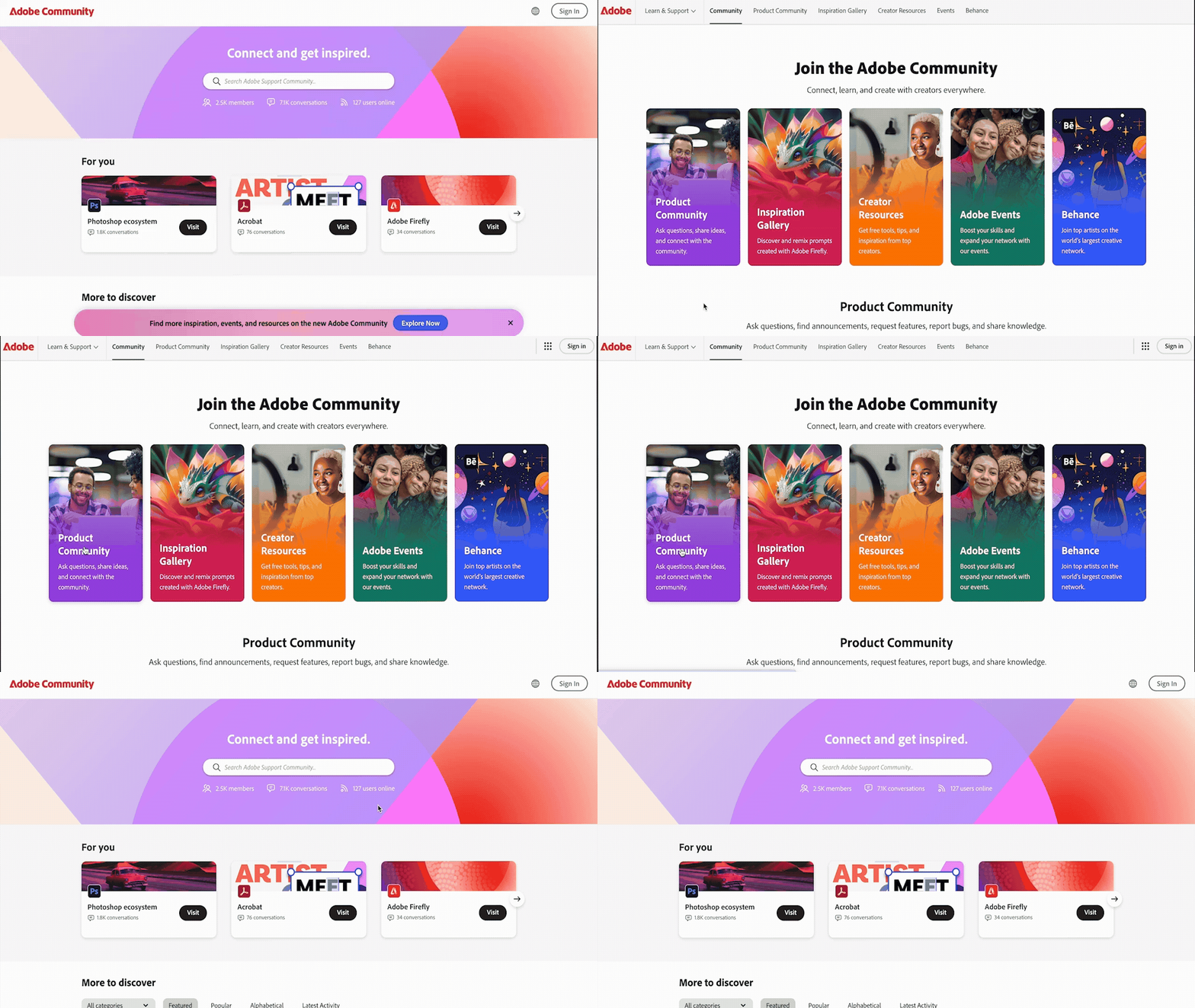
We are so excited to share that we have a new home and, it is better than ever! You can find the new homepage at community.adobe.com or adobe.com/community


The Adobe Community is more than just product forums—it’s a place to connect, get inspired, and grow as a creator. Our new Community homepage brings it all together in one central place, giving you a clearer view of everything available to you. Whether you’re here to learn, contribute, or just explore, this community is for you — a place where ideas grow, connections form, and your voice helps shape the future of our products. This is your Community.


So, what’s new:

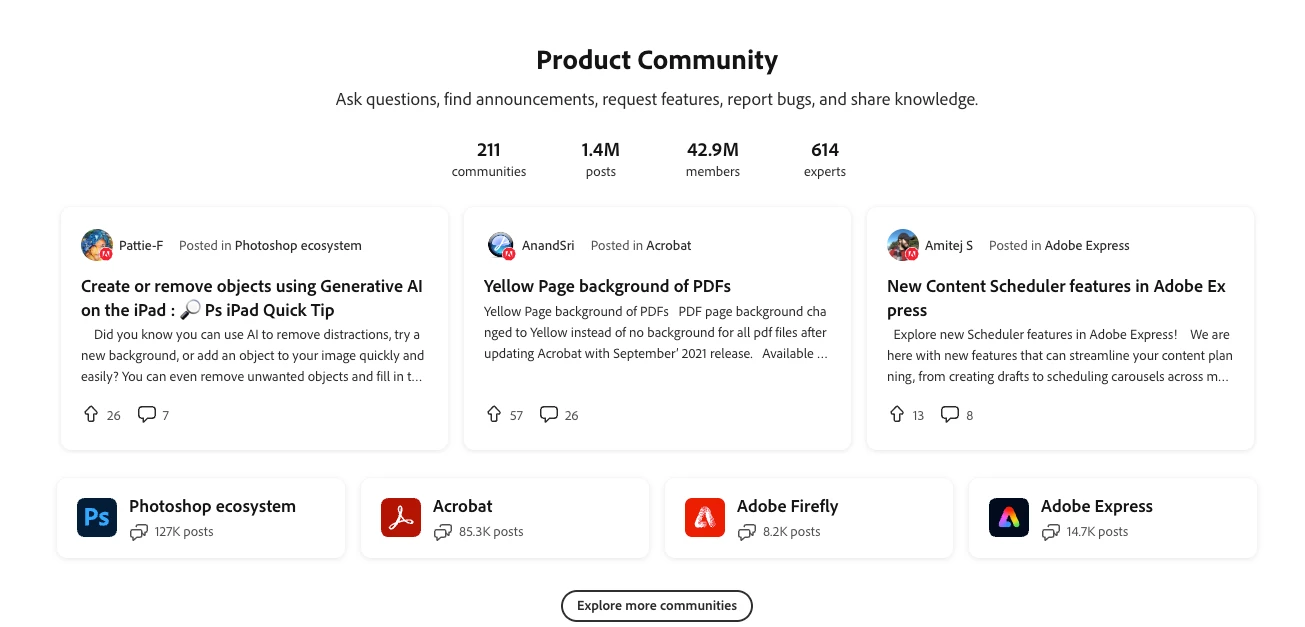
  • A streamlined homepage where you can explore product forums, browse creative inspiration galleries, and discover upcoming events—all in one place.
  • A new Creator Spotlight section featuring community members like you and highlighting your work and giving you quick access to starter resources like free assets, live learning sessions, and social content to help you begin or grow your creative journey.


Your trusted product-specific forums are now grouped under “Product Communities” to make navigation easier.


It's the first time we are bringing community resources under one roof, and we’d love to hear from you. What other content, features or resources would you like to see in your community?


Welcome to your new home! Let’s build something great — together.


- Your Adobe Community team
 

    2 replies

    Rob_Cullen
    Community Expert
    Community Expert
    September 10, 2025

    And a question for @AshimG   Is there a way to disable the (Explore Now) popup that appears on every page I go to?.

    On a small 13inch laptop it is an annoyance that requires an extra mouse click on every web page to disable.


    Regards. My System: Windows-11, Lightroom-Classic 15.1.1, Photoshop 27.3.1, ACR 18.1.1, Lightroom 9.0, Lr-iOS 10.4.0, Bridge 16.0.2 .
    Known Participant
    July 17, 2025

    How in the world can I ask a question about LR Classic? I've spent quite a bit of time fooling around going from one link to another without finding the link to ask a question. I found a post from 2017 which explained how, but that doesn't work any more. PLEASE tell me how to ask a question!!!

    Anshul_Saini
    Community Manager
    Community Manager
    July 17, 2025

    Hi @mclynn2,


    Thanks for reaching out. I can definitely help!


    To ask a question in the Lightroom Classic community:

    • Go to the Lightroom Classic Community homepage: https://adobe.ly/457MAJX

    • Click on the “Post to Community” button.

    • Choose the type of conversation you want to start:

      • Discussion – for general help, how-to questions, or technical issues

      • Bug – if you’re seeing unexpected behavior and can describe the repro steps

      • Idea – if you have a feature request or suggestion to improve the app


    Once you post, other community members and Adobe experts will jump in to assist.


    Let us know if you’re still running into issues. Happy to walk you through it further.


    Best,

    Anshul Saini

    Known Participant
    July 17, 2025

    Thanks so much!