



📸 Lightroom Classic 12.3 is now available
We're happy to announce the release of Lightroom Classic 12.3
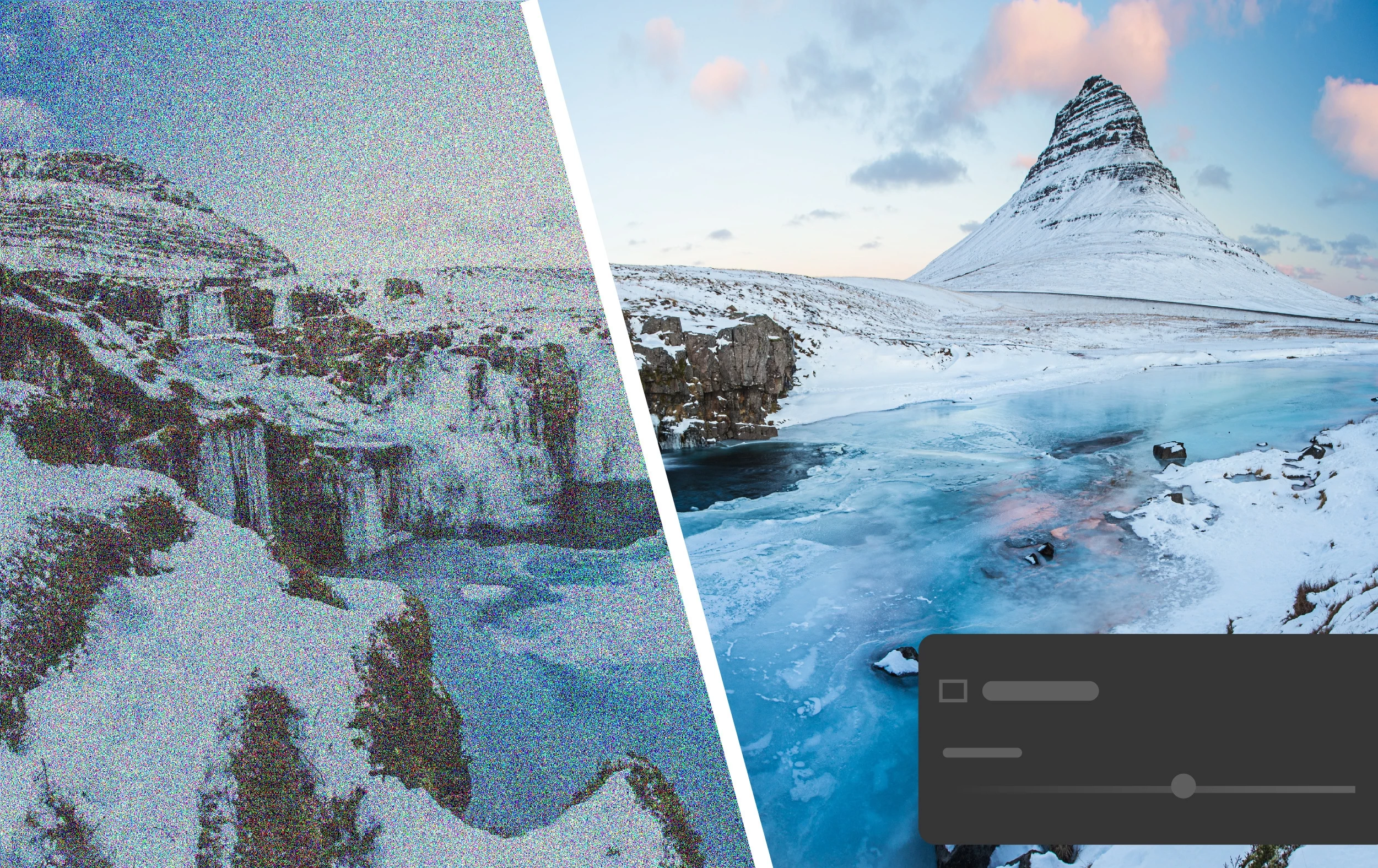
Easily remove noise from your images
AI-powered Denoise to reduce noise in RAW photos while preserving crisp details.
Take a closer look: Denoise Demystified | Adobe Blog

Make crisp edits using new Masking features
People mask now allow the automatic selection of Facial Hair, Clothes, and more.

Quickly identify all tools used to edit images
New eye and edit indicators to track which tools have been used on the image.

Support for newer versions of Adobe Photoshop has been added.
- Curves can now be edited as part of a mask.
- Support for new cameras and lenses.
- Bug fixes to several customer-reported issues. For details, see Fixed issues.
To update Lightroom Classic to 12.3, click "Update" in the Creative Cloud desktop app next to Lightroom Classic. More detailed instructions for updating
 AdChoices