




3rd Party Generative Fill Reference Image Support Now Available in Beta!
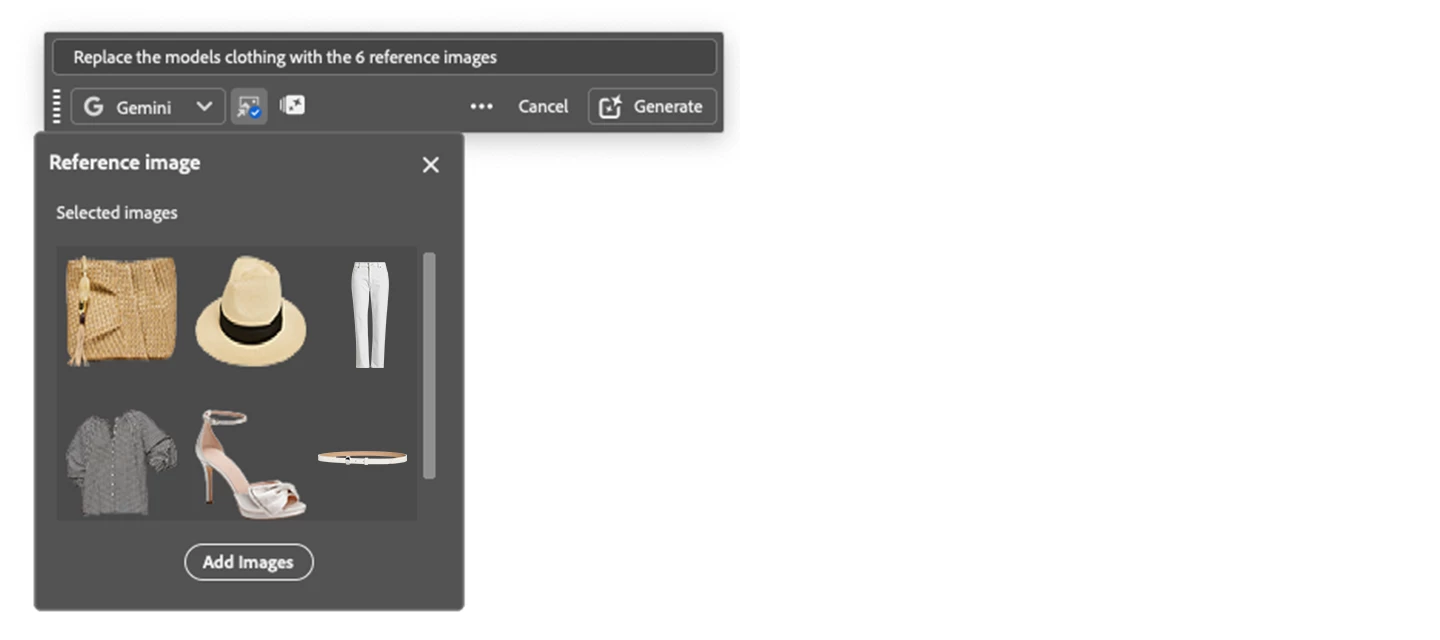
Generative Fill 3rd party partner models such as Gemini 2.5, 3.0 (with Nano Banana), FLUX Kontext Pro, and FLUX.2 Pro can use reference images as inputs that it can "read" and apply according to your prompt instructions.
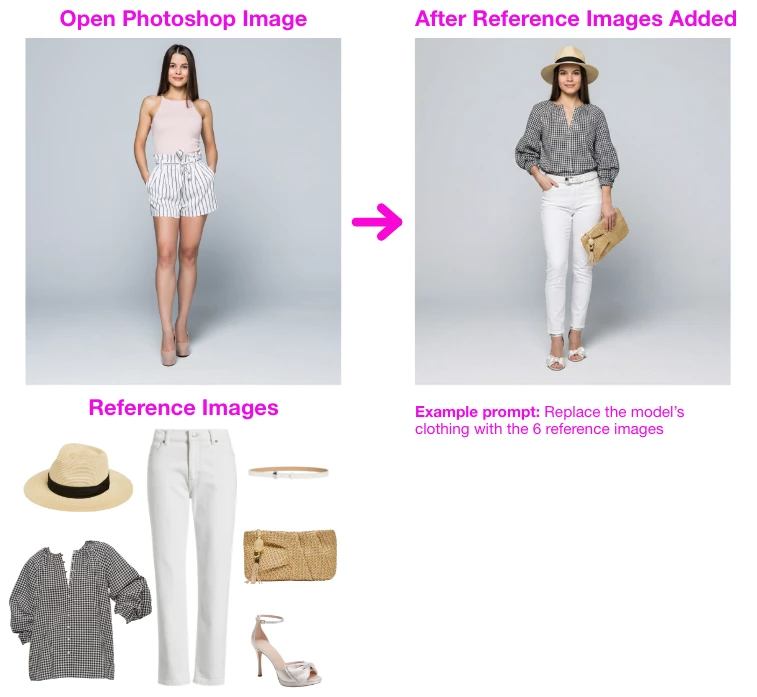
The party partner model scans all uploaded images for identity, style, and structure, then matches your prompt instructions to specific parts of those images. When complete, the 3rd party partner model generates a new image that merges the subject and style from the reference images.
HOW TO TEST
- Open an image > Select All
- Select > Generative Fill on Context Bar or Edit > Generative Fill
- Select either Nano 2.5, 3.0, FLUX Kontext Pro, FLUX.2 Pro
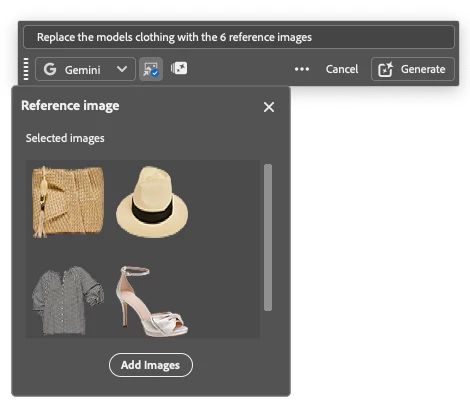
- ENTER A PROMPT in the text field (Example prompt: Replace the model’s clothing with the 6 reference images)
- Select the Reference Image icon (icon to the right of the model picker dropdown)
- Add up to 8 reference images if using Gemini 3 > Generate
HOW TO PROVIDE FEEDBACK:
1. Click on the Beaker Icon in the upper right of the Photoshop application:

2. Find "Reference Images for Partner Models" in the left panel, and provide YES, the features is ready to be released to the non-Beta Photoshop (full) release or NO, it’s not ready to be released to the Photoshop full release. Leave a comment if you have one...
3. Or you can leave a comment in this Beta Forum post.
 AdChoices