




Dynamic text: Circle, arch, and bow are now in Photoshop beta
Hi Everyone,
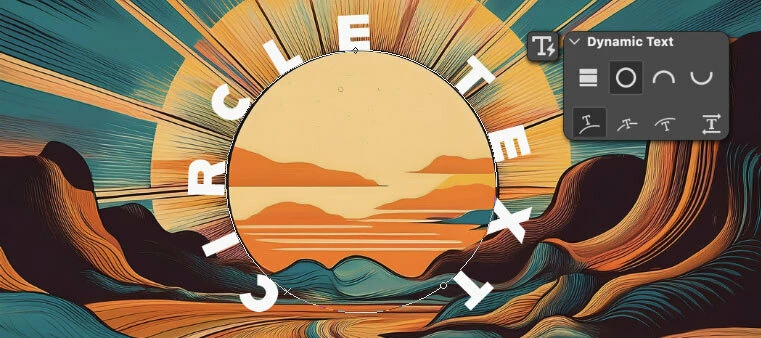
The Circle, Arch, and Bow styles of dynamic text are now available in Photoshop beta!
Here’s how to use dynamic text circle, arch, and bow
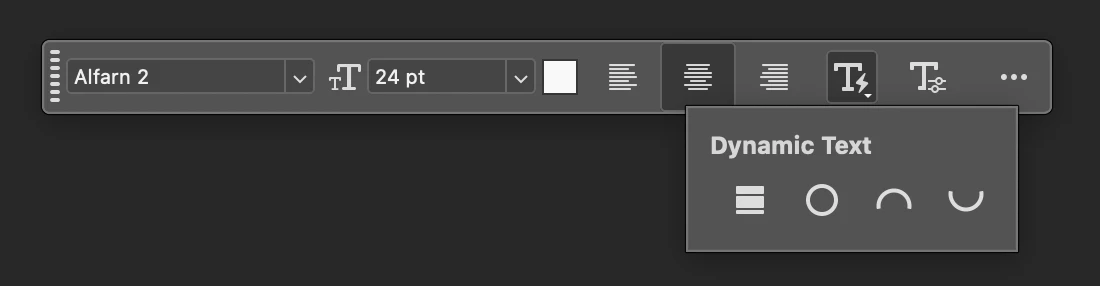
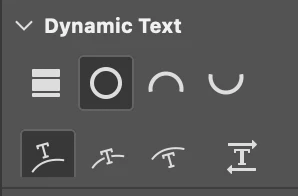
For circle, arch, and bow, there are 4 options for Position (Above, Center, Below) or changing the direction of the text.

Once a circle, arch, or bow layer has been created, you can adjust the start, middle, and end points with the Path Selection tool.
Customize your text to taste
With dynamic text circle, arch, and bow, most other text attributes are still editable aside from Font Size.
Protip
If you know how to edit the anchor points on a path, once a dynamic text layer has been made circle, arch, or bow, you can manipulate the path with the Direct Selection tool to whatever path shape you’d like and the text will stay dynamic (always fitting the text within the start and end points). If you get into any path-trouble, click any of the preset shapes again to go back to them.
Try the circle, arch, and bow dynamic text shapes & Share what you create!
Let us know if you encounter any issues or have thoughts on how we can improve this feature!
 AdChoices