




Modernized layout in Save for Web
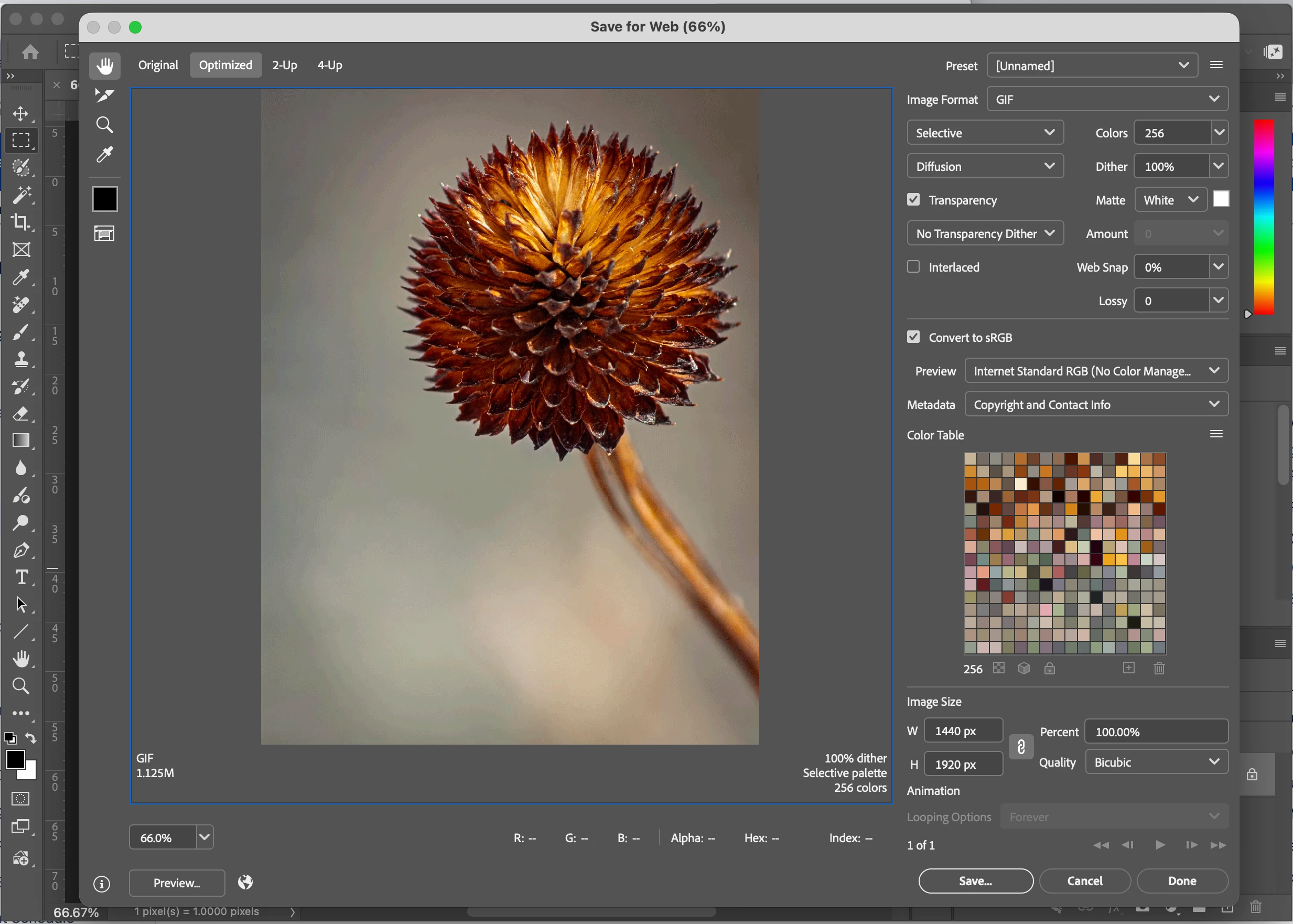
In the current Ps Beta update: Adobe Photoshop Version: 27.6.0 20260412.m.3501 2f62d66 arm64 (beta, PublicBeta) you will find a new layout of the Save for Web dialog screen.
The Photoshop team has been updating many dialog screens and popups as part of an ongoing UI modernization effort, and this is one example of that work.
WHY the change? Photoshop has carried a lot of creative work for a long time. But carrying that much, for that long, adds up, and some of the friction you've been feeling is the natural result of a tool that's grown enormously complex over the years.
We've heard you on the micro-stutters, the slow previews, the panels that slow you down rather than speed you up. Rather than patch around those things, we're taking a bigger step like modernizing the underlying UI framework that powers Photoshop's interface. That's what this effort is about.
WHAT you will see once it is complete We're rolling this out surface by surface, not all at once.
Individual panels and controls will get refreshed. A panel might look a bit cleaner or feel noticeably quicker. The changes are meant to feel natural, not like someone rearranged your desk.
WHAT isn't changing? We know this part matters just as much:
- Keyboard shortcuts work the same.
- Your workspace layouts and custom setups are preserved.
- Tools are in the same places, doing the same things.
- Your files, presets, actions, and plugins aren't affected.
We're not rearranging your workspace. We're upgrading the room it sits in.
As always, please share your thoughts and feedback as we continue to update Photoshop and let us know if something would be a priority to you to have updated sooner than others.
Thanks,
Cory - Photoshop Product Manager
 AdChoices