




Now Available in Photoshop Desktop Beta: Customized Save As File Format List
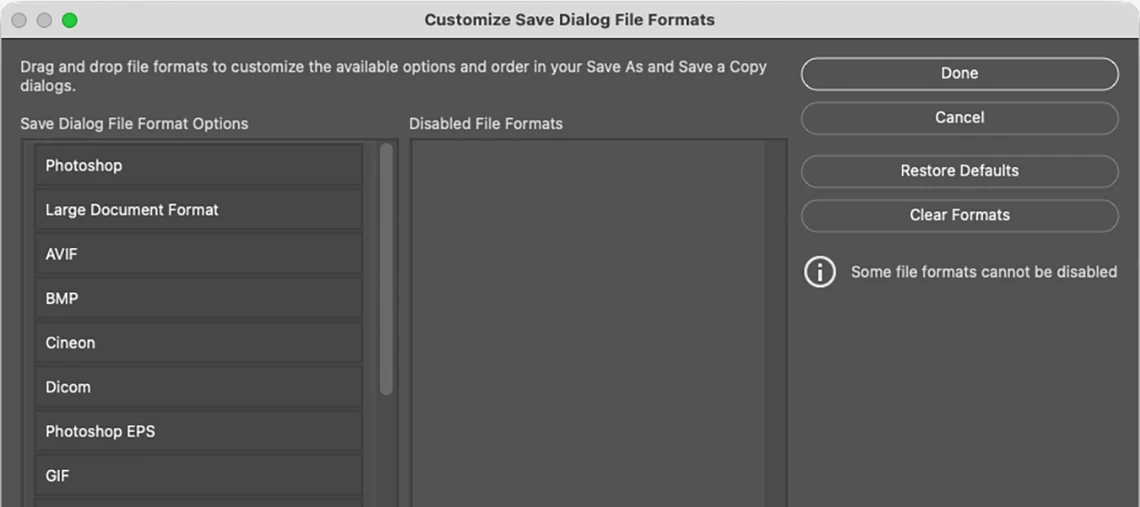
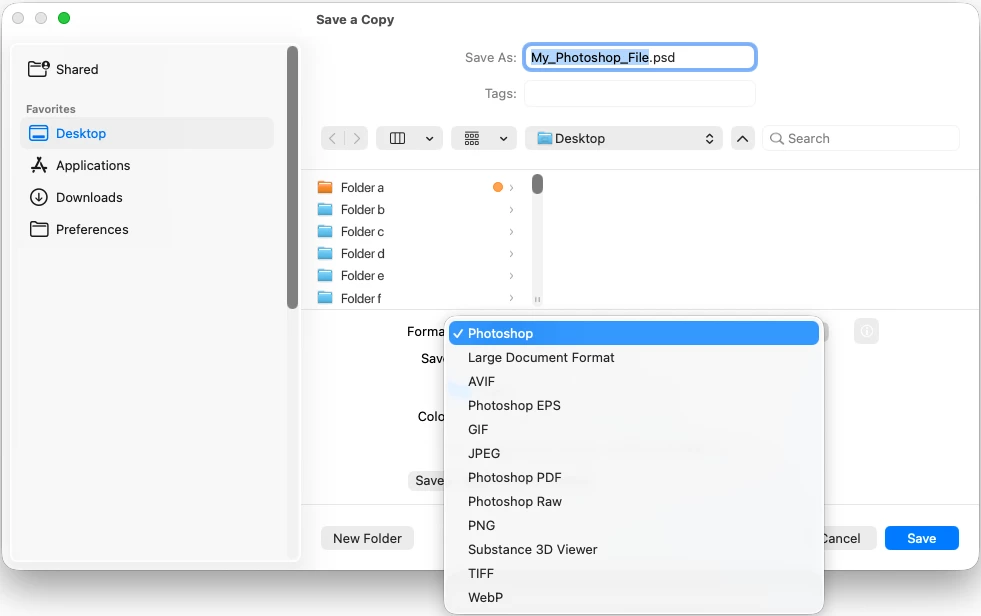
Save As and Save a Copy now let you customize your file format list.
When you choose Save As or Save a Copy, Photoshop shows every supported format, all 25 of them. Most people only ever use a handful, and scrolling past formats you'll never need slows you down.
With this feature, you can trim that list down to just the formats you actually use, so finding the right one takes seconds instead of a search.
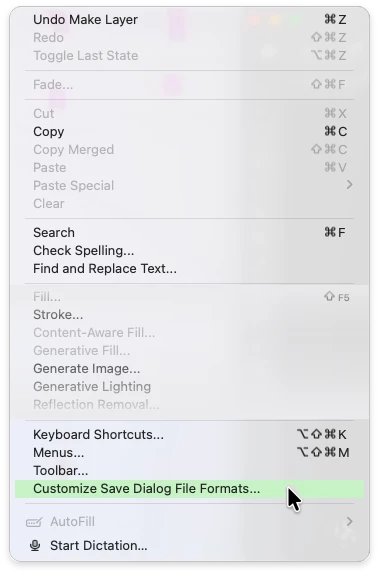
How to access: Edit > Customize Save Dialog File Formats…
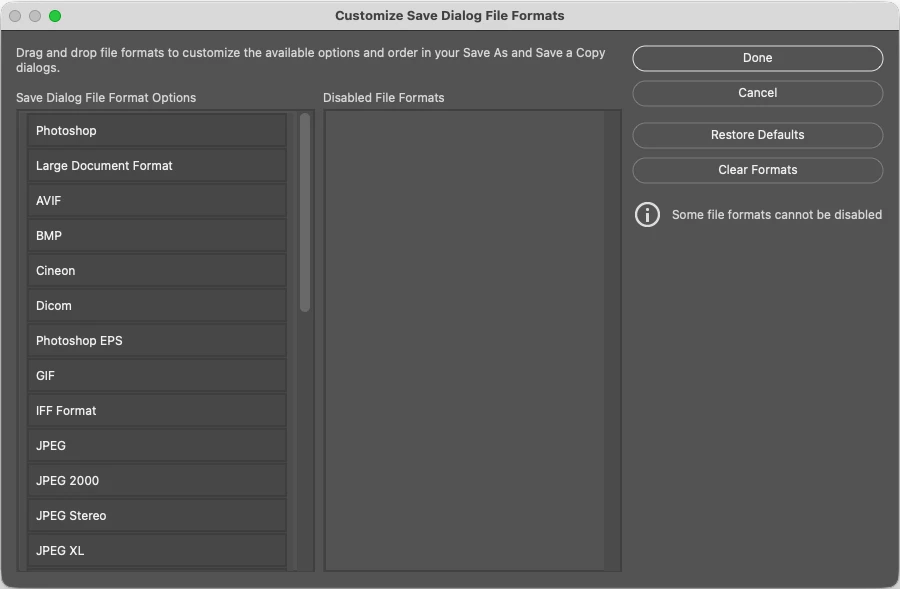
Default view:
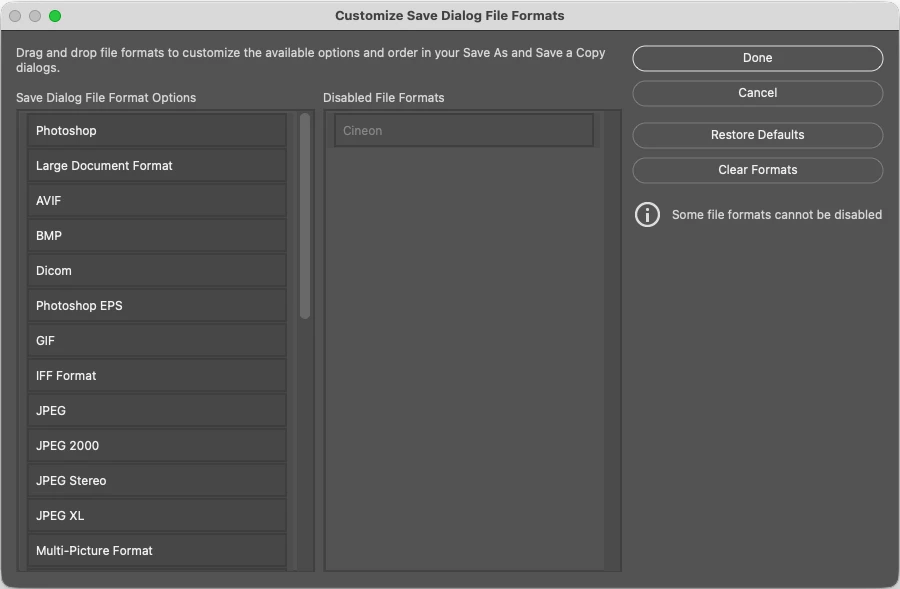
Drag a File Format to the Disabled File Formats column:
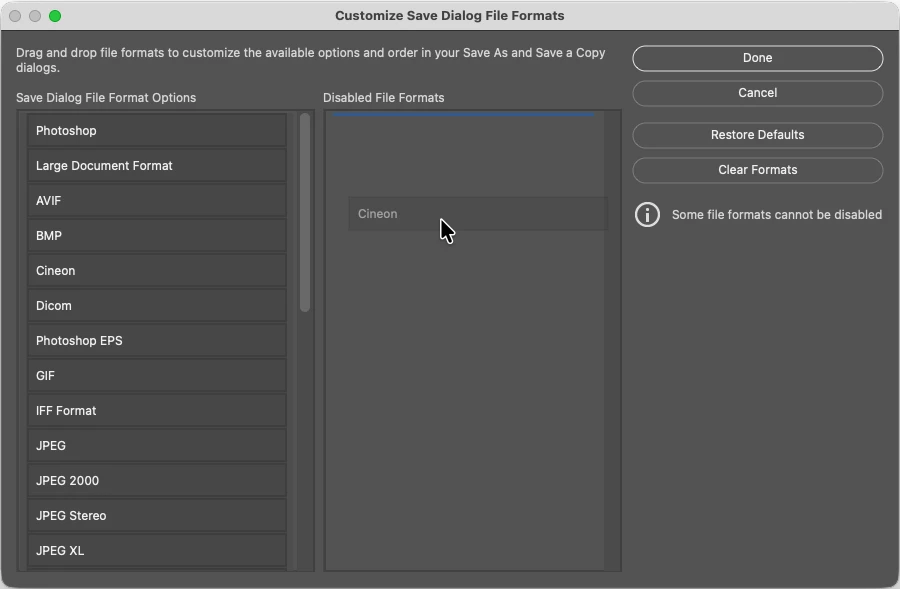
After dragging the Cineon File Format to the Disabled File Formats column:
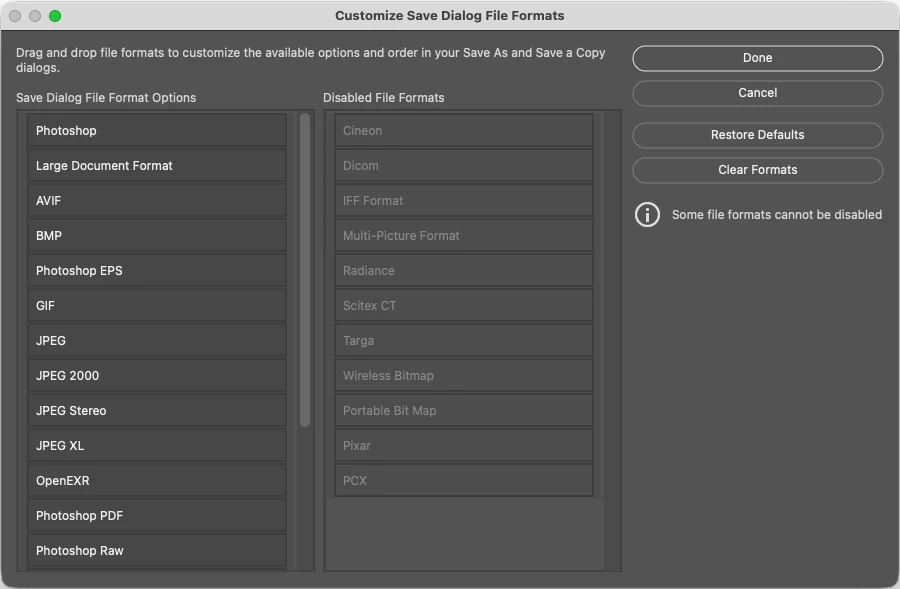
After dragging multiple File Formats to the Disabled File Formats column:
 AdChoices