




Relight is now available in Photoshop Beta!
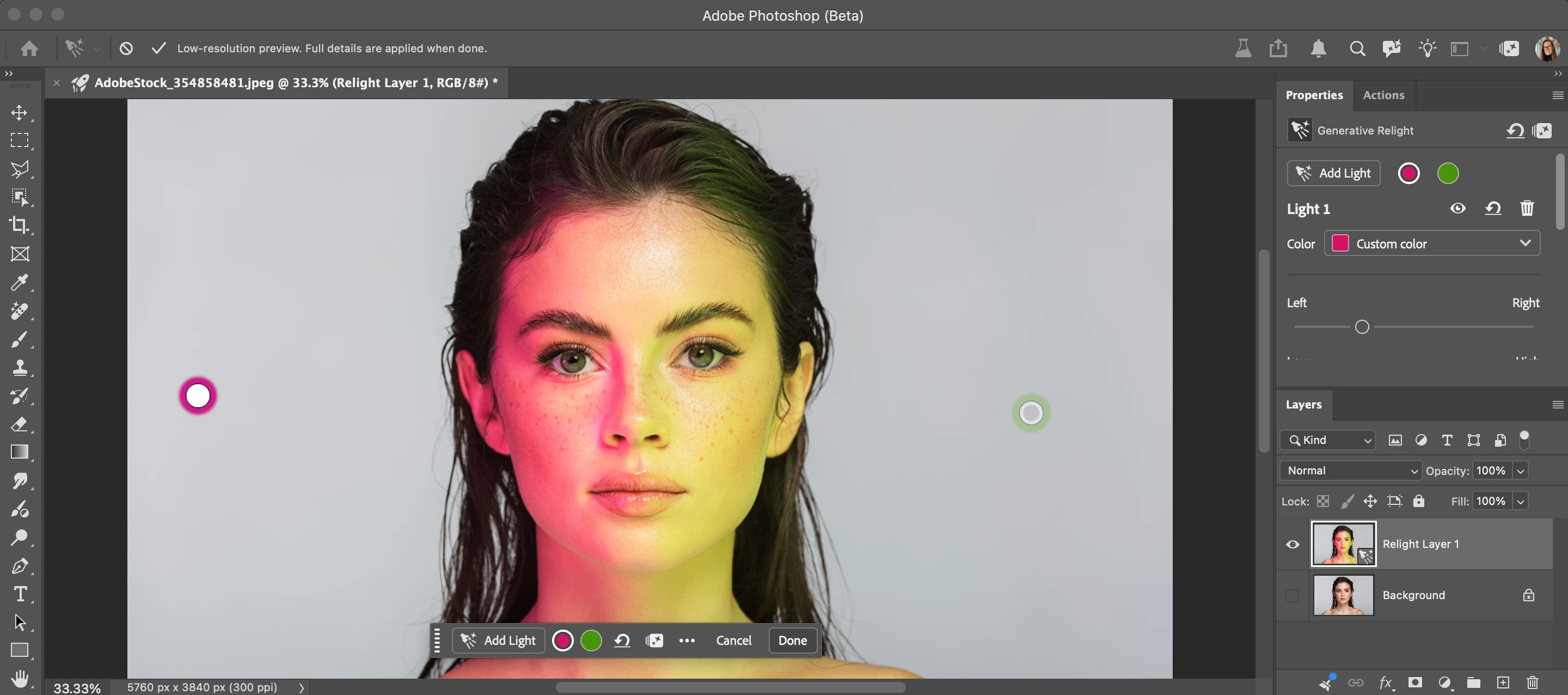
Relight is a new Generative AI feature in Photoshop Desktop that lets you add up to 3 interactive, non-destructive lights and adjust their position, intensity, color, and diffusion (Beta version: 27.12.0 20260927.m.3691 available on 9/28/26).
HOW TO TEST
-
Update and launch the latest Beta Build (Version: 27.10.0 202600802.m.3625) → have an active Internet connection
-
Open or place an image
-
Select an unlocked Pixel, Rotate Object, or Smart Object layer.
-
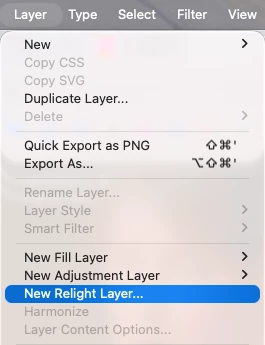
Go to the app Layer menu > New Relight layer... Note you can also go to the Layers Panel flyout menu New Relight layer…
-
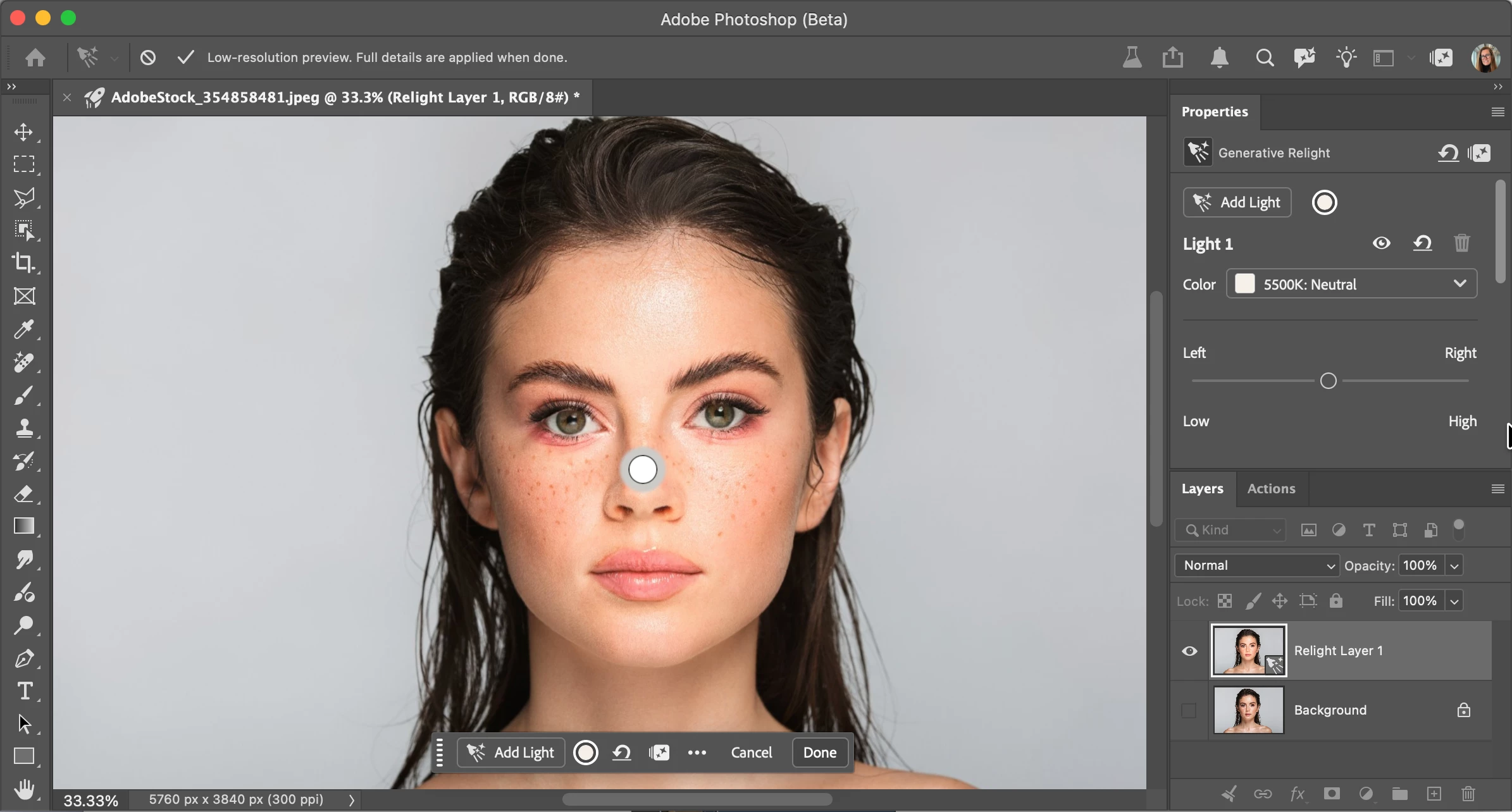
A new default (white) light will be added in the middle of the image. You can click and drag the light around on the canvas (inside or outside the image - above the bottom edge of the image). Relight removes the existing lighting in the image and re-creates its own lighting. If you turn off all the lights, you're left with the remaining ambient or original light. Turning a light on/off enables/disables that light’s contribution, just like turning the lights on/off in a room.
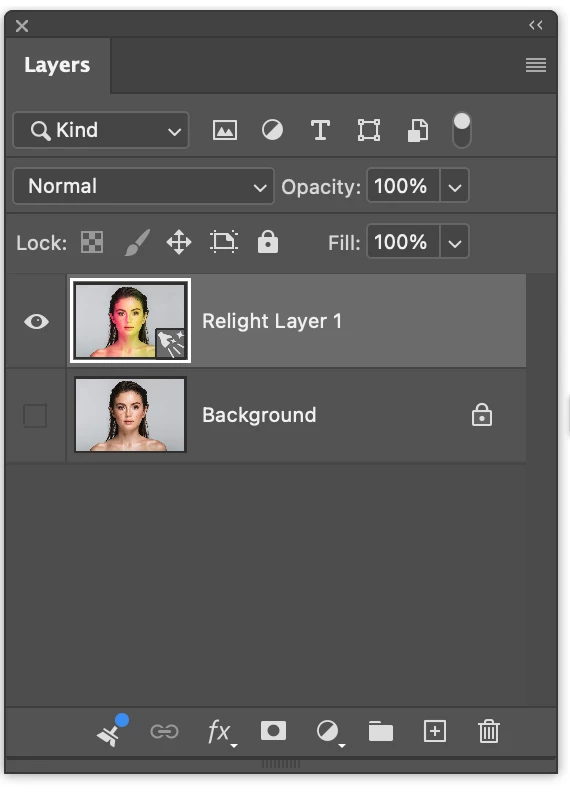
Additionally, a "Relight Layer" has been created in the Layer Panel, leaving the original pixels untouched.
-
Note while adjusting lights, you are in a low-resolution preview mode.
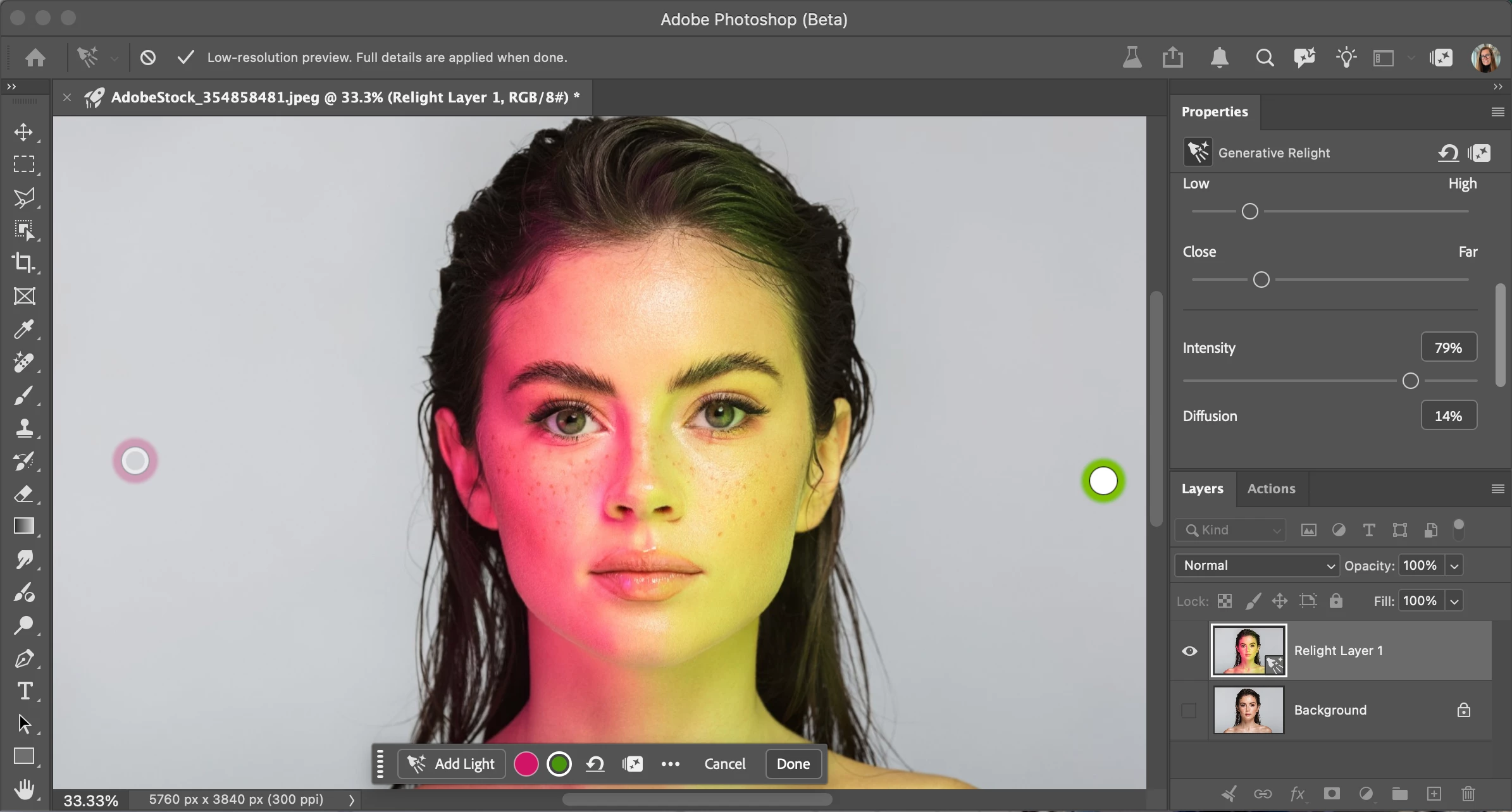
- Select the circle light icon on the new Relight Contextual Task Bar or Properties panel to change the color or adjust any of the light properties. Note, you must have at least one light, and you can add a maximum of three lights. You can delete lights and/or turn their visibility off using the "eye" icon in the context bar or the properties panel.
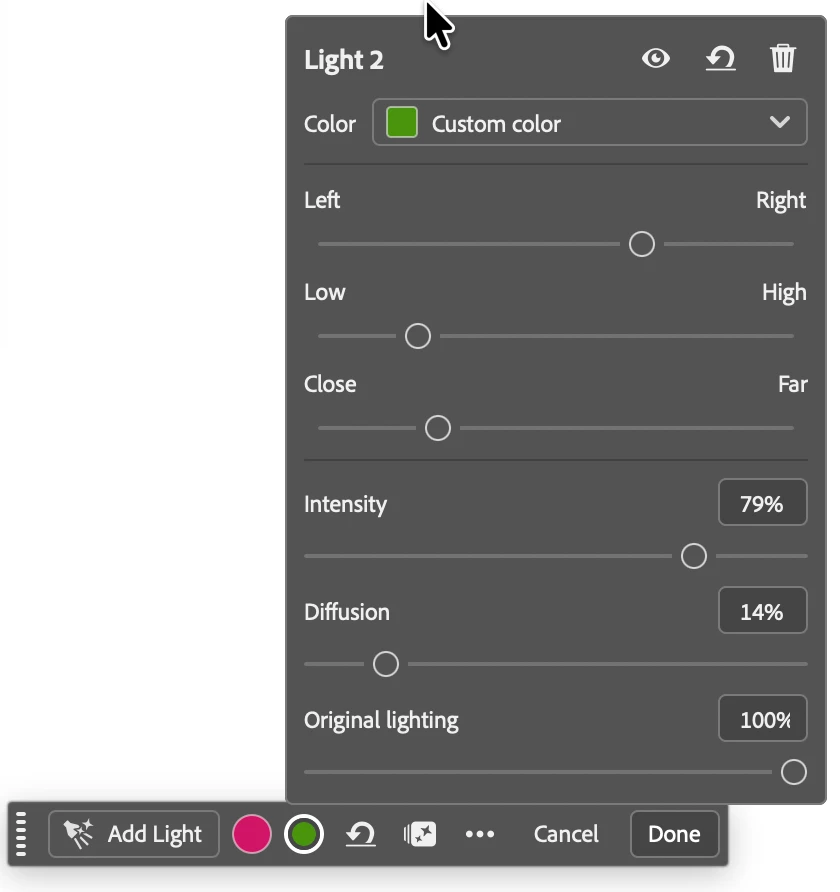
- Add more lights with the "Add lights" button. When finished updating the lights, select Done. This generates the final relight result at full input image resolution.
- The Relight feature costs 30 credits everytime the Done button is selected. Check your Generative Credits balance by selecting the sparkle icon in the Contextual Task bar, Properties Panel or Options Bar.
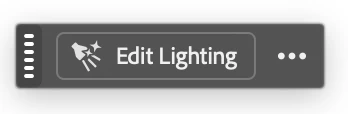
- Edit by selecting the layer > "Edit Relighting" or Layer > "Edit Relight Layer..."
- The Relight feature supports Actions and scripting.
Let us know what your think!
 AdChoices