



Toolbar Tool Groups Now Open on Hover.
Hi everyone,
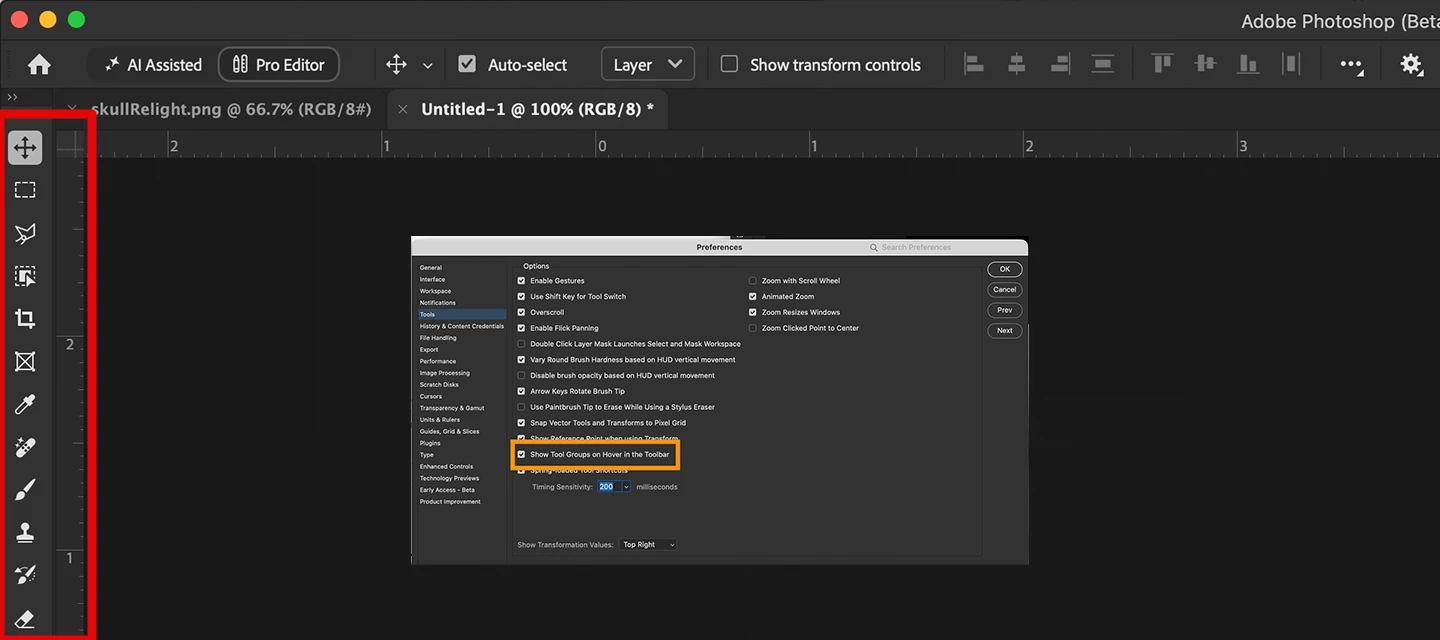
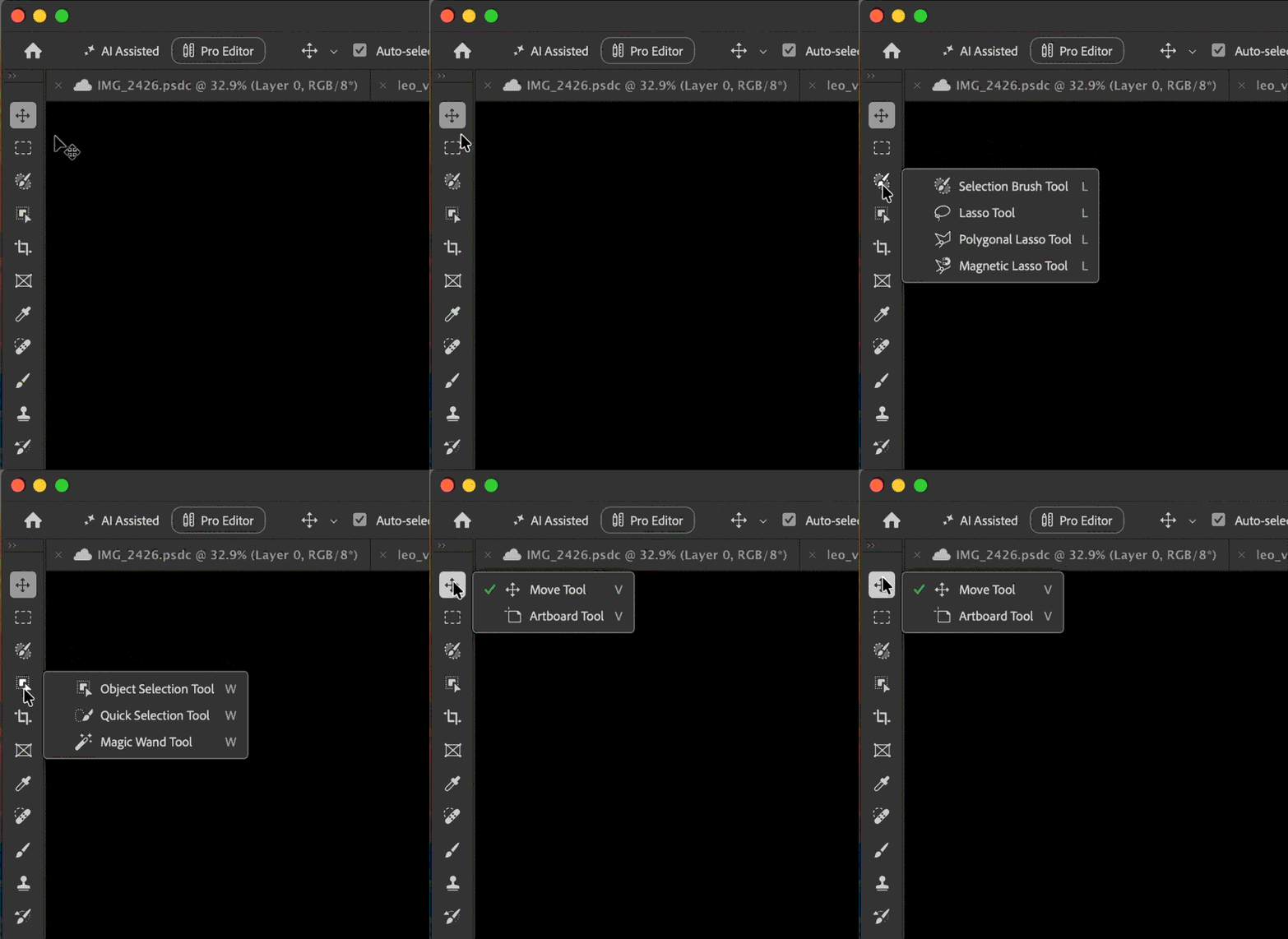
You can now hover over a tool icon in Photoshop to see the other tools in that group, without right-clicking. Once the flyout opens, click the tool you want to use.
Here's a quick look:
Turning it on or off
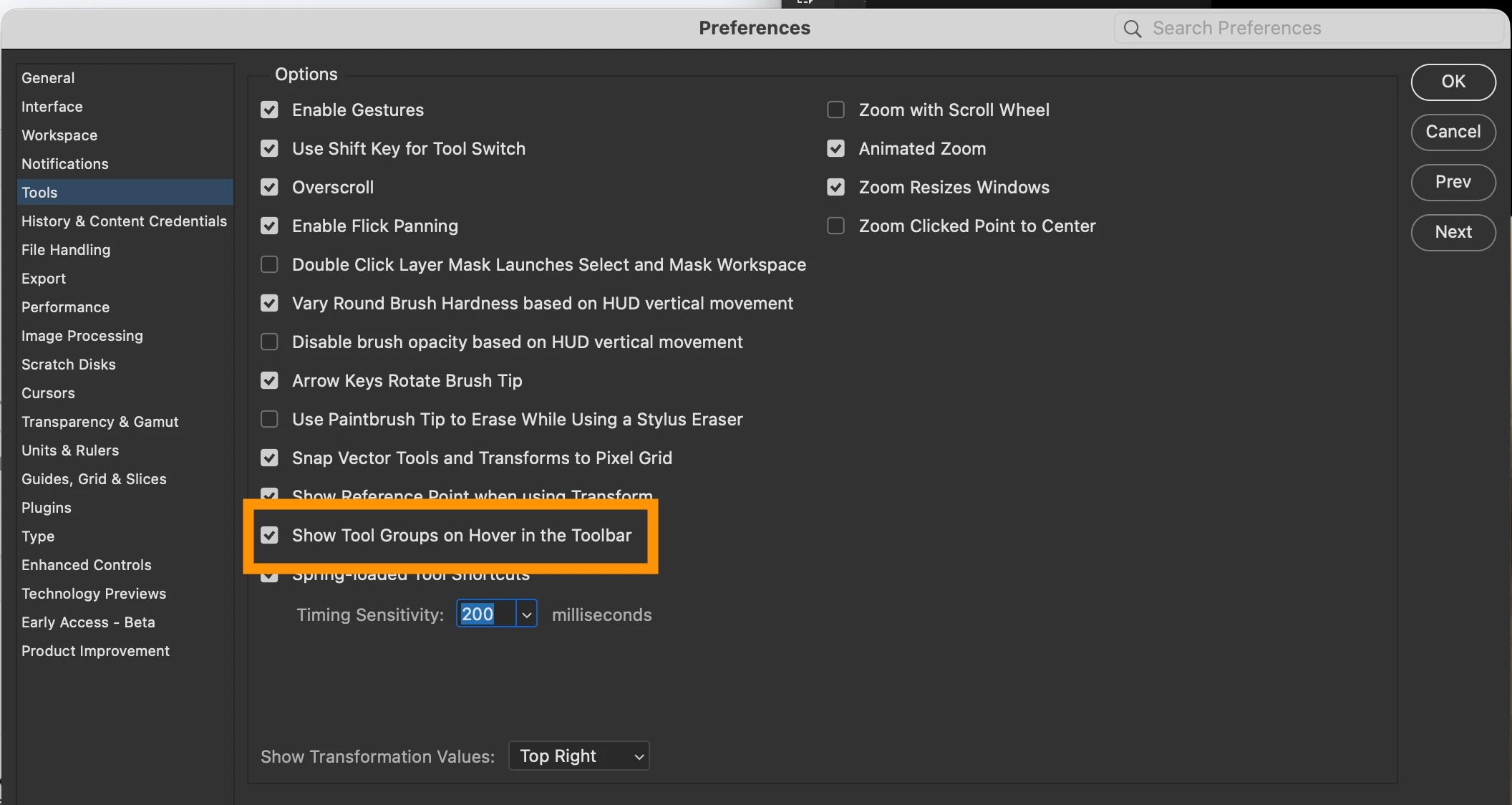
In Preferences > Tools, check Show Tool Groups on Hover in the Toolbar to turn it on. If you'd rather not have the flyout open when you hover, uncheck it.
Available in Photoshop (Beta) 27.12.0, build 20261005.m.3700 - TODAY, October 6!
Let us know how it feels in your day-to-day work. As always, we would like to hear your thoughts and help to work through any issues you find.
Thanks!
The Photoshop Team


 AdChoices