
Create and edit anywhere with Photoshop Mobile on iPhone v.2
We're excited to announce the launch of Photoshop on iPhone version 2.0, packed with amazing new features we're sure you'll love exploring.
What’s new
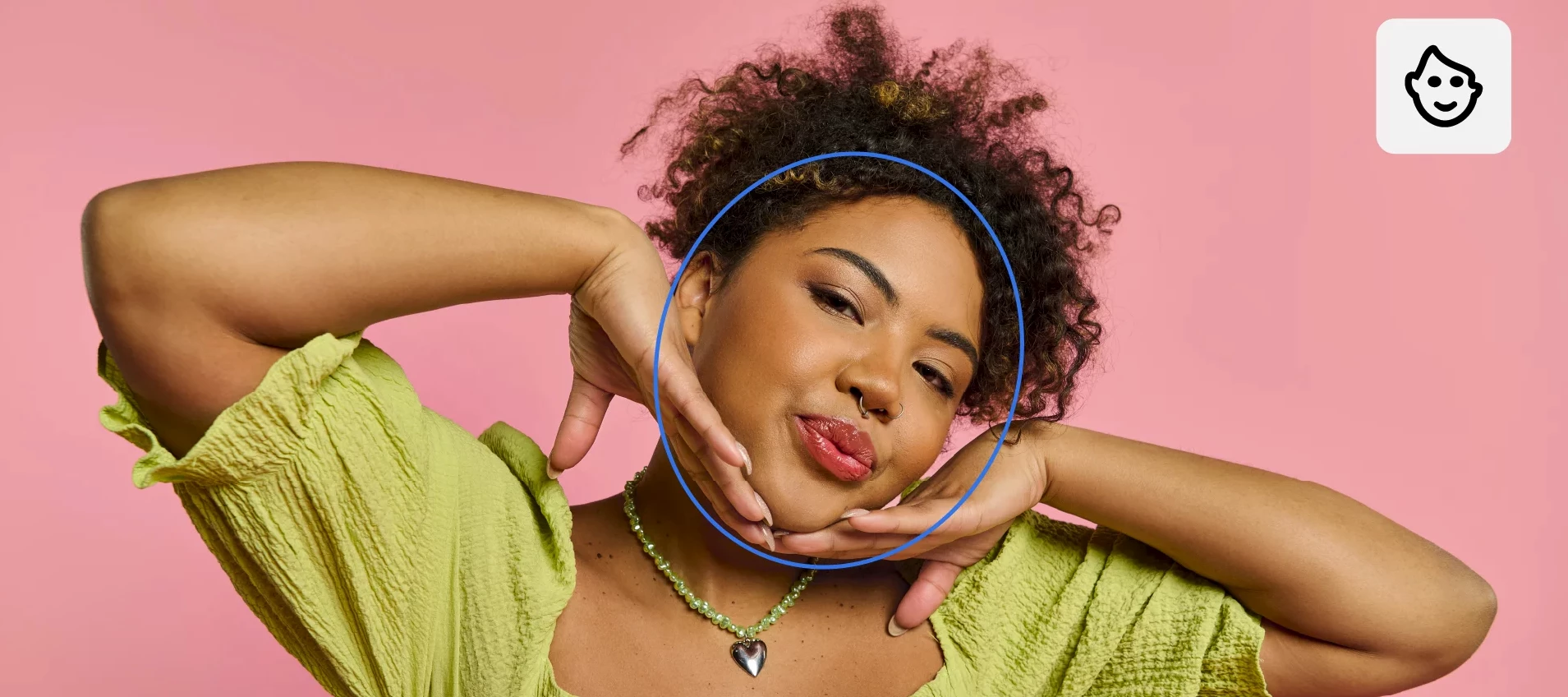
Editing just got a lot more intuitive and creative with Photoshop on iPhone. With Harmonize, you can drop people or objects into your images and have lighting and color automatically blend for a clean, natural result that feels like it was always there. Portrait editing is just as seamless, with Photoshop automatically recognizing facial features so you can easily refine expressions, adjust details, or enhance your photos with precision. And when you want a quick refresh, one-click effects let you instantly apply effects to style, color, and texture of your images for a new look in seconds—all right from your phone. Read more about the October release here.
Update Photoshop on iPhone to the latest version through the Apple App Store and explore the new tools for faster, more intelligent editing. To check if Photoshop on iPhone is compatible with your phone, click here.
Join the conversation
Try the new Photoshop on iPhone version 2.0, and let us know your thoughts. Feel free to reach out if you have any questions or need more tips!
 AdChoices