Mohit Goyal
Community Manager
Community Manager
September 13, 2023

Photoshop 25.0 & Photoshop on the iPad 5.0 are now available

  • September 13, 2023
  • 2 replies
  • 4040 views

We're happy to announce the release of Photoshop 25.0 & Photoshop on the iPad 5.0


 What's new in Photoshop?

 

Generative Fill and Generative Expand



Updated Remove tool


Contextual Task Bar updates for Masking



Other enhancements, changes, and Fixed Issues


What's new on the iPad?

 

Use the color picker and swatches on your iPad
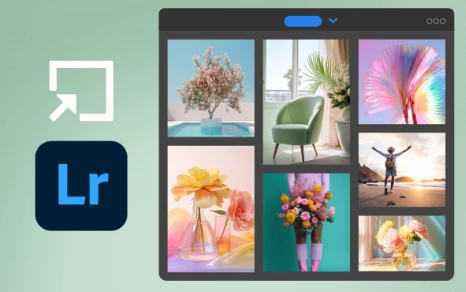


Import and open Lightroom photos in Photoshop on the iPad



View generative layer variations in the Properties panel


To update Photoshop to 25.0, click "Update" in the Creative Cloud desktop app next to Photoshop. More detailed instructions for updating


To update Photoshop Mobile to 5.0, check out how to update the apps manually


    This topic has been closed for replies.

    2 replies

    Trevor.Dennis
    Community Expert
    Community Expert
    October 10, 2023

    By @Mohit Goyal


    I've been looking at the What's New information again, and tryying to make sense of the section below.  The word 'Initializing' suggests that we need to do something to turn it on.  I've not been able to find any information other than a repeat of the sentences below.

    Trevor.Dennis
    Community Expert
    Community Expert
    September 13, 2023

    Thanks Mohit.  I particularly like the added functionality of the Contextual Task Bar.  A lot of people found it annoying and in the way when it was introduced, but I find it significantly speeds up my workflow, and I love that it now remembers to stay pinned when we first re-open Photoshop.  I'd love to have an easier way to move it, or a choice at least.  A keyboard shortcut that would let us drag the CTB when activated.  I can see this would be problematic as it would need to be a single (spring loaded) key to be really useful, and there are no single key shortcuts available.  I am a big fan of re-purposing Function key shortcuts as their defualts are mostly redundent and not useful, so maybe an option in Edit Keyboard Shortcuts so we could choose?