



Photoshop 25.11 & Photoshop on Web release updates are now available
We're happy to announce the release of Photoshop 25.11 & Photoshop on Web
What's new in Photoshop?
 Use the new Selection Brush Tool to make quick and intuitive brush selections when selecting, compositing, and applying filters and fills. Adjust the Opacity or Hardness settings to start creating selections with varying opacity or soft edges.

Apply non-destructive adjustments to specific parts of an image in one step with the Adjustment Brush Tool.
 Create clear and organized lists and improve the readability of your text with the Bullets and Numbering feature support now available in Type tool.
 Use the improved Contextual Task Bar to work quickly with shapes or transform objects. Adjust the fill color and stroke when working with a shape or rotate an object without having to search through menus.
 To go from Text to image, use the new Generate Image feature, now out of Beta and powered by the new Adobe Firefly Image 3 Model
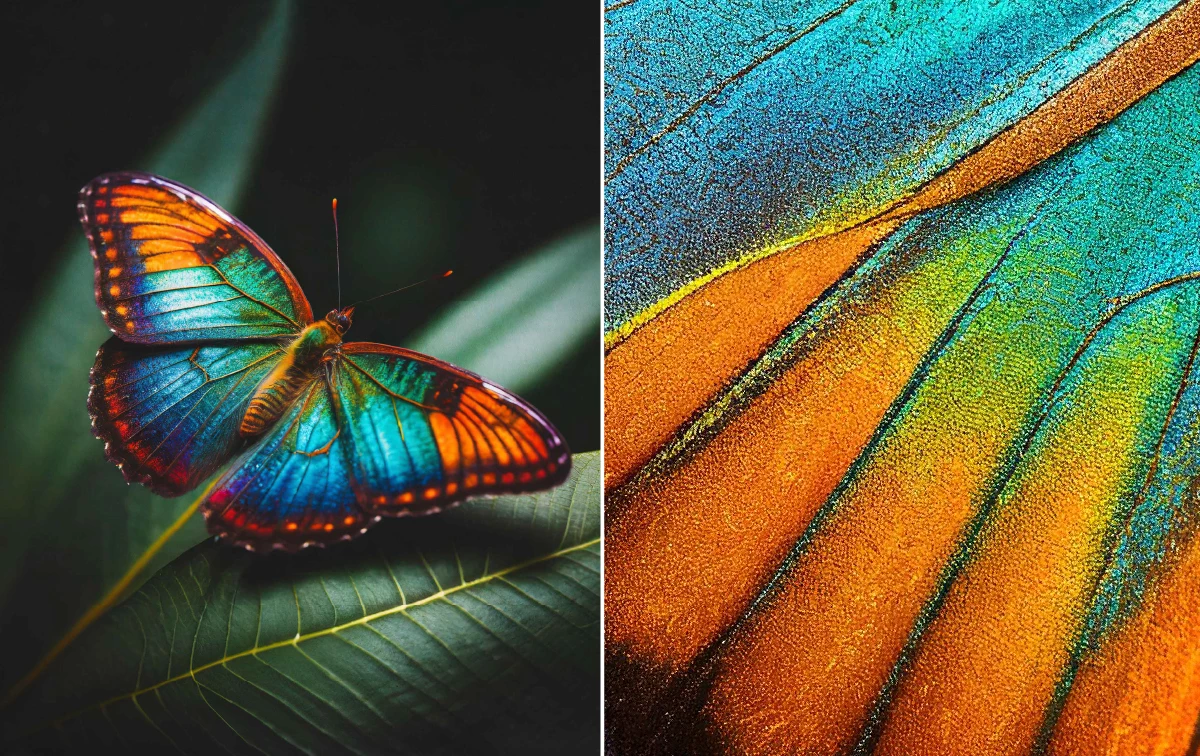 Produce Generative Fill variations with greater sharpness and detail using Enhance Detail.
Other changes and enhancements
Single adjustments is now available at the top of the Adjustments panel.
Generator Plugins, previously available in the File menu, are now available in the File > Automate flyout menu.
What's new in Photoshop on Web?
Check out the Feature Summary July'2024
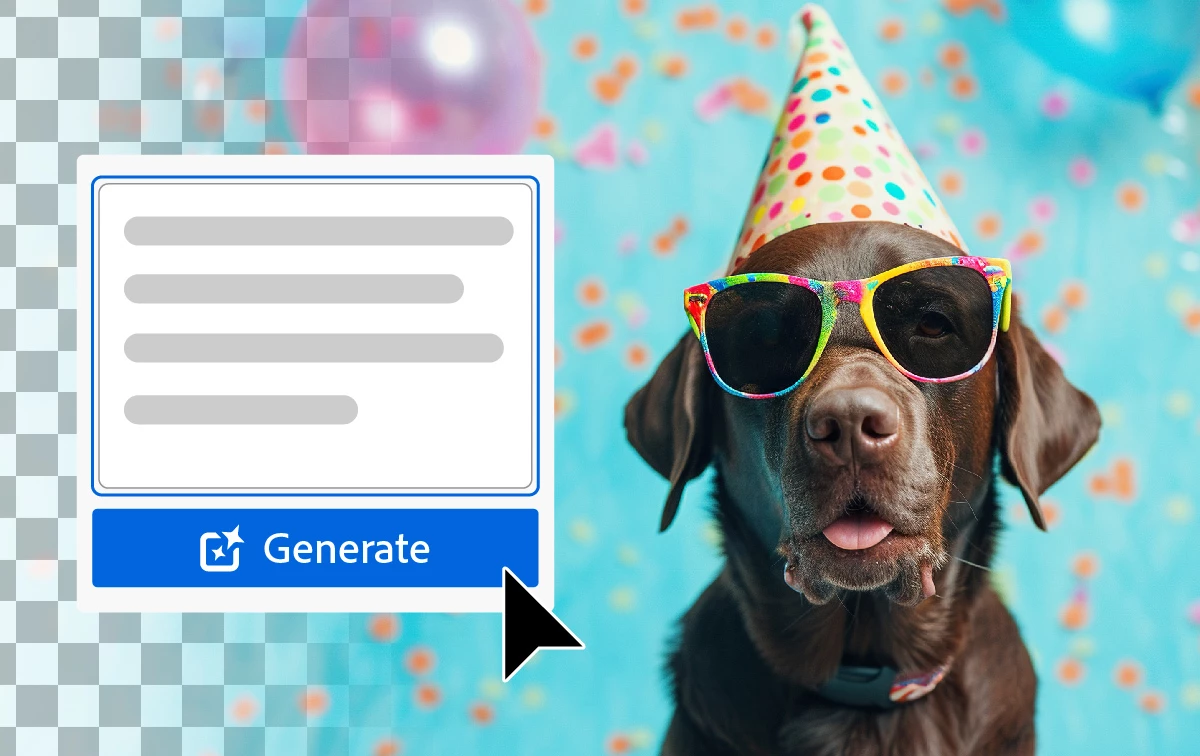
Ideate and create assets using Generate Image, powered by the new Adobe Firefly Image 3 Model, in Photoshop on the web. Jumpstart your creativity and generate concepts featuring anything from animals to places, and more.
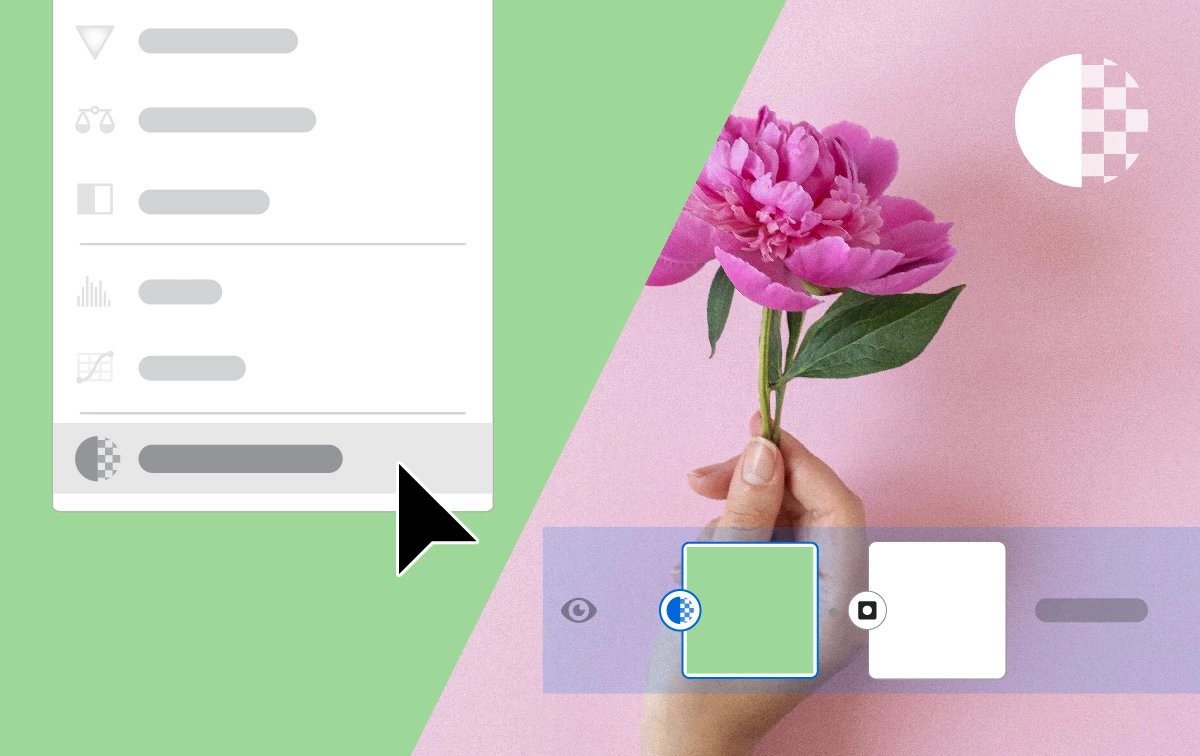 Solid color fill layer
Easily add a Solid color fill layer to your document, streamlining your design process.

Use the Object Selection tool to effortlessly segment objects or regions in your images, speed up your workflows, and simplify complex tasks.
 Shapes
Discover the powerful Shapes feature in Photoshop on the web, letting you add and customize various shapes to enhance your designs.
To update Photoshop to 25.11, click "Update" in the Creative Cloud desktop app next to Photoshop. More detailed instructions for updating
 AdChoices