6 Ways to Use One of the Best AI Platforms to Summarize Documents
SUMMARY
Learn how to use one of the best AI platforms for summarizing documents to save time and streamline document creation and collaboration workflows. Adobe Acrobat Studio combines trusted PDF tools, AI-powered summarization, and creative features into one seamless AI workspace to help you stay productive wherever you work
Ever feel like you’re buried in documents? Between reports, research, contracts, and meeting notes, business professionals and students alike often find themselves scrambling to summarize documents so they can get the information they need in time to take action.
Whether you’re preparing presentations, comparing proposals, or just trying to keep pace with a growing workload, manual reviews are too slow and error-prone when you need to be productive, and they just don’t cut it anymore.
What you need is an AI-powered solution that reduces your workload by handling the heavy lifting, allowing you to search, summarize, and collaborate on documents all in one place.
Representing the next generation of Adobe Acrobat and one of the best AI workspaces for faster, more focused document summarization, Adobe Acrobat Studio is designed to address these challenges.
Meet the New Acrobat Experience: Acrobat Studio
Adobe invented the PDF and is trusted by millions of users across 745,000 organizations worldwide. More than 400 billion PDFs were opened or created with Acrobat last year alone—and now, that legacy of trust and innovation is evolving.
Acrobat Studio brings together the proven reliability of Acrobat’s core PDF tools with AI and Adobe Express to make summarizing documents fast and easy. It transforms the familiar Acrobat experience into one of the best AI-powered productivity tools and creative platforms—combining smart AI capabilities, streamlined collaboration, and powerful design tools:
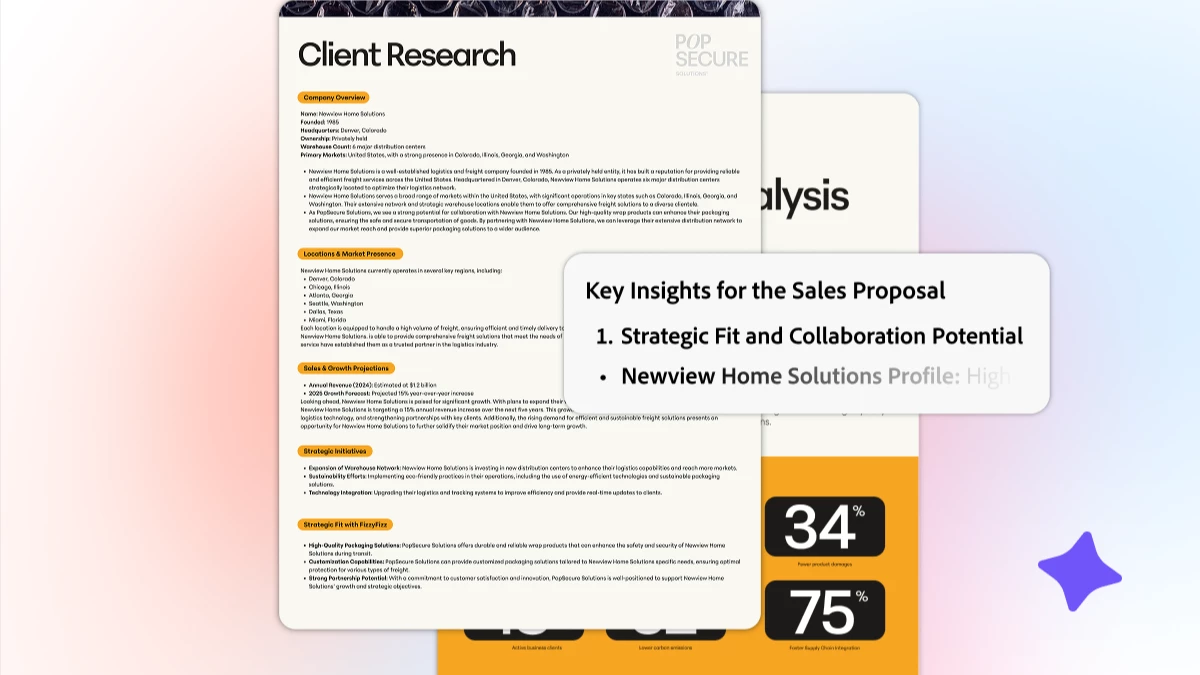
- PDF Spaces: Organize and summarize a batch of multiple files at once to create custom workspaces for collaboration
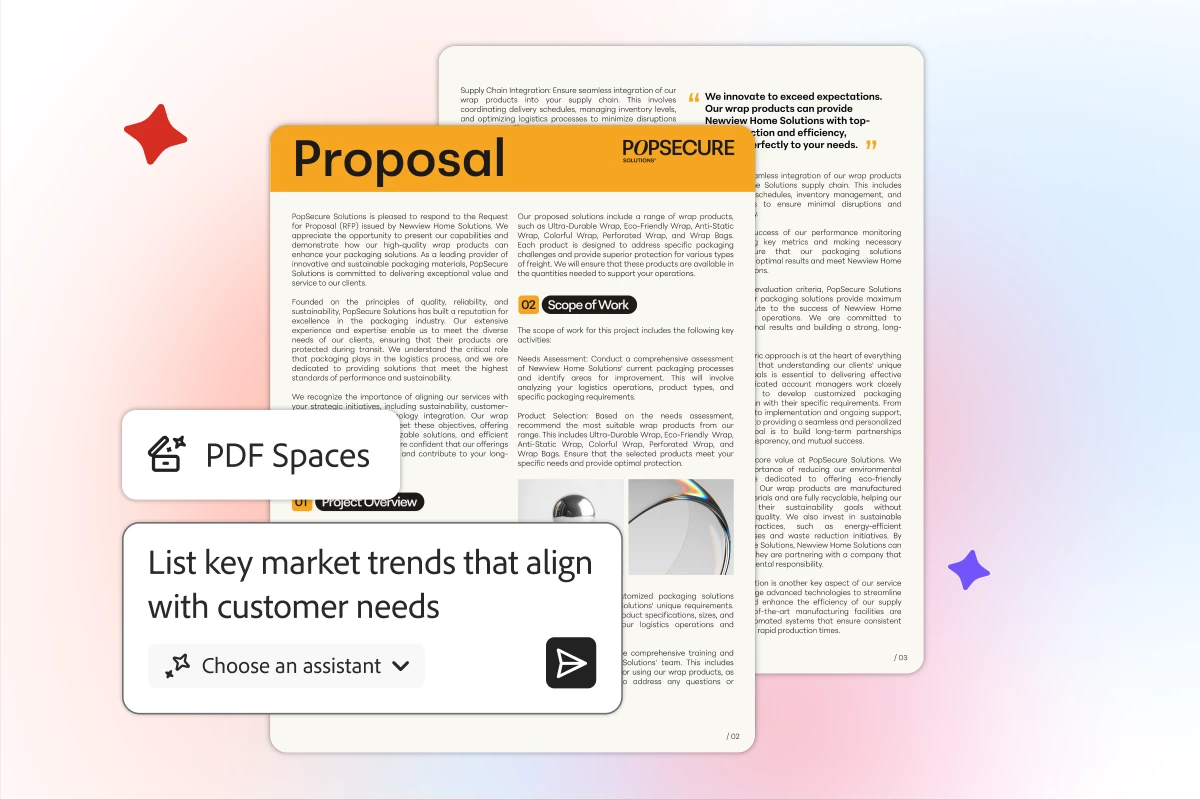
- AI Assistants: Share PDF Spaces with a personalized AI Assistant to deliver knowledge, not just files – use a prebuilt AI Assistant like an analyst or instructor, or easily personalize your own and help guide its responses
- Adobe Express: Easily create standout content and polish your PDFs with simple tools, professionally-designed templates, and custom AI images to quickly create flyers, infographics, or social posts
Together, these tools make Acrobat Studio one of the best AI workspaces for teams.
Now, let’s explore the six best ways you can use AI for document assistance and work smarter every day.
6 Ways to Summarize Documents in Adobe Studio
- Consolidate and Summarize Multiple Sources in PDF Spaces: In Acrobat Studio, you can combine a batch of multiple files, like reports, research studies, and meeting notes, into a single PDF Space. Once you have all of your documents in one place, use Acrobat AI Assistant to identify key insights and generate concise summaries, so you can see the big picture faster.
- Chat with Your Documents Using an AI Assistant: Your AI document assistant can be a great research partner. Ask questions and get quick answers, or request a short overview of any document. The AI Assistant works across a wide range of source types, including PDFs, Word documents, JPGs, PPT slides, web links, plain text, and Scans, to help you better understand content in seconds, synthesize it into key concepts & takeaways, or create summaries to share with others.
- Get Instant Summaries Anywhere, Anytime: Whether you’re using the Acrobat desktop app, Acrobat web, or a mobile device, AI Assistant in PDF Spaces provides quick summaries and short takeaways on demand. On mobile, you can even use voice prompts while on the go for hands-free interactions that keep you productive and safe.
- Verify and Trust Every Summary with Source Citations: Each AI-generated summary includes clickable citations, so you can trace insights back to their original source in your documents to verify accuracy, ensure personal relevance, and learn more. You’ll always know where the information came from—so you can make smarter decisions based on trusted insights.
- Compare and Contrast Different Files Effortlessly: Need to understand changes between two contracts or find patterns across reports? AI Assistant highlights similarities and differences for you almost instantly, saving hours of tedious back-and-forth comparisons and manual toggling between files.
- Break Down Complex Documents with Ease: Got a document that’s full of technical jargon or complex concepts? An AI Assistant can simplify dense language into clear, easy-to-understand explanations, so you can grasp complex information faster and more accurately.
Sounds easy, doesn’t it? It is! Let’s take a look at how businesses, students, and consumers are using AI assistants for summarizing documents in real-world scenarios.
Real-World Ways to Use AI Summarization
No matter your goal or profession, Acrobat Studio adapts to how you work. Here are a few ways it makes life easier for everyone:
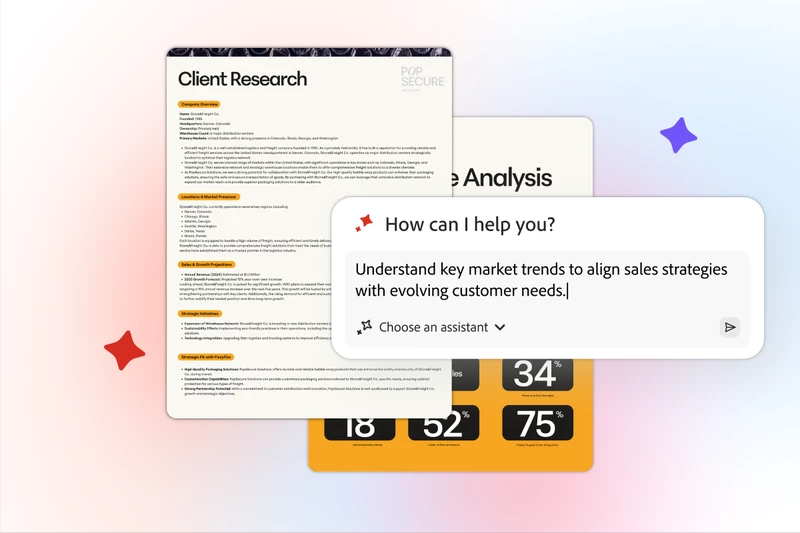
- Business Professionals: Quickly synthesize insights from multiple files, market research, user interviews, trend reports, and more into one actionable summary to guide next steps and decision-making.
- Consumers: Review complex contracts like leasing docs, service agreements, or work proposals, letting AI Assistant summarize key points, define legal terms, highlight version differences, and surface potential issues & considerations before you sign.
- Students: Learn new concepts faster by uploading reading materials, research papers, lecture slides, or class notes, and asking the AI Assistant to outline, explain, or simplify them for deeper understanding.
The possibilities are endless, and so are the time savings.
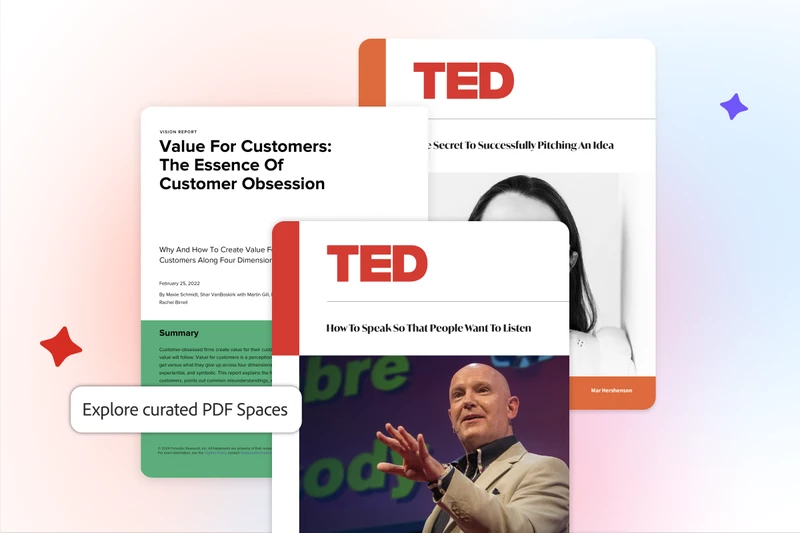
Get inspired by curated PDF Spaces. Discover new ideas and insights with ready-to-use knowledge, then customize, save, and share.
Why Acrobat Studio Is One of the Best AI Platforms for Summarizing Documents
Acrobat Studio provides clear, concise summaries quickly to help you work smarter and faster.
The platform’s AI-powered insights are built on Acrobat’s long-standing reputation for security and precision, and you can trust that the documents and data you upload will remain your own. Adobe does not use your content to train its generative AI models. (Learn more about how Adobe protects your documents and content using responsible practices.)
You can stay productive anywhere with desktop, web, and mobile app access, and use Chrome or Edge browser extensions for quick edits and reviews. Acrobat Studio also integrates seamlessly with Microsoft 365, Dropbox, and other third-party cloud storage tools to keep your workflows connected.
The Fastest Way to Understand Your Documents
Whether you’re reviewing a single document or managing hundreds, Adobe Acrobat is hands-down one of the best AI platforms for summarizing documents—and one that combines the precision and trust of Acrobat with the creativity and intelligence of an all-in-one AI workspace.
Try Adobe Acrobat Studio today and experience how fast and simple document summarization can be.
|

|
If this was helpful, please click the Upvote icon in the top left corner of this post. Your feedback helps us improve the experience. Thank you!
|




 AdChoices