











『アドビコミュニティフォーラム』に質問/トピックを投稿する方法
Announcements
新着順
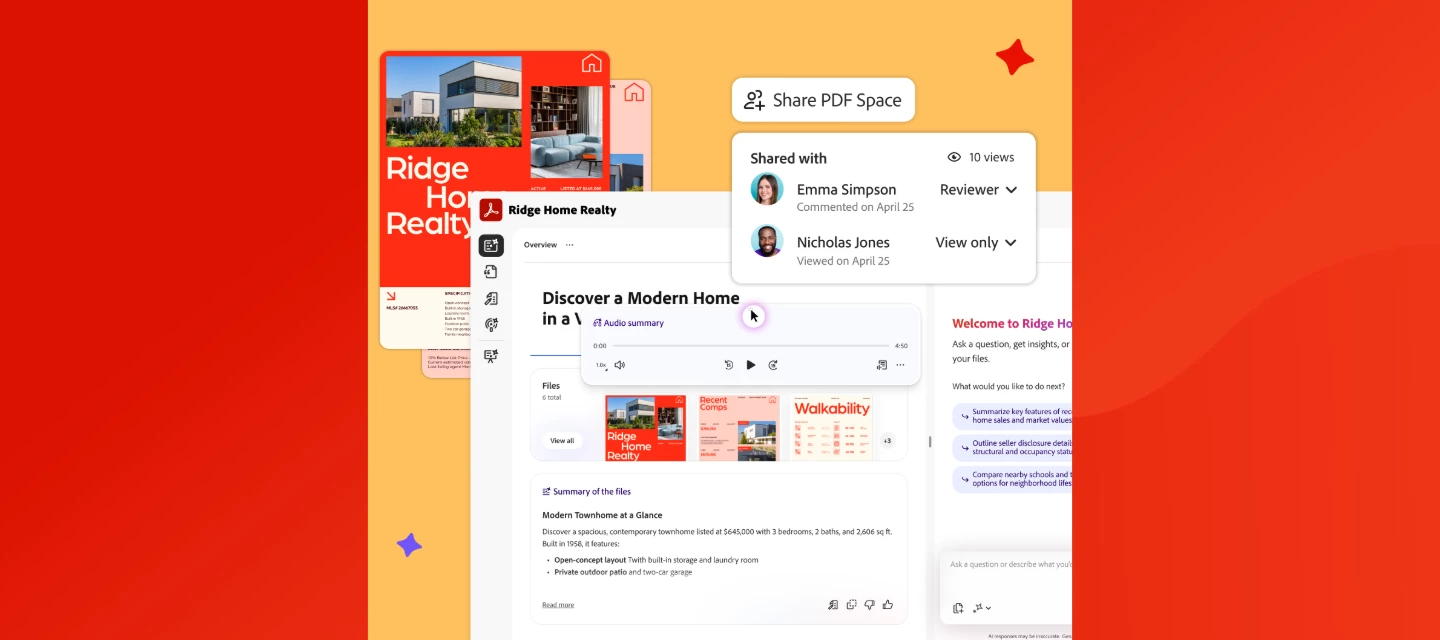
PDF Spaces in Acrobat lets you share documents as guided, interactive experiences, complete with audio overviews, AI Assistant, and engagement tracking. Read more on the Adobe Blog or watch this overview. We've added enhanced collaboration and sharing capabilities in Acrobat to help you communicate more effectively and land your message every time. With the new PDF Spaces Sharing experience, you can now share information as a guided, interactive experience, bringing together files, context, audio overviews, and an AI Assistant to better convey your message. Share PDFs as interactive experiences. Turn multiple docs into a PDF Space that guides recipients through your content the way you want, with a summary, audio overview, and your brand. Guide your message with an AI Assistant. Share your PDF Space with a customizable AI Assistant and shape its responses to set the tone of your content and act as an extension of you. See who explored your content. Track views of your PDF Space, s
We Want Your Feedback: AI & Communication Features - 5-7 min! Thank you for taking the time to share your experience on AI and Communication tools.This survey has up to 10 questions, depending on your answers, and should take about 5 minutes. Your answers will directly shape how we develop Acrobat’s PDF capabilities. Take our quick 5–7-minute survey and share your thoughts through the survey link.
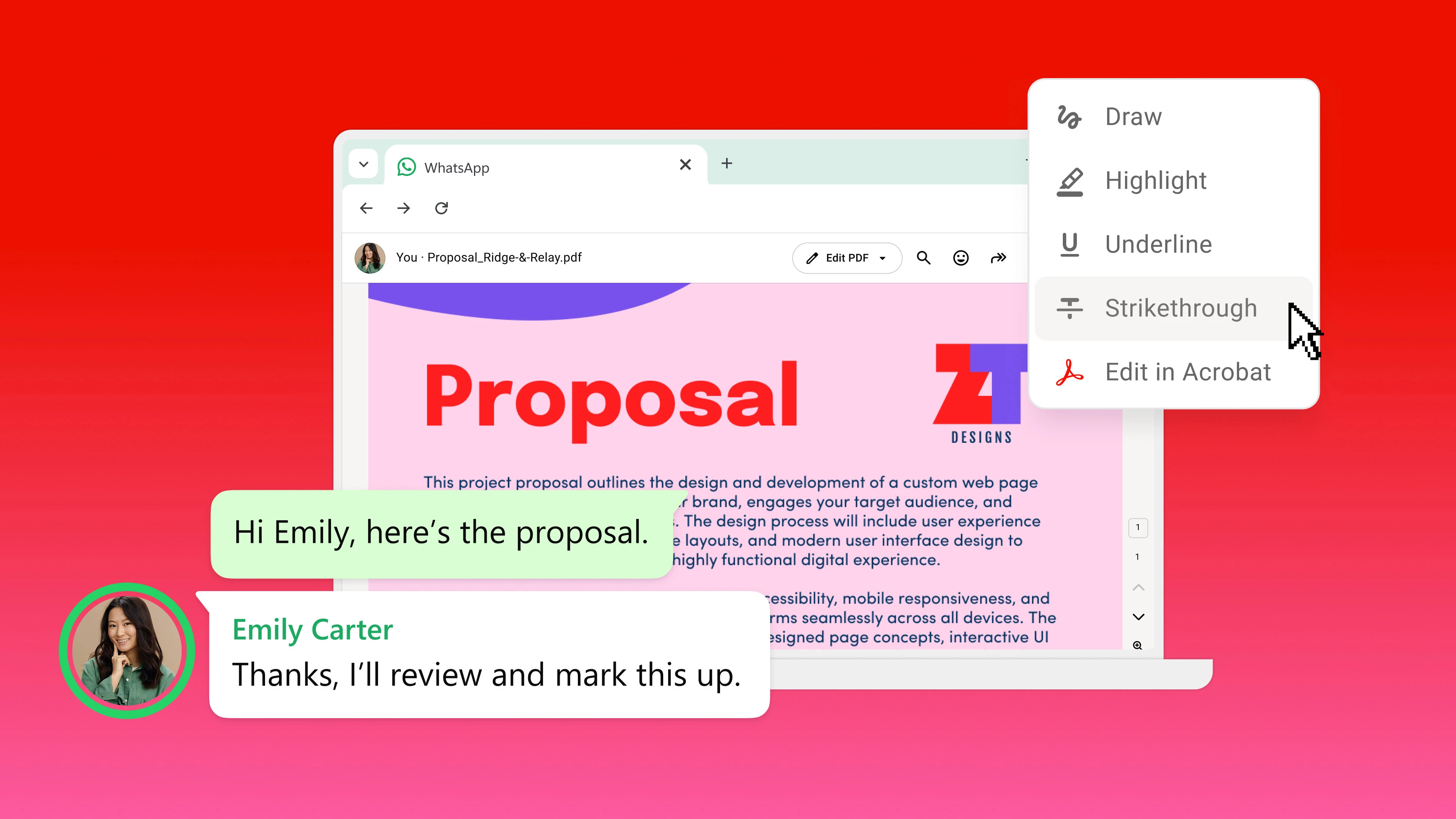
Open a PDF from WhatsApp > edit in Acrobat > send it back. No downloads. Ever get a PDF on WhatsApp Web, download it, open Acrobat, fix one typo, re-upload, and send it back? That whole loop is gone.Acrobat for WhatsApp lets you open any PDF shared in a WhatsApp Web chat directly in Acrobat > right in your browser. View it, comment, edit text, reorder pages, and send the revised file back to the same conversation in a few clicks. WHAT YOU CAN DOEdit content: Update text, fix typos, make quick corrections inline Organize pages: Reorder, add, rotate, or delete pages before sharing Collaborate: Open shared PDFs, update, and return to the same chat Save everywhere: Auto-sync to Adobe cloud, pick up on any device It works entirely in the browser with your Adobe account sign-in, so files stay secure and connected to Acrobat online, no extensions, no installs. Full walkthrough Step-by-step guide to editing a PDF from WhatsApp Read article RELATED READS→ One of the
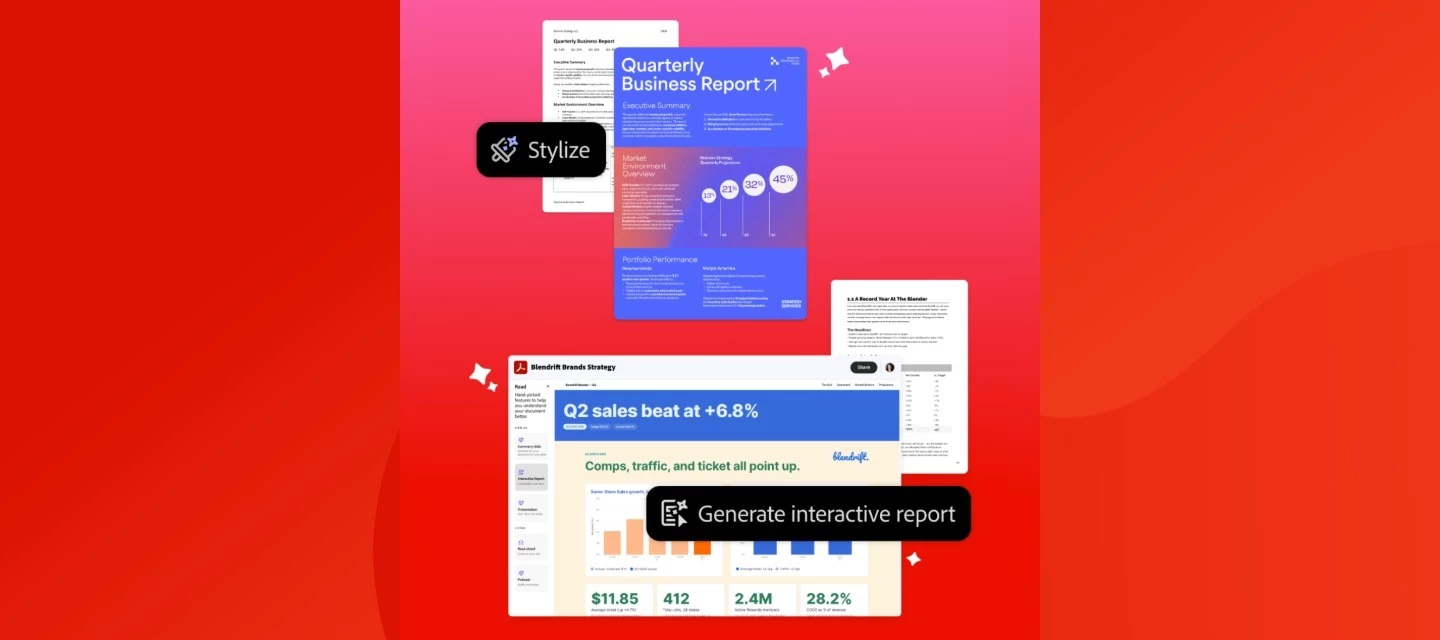
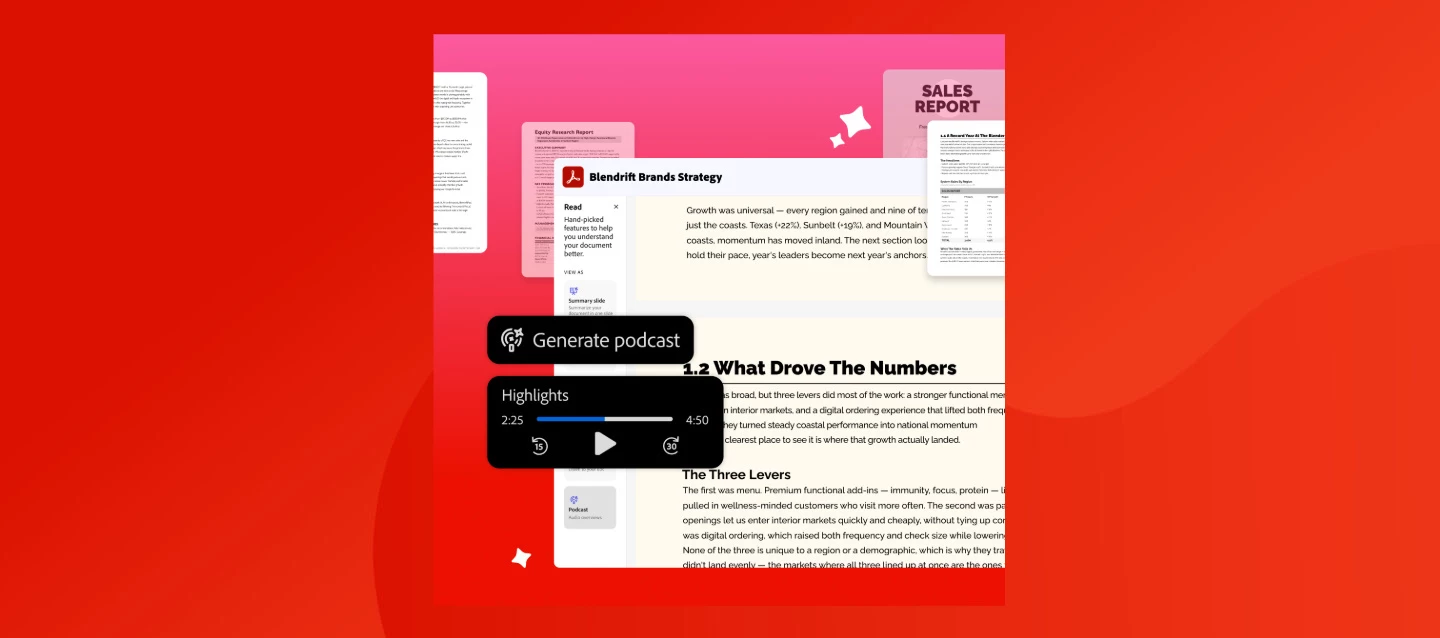
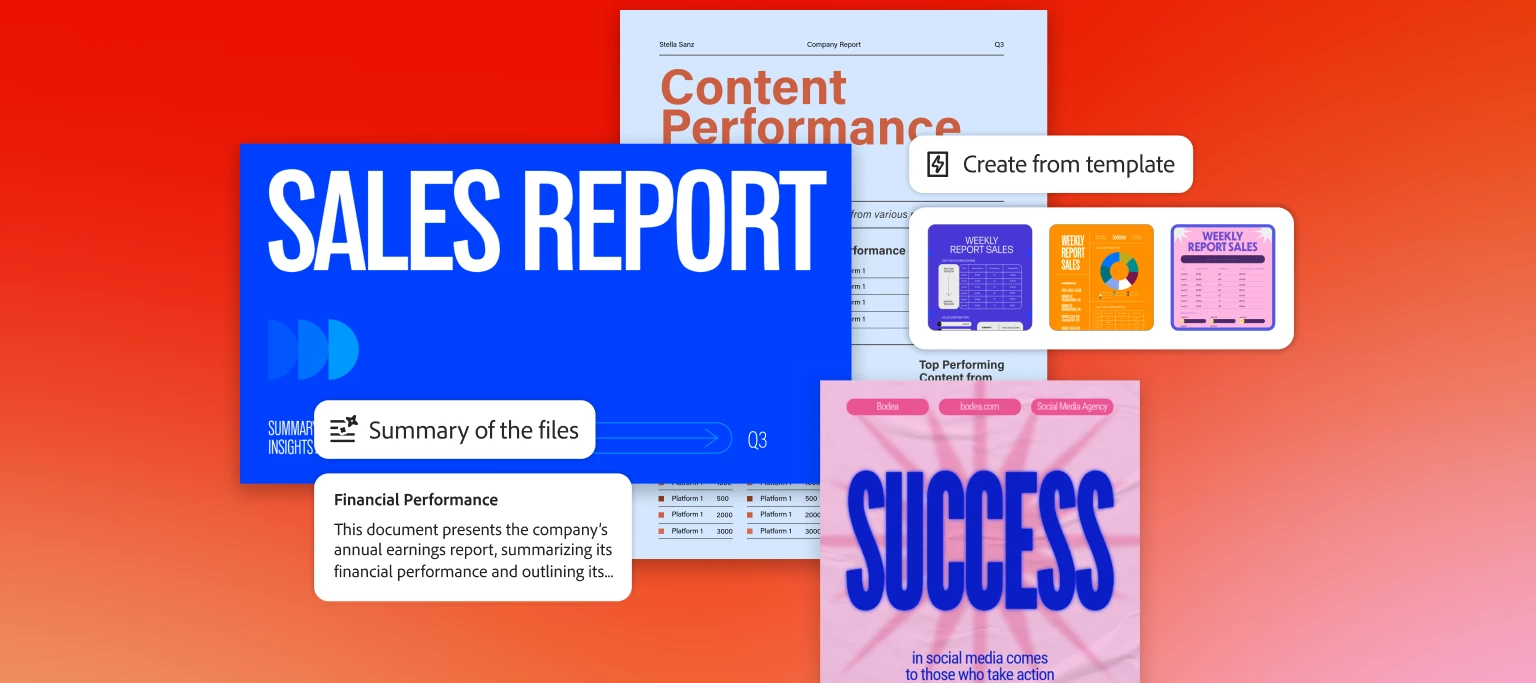
Power next-level productivity and teamwork with Acrobat Studio. Check out the latest feature enhancements and try them in Acrobat today. Listen to podcast summaries of your docs. Generate a podcast-style audio overview with a click and tailor it for how you learn best, so you retain more information from your documents. Transform files into fresh content fast. Easily remix docs into presentations with AI, create content from over 500,000 professional templates, and generate custom images. All powered by Adobe Express. Turn docs into knowledge and collaborate smarter in PDF Spaces. Bring all your project files into one workspace and ask AI Assistant questions to get deep insights with precise citations, then invite others to add files, comments, notes, and context to a central workspace with a personal AI Assistant and get more done together. Trusted PDF tools, now better than ever. Work smarter with the essential set of trusted PDF tools to create, convert, and sign your documents,
Acrobat Express is the latest offer plan for AI-powered document insights, information sharing, and content creation. Acrobat Express is a new offering that brings AI-powered document insights, content generation, and information sharing, all in one place. Gain clarity quickly with AI.Generate summaries and answers to your questions linked directly to their sources. You can even turn files into AI-generated summaries and podcast-style overviews. Share PDFs as interactive experiences. Turn multiple docs into a PDF Space that guides recipients through your content with a summary, audio overview, your brand, and a custom AI Assistant. Learn more in this post. Transform documents into polished content. Generate on-brand presentations and podcasts from your files that are ready to share in minutes. No design experience needed. Turn your ideas into standout designs. Create branded social posts, flyers, images, and more with customizable templates. Easily edit and resize your content for any
Adobe Acrobat Crashing? Let’s fix it together!We know crashes are frustrating, but don’t worry, let’s tackle this step by step. First, try these quick fixes:Send a crash report. When Acrobat crashes, send us the report — it helps us figure out what’s going wrong. Update Acrobat. Go to Help > Check for updates. A lot of issues get resolved with the latest version! Update your operating system. Installing the latest OS updates can make a big difference in stability. Still having trouble? Let’s dive a little deeper based on your system:On Windows: Try Help > Repair Installation to fix any file issues. On MacOS: Delete Adobe licensing entries, such as Adobe User Info and Adobe App Info, from Keychain Access, then sign in again to refresh your license. Also, make sure your subscription is active! If none of these solutions work, don't worry — you’re not stuck!Run Acrobat Diagnostics and send us the log ID. We’ll take it from there and help you get Acrobat running smoothly again. Yo
Use AI to understand documents and get insights from multiple PDFs in minutes When it comes to summarizing and understanding documents, many professionals struggle with the same thing, finding the time to read and understand it all. Reports, PDFs, slide decks, contracts, and research files pile up faster than you can get to them, making it a challenge to extract the information that matters.If you’ve ever wished you could analyze multiple PDFs at once, you’re not alone. How do you gain usable insights from your documents without spending hours scrolling, skimming, and second-guessing what you missed? The best AI workspace tool for documents can help you understand files, not just collect them.Adobe Acrobat Studio offers AI-powered PDF Spaces that unify your files, links, and notes in one place. Then, it enables you to use AI to understand documents, ask questions, and extract answers from your documents, all at once.Whether you’re looking for the best tool to chat with multiple documen
As a Creative Cloud member, you have access to a host of membership benefits to keep you ahead of the curve and support your creative work. This month, we've added a powerful new partner perk and a curated collection of free design templates to help you do more with your membership. Here's what's new:New Partner Perk: 50% Off Hootsuite + 30-Day Free TrialWhether you're a freelancer, marketer, or creative professional, getting your work in front of the right audience matters just as much as making it look great. That's why we're excited to announce an exclusive Hootsuite offer for Creative Cloud members: 30 days free plus 50% off your first year of Hootsuite Standard.With Hootsuite, you can plan your content calendar, publish across multiple social networks from a single dashboard, engage with your audience, and measure what's working, all in one place. And because Hootsuite integrates with Adobe Express, you can design your visuals and schedule them without ever breaking your creative
Create, design, and collaborate effortlessly in an all-in-one AI creative workspace Every document starts with a goal: explain something clearly, persuade an audience, or share information that drives action. But this often takes much longer than it should.While you’re drafting content, fixing layouts, and juggling multiple file types, you’re also expected to work quickly across multiple tools. You need greater productivity, cleaner and more intuitive design, and an all-in-one AI workspace for creating standout, high-quality documents.In this guide, we share the steps to creating documents quickly and easily in Adobe Acrobat Studio, using AI to turn ideas and source files into polished, professional documents, without disrupting formatting. Meet Acrobat Studio Adobe invented the PDF and is trusted by millions of users at 745,000 organizations around the world. It is one of the easiest PDF to Word converters for Mac and Windows users. That’s why over 400 billion PDFs were opened or cre
Acrobat Studio is a new subscription plan that turns your digital documents into a conversational AI-powered knowledge hub. It helps you work smarter and get your best work done. It's where your ideas connect and your best work takes shape. The subscription plan includes access to Acrobat Pro, PDF Spaces, AI Assistant, and Adobe Express Premium. Through September 1, 2025, try the latest AI tools in Acrobat for free to help you achieve your goals faster. Create PDF Spaces to interact with your documents and uncover insights from the content. Watch the following short video to know more. Collect files and links to create an AI-powered knowledge hub. Chat with a prebuilt or personalized AI Assistant for quick insights with accurate citations. Add notes and revisit anytime. Share your PDF Space to let collaborators access your files, personalized AI Assistant, insights, and notes. It will enab
How to use AI for reviewing documents to save time and increase productivity Whether at work, school, or home, documents power our daily lives: contracts, articles, reports, learning materials, financial statements, and more. Most of us spend a great deal of time reading, synthesizing, and understanding them. Or, oftentimes, in our busy lives, we find ourselves wishing we could benefit from more information and greater insights deep inside their many pages. What if you had one of the best AI chat tools that summarizes documents, and could analyze & compare them with built-in citation support? Imagine how much more we could learn and accomplish if we freed up all the time spent combing through long files, spending more energy on taking impactful action and doing the things we're really passionate about? We all need faster, more effective ways to review content and collaborate with others, without reading every document line by line. Increasingly more of us are searching for one of
Create, design, and collaborate effortlessly in one of the best AI creative workspaces. SUMMARY Learn how to use one of the best all-in-one AI workspaces to simplify every stage of document formatting and creation—from brainstorming and drafting to design, editing, and collaboration. See how PDF Spaces, built-in AI Assistants, and Adobe Express – all brought together in Adobe Acrobat Studio – can help you build and refine content faster, and produce polished, professional documents in one creative workspace. Today's business professionals, students, and consumers are looking for ways to work smarter and faster as they create content that stands out and attracts attention. But when you're juggling multiple tools for writing, designing, and collaborating on documents, productivity can stall. Enter Adobe Acrobat Studio—the next generation of Acrobat, and one of the best all-in-one AI workspaces. Adobe invented the PDF and is trusted by millions of users at over 745,000 organizations wor
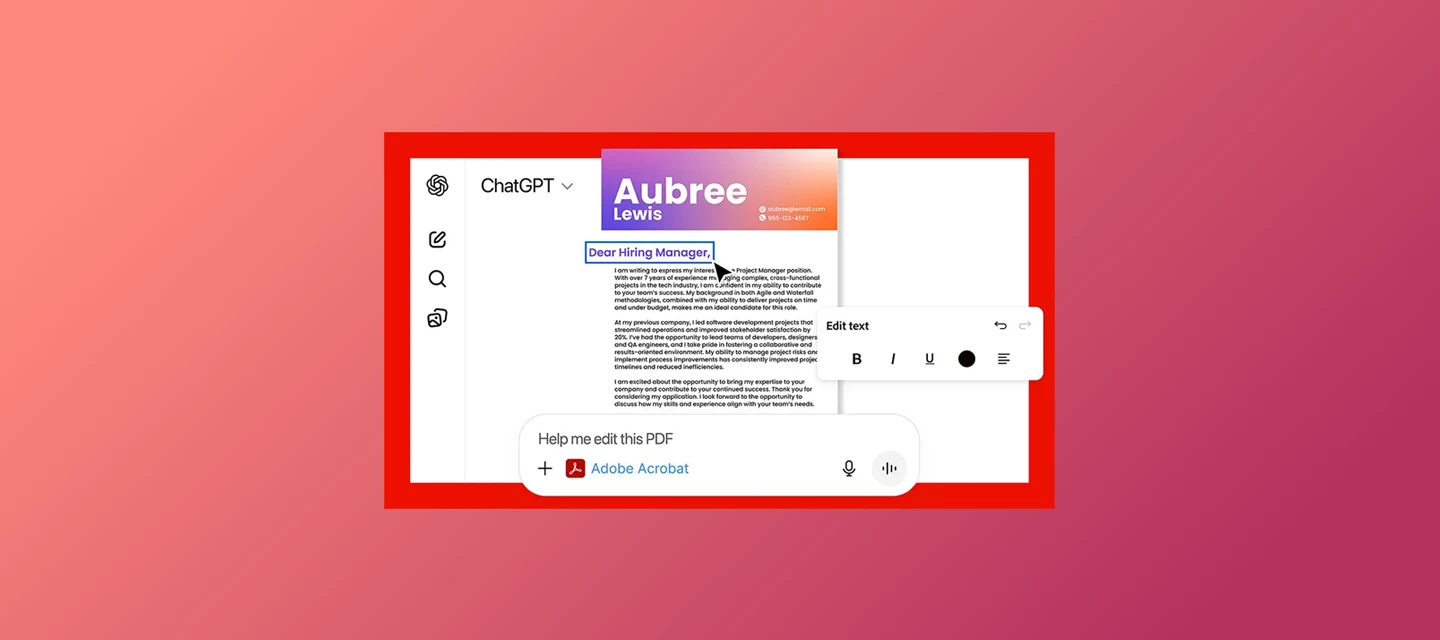
Hi everyone! We’ve just launched Acrobat GPT, a new way to work with PDFs directly inside ChatGPT.If you’re already using Acrobat to convert, combine, compress, or organize PDFs, this GPT brings many of those workflows into ChatGPT in a more conversational, guided way. What you can do with Acrobat GPT With this early release of Acrobat GPT, you can:Convert files Compress a PDF’s file size Merge multiple PDFs Create organized PDFs from uploaded files Sort through complex PDFsThese actions are triggered by uploading your files and telling the GPT what you want to accomplish — it guides you through the steps. Learn more about Acrobat for ChatGPT. Try it now You can access Acrobat GPT directly in ChatGPT, no additional installation required.Go to Acrobat GPT What's next This is an early release, and more workflows are planned. If you run into anything unexpected or have suggestions for what would make Acrobat GPT more useful, feel free to share your experience here — it helps guide improv
Explore how the Generate presentation tool in Adobe Acrobat transforms prompts, files, and entire PDF Spaces into professional, visually engaging presentations in minutes. The Generate presentation tool in Adobe Acrobat uses generative AI and Adobe Express design capabilities to build structured, ready-to-edit presentations from simple prompts or existing documents. Whether you’re preparing a sales pitch, business proposal, or academic presentation, the tool helps you generate clear and visually consistent presentations. Try with the app - Generate Presentation How the tool works The Generate presentation tool in Adobe Acrobat quickly turns your ideas or documents into polished, ready-to-edit slides. Simply provide a prompt or upload files, and the tool generates a structured presentation with intelligent layouts and visuals. No need to create slides manually. Describe what you need, then customize and refine. Learn how to create an AI-powered presentation. Note: Copyright complia
6 Ways to Use One of the Best AI Platforms to Summarize Documents Learn how to use Adobe Acrobat Studio to create a trusted AI workspace that increases productivity with AI summaries. SUMMARY Learn how to use one of the best AI platforms for summarizing documents to save time and streamline document creation and collaboration workflows. Adobe Acrobat Studio combines trusted PDF tools, AI-powered summarization, and creative features into one seamless AI workspace to help you stay productive wherever you work Ever feel like you’re buried in documents? Between reports, research, contracts, and meeting notes, business professionals and students alike often find themselves scrambling to summarize documents so they can get the information they need in time to take action. Whether you’re preparing presentations, comparing proposals, or just trying to keep pace with a growing workload, manual reviews are too slow and error-prone when you need to be productive, and they just don’t cut
Acrobat is now in ChatGPT. We’ve launched a new Acrobat GPT to bring trusted PDF tools directly to where you work and ideate. With this early release, you can convert, compress, merge, split, extract, delete, and OCR PDFs without ever leaving the chat. No app-switching. No uploads. Just fast, reliable Acrobat actions built into your workflow. Try Acrobat GPT now: link to GPT Store page or find Adobe Acrobat in the “Explore GPTs” section. Community Resources: Meet Acrobat Studio Work Smarter With Acrobat AI Assistant: Tools & Resources. If this was helpful, please click the Upvote icon in the top left corner of this post. Your feedback helps us improve the experience. Thank you!
Hello Community, We have an important update regarding the sign-in process for Adobe apps. As part of Adobe's ongoing efforts to enhance security and following Microsoft's deprecation of Internet Explorer 11, Adobe is phasing out support for IE 11 in all its applications. What does this mean for you? If you're using an outdated version of Windows or an older version of Adobe desktop apps, you might notice a QR code on the sign-in screen instead of the usual Adobe sign-in interface. This change is designed to ensure a smooth transition away from Internet Explorer 11 with minimal disruption to your workflow. Although QR code authentication is a temporary fix, we highly recommend updating your operating system and Adobe apps to the latest versions to ensure you receive the latest security patches and enhancements. To find out which Adobe applications display the QR code during authentication and how you can sign in, click below. Adobe apps request f
Hello Adobe Community, We are so excited to share that we have a new home and, it is better than ever! You can find the new homepage at community.adobe.com or adobe.com/community. The Adobe Community is more than just product forums—it’s a place to connect, get inspired, and grow as a creator. Our new Community homepage brings it all together in one central place, giving you a clearer view of everything available to you. Whether you’re here to learn, contribute, or just explore, this community is for you — a place where ideas grow, connections form, and your voice helps shape the future of our products. This is your Community. So, what’s new: A streamlined homepage where you can explore product forums, browse creative inspiration galleries, and discover upcoming events—all in one place. A new Creator Spotlight section featuring community members like you and highlighting your work and giving you quick access to starter
Exciting Enhancements to Adobe Acrobat AI Assistant Adobe Acrobat AI Assistant just got more powerful. We're thrilled to announce that AI Assistant now has enhanced features on desktop and web to transform the way you interact with documents. These new capabilities are designed to support various file formats and provide insights across multiple documents. Here's what’s new: Gain Insights Across Documents: From quick answers to deep dives, you can now analyze and synthesize information from multiple documents at the same time—reports, papers, manuals, guides, and more. Ask questions and get answers you can trust with linked sources from your documents. Create impactful content based on the group of documents you select. 2. Enhanced Meeting Transcripts: Whether you are leading a meeting, participating, or missed it altogether, enhanced meeting transcript support will help you stay in the know and turn meeting insi
AI Assistant for Acrobat is now available on all devices! Our AI Assistant for Acrobat is now available across desktop apps, web, browser extensions, and mobile (beta)! Now you can ask your document for quick answers and one-click summaries to create impactful content and increase productivity. ASK AI ASSISTANT Ask your questions and get quick answers linked to sources from your document. Then, use the responses to craft emails, presentations, and more to become an expert in seconds. And with voice prompts on the Acrobat mobile (Beta) app, working on the go is easier than ever. SUM IT UP QUICK Save time and accomplish more. A one-click generative summary automatically highlights key points to help you navigate your documents and quickly access important information. Try the AI Assistant for Acrobat in your favorite Acrobat apps today across desktop apps, web, browser extensions, and mobile. Resources: AI Ass
Download Adobe Acrobat (Perpetual/Serial number-based) application. To download non-subscription (Perpetual/Serial number-based) Adobe Acrobat software, please visit Account Management. Non-subscription-based Adobe software titles include, but are not limited to: Acrobat Creative Suite 5, 5.5, and 6 If you do not see the purchased Adobe software listed under the Adobe Account Products section page, then please register it. Download older versions of Adobe apps How to register your app Find a Download Link Create or update your Adobe ID Download Volume license version apps. Download Acrobat 2020 Download Acrobat 2017 System requirements and languages are described in the following: Acrobat: System Requirements. Acrobat Reader: System Requirements.
すでにアカウントをお持ちですか?ログイン
Enter your E-mail address. We'll send you an e-mail with instructions to reset your password.
申し訳ございません。このファイルは、ダウンロードしても安全かどうか、内容を確認中です。数分後にもう一度お試しください。
申し訳ございませんが、当社のウイルススキャナは、このファイルをダウンロードすることは安全ではないと検出しました。