




Plan Your Next Trip Smarter with Adobe Acrobat (2026) PDF Spaces
Hey everyone, Joe here.
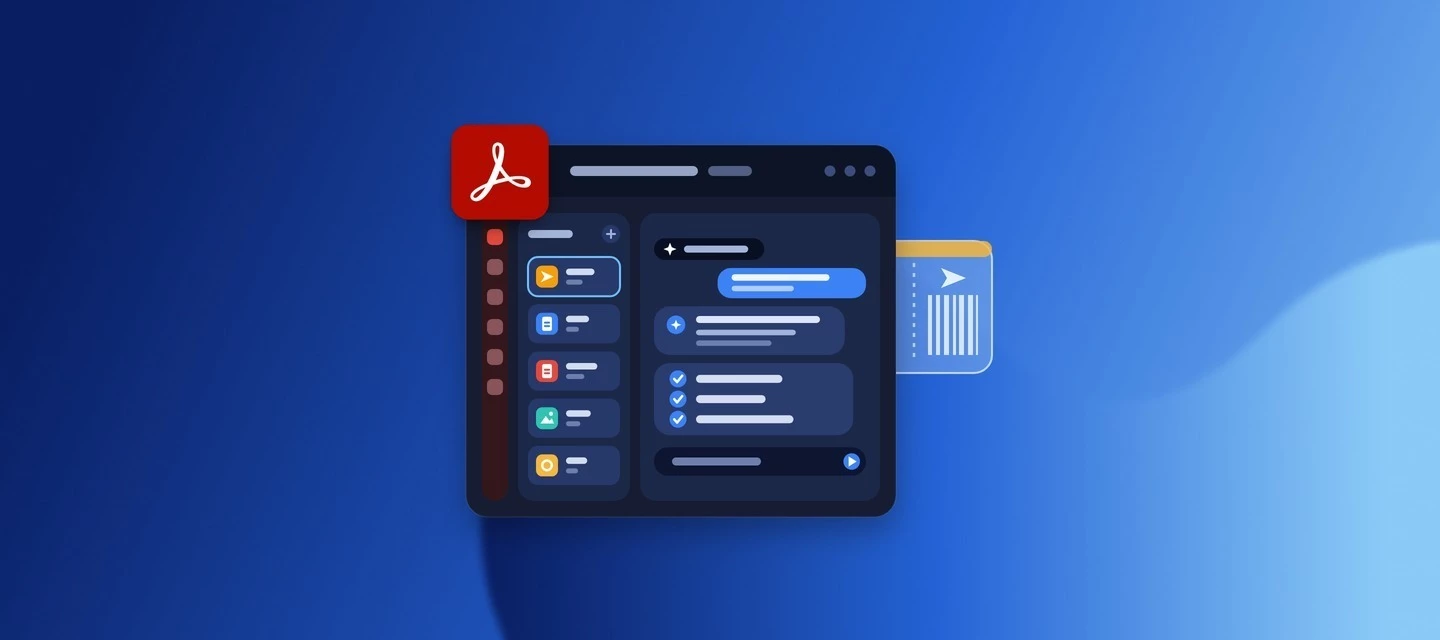
Planning a trip often means keeping track of flights, hotels, reservations, tickets, and travel research. Adobe Acrobat PDF Spaces brings that information together in one AI-powered workspace, where you can organize your travel content and ask questions about it using AI Assistant.
How can you use PDF Spaces for travel planning?
-
Bring your travel information together. Add supported documents, pasted text, and public web links to one PDF Space. On mobile, you can also add photos or scan documents directly into a Space.
-
Get answers from your travel documents. Ask AI Assistant about information you've added, such as a confirmation number, flight time, hotel details, or check-in information. AI Assistant can answer questions across the content in a PDF Space and provide citations back to the source.
-
Build your travel plan. Ask AI Assistant to organize your saved information and research into an itinerary, packing list, reservation summary, or ideas for your trip. PDF Spaces can bring travel articles, booking confirmations, and destination guides together so AI Assistant can work across your collected research.
-
Share with your travel group. Give people Viewer access to view files and notes, Reviewer access to add comments, or Contributor access to add comments and add or remove files and notes.
-
Listen on the go. Generate a podcast from the content in your PDF Space, giving you another way to catch up on your travel information while you're on the move.
Tip: Verify time-sensitive information such as flight changes, opening hours, prices, reservation requirements, and entry requirements with the relevant provider or official source before you travel. AI-generated travel information should be checked against official sources when accuracy matters.
👉🏼 Watch the full walkthrough below to see it in action:
Which plans and devices support PDF Spaces?
PDF Spaces is available with Acrobat Studio, plans that include Acrobat AI features, or the AI Assistant add-on.
You can use PDF Spaces across Acrobat desktop, web, and mobile, so you can organize your trip before you leave and access your Space while traveling.
Learn more:
I’ll be in the comments. Let me know if you give PDF Spaces a try for your next trip.
— Joe
 AdChoices